
Introduction
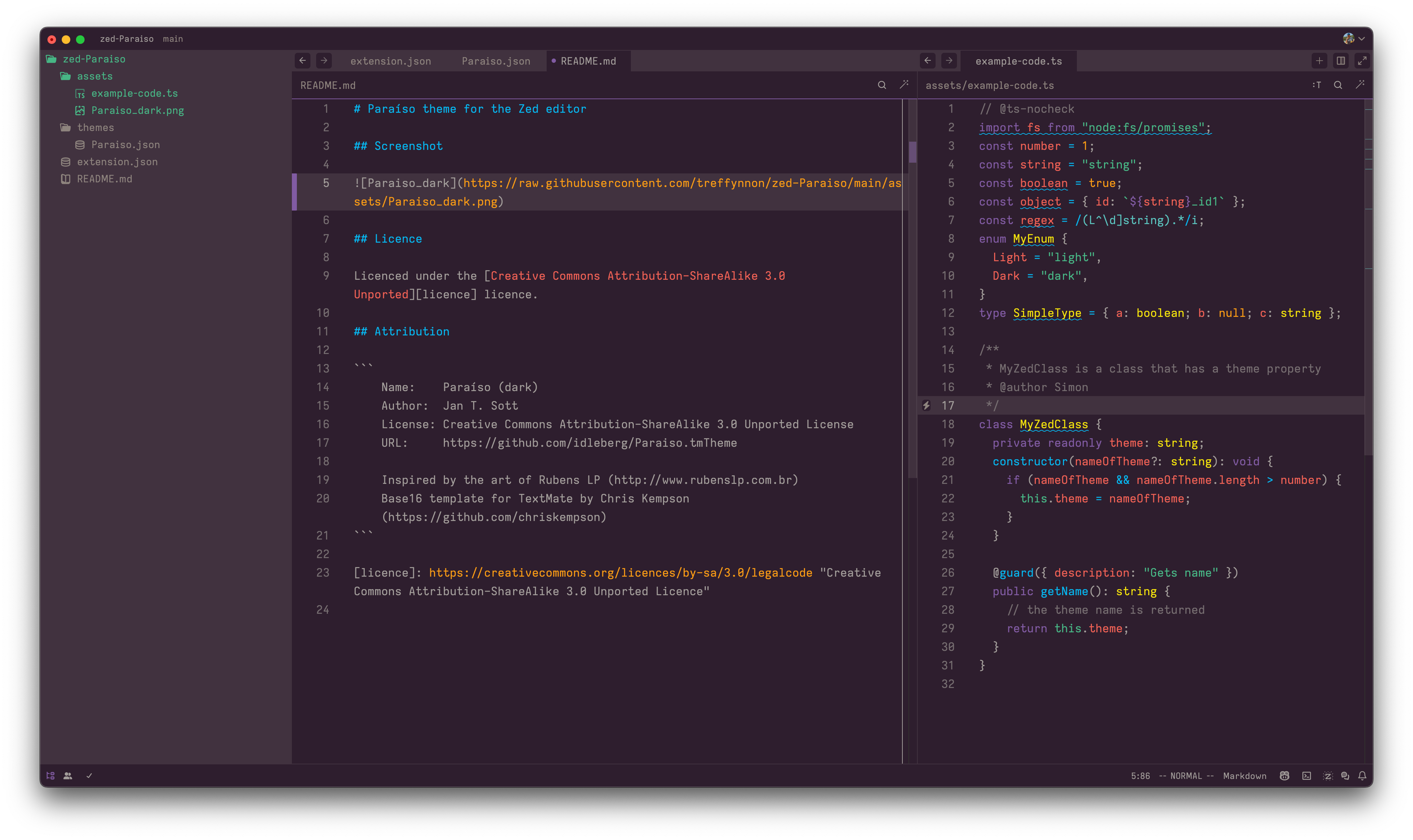
I like to use the Paraíso (dark) theme for my editor and the options for VS Code were no longer maintained or poorly executed and non-existent for Zed. So I decided to fork the gerane.Theme-Paraiso_dark and create a version for both editors.
Screenshot
Installing
Visual Studio Code
The VS Code theme is available in the marketplace and can be installed from the in-editor marketplace.
Zed
To install the theme in Zed you can search the extension store for “Paraíso” and install it from there.
Source code
You can see the VS Code theme and the Zed theme on GitHub.
Comments
Nothing yet. Say the first thing.
Sign in to join the conversation.