
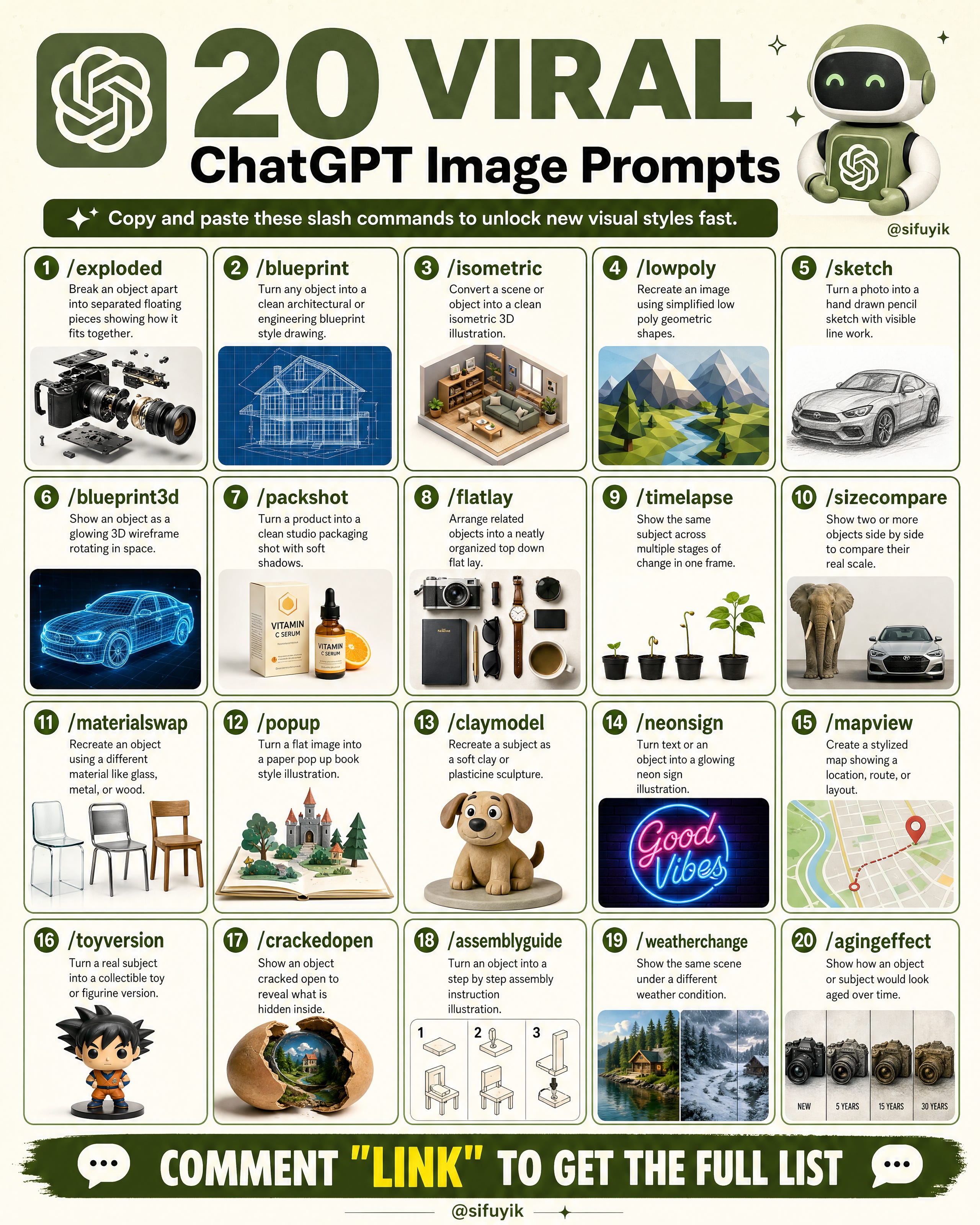
The Copy-Paste Slash Command Pack That Unlocks New Visual Styles
Your AI images feel plain? The problem isn’t the AI — it’s that you’re not giving it the right visual instruction.
These 20 slash commands let you transform a basic object into something technical, artistic, or dramatic — all by pasting one word. Here’s the full pack, with pro tips to make them work.
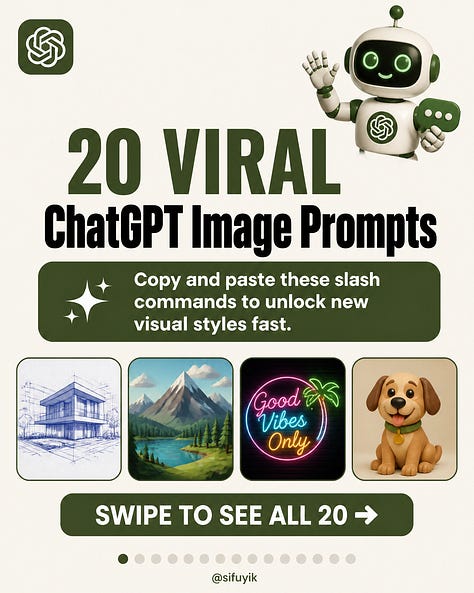
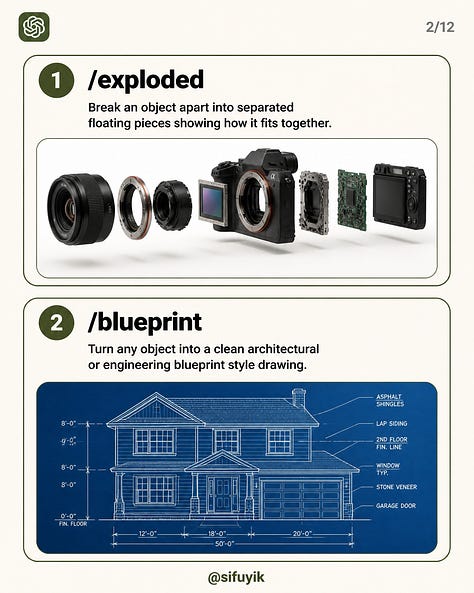
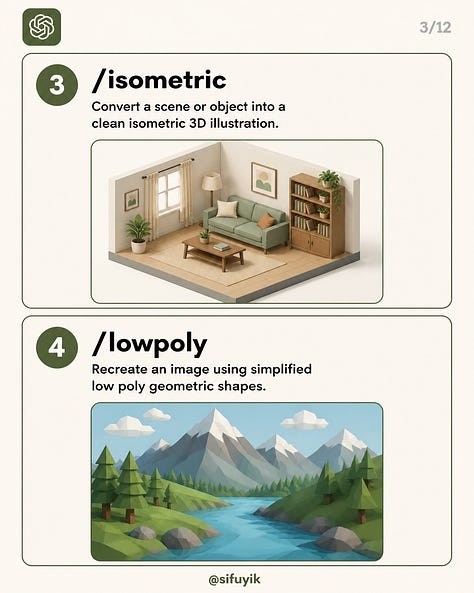
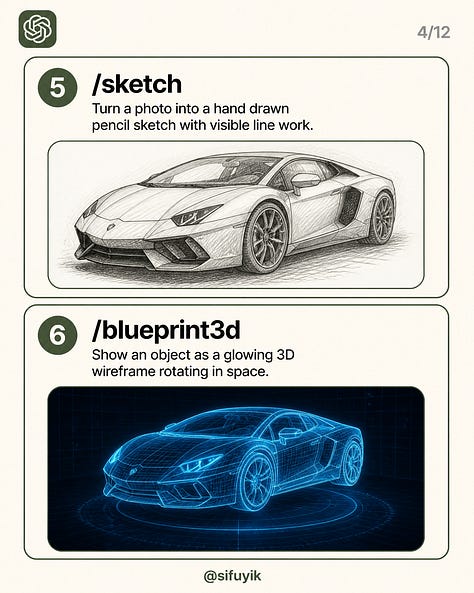
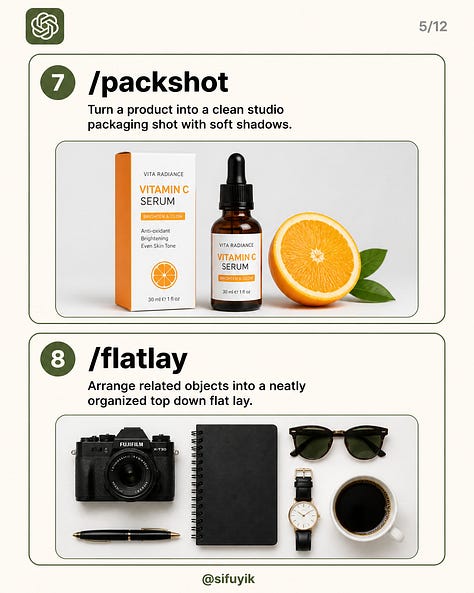
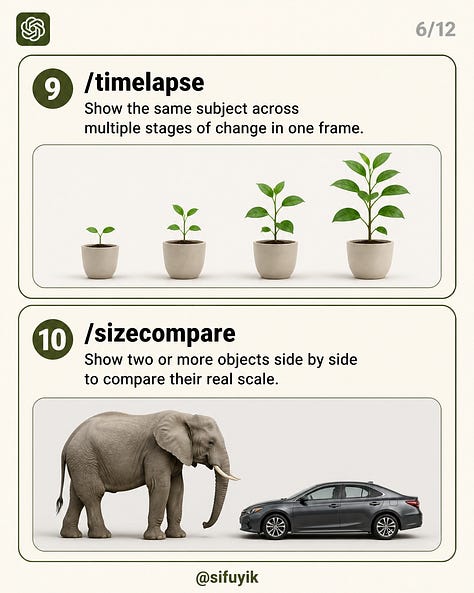
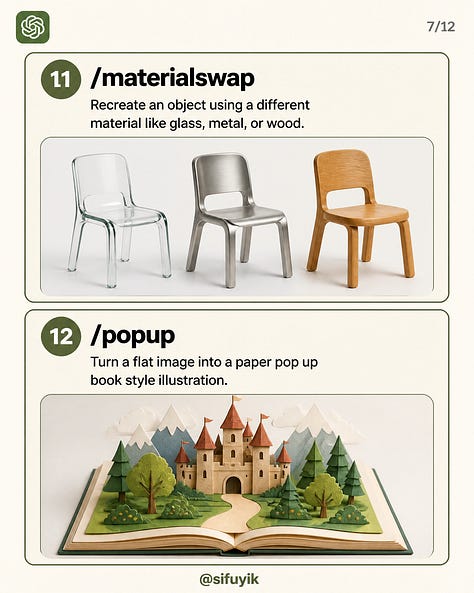

Reveal the hidden internal structure of an object.
Copy
/xray — Reveal the hidden internal structure of an object.Show an object sliced open with its inner layers exposed.
Copy
/crosssection — Show an object sliced open with its inner layers exposed.Turn a 3D object into a clean digital wireframe model.
Copy
/wireframe — Turn a 3D object into a clean digital wireframe model.Create a technical schematic with connected components and labels.
Copy
/schematic — Create a technical schematic with connected components and labels.Generate a detailed engineering-style drawing with measurements.
Copy
/technicaldrawing — Generate a detailed engineering-style drawing with measurements.Show the same object from front, side, top, and perspective views.
Copy
/orthographic — Show the same object from front, side, top and perspective views.Create a detailed bird’s-eye view of a scene or environment.
Copy
/topdown — Create a detailed bird's-eye view of a scene or environment.Break down an object or subject with detailed anatomical labels.
Copy
/anatomy — Break down an object or subject with detailed anatomical labels.Make the exterior semi-transparent to reveal what’s inside.
Copy
/transparency — Make the exterior semi-transparent to reveal what's inside.Separate an object into individual visual layers or components.
Copy
/layered — Separate an object into individual visual layers or components.Create an extreme close-up highlighting tiny details and textures.
Copy
/macro — Create an extreme close-up highlighting tiny details and textures.Turn an object into a polished, professional product photograph.
Copy
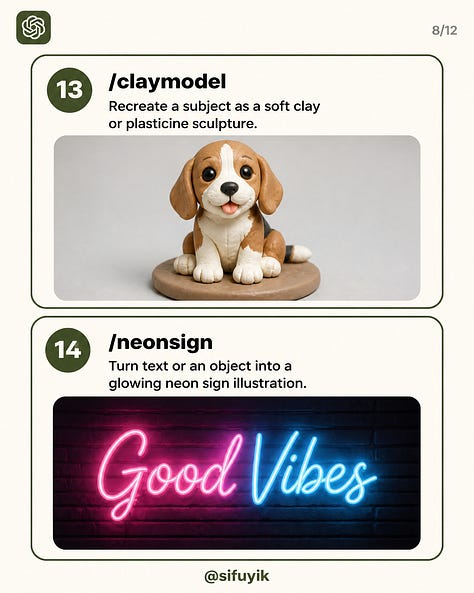
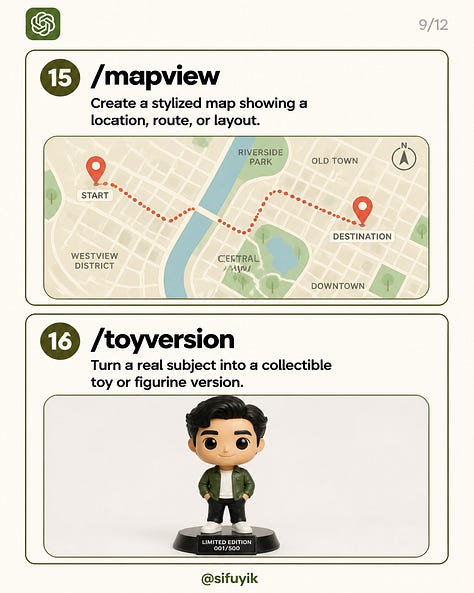
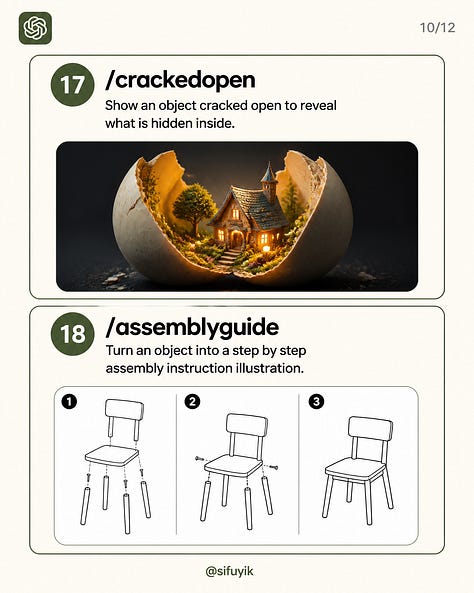
/productshot — Turn an object into a polished, professional product photograph.Transform an idea into a detailed miniature 3D scene.
Copy
/diorama — Transform an idea into a detailed miniature 3D scene.Make a realistic scene look like a tiny collectible model.
Copy
/miniature — Make a realistic scene look like a tiny collectible model.Turn information into a visually engaging infographic.
Copy
/infographic — Turn information into a visually engaging infographic.Explain a complex concept through a simple visual diagram.
Copy
/diagram — Explain a complex concept through a simple visual diagram.Create a futuristic holographic visualization with glowing details.
Copy
/holographic — Create a futuristic holographic visualization with glowing details.Visualize an object using a thermal/heat-map style.
Copy
/thermal — Visualize an object using a thermal/heat-map style.Give a scene a realistic night-vision or infrared appearance.
Copy
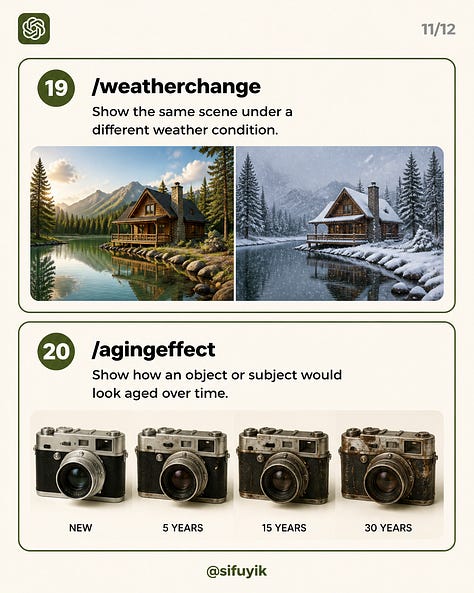
/nightvision — Give a scene a realistic night-vision or infrared appearance.Present a clear visual comparison between two different states.
Copy
/beforeafter — Present a clear visual comparison between two different states.Start with a clear, simple subject before applying any command.
Combine two commands carefully for a more advanced technical result.
Add material or scale details to get more accurate output.
Keep the original subject description short so the command effect stays strong.
These slash-style prompts are not magic — they’re shortcuts for a clear instruction.
Behind every command is a specific visual transformation you could also write out in full. Once you understand what each one does, you can build your own custom versions.
Use this formula:
Subject + command + style detail + finishing touch
Example: A wristwatch, /crosssection, exposed internal gears and mechanisms, clean studio lighting.
If the result feels too plain, add a material or lighting detail.
If it feels too busy, simplify the subject first.
If you’re not sure where to start, try
/xrayor/productshotfirst.


Comments
Nothing yet. Say the first thing.
Sign in to join the conversation.