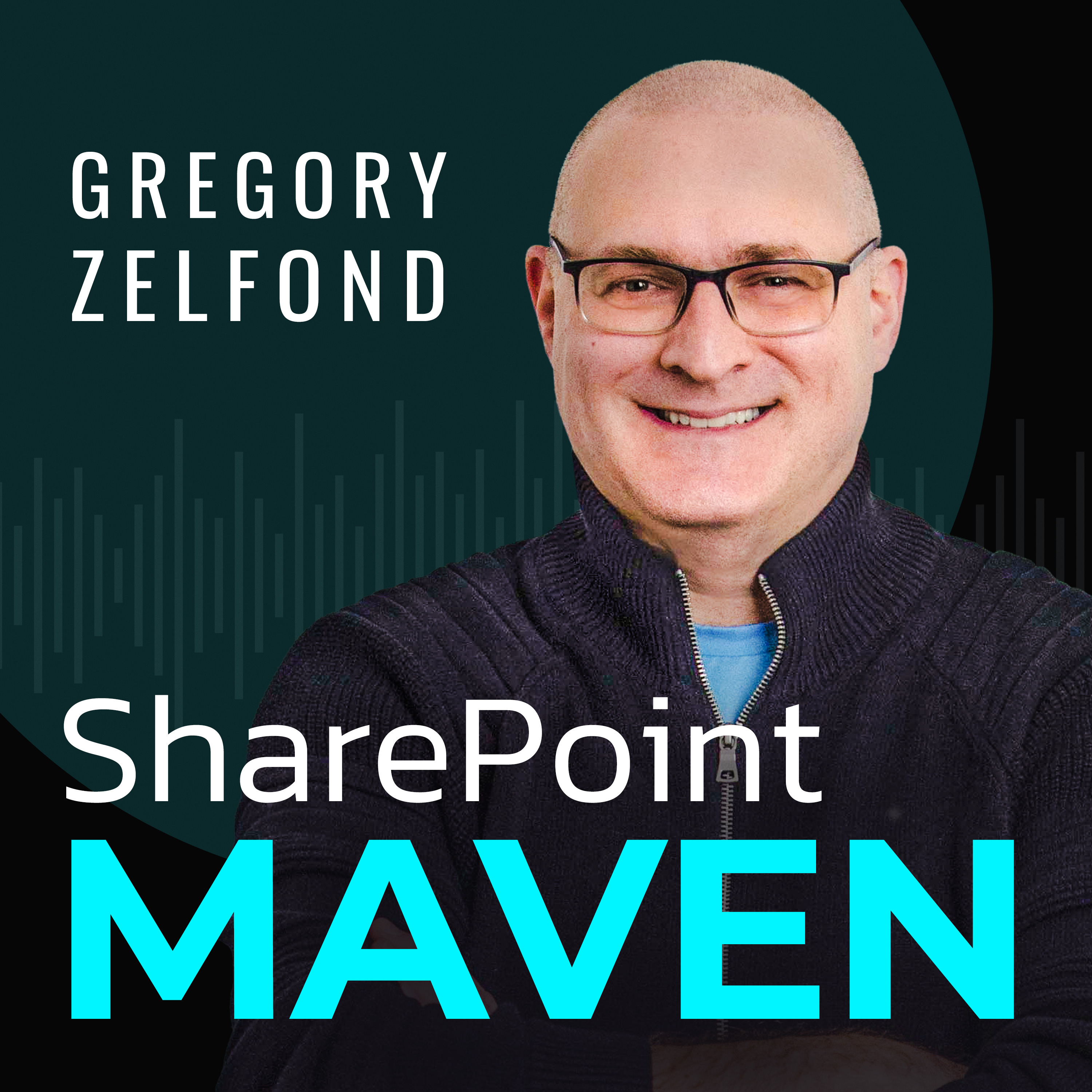
Welcome to the SharePoint Maven Podcast — where you can learn a new SharePoint tip in less time than it takes to drink your first cup of coffee! Whether you’re an overwhelmed administrator looking for answers, or simply a user who needs help implementing and adapting to SharePoint and Microsoft 365, this podcast is a quick, approachable, free resource designed to build your confidence in your SharePoint abilities. Each week, you can catch Greg right here sharing updates, providing step-by-step…
In this episode, I walk through the 8 core pillars of a successful SharePoint information architecture - flat architecture, site types, the number of sites and libraries, metadata versus folders, hub sites, search and Copilot, and security. I explain why each decision matters and what happens when you get it wrong. BLOG REFERENCES 8 Core Pillars of a Successful SharePoint Information Architecture…
In this episode, I explain the six security groups you see in the SharePoint Admin Center: Site Visitors, Site Members, Site Owners, Site Collection Admins, Group Members, and Group Owners. I cover which ones show up on which type of site, and which ones you should actually be using to manage access. BLOG REFERENCES The 6 Security Groups in SharePoint Admin Center explained NEED HELP? Want to…
In this episode, I explain what the Site Assets Library in SharePoint really is and walk through the 15 types of content that quietly end up in it - from logos and header images to page images, videos, and web part backgrounds. I also cover why old assets stick around and why you should never delete this library. BLOG REFERENCES What is the Site Assets Library in SharePoint? NEED HELP? Want to…
In this episode, I walk through the top five mistakes I see users make in SharePoint - from dumping everything into one library and syncing too much, to wrong permissions, the wrong site types, and skipping user training - and I share how to avoid each one. BLOG REFERENCES Top 5 User Mistakes in SharePoint NEED HELP? Want to confidently navigate SharePoint and Microsoft 365? Enroll in my revamped…
In this episode, I explain why SharePoint isn't the best home for your CAD and AutoCAD files. I walk through six key limitations - from native app access and file dependencies to co-authoring, file size, OneDrive Sync, and search — and share what I recommend instead. BLOG REFERENCES The Limitations of Storing CAD Files in SharePoint NEED HELP? Want to confidently navigate SharePoint and Microsoft…
In this episode, I explain how the Check Out feature in SharePoint works - what it does, when to use it instead of co-authoring, and how it helps you control edits, prevent overwrites, and avoid sync conflicts. BLOG REFERENCES How the SharePoint Check out feature works NEED HELP? Want to confidently navigate SharePoint and Microsoft 365? Enroll in my revamped On-Demand SharePoint and Microsoft 365…
In this episode, I explain what the Site Pages Library in SharePoint is, where to find it, the five types of content stored inside it, and the key nuances that make it different from a regular document library. BLOG REFERENCES What Is the Site Pages Library in SharePoint? NEED HELP? Want to confidently navigate SharePoint and Microsoft 365? Enroll in my revamped On-Demand SharePoint and Microsoft…
In this episode, I explain what Planner Premium is, how it differs from regular Planner, and why it's really the rebranded Project for the Web - now evolving with Copilot and new capabilities. BLOG REFERENCES What is Planner Premium? NEED HELP? Want to confidently navigate SharePoint and Microsoft 365? Enroll in my revamped On-Demand SharePoint and Microsoft 365 Academy FREE RESOURCES Get access…
In this episode, I explain why every SharePoint site comes with a default document library, why you can't delete it, and the key rules to follow so you don't break your site or your Teams workspace. BLOG REFERENCES Why you need the default document library on a SharePoint site NEED HELP? Want to confidently navigate SharePoint and Microsoft 365? Enroll in my revamped On-Demand SharePoint and…
Want users to take action on your SharePoint pages? In this episode, I break down 6 web parts you can use to create compelling calls to action. BLOG REFERENCES 6 Web Parts to create a Call to Action in SharePoint NEED HELP? Want to confidently navigate SharePoint and Microsoft 365? Enroll in my revamped On-Demand SharePoint and Microsoft 365 Academy FREE RESOURCES Get access to free resources,…
Looking to create an effective FAQ in SharePoint or Microsoft 365? In this episode, I explore six practical ways to build and organize FAQs, from simple SharePoint pages and lists to more dynamic solutions using Copilot AI. BLOG REFERENCES 6 ways to create FAQ in SharePoint and Microsoft 365 NEED HELP? Want to confidently navigate SharePoint and Microsoft 365? Enroll in my revamped On-Demand…