

Picture this. You are finally in that city you have been wanting to visit for years. You are standing on a busy square, phone in hand, checking the map to find the restaurant you booked for tonight. Someone brushes past you, and within a second, the phone is gone. You spin around, but there is no one to chase.
Your map is gone. Your hotel address is gone. The credit card you added to Apple Pay last month is gone. The flight confirmation for Sunday is gone. And your bank’s phone number — the one you would need to call right now — was saved in the phone.
What do you do next?
There are two things that matter here, and they belong in two separate conversations. The first is what you set up before you leave home — the remote lock, the tracking, the backup credentials that turn a crisis into an inconvenience. I covered that in detail in an earlier issue of Screen Skills: What a Phone Thief Can Do in the First Hour (And How to Stop Them). If you have not read it yet, that is the place to start.
This newsletter is the second conversation: what you actually do in the thirty minutes after it happens, when you are standing on a foreign street with nothing in your pocket.
Today you will learn:
The three things to do in the first thirty minutes after your phone is stolen abroad, in the right order
How to lock your phone remotely from any borrowed device or computer
Why locking is almost always better than wiping, and when wiping becomes the right call
How to reach your bank, your airline, and your family without your phone
What to do at a police station abroad even when you are certain it will not help
One app that keeps all your travel documents accessible even without your phone or signal
How the EU ruling on addictive social media design may soon change Facebook and Instagram for everyone
One practical suggestion before you read on: bookmark this issue, save it in your Substack app, or email it to yourself with a searchable title like “phone stolen”. If your phone is ever stolen while you are traveling, this is the page you want to find quickly on a borrowed device. The steps are here in the right order, ready to follow.
For new readers: Screen Skills provides practical digital advice without technical jargon. I focus on tools that enhance your digital life without overwhelming you with complexity. You can apply what you learn here within minutes.
Today, you can get a 20% discount on the first year of your subscription.
If this newsletter provides useful information that reduces your screen frustration, improves your output, and makes spending time online more fun for you, please consider supporting this newsletter that occupies a unique niche on Substack: digital tips for non-digital people.
A stolen phone abroad is a different problem from a stolen phone at home. At home, you can borrow someone’s phone to call your partner, walk to your bank, or get in a cab to a familiar address. Abroad, your phone is often your map, your translator, your boarding pass, your hotel confirmation, your bank card, and your connection to everyone who could help you.
The good news is that both iPhones and Android phones have built-in tools that let you take control of a stolen phone remotely from any browser — locking it, displaying a message with a contact number, or erasing it entirely. These tools can work even if the thief has turned the phone off, as long as it connects to the internet again at any point.
The less good news is that none of this works if you have not set it up before leaving home. The earlier issue covers that setup in full. If you have done it, you are ready for what follows.
There is one preparation step this newsletter adds to what the earlier issue covered, and it takes about two minutes.
Write down the following on paper and keep it somewhere separate from your phone — in your wallet, your bag, or emailed to yourself so you can open it from any computer: your hotel name and address, your airline booking reference, your bank’s international customer service number (the actual phone number, not the app), your Apple ID or Google account email and password, and one emergency contact number.
Every one of those things lives on your phone. When the phone is gone, so is all of it — unless you have a copy somewhere else.
Find a way to get online. Ask a café, a hotel lobby, a shop, or a fellow traveler. Most people will hand you a phone or point you to a computer when you explain what has happened. You need a browser and about five minutes.
Step one: Lock the phone remotely. This is the most important action, and it should happen before anything else — before calling the bank, before filing a police report. Locking puts a message on the screen with a contact number you choose, prevents anyone from accessing your data, and keeps location tracking running so the phone can still potentially be found.
For iPhone, go to icloud.com/find in any browser and sign in with your Apple ID. Select your phone from the list and choose Mark as Lost. This locks the phone with your passcode and displays your chosen message on the screen.
For Android, go to android.com/find in any browser and sign in with your Google account. Select your device and choose Secure Device. This locks the phone, signs out of your Google account on the device, and lets you display a message and contact number on the screen.
Step two: Call your bank. If you use any banking or payment apps on your phone, call your bank’s international customer service number and let them know the device has been stolen. Most banks can temporarily freeze cards linked to mobile payment apps as a precaution. This is the call most people delay too long.
Step three: File a police report. In most countries this will not result in your phone being recovered. File it anyway. Airlines, travel insurers, and phone manufacturers often require a police report reference number before they will help you. Ask the officer for a written copy or a reference number before you leave the station.
Only if you are certain you will not recover it and you are more concerned about the data than the device. Wiping erases everything on the phone and ends location tracking permanently. If there is any chance the phone might be found, or if you want to keep the option of tracking it, lock it rather than wipe it.
If you do decide to wipe: on iCloud, choose Erase This iPhone. On android.com/find, choose Erase Device. Both will ask you to confirm. Once done, the phone cannot be tracked and the action cannot be undone.
Apple’s Find My network can sometimes locate a phone even after it has been switched off. On newer iPhone models, the phone enters a low-power state after shutdown and emits a faint Bluetooth signal for several hours, which nearby Apple devices can detect and relay anonymously to Apple’s servers. This only works if Find My was enabled before the theft, and it is not guaranteed — but it does mean that a thief turning your phone off immediately is not always the end of the story.
Google’s Find My Device network can similarly locate many Android phones when they are offline. Some newer models, including the Pixel 8 and Pixel 9, can be found for a short time after being turned off using the same low-power Bluetooth approach. Whether your specific Android phone supports this depends on its hardware, so it is worth checking your own device’s Find My Device settings before you travel.
Travel insurance policies vary widely in what they cover for stolen phones, but almost all of them require a police report filed within 24 hours of the theft. Check the specific time limit in your policy before you travel rather than after.
Apple, Microsoft, and Google have all released important security updates this week. Government cybersecurity agencies have issued fresh alerts covering Apple devices, Windows computers, and the Chrome and Edge browsers, urging users to install the latest updates as soon as possible. On iPhone, go to Settings, then General, then Software Update. On Windows, allow the update to run when it next appears and restart when asked. In Chrome or Edge, click the three dots in the top right, then Help, then About, and let the browser update itself.
The EU has told Meta that Facebook and Instagram must change design features such as infinite scroll, autoplay video, and highly personalized feeds, which regulators say are addictive and especially risky for children and vulnerable adults. Under EU law, serious violations can trigger fines of up to six percent of a company’s global annual turnover. In the US, a recent court case has allowed similar claims about addictive social media design to move forward. You do not need to wait for regulators to act. On Facebook, go to Settings, then Your Time on Facebook, to set a daily time limit. On Instagram, go to Settings, then Your Activity, then Set Daily Reminder.
WhatsApp is rolling out a feature that shows when a contact is actively online. If you value being able to read messages without signaling that you are available, it is worth reviewing your privacy settings now. Open WhatsApp, go to Settings, then Privacy, and look for Last Seen and Online status. You can limit both to your contacts or turn them off entirely. Labels in this section may vary slightly depending on your version of the app.
The problem it solves: your flight confirmation, hotel address, and car rental details are scattered across different emails, and finding the right one in a hurry — especially if you do not have your usual phone — is stressful.
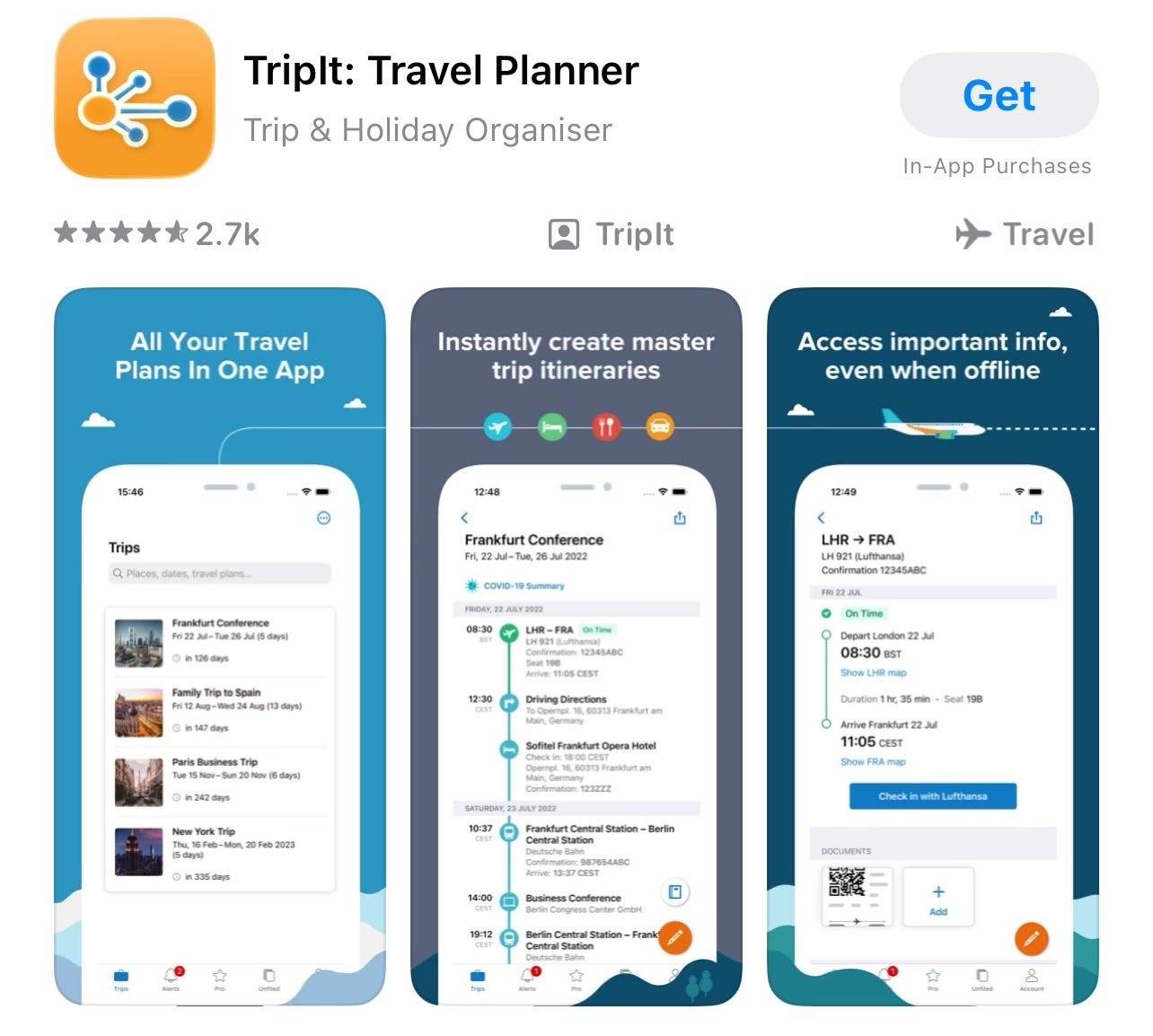
TripIt automatically scans your email for travel bookings and organizes them into a single trip timeline. Your flight details, check-in times, hotel address, and confirmation numbers all appear in one place, in order. Once your itinerary has loaded, the key details are available offline inside the app — so your hotel address is accessible even without signal or your usual device. The basic version of TripIt is free. Search for TripIt in the App Store or Google Play.
The problem it solves: your main bank card is linked to a stolen phone and you need a way to access money abroad without it.
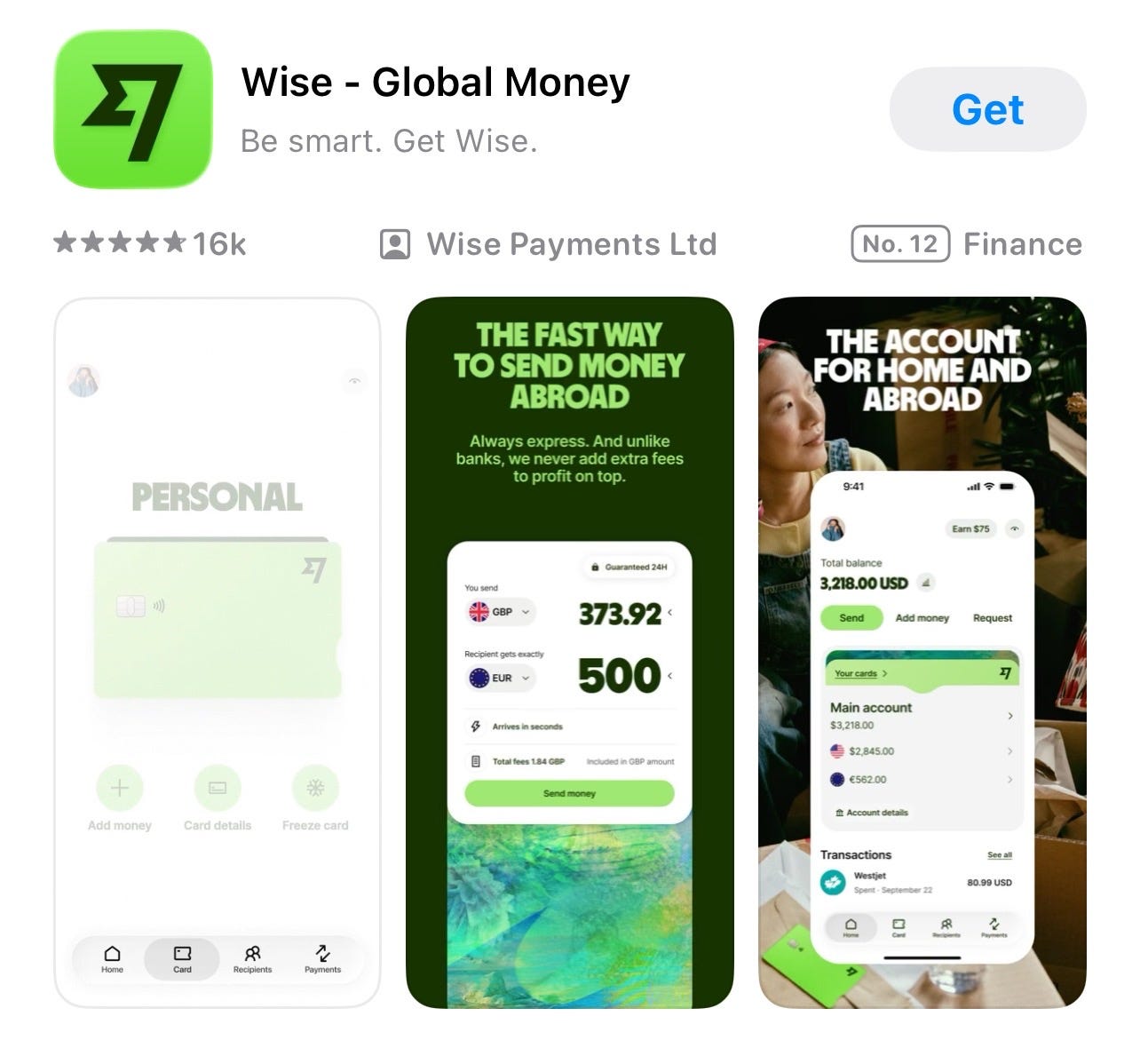
Wise is a money transfer and travel card service that lets you hold money in multiple currencies and spend abroad at the real exchange rate without the fees most banks charge. Setting it up before you travel gives you a backup card that is entirely independent of your main bank and your phone’s payment apps. If your phone is stolen, your Wise card in your wallet continues to work normally. Wise’s personal account has no sign-up or monthly fees — you only pay for what you use. If you want a physical debit card, there is a one-time fee to produce and deliver it, which Wise lists clearly in its pricing for your country. Search for Wise in the App Store or Google Play.
If you do not already know your Apple ID email and password, or your Google account email and password, find out now and write them somewhere physical that travels with you separately from your phone. These are the credentials you need to lock or locate a stolen phone from a borrowed device — and the moment you need them is exactly the moment you cannot look them up on your phone. On iPhone, go to Settings and tap your name to see your Apple ID. On Android, go to Settings, then Google, to confirm which account is linked to the device.
It is not yet clear whether the EU’s new rules on addictive social media design will reach American users, since the ruling technically applies only in Europe. But history suggests that at least some of the changes will travel. When the EU forced Apple to allow alternative app stores in Europe, Apple extended some of those changes more broadly within months. When GDPR came into effect in 2018, many American companies quietly updated their privacy practices worldwide rather than maintaining two separate systems for two different markets. Running different versions of the same product in different regions is more expensive and more complicated than simply applying one set of rules everywhere.
There is no guarantee and no timeline. For now, the time management settings mentioned in Tech News above take about two minutes to set up and put you in control without waiting for a regulator.
Beyond the Inbox: The Complete Guide to the Rest of the Substack App — a full tour of the home feed, Notes, chat, activity screen, and the profile section most readers have never explored, with clear explanations of what each part does and when it is useful.
What would you like Screen Skills to cover in a future issue? Leave a comment below, send me a direct message on Substack, or reply to this email.
Most technology writing assumes you’re already keeping up. It’s written for people who follow tech news as a hobby, who know the jargon, who want to go deeper. That’s a real audience, but it’s a small one.
The much larger group, people who use screens every day for work, connection, and daily life without being specialists, rarely get the clear, patient explanation they deserve.
Screen Skills is for that group.
I will never assume you already know something.
I will never skip a step because it seems obvious.
And I will never make you feel behind for not knowing something that nobody properly explained to you in the first place.
If that sounds like the newsletter you’ve been looking for, consider subscribing.
Subscribe now: 20% off the first year

Until next time,
Alexander
🌎 The Planet: My political newsletter, written from a European perspective. Analysis of democracy, power, and what’s happening in Trump’s America — with historical parallels and the kind of clarity that distance from Washington can bring.
☕️ Daybreak Notes & Beans: Every morning before dawn, I search for the best news you didn’t see. Science breakthroughs, conservation wins, human kindness, and beauty — delivered in time for your first coffee. Published most days of the week, positive, and unapologetically hopeful.
Subscribe to Daybreak Notes & Beans
Yesterday, I wrote:
✍️ More: where I publish 🧭 Morning Compass and 🎙️ Morning Comments
🧭 The Morning Compass is the best way to quickly catch up on the more serious news that’s going on during your first coffee. I also share what to expect in today’s news, what happened on this day in history, what I recently published, what I captured, and what I stumbled upon.
🎙️ My Morning Comments are short videos where I dive a little deeper into the story that stood out most that morning.
On Monday, I wrote:
🎒 The Curious Wanderer
I write The Curious Wanderer for people who like to move through the world slowly and look at it carefully. If that sounds like you and you enjoy culture, history, and travel storytelling, you may want to join my travel newsletter. Please subscribe below; there is a paid option for those who want to support the writing directly.
Subscribe to The Curious Wanderer
Yesterday, I wrote:

No posts
Comments
Nothing yet. Say the first thing.
Sign in to join the conversation.