
The magic of LLM-powered interfaces is the shift from procedural interactions (“click A, then B, then C”) to declarative ones (“do this for me”).
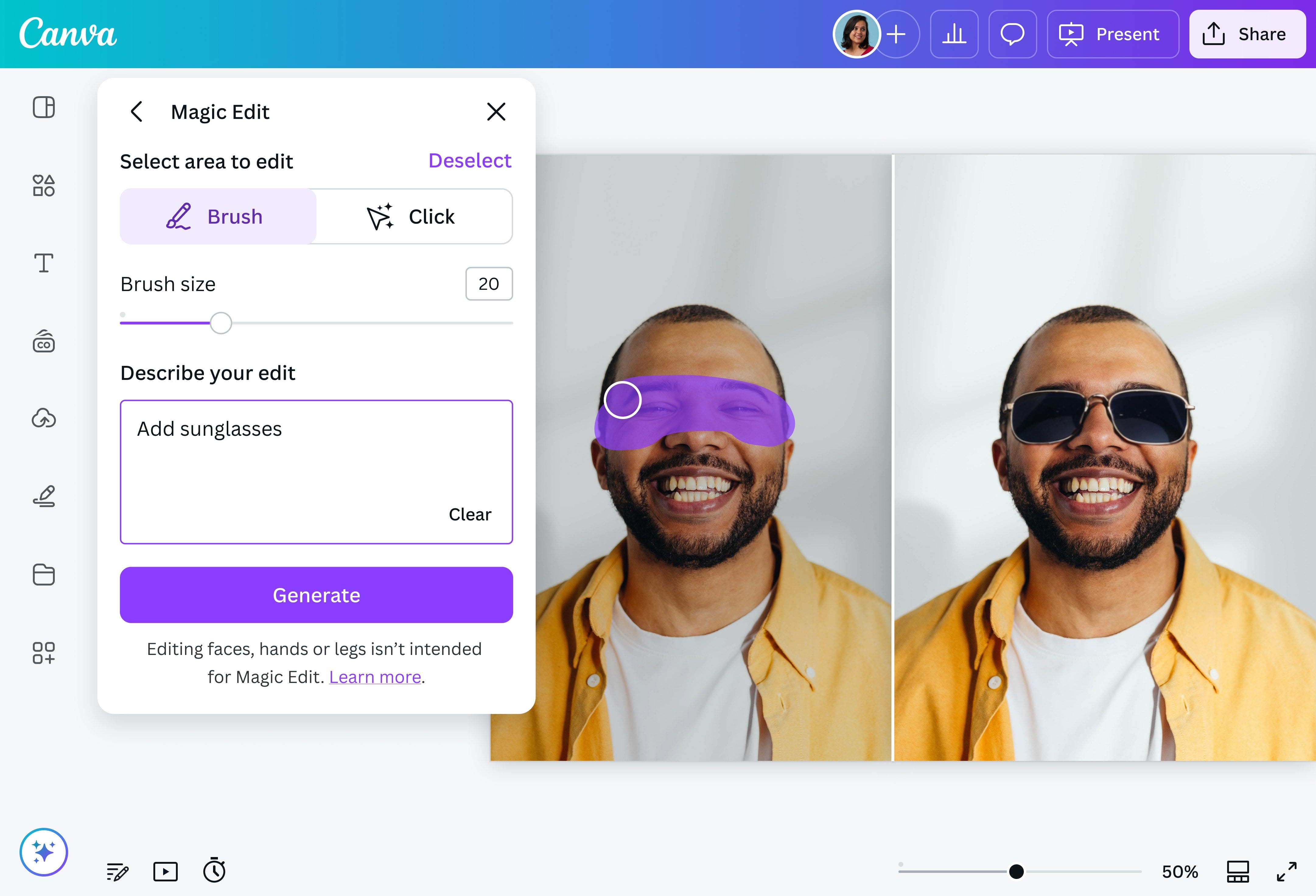
Photo editing tools are a canonical example of this. In 2015, removing an object from an image required learning a multi-step procedure: lassoing the object, feathering edges, clone-stamping the background, and hoping it looked natural. Today, you select an area and type “remove.” The interface, instead of teaching you how to do something, now lets you just tell it what you want done.
In SaaS, a microexample I love is Linear’s field UX. You express intent in language, and the system maps it into structure without forcing you to think in fields first.

For a large class of work, describing an outcome in language and getting it directly is strictly better. It’s faster, easier to learn, and collapses the distance between intent and result. But there’s a category of work where this breaks down: work where the outcome isn’t known in advance.
I noticed this while editing a personal video recently. Video editing is closer to collaging than execution. You sift through raw clips, try different orders, layer in effects, test rhythms, and gradually discover what story you’re telling. I was layering meme effects (inspired by Asian TV show antics) and timing a Drake track to hit as the mood shifted, trying to recreate the humor and feeling of a trip from memory. The rhythm only emerged by manually moving through dozens of .mp4 files from my DJI Osmo, reordering clips and rethinking the storyline as I went.
I couldn’t have described the video I wanted at the start; I had to make it to find it. AI could have generated a generic “cool vlog” template, but handing over control that early would have bypassed the process that made the result personal.
This is the core tension for AI UX. The most effective tools aren’t purely declarative or purely procedural; they support execution and discovery, depending on where the user is in their thinking.
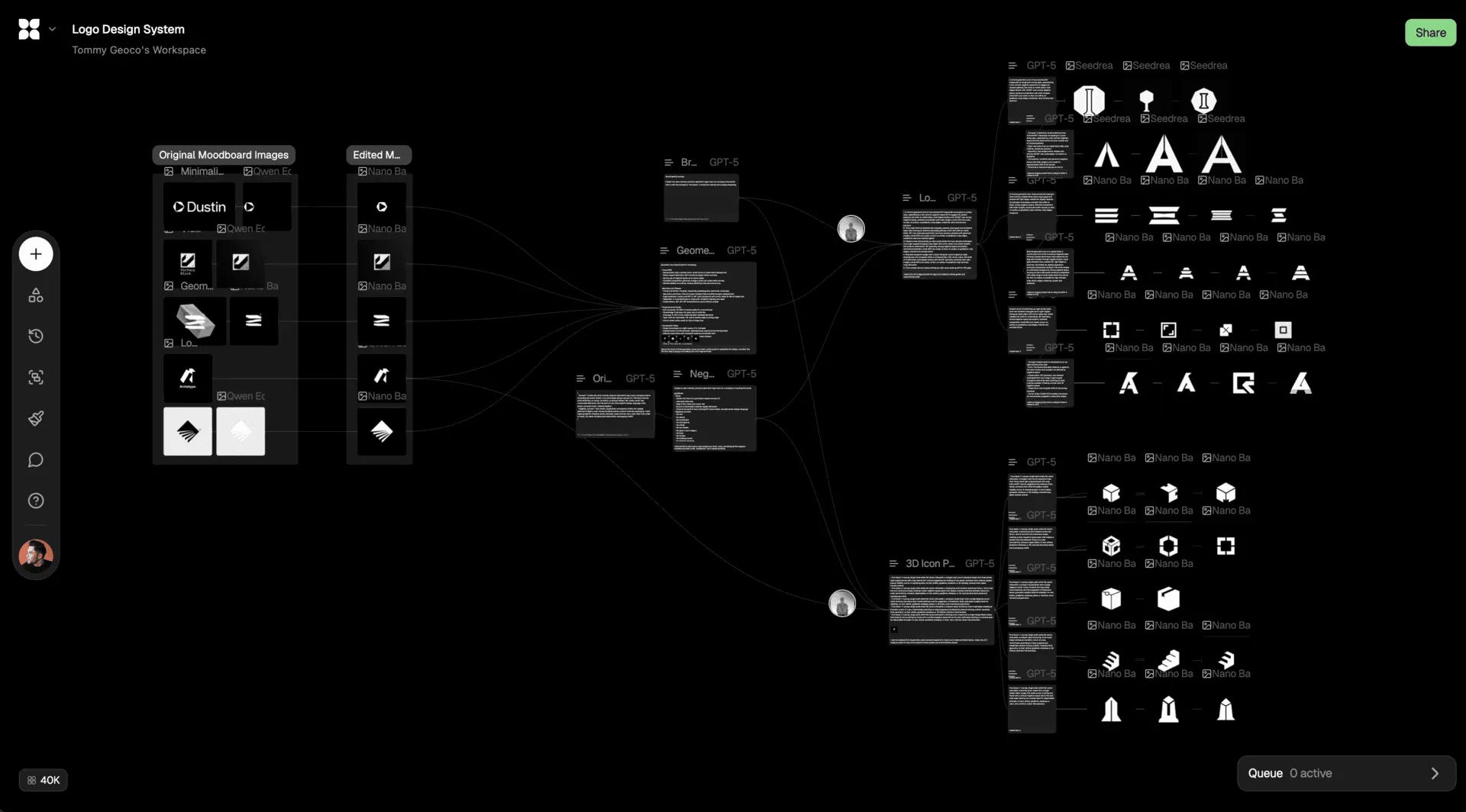
Flora combines language with a visual WYSIWYG workflow, allowing users to generate visuals through composable, formula-like steps. Words can act as inputs, outputs, and branching logic within the workflow itself. Instead of treating language as a one-shot instruction, the interface keeps it embedded in a visible, malleable process - where you can generate, inspect, branch, and recombine results without ever leaving the canvas.
That distinction matters because not all work wants the same interface. Some domains are execution-driven: the goal is clear upfront, and the value comes from getting there quickly. A headshot photographer often knows exactly what the final image should look like and benefits from end-to-end declarative control. Other domains are exploratory: the goal only becomes clear through interaction. In fine art contexts, the outcome isn’t specifiable upfront; you discover it by experimenting with light, framing, and texture, or in Flora’s case, by pushing on language and watching how the visual outputs shift.
The same dynamic shows up in “non-creative” contexts like hiring. Founders rarely start a hiring process knowing exactly who the right hire is. By sourcing candidates, looking at profiles, and having dozens of conversations, founders gradually adjust and wittle down the criteria they might’ve started their search with.
This process is what creates the judgment, and what good AI UX can do here is make that criteria evolution legible.
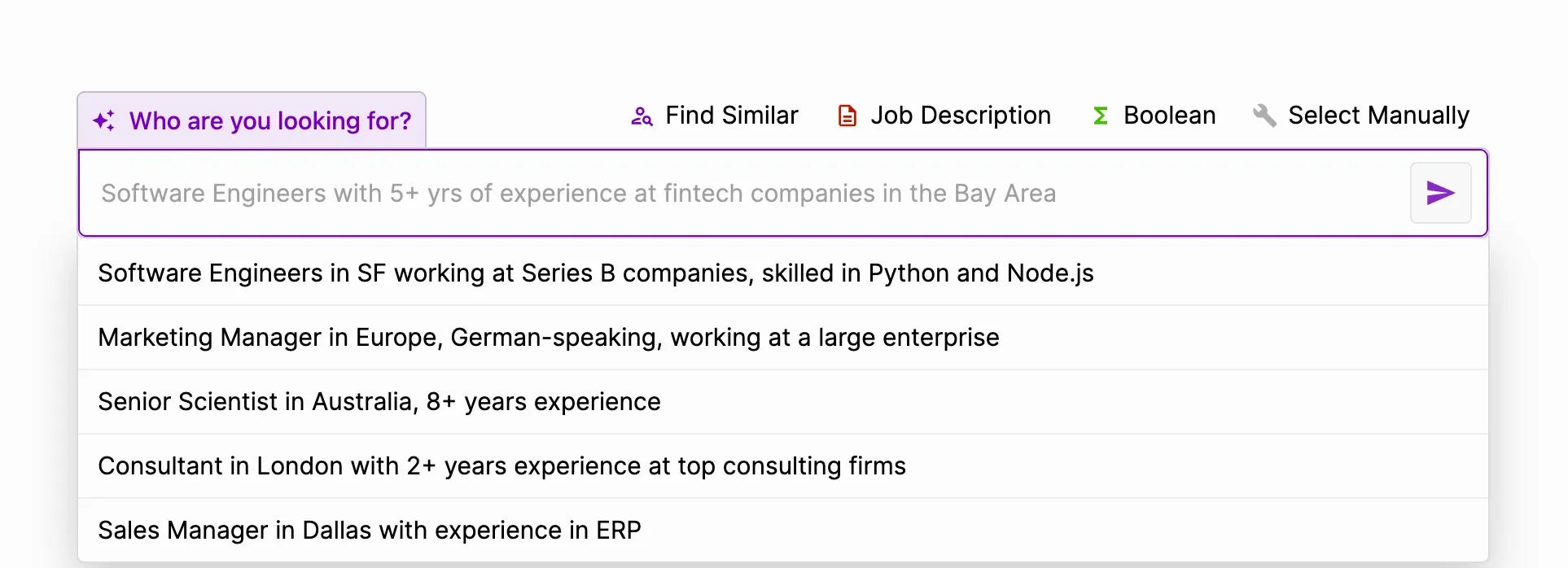
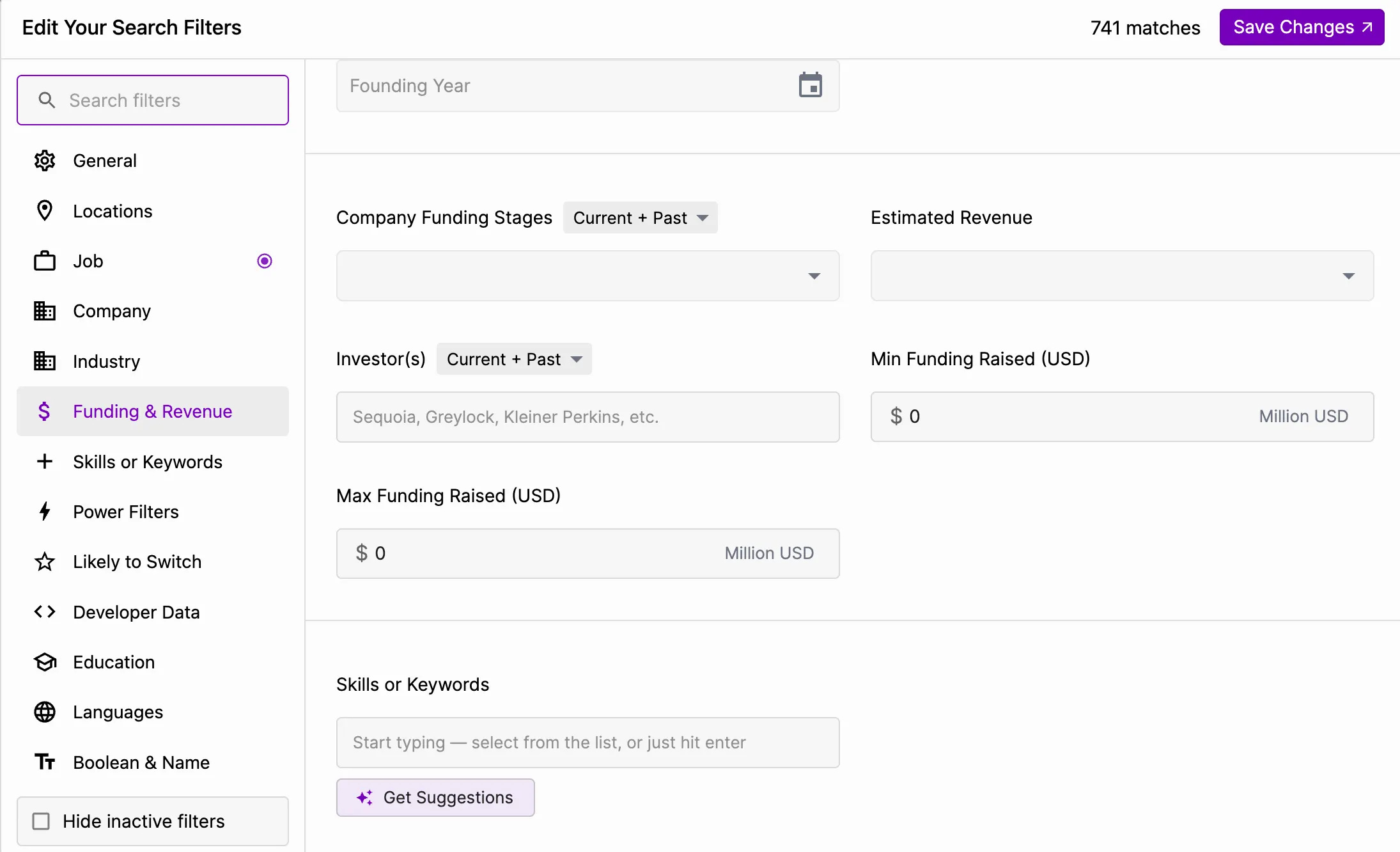
This is what I like about Juicebox’s product. You can start with a loose, natural-language query - describing the kind of person you think you want - and then iteratively refine it as your mental model sharpens. The interface exposes and evolves the dimensions you’re implicitly tuning, e.g. background, experience, trajectory.
Like Flora, Juicebox treats language not as a terminal command, but as something you work through.
This is the broader point: interfaces won’t become fully declarative, despite how often people are claiming that these days. In high-variance (often creative) work, the outcome isn’t immediately describable. Sometimes you can’t even form a plan before you start. You have to discover it by moving through the process.
Just as our brain activates differently when we walk vs when we’re just sitting, the same applies to digital work. Using an interface in a tactile way, whether via toggles, drag-and-drop, or something entirely new, can stimulate our thinking.
I’d certainly prefer to click less and read fewer manuals. But “do what I mean” is a powerful new knob, not a universal pattern. Not everything can be done linguistically, and many of the best software interface ideas came from physical analogs.

Betsy Langowski@superbetsy
I’m looking through my Macintosh user guide (the booklet that accompanied my 1984 Macintosh) for the first time in a while, and I’m a little obsessed with this graphic explaining scrolling.

11:24 PM · Oct 12, 2025 · 822K Views
139 Replies · 1.4K Reposts · 20K Likes
So when designing this next generation of software, designers / builders should ask: does my user know what they want, or are they figuring it out?
No posts
Comments
Nothing yet. Say the first thing.
Sign in to join the conversation.