
Everyone & their mother hates AI’s writing style.

But you can fix it in 2 words for 80% of your chats.
Let me show you the difference:
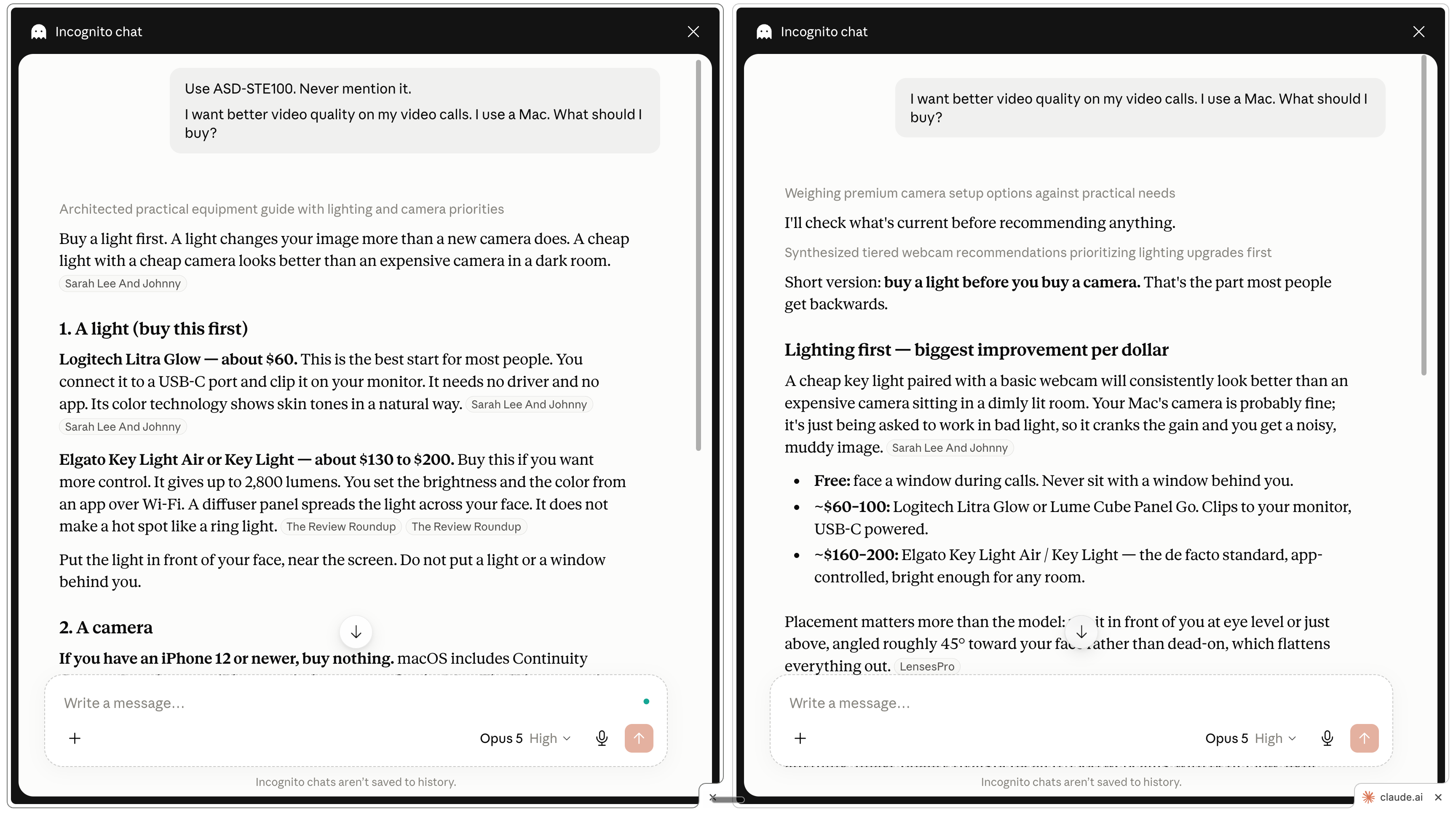
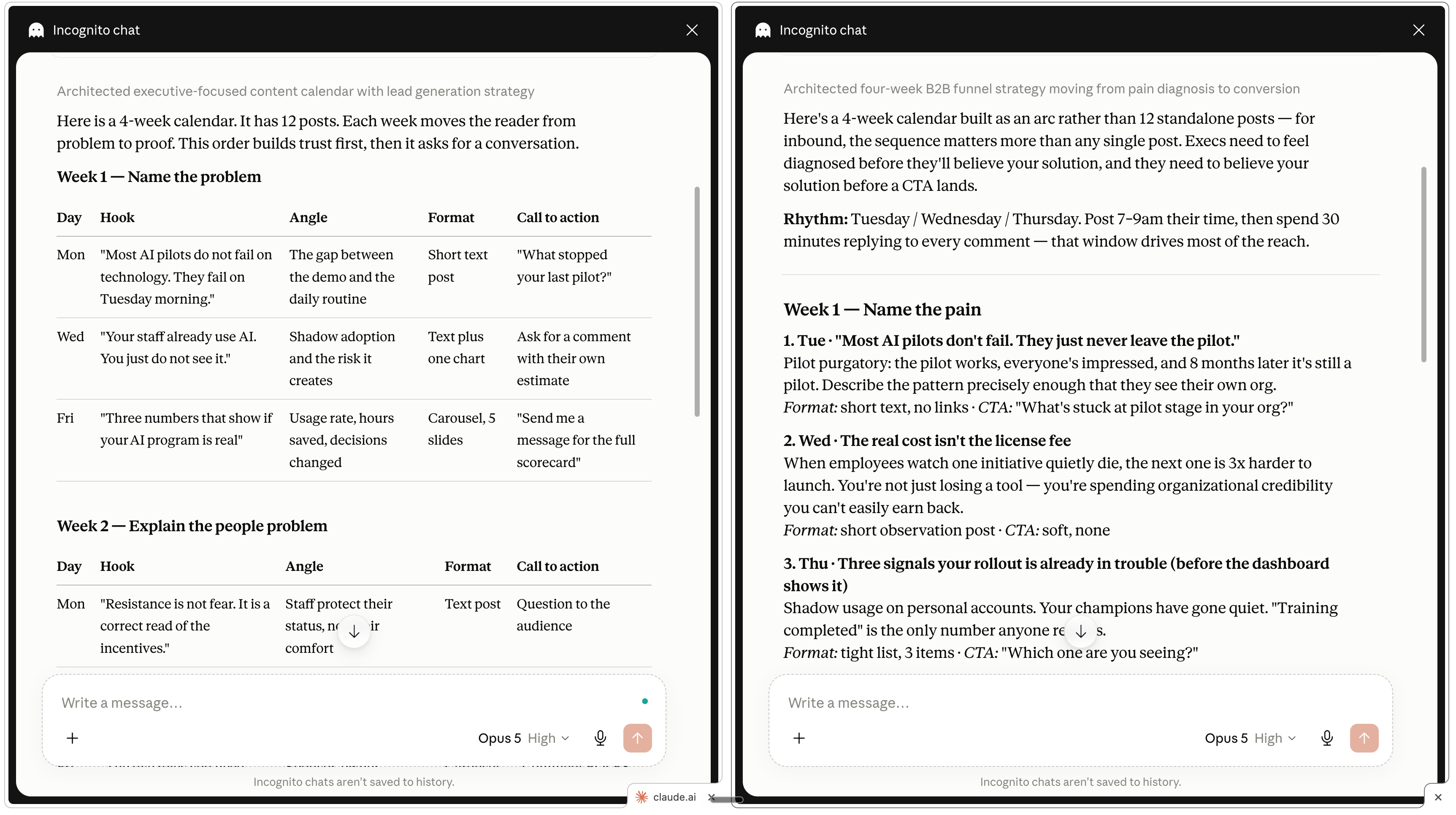
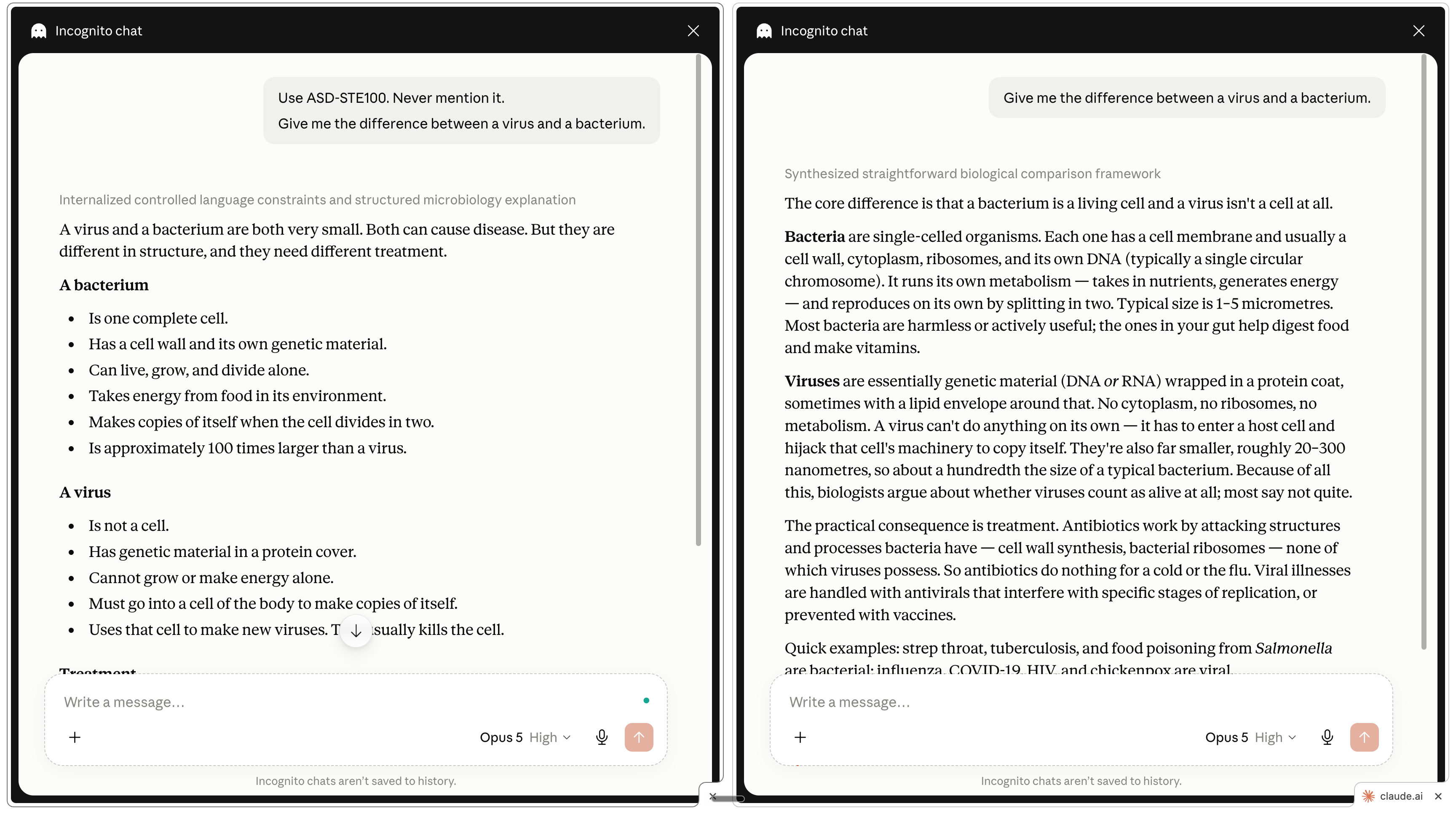
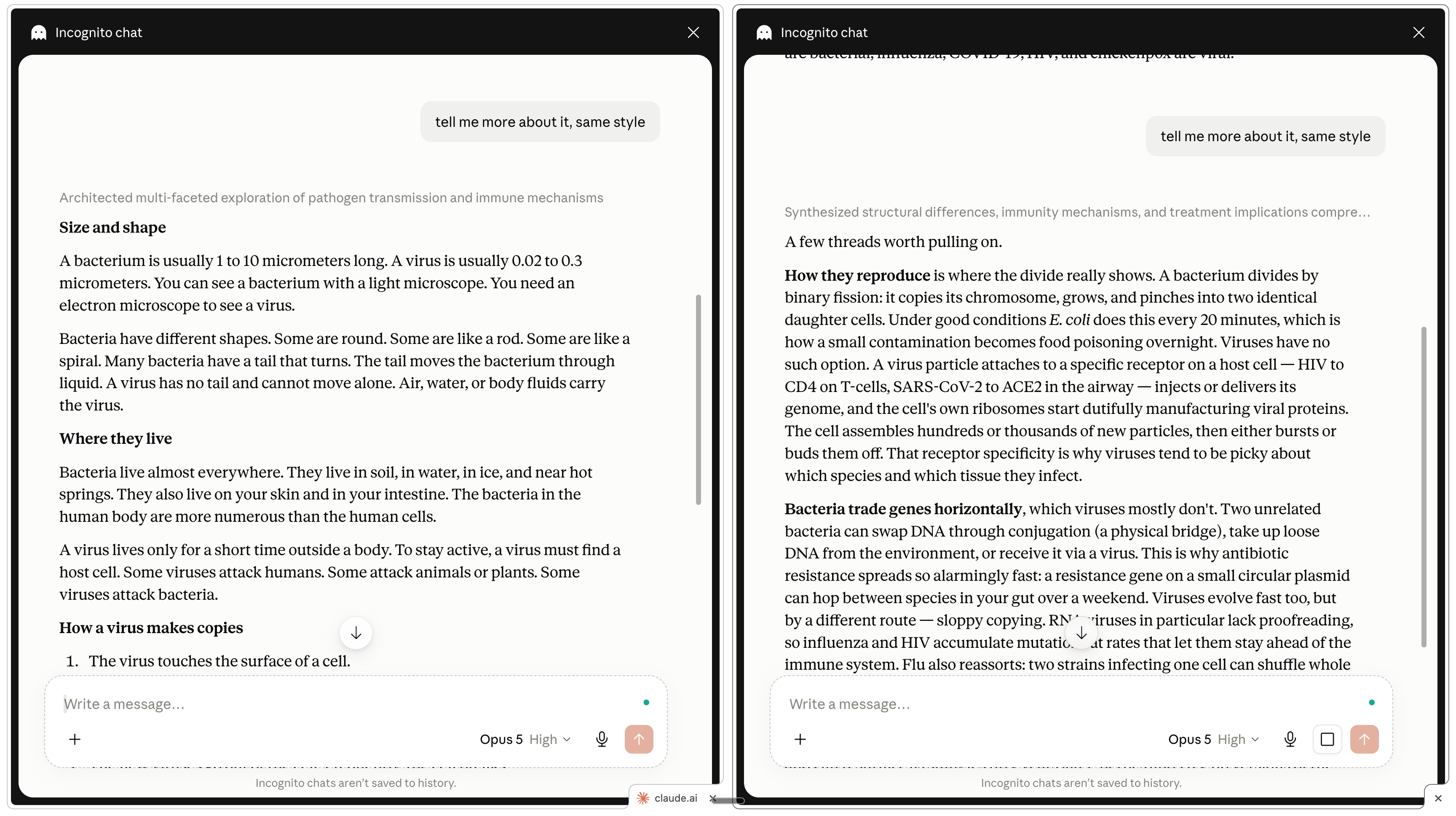
You can stop the newsletter here and use the trick on every AI you know (ChatGPT, Gemini, Grok… but also coding platforms like Cursor, OpenClaw, Hermes…).
But if you give me another 10 minutes, I will cover:
What ASD-STE100 is, and why it is so effective with AI.
My plug-and-play ASD-STE100 Claude skill (free to download).
How can I write with AI to 800,000 people (if it’s a slop machine).
This newsletter is free because people like you share it to people they love.
ASD-STE100 is simplified English for instructions.
![ASD-STE100 Simplified Technical English [TechScribe technical writing]](https://substackcdn.com/image/fetch/$s_!3kRk!,f_auto,q_auto:good,fl_progressive:steep/https%3A%2F%2Fsubstack-post-media.s3.amazonaws.com%2Fpublic%2Fimages%2F0f9152dc-cfe6-4ae5-b6ba-c63f402d074e_891x609.png "ASD-STE100 Simplified Technical English [TechScribe technical writing]")
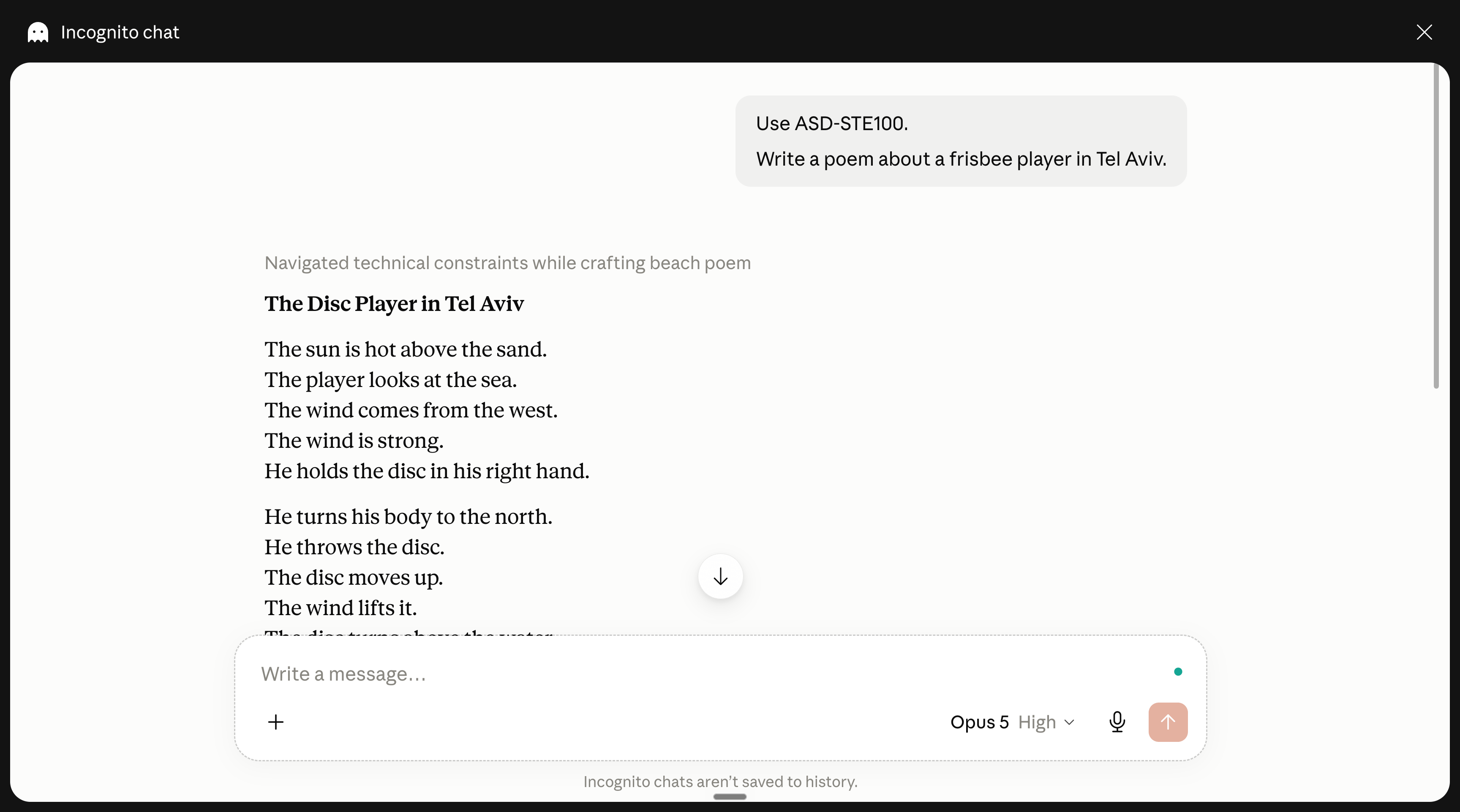
So when you ask AI to adhere to ASD-STE100, it works.
AI knows enough about the ASD-STE100 to reply with simplified English.
Now we could go the extra mile and build a Claude skill with the rigorous ASD-STE100 list. But who is crazy enough to build such skill?
Me.
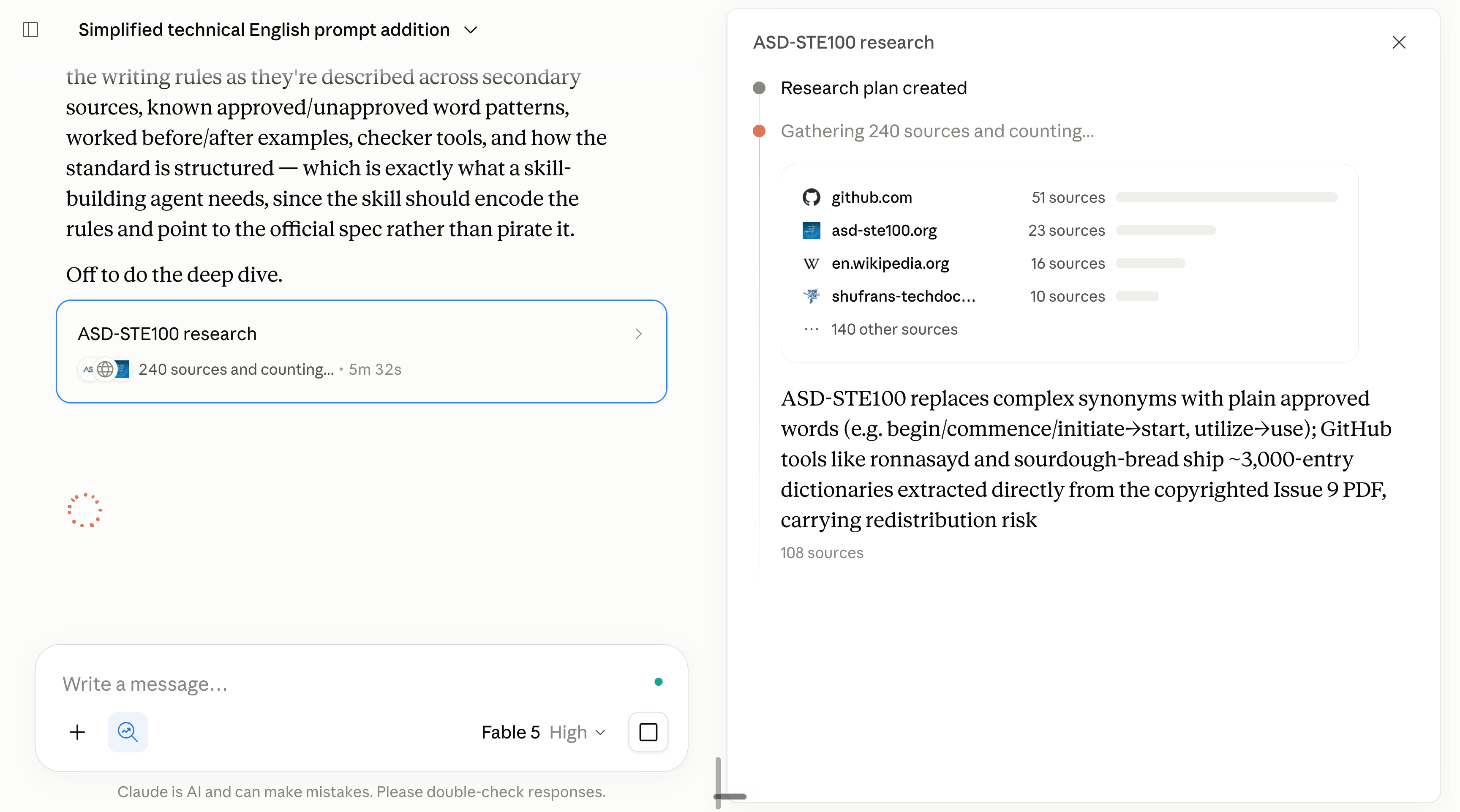
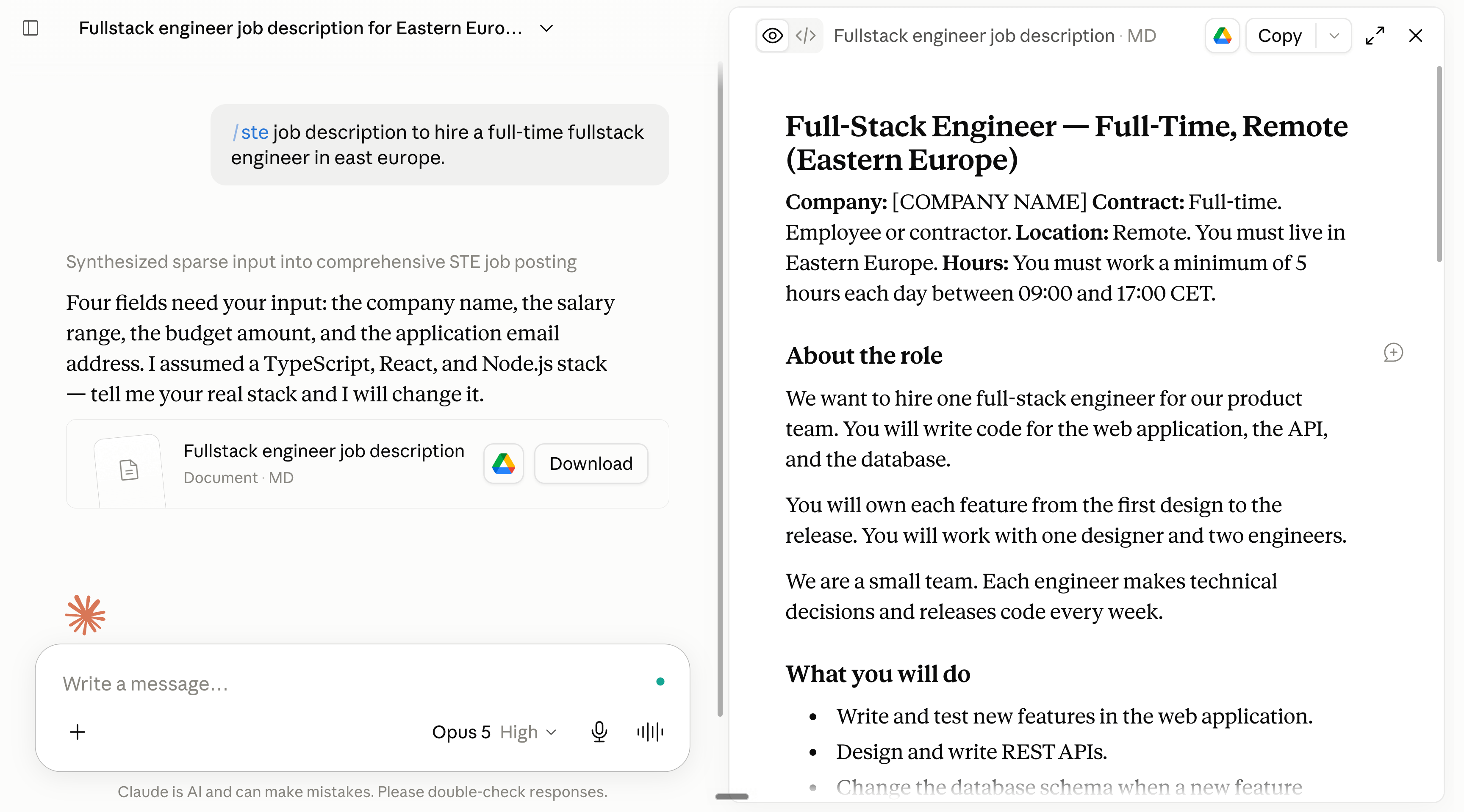
And I built a skill to get Claude to truly talk like ASD-STE100 instructions.
Download it for free at: https://drive.google.com/file/d/1ZYmir1Ian-duOJip7rSSWwkdRQXRCYh0/view?usp=sharing.
Then go to Claude to install it (it also works on ChatGPT):
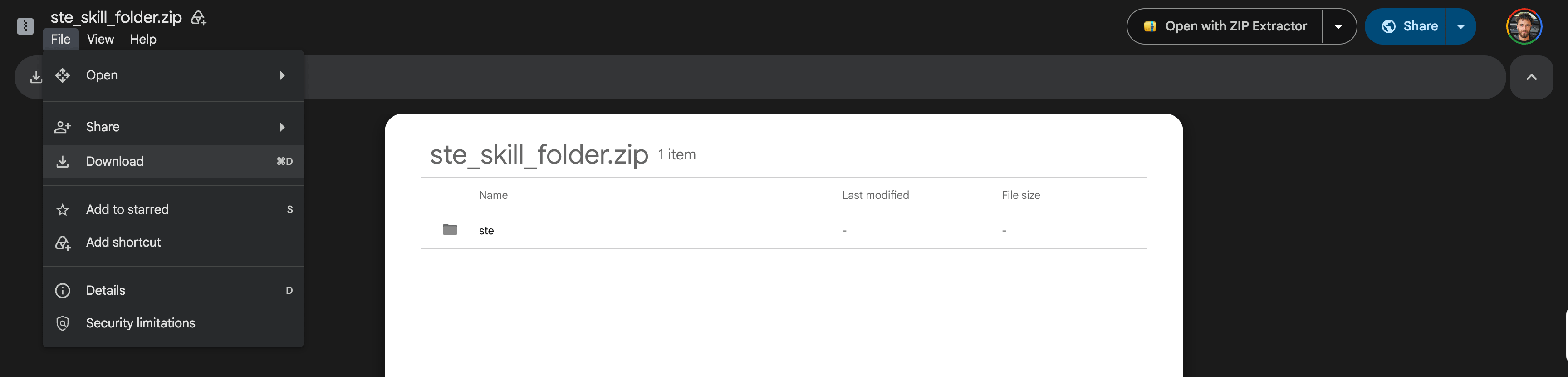
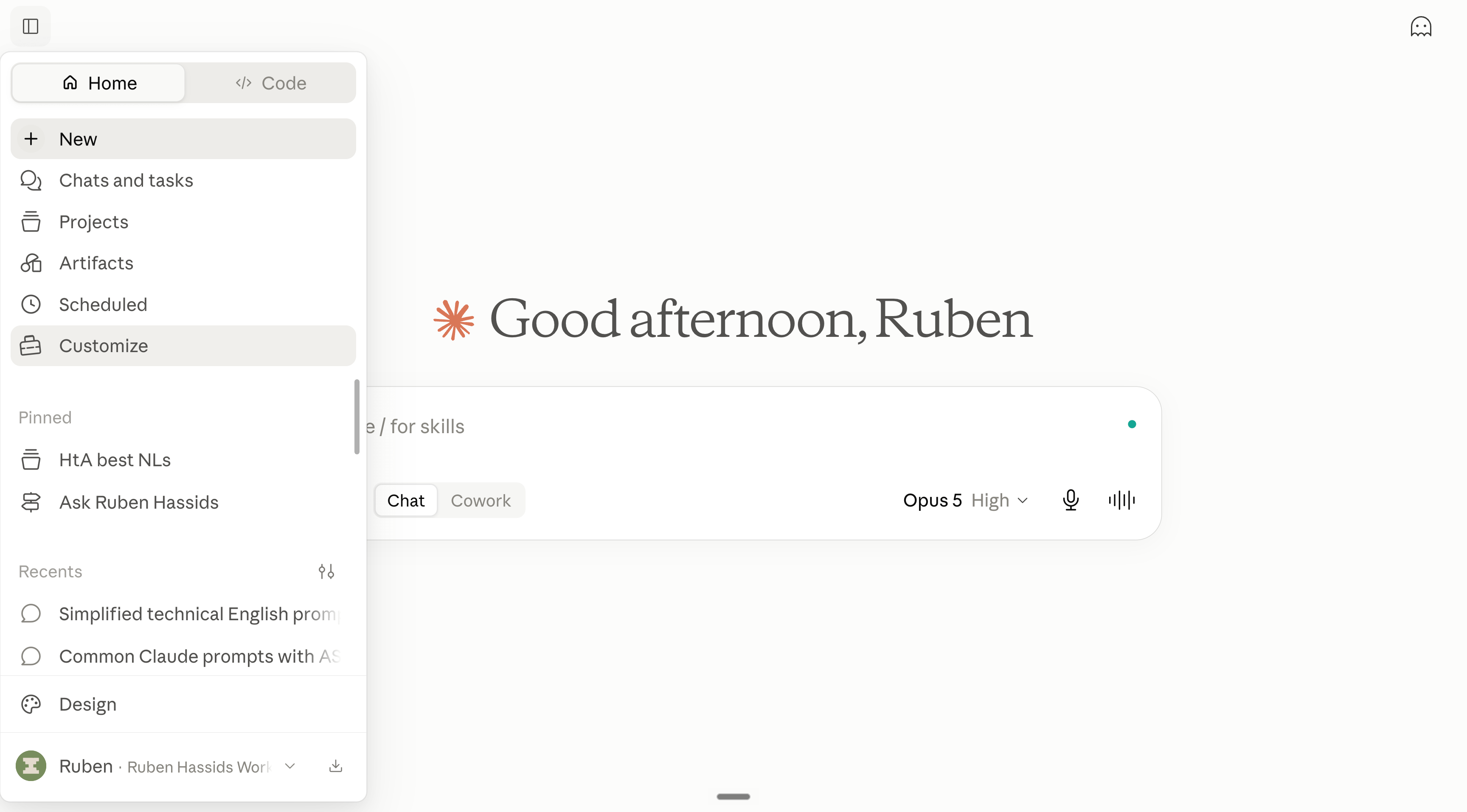
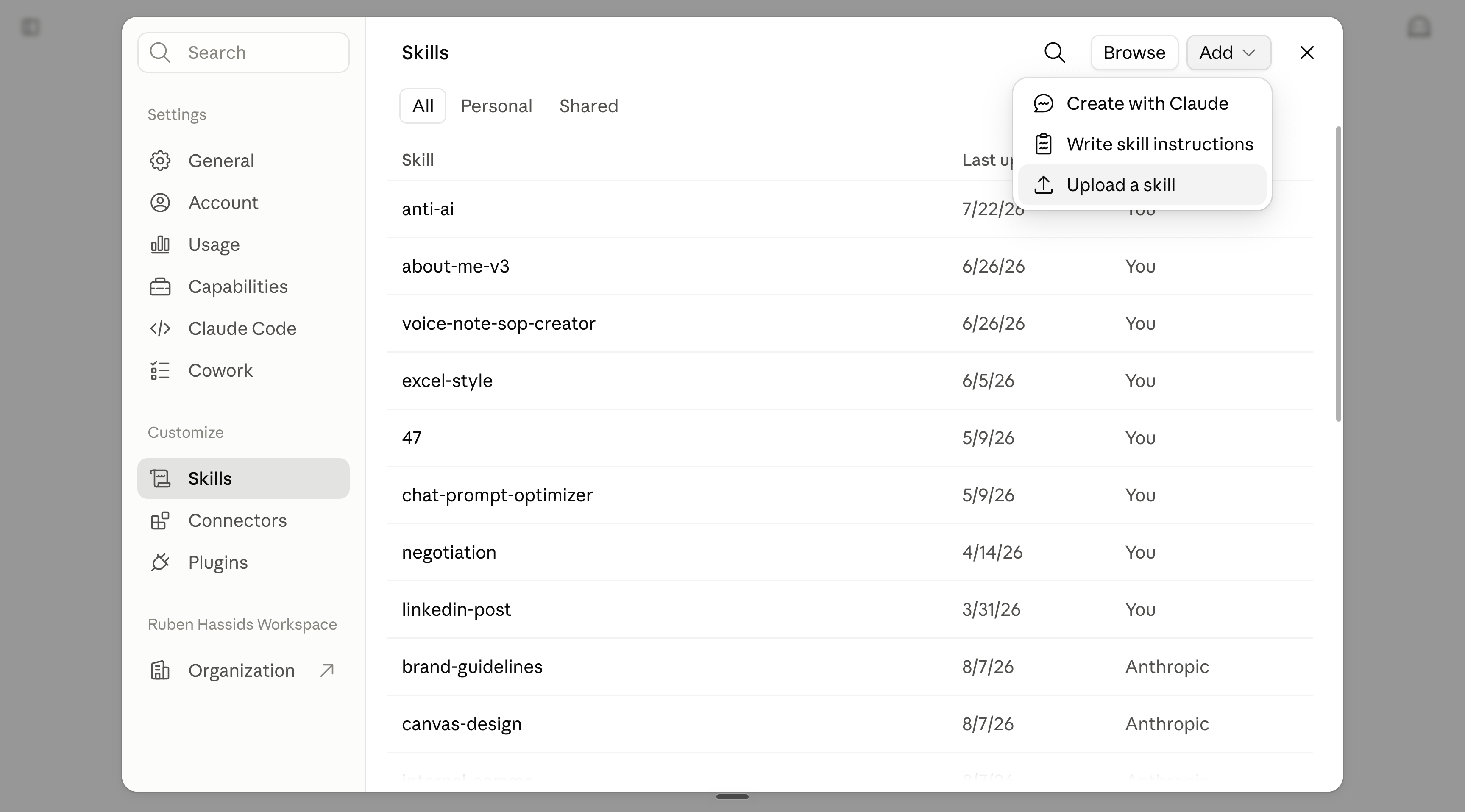
OK now should you use the prompt or the skill /ste all of the time?
No.
It’s awesome to use, but falls short on some tasks:
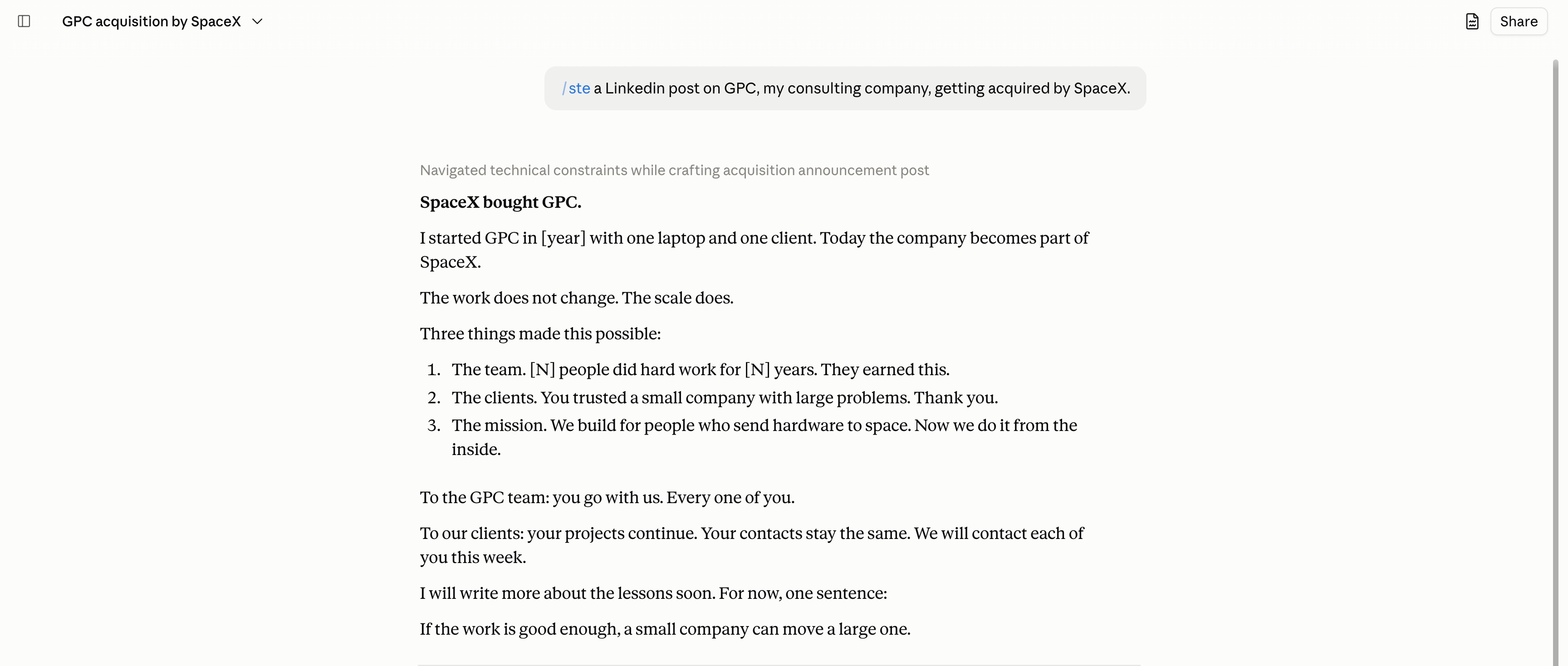
This section is to copy my shortcuts, and see it live.
I am recording myself writing a newsletter (to 885,000 readers) and the Linkedin post that goes with it (I have 900,000 followers there).
The goal?
Never sounding like an AI (even when you didn’t intend to).
So first, copy and paste this prompt on Claude or ChatGPT:
Comments
Nothing yet. Say the first thing.
Sign in to join the conversation.