
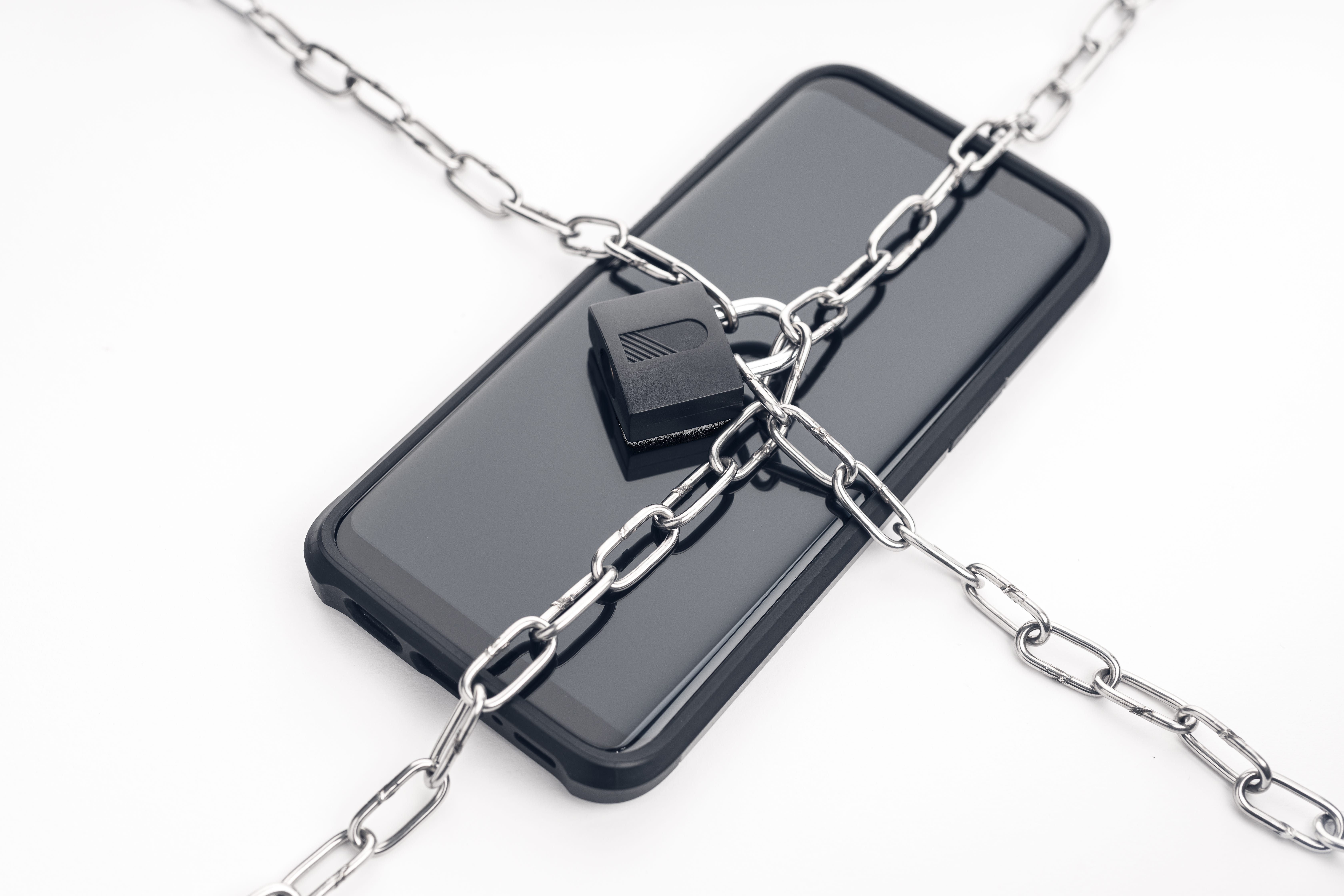
This makes me angry.
We paid for the phone.
We pay the monthly bill.
We pay for the apps.
And somehow, an entire cell phone industry still found a way to turn us into the product.
Every day, your phone quietly spits out clues about where you go, what you buy, which stores you visit, what time you leave home, where you spend the night and what kind of life you probably lead.
Then companies can combine those clues, analyze them and use them to build a profile of you that you never asked for, never approved in any meaningful way and will probably never get to see.
And please don’t tell me we “agreed” to it.
Nobody has ever curled up on the couch with a glass of wine and enthusiastically read 47 pages of an app’s privacy policy.
We hit Accept because we wanted to order dinner. That apparently opened the door to a multibillion-dollar data economy.
The creepiest part is that your phone doesn’t necessarily have to “listen” to your conversations to know a shocking amount about your life.
It doesn’t need you to post on Facebook.
It doesn’t need you to check in at a restaurant.
It doesn’t even need you to type in your home address.
Your phone creates tiny digital breadcrumbs all day long.
One breadcrumb may mean nothing.
But when enough of them are collected and connected, they can paint a remarkably detailed picture of you.
Today, I’m showing you what your phone may be revealing, and then, for paid subscribers, I’m giving you the exact buttons to press to shut down as much of it as possible. Step-by-step instructions for iPhone and Android devices to protect your privacy.
They Can Figure Out Where You Live
Think about where your phone spends almost every night.
Probably sitting on your nightstand, charging beside your bed or wedged under your pillow while you pretend you’re going to sleep but continue scrolling for another 45 minutes.
If a device repeatedly remains in the same location overnight, that creates a strong clue about where its owner lives.
Now think about where your phone spends most weekdays.
Another pattern emerges.
That may reveal where you work.
You never filled out a form telling an advertising company where you sleep and where you go every morning.
Your routine may be telling the story for you.
They Don’t Necessarily Need Your Name
A company may not begin with the words “Jeff Rossen.”
It may begin with an advertising identifier or another code associated with a particular device.
To a data system, that device can develop a history:
Where it goes.
How often it shops.
Which neighborhoods it visits.
Whether it travels.
Whether it attends sporting events.
Whether it spends weekends at home or somewhere else.
Eventually, that supposedly anonymous string of letters and numbers may be connected with other information and placed into audience categories.
They may not need to know your name to make money from your habits.
They just need to know enough about you to predict what you might do next.
They May Know You Went Shopping Before You Buy Anything
Have you ever visited a store or shopping center and then started seeing ads connected to that kind of shopping?
Sometimes it happens because you searched for a product.
But mobile apps may also request access to location, Bluetooth and nearby-device information. Location data can be used to deliver location-based services or advertising, depending on the app and the permissions you granted. (Apple Support)
Bluetooth can also allow legitimate interactions with nearby devices, accessories and retail beacons.
That does not mean every app is secretly stalking you through the cereal aisle.
But it does mean you should ask a very basic question:
Why does this app need Bluetooth or location access in the first place?
Because “we’d really like more information about you” is not a good enough answer.
They Can Make Educated Guesses About Your Life
Advertisers and data companies do not necessarily know your exact salary or every detail of your household.
But they can place people into categories using combinations of information such as location patterns, device activity, purchases, app usage and other commercially available data.
They may attempt to estimate:
Your likely household income range.
Whether you travel frequently.
Whether you may own or rent your home.
Whether children may live in your household.
The types of stores you visit.
The kinds of products you may be preparing to buy.
Which advertisements are most likely to influence you.
Some of those guesses may be wrong.
But they don’t have to be right every time.
They only have to be accurate often enough to make the information valuable.
Then Every App Wants One More Permission
Download an app and watch what happens.
Can we have your location?
Can we track activity across other companies’ apps and websites?
Can we connect to Bluetooth?
Can we access your contacts?
Your photos?
Your microphone?
Your camera?
Your local network?
Your physical activity?
Your firstborn child?
Fine, I made up the last one.
For now.
The problem is that we often approve these permissions automatically because we’re trying to use the app, catch a flight, get directions, order groceries or find out whether the restaurant has a table.
I’ve done it too.
You tap Allow, the app opens and you move on with your life.
But those permissions can remain in place long after you’ve forgotten granting them.
That’s why I went back through my own phone and started cleaning house.
Some apps had access to information they had absolutely no business seeing.
And now I want you to do the same thing.
The Exact Privacy Lockdown I Use on My Phone
Below are the specific menus to open and buttons to tap. This is for paid subscribers only. These are step-by-step instructions for every device to protect your privacy right now. The cheat codes that everyone should do right now. Hit “upgrade to paid” to see all of it, our full investigation, and additional perks. Plus, you’ll also be supporting independent consumer journalism. We need your support for resources to produce these investigations.
Comments
Nothing yet. Say the first thing.
Sign in to join the conversation.