
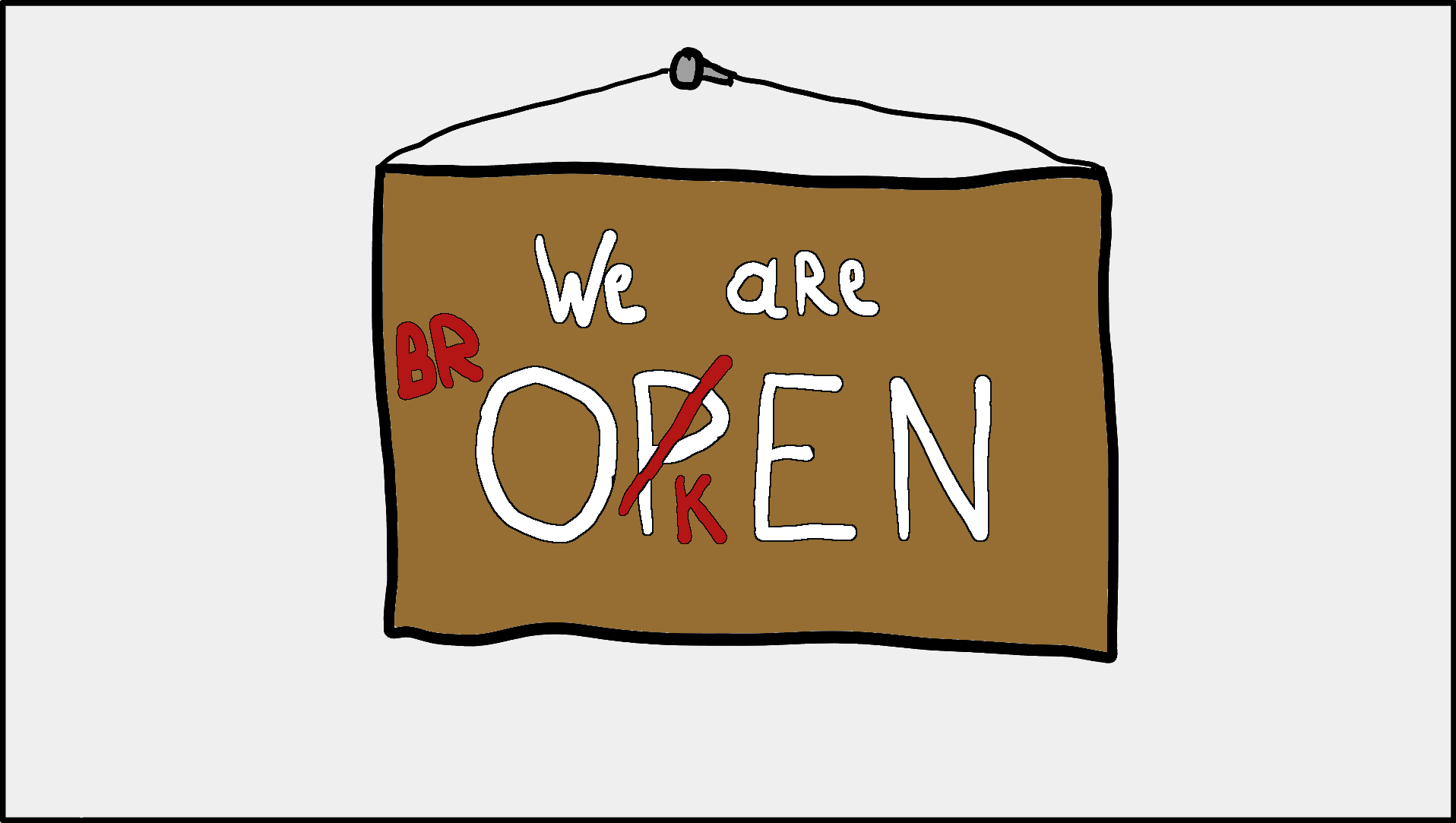
At the end of January, I took the plunge and went full-time freelance on February 1st. On that same day, I broke my collarbone in 4 places while snowboarding. Safe to say we’re off to a running start! 🤦♂️
Despite the injury, I've been keeping busy and trying to make the most of my time. I spent the first two weeks watching Netflix and playing Hogwarts Legacy. But it started to feel mundane rather quickly. Time to do something that at least feels productive.
One of the first things I wanted to tackle was to set up my Home Server again. I used to run a small server on a Raspberry Pi with an MQTT server on it and some python agents that listened and responded to messages on the MQTT server. Eg. I could press a button in a web app that send a LIGHT_ON message to the MQTT server. A python agent responsible for the light could pick up on that message and trigger the light routine. Unfortunately SD cards in raspberry pi’s have a habit of becoming corrupted and I was to lazy to set it all up again. Until now that is.
I could only write with one hand and that is painstakingly slow. This was a good opportunity to learn Ansible. Ansible is an open-source automation tool used for managing and configuring computer systems. It allows you to automate routine tasks and manage infrastructure. While it didn’t eliminate the need for typing completely. I didn’t have to repeat any commands. Also in the use case of a corrupted SD card, I should be able to just run the Ansible routine playbook again on a new SD card and my server should be back up and running.
Currently my playbook updates the Raspberry Pi and deploys Home Assistant, unifi controller and Portainer. I haven’t customised the services much but it's been a fun challenge. I’m getting solar panels installed soon and the goal is to ingest the data from them into Home Assistant and trigger energy intensive tasks when I’m producing excess power. But that is for a later stage.
Since one of my plans now as a freelancer is to focus more on side projects I’ve been working on implementing some of the concepts of “Coping strategies for the serial project hoarder“ into my workflow. It promises to Massively increase your productivity on personal projects with comprehensive documentation and automated tests” but it mainly boils down to that a commit is, as a programmer, our smallest unit of work. And if you commit yourself, no pun intended, to create “perfect commits” you create a robust and well-documented project that you can pick up at any time without much problem.
The perfect commit exists out of :
An implementation of a single focused change. This can be a feature or a UI change, it doesn’t really matter but it should be a single thing that can be reverted without breaking other things.
Test that demonstrates the implementation works.
Updated documentation reflecting the change.
A link to an issue thread providing further context. The issue thread contains everything from design decisions for the change to code snippets to stack overflow answers. The idea here is that the issue becomes a timestamped piece of documentation itself.
In the spirit of “The more things that you automate the less you have to do yourself.“ I started looking into documenting and setting up a good linting and auto-formatting environment for myself in VSCode. Once it’s more fleshed out I’ll probably publish a write-up on it.
While my LinkedIn and Twitter feeds have been bombarded with ChatGPT messages for months now I must say I didn’t see a lot of use in it past a fun little gimmick since ChatGPT mainly predicts the next word without much context. But with the recent releases of Generative Agents and specialised models in specific fields like BloombergGPT. I am getting quite intrigued. I’ve seen people build pretty complex scripts and apps without much prior coding knowledge and it does make me wonder what someone with coding knowledge can accomplish using these tools.
During some of the first weeks of my recovery, I used Google Docs Speech-To-Text to dictate what a piece of code should do like “Give me the code for a functional React Component for a website header using TailwindCSS that has a black background with a bold tagline.“ I could then copy this text into ChatGPT and it would generate the code for me. I could then copy the code and enhance it a bit with Github Copilot in an effort to minimise the time I spent typing. And it worked! I still had to do some minor tweaking here and there and the more complex it got the harder it was to make the snippets of code work together (Or I’m just not that great at writing prompts.) But I was able to build a website for my company SobrinoStudios.com without having to type the whole part by myself.
ChatGPT is also great at copywriting which really helps with staring at a blank screen problem. I just ask ChatGPT for some copy, preferably multiple examples so I can pick and choose, and tweak it until I’m satisfied with it.
Staying in the ChatGPT theme, for April Fools I revived an old website I made as a joke six years ago and coupled it to the ChatGPT API. You can check it out at genericexcuse.com. I’ll include a more in depth write up next newsletter.

My goals for April are to publish a few more blog posts. I currently have a whole backlog of notes I want to turn into proper posts. Ranging from topics like How to use Ansible to Firestore Data Modeling to How to hookup ChatGPT to Telegram. So I’ll probably focus a bit more on writing than programming.
On the other hand, I really like playing with the ChatGPT API. I want to explore the idea of asking ChatGPT something and it performing actions on the background like calling different APIs to fetch data and formulate a response or it being able to understand and interact with other services like “Plan an appointment at 4 PM with my colleague to discuss database scaling“ and it could automatically plan in a meeting in your calendar with the right people invited and maybe a starting point to start the discussion in the meeting notes.
That’s it for this newsletter edition. I hope something might have intrigued you. As always, my mailbox is open for any replies so feel free to write something back!
Thanks for reading! 👋
No posts
Comments
Nothing yet. Say the first thing.
Sign in to join the conversation.