
Hi there Key Shift Samurais,
Listening to a DJ set, a podcast or even just vibing on Spotify are all great opportunities to crate dig for new music.
The problem is what happens when you hear something good.
You Shazam it, think “I’ll come back to that later”. 5 years later after you’ve buried your dog of old age you realise it’s been buried too .
Some of you may have been using my Banger Detect Ultimate Apple shortcut that I released a few years ago.
It Shazams a tune and then gives you the option to head off to Beatport or other services to grab the track.
It’s been a game changer for me - but it had one big problem.
It assumed I was ready to do something with that track right away.
So I’ve come up with a new Apple Shortcut that makes crate digging a whole lot easier.
Here’s how it works.
Move your cursor or finger to this button and click it.
You’ll get prompted to add the shortcut. I suggest you do that.
Some caveats
This one’s for Apple users only. It relies on the inbuilt MacOS/iOS Shazam functionality and Apple shortcuts framework
You’ll need either macOS or iOS 26 for all features to work properly
If the track isn’t something Shazammable (e.g. unreleased tracks, IDs etc) it won’t magically be able to identify it
If you’re on PC.. add this to one of your usual daily disappointments (but also if you have any ideas on how to port it let me know)
The first time you run the Crate Digger it’ll prompt you to create the Apple note it needs to work.
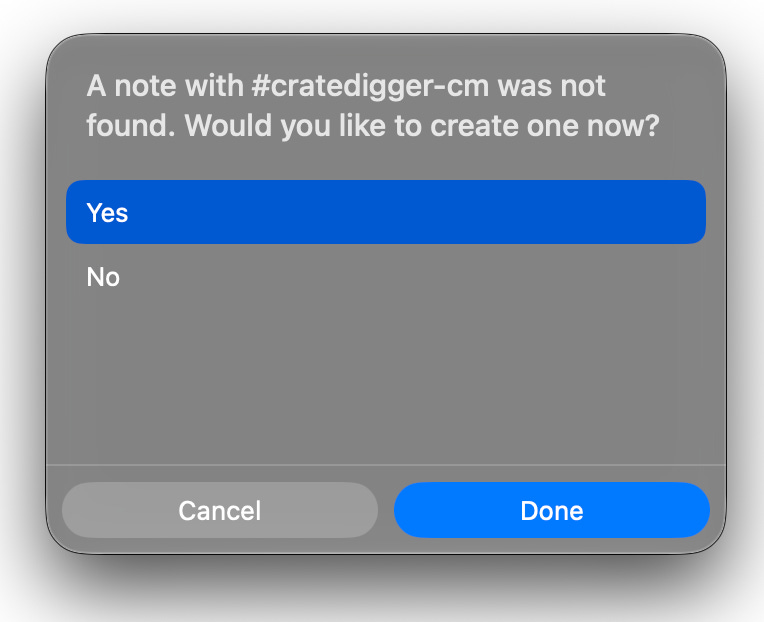
Unless you’re a sadist, you should choose yes.
If you look in Apple notes you’ll see the shortcut has created a new blank note, just as it promised.
From now on the shortcut will use this note to log your digs.
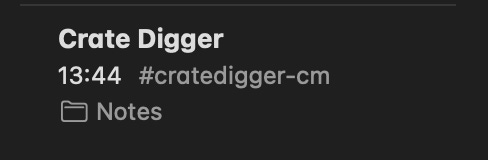
Any time you hear a banger run the shortcut.
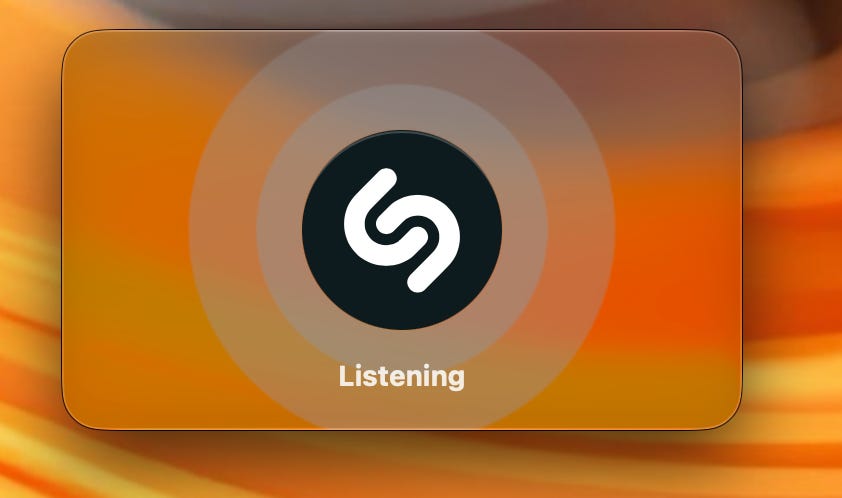
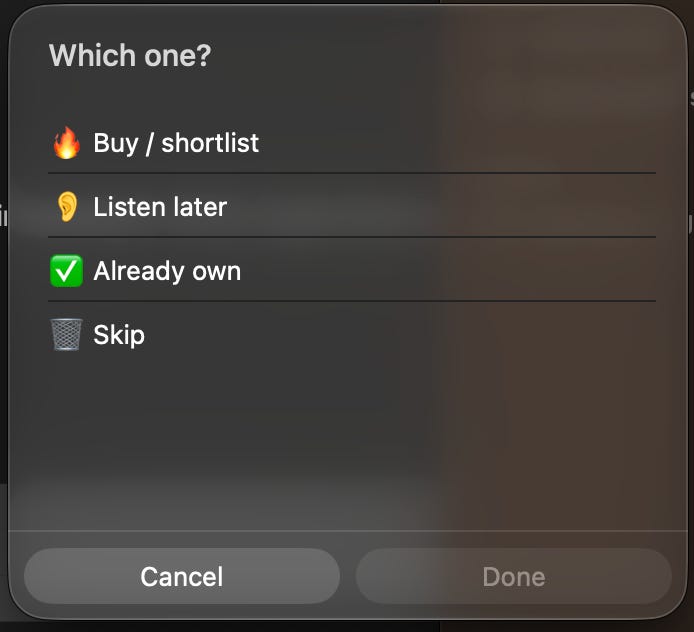
It’ll Shazam it for you, and then you can choose what your decision is with the track to help sort through later.
Even better it’ll add links to search for the track in Beatport, Bandcamp, Discogs and Spotify, along with the time and date you dug it.

You can add the shortcut for easy access both on iPhone and Mac and the note should sync across the two.
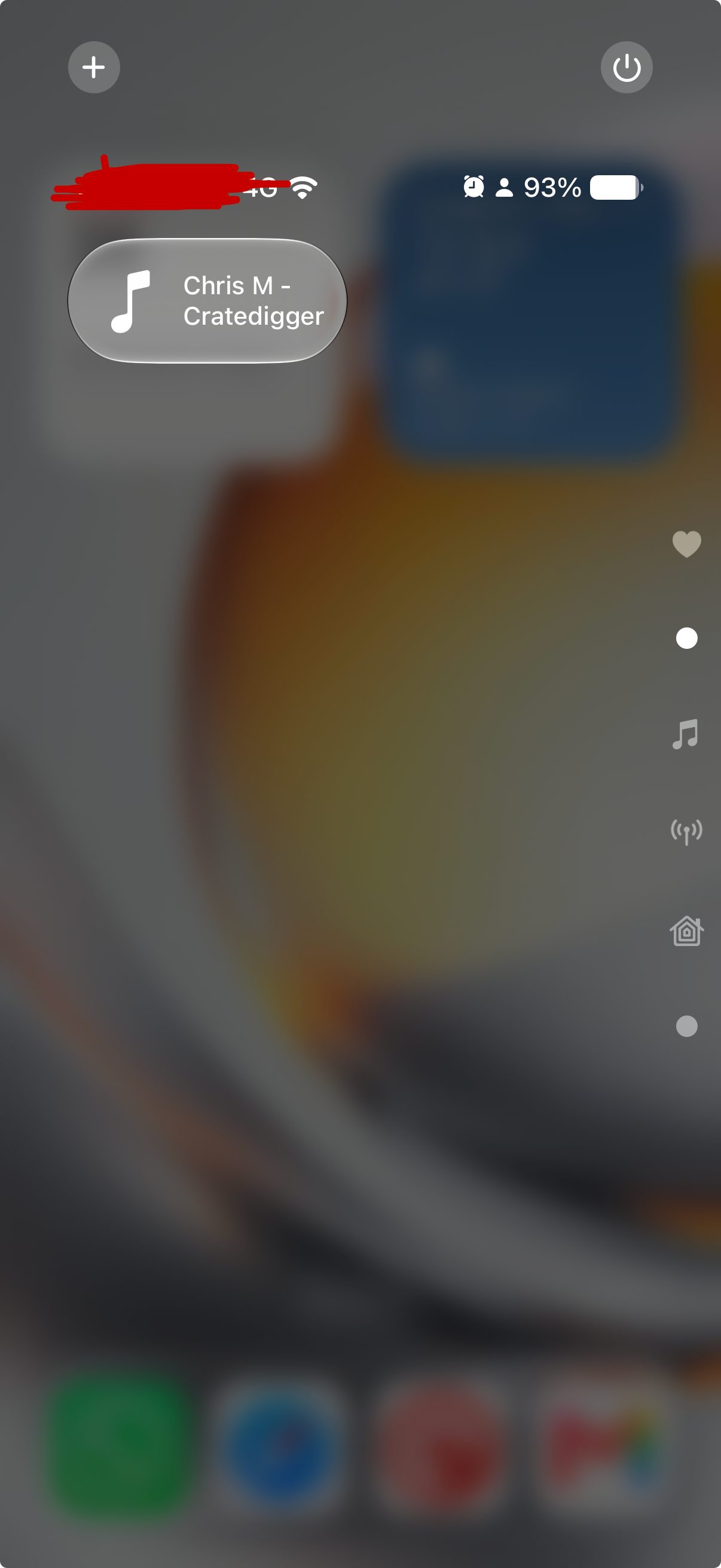
There will be some basic permissions to accept the first time you run it to let the shortcut write the note.
Click ‘always allow’. Trust me bro.
Give it a try and let me know in the comments how you get on.
Are there any other features you’d like me to add?
Comments
Nothing yet. Say the first thing.
Sign in to join the conversation.