
Check out the Build Series. Part 1 | Part 2 | Part 3 | Part 4 | Part 5
In December 2025, CVE-2025-48757 landed after a researcher scanned 1,645 Lovable-generated apps. 170 of them had Supabase tables readable by unauthenticated requests because RLS was never enabled.
When I read the writeup, I pulled up DraftKit and confirmed what I already believed to be true: RLS had been enabled on every table from week one. I thought I was fine.
I was not.
The problem was not a missing policy. A table that starts as a simple profile store grows. It gains billing fields, subscription tiers, credit balances, Stripe customer IDs. The RLS policy written for version one of that table does not automatically get updated when version eight lands.
DeepStrike’s penetration testing research documented this exact pattern: RLS enabled, rows restricted, but columns left wide open by a policy that reflects an older, simpler version of the product.
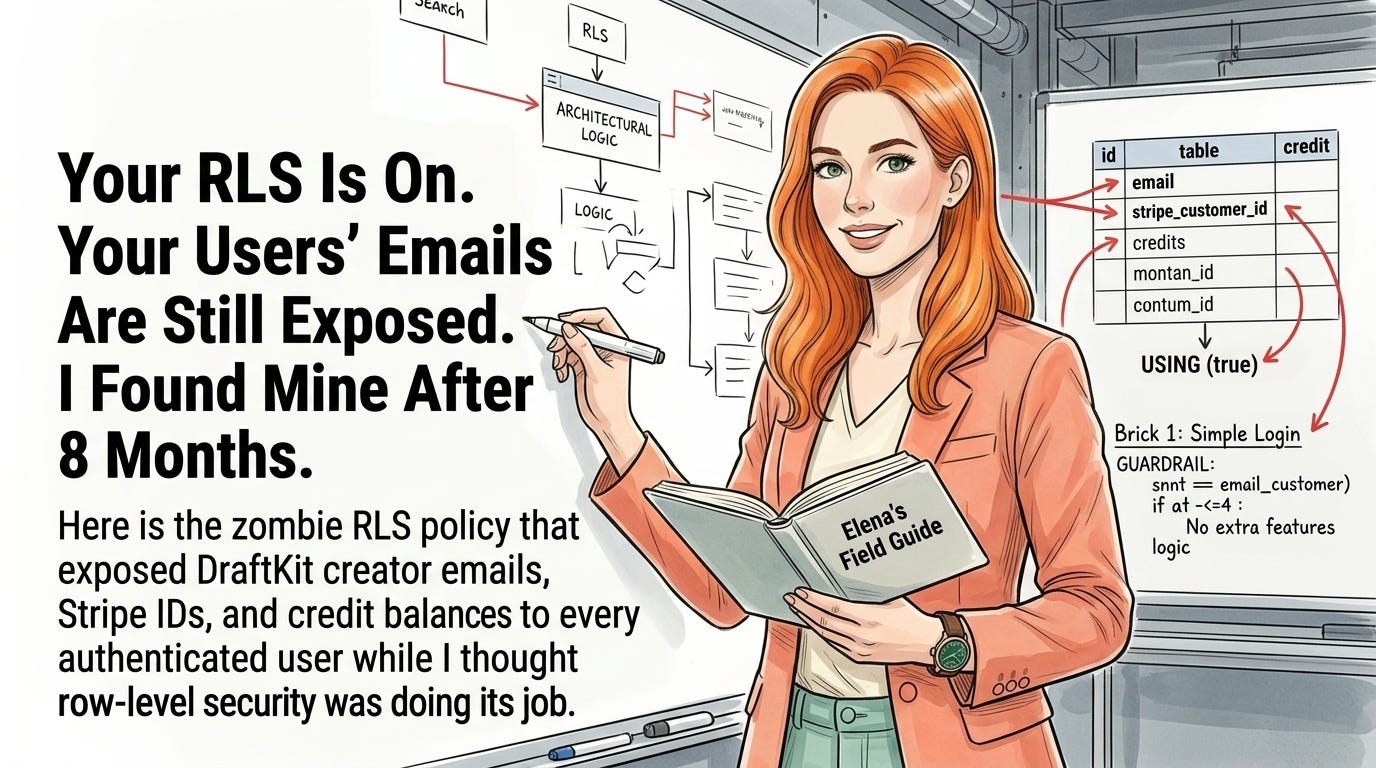
Any authenticated DraftKit user could run select=email,stripe_customer_id,credits against the creators table and get back exactly what they asked for.
The creators table had a zombie policy with USING (true). That policy was correct when the table only held name, bio, and newsletter URL. By the time billing shipped, the same table held every creator’s email address, Stripe customer ID, subscription tier, and credit balance.
The zombie policy did not know any of that. It just kept running.
If you are building a Lovable app on Supabase and your user profile table has grown to include billing details or any PII that was not there when you wrote your first RLS policy, your exposure looks identical to what I found. I can check your column-scope posture in 30 minutes. Reach out at hello@elenacalvillo.com.
CVE-2025-48757 affected 170 apps because RLS was missing entirely. The deeper and more common problem is the class of exposure where RLS is present and the policy logic was correct for the table as it existed when the policy was written.
The security surface changes as the table changes. A policy that was safe in month two is not automatically safe in month eight.
DeepStrike’s research found that authenticated PostgREST filter operators like select=email or select=stripe_customer_id return exactly what they request if the authenticated role has column access. RLS controls which rows come back. It does not refuse columns the role was never explicitly denied.
The default Postgres behavior is to grant SELECT on all columns to a role when a table is created, and that grant stays in place for every column added afterward.
✅ The Supabase PostgREST layer honors both RLS row policies and Postgres column-level GRANT permissions
✅ Default behavior grants SELECT on all columns to authenticated and anon when a table is created via Lovable
✅ A policy written as USING (true) combined with default grants exposes every column to every authenticated session
✅ Adding a private column to a table with a live permissive policy immediately exposes that column without any migration warning
The pattern is predictable across every product I have audited. Profiles ship first. Billing ships later. The profile table is the natural place to store subscription state because the user row is already there. The security posture of that table is never re-audited after billing lands.
Lovable generates your initial schema and RLS policies based on what you describe in the build context. It cannot predict which columns your table will accumulate over the next six months.
When billing shipped in DraftKit, Lovable added the Stripe fields to creators and wrote the correct access policies for the billing edge functions. It did not re-audit the public profile policy written months earlier.
This is not a criticism of the tooling. Policies are written in one session for a table at a specific state. Tables grow in later sessions without a cross-policy consistency check.
The original policy becomes a zombie not because anyone forgot it, but because no workflow in any AI-assisted build process prompts you to revisit it when a schema migration lands.
✅ Run a column inventory before every billing or PII expansion. Before adding Stripe fields, subscription tiers, or any private column, list every existing RLS policy on the target table. If any policy uses USING (true) or USING (auth.uid() IS NOT NULL), update it before the new column lands in production.
✅ Separate public profile data from private account data using Postgres column-level GRANTs. Revoke the blanket SELECT grant and re-grant it column by column with GRANT SELECT (col1, col2) ON table TO authenticated. PostgREST respects these column grants and will only return the specified fields, regardless of what other columns exist in the table.
✅ Test your policies against your most sensitive columns, not your most obvious ones. After any schema change, run the verification curl command targeting private columns with an authenticated test session. If you get data back, the zombie policy is still active. If you get a 400 or empty set, the column restriction is working.
✅ Treat every new column on a public-facing table as a policy review trigger. The moment a migration adds a column to a table with a permissive policy, that policy needs re-evaluation. No AI tool will prompt you to do this. Make it a step in your own release checklist.
✅ Use a SECURITY DEFINER view as a stable public surface when column-level grants feel fragile. A view exposing only the safe columns provides a clear API contract that does not change when new private columns are added to the underlying table. PostgREST exposes the view, not the table.
If you want me to run a column-scope audit on your Supabase instance before your next release, reach out at hello@elenacalvillo.com.
Comments
Nothing yet. Say the first thing.
Sign in to join the conversation.