
Dive into the world of prompt engineering with ChatGPT, where code meets creativity. As a programmer, I’ve ventured beyond traditional coding to harness ChatGPT’s prowess in generating SVG images. This journey isn’t just about coding, it’s about the art of crafting precise prompts to unleash AI’s full potential.
Exploring ChatGPT’s untapped potential in graphic design, I first wanted to know: Could ChatGPT, known among other things for its coding assistance, also excel in creating SVG images? This question led me to pushing the boundaries of what we typically expect from AI in programming.
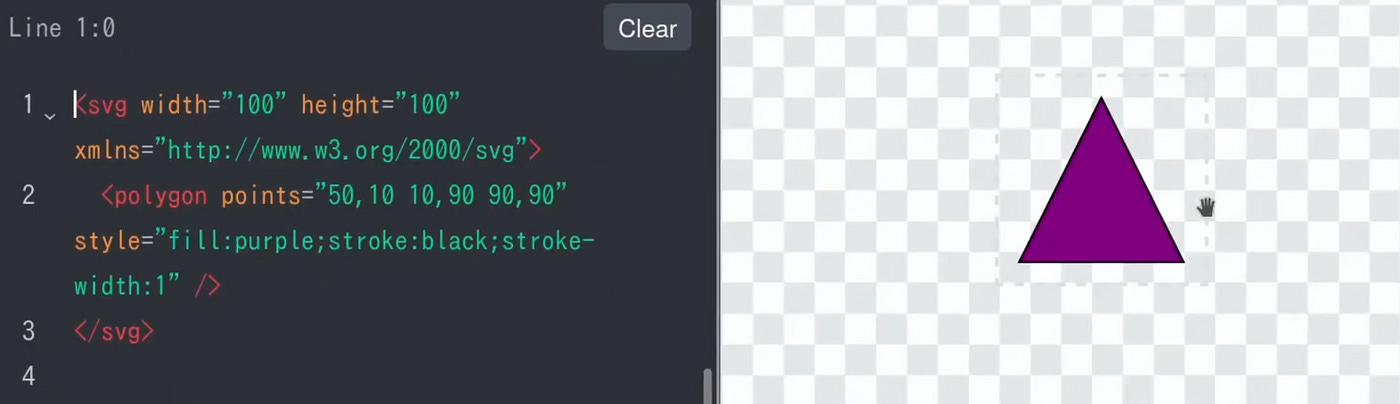
Prompt engineering took centre stage as I guided ChatGPT to create a simple yet elegant purple triangle in SVG format. This seemingly straightforward task was a testament to the AI’s adaptability and my skills in prompt crafting.
To delve deeper, I experimented by asking ChatGPT to convert a PNG image of a purple triangle back into SVG format. Despite a missing stroke around the shape, the AI’s ability to recreate this was impressive.
Next, I challenged ChatGPT to create a stylized SVG of our solar system. The result was a fair depiction, with each planet distinctly represented in size and colour. It looked like this after I asked it to draw this onto a dark background.
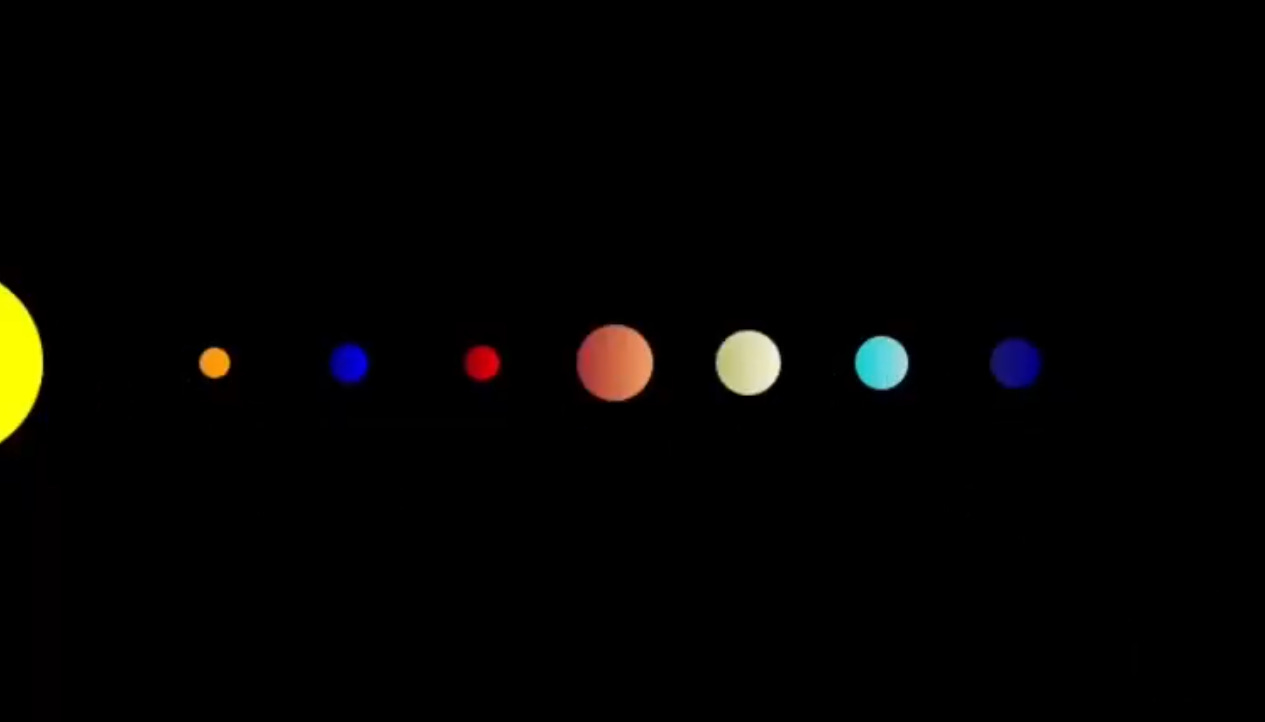
Seeking to add depth, I requested linear gradients to mimic light from the sun reflecting on the spherical bodies of the planets. Although ChatGPT interpreted the direction of the light by placing the darker shade closer to the sun rather than the brighter one on some gradients, the attempt was commendable. The addition of twinkling stars using CSS animations brought the scene to life. However, it initially needed more variety in the animation patterns because the stars kept blinking simultaneously.
        <style>
            .star {
                fill: white;
                /* Animation for sparkling effect */
                animation: sparkle 1.5s infinite alternate;
            }
            @keyframes sparkle {
                0% { opacity: 0.2; }
                100% { opacity: 1; }
            }
        </style>
I guided ChatGPT to create a JavaScript function for varied star animations to avoid repetitive coding (which it had suggested at first). After being made aware of that shortfall, it returned a working JavaScript function. The experiment is a great success; the result is splendid if you consider the time invested. At the end of this video, you can see how the blinking stars turned out (and you can also go ahead and subscribe to my YouTube channel there, while you are at it 😜).
In less than 20 minutes, I transformed an idea into an animated SVG, all with ChatGPT and a basic understanding of SVG. I enjoyed the process and felt like a child playing with colours and shapes. How complex do you think you can go with this technique?
No posts
Comments
Nothing yet. Say the first thing.
Sign in to join the conversation.