
Since last week’s post about my 3D graphing/rendering app, STEVE, I’ve made some nice additions that I’d like to share.
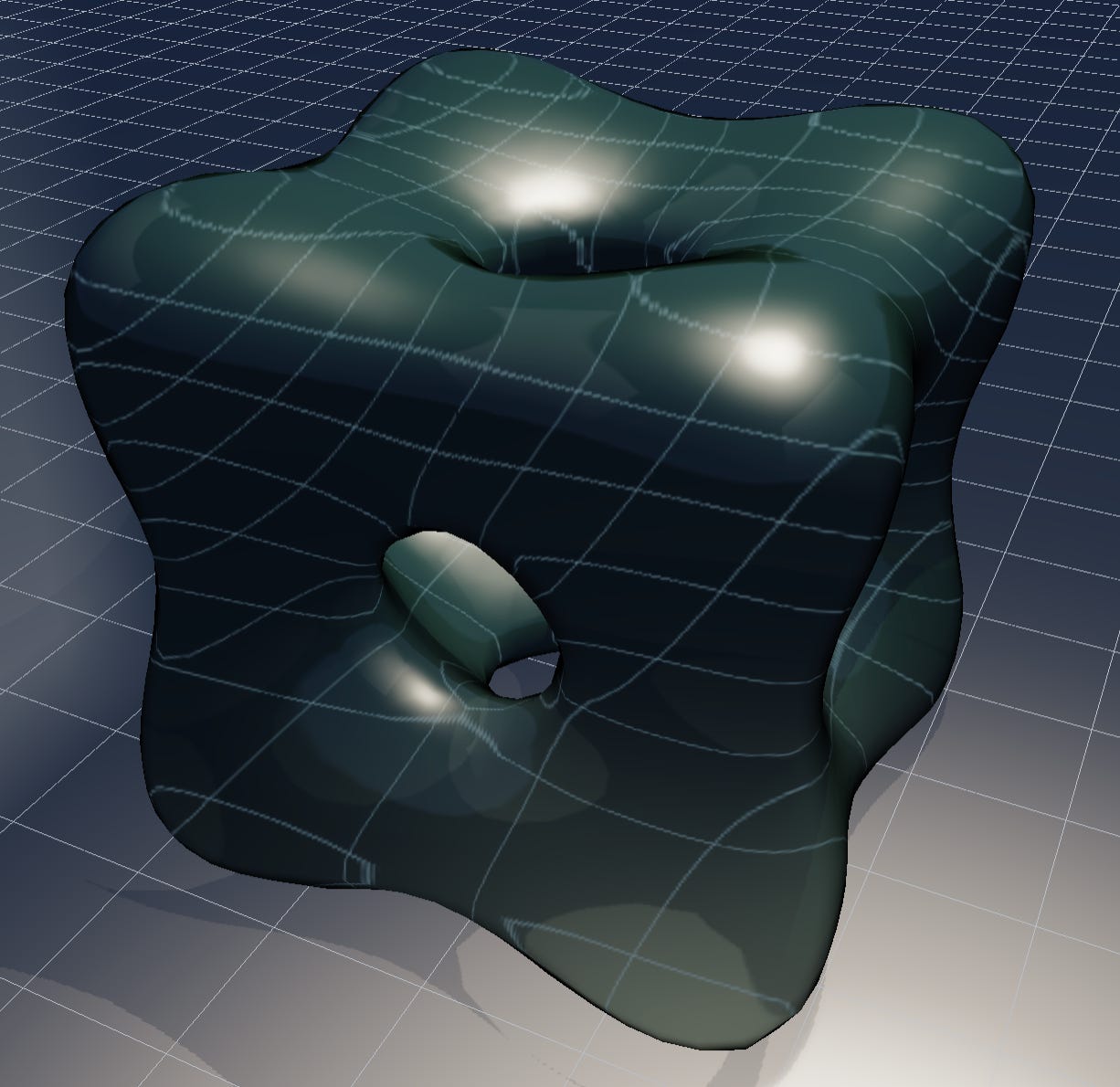
The app always allowed you to define parameterized curves, parameterized surfaces, implicit surfaces, and surfaces that are graphs of f(x,y). I’ve added a new kind of curve object, that you create by intersecting two existing surface objects (or any type). When you create a curve object you have full control over it’s appearance, independent of the appearance of the surface objects that you used. For example, in the clip below, there’s a shiny plastic torus being intersected with a translucent saddle, and I’ve made the intersection curve a glowing neon white.
Another nice feature is that you can now pin a light source to a parameterized curve at a specified parameter. When you do this a slider appears in the light’s object menu, allowing you to pick the desired location on the curve. There’s also a little play button next to the slider that continuously animates the light as it moves along the curve. If it’s a closed curve (same endpoints) the light will just circulate in one direction continuously. If it’s an open curve, the light will bounce back and forth.
There are three basic animation features in STEVE: animated lights moving along curves (as I have just described), turntable animations (as in the first clip above), and animated continuous variable values used in equations that define curves and surfaces. When any of these are activated a new button appears that says “Record loop”. Clicking on this button exports a repeating GIF of the animation. You can control the GIF quality (size and number of frames per second) in the settings menu. GIFs do have some technical restrictions, though. They necessarily have lower resolution and color spectrum than, say, a screen recording. However, they have the advantage of infinite looping in a browser, and they’re easier to share on social media and web pages. Unfortunately, Substack treats GIFs as images, not videos, and won’t accept allow me to include a GIF here due to image file size limits. Check my social media posts for examples.
Editorial note: There is currently a bug that changes the recording window for GIFs. I’ve fixed this locally, but development of STEVE is frozen until August 12th, so I can’t push that fix to github (where the app is hosted) for a few weeks.
There have been a lot of tweaks to the user interface that should hopefully make it more self-explanatory and useable. For example, directional lights now have a draggable widget on the viewport so you can use the mouse to adjust them. Global features are now accessible from the toolbar, and some menus have been re-organized so features are easier to find. More changes coming soon!
I’ve made a little 3 minute video showcasing some of the features of STEVE. Check it out! Introducing Steve
David Bachman is a professor of Mathematics, Data Science, and Computer Science. He writes about AI and its real-world impacts. To learn more about his academic work, mathematical art, or AI speaking, consulting, and curriculum development, visit davidbachmandesign.com.
Comments
Nothing yet. Say the first thing.
Sign in to join the conversation.