
This month, we reached a major milestone and are proud to share this work with you. Fasten your seatbelts!
You were already able to animate elements in Studio using Plasmic animations, Rive, or Lottie, but now our animations feature is even smoother to use!
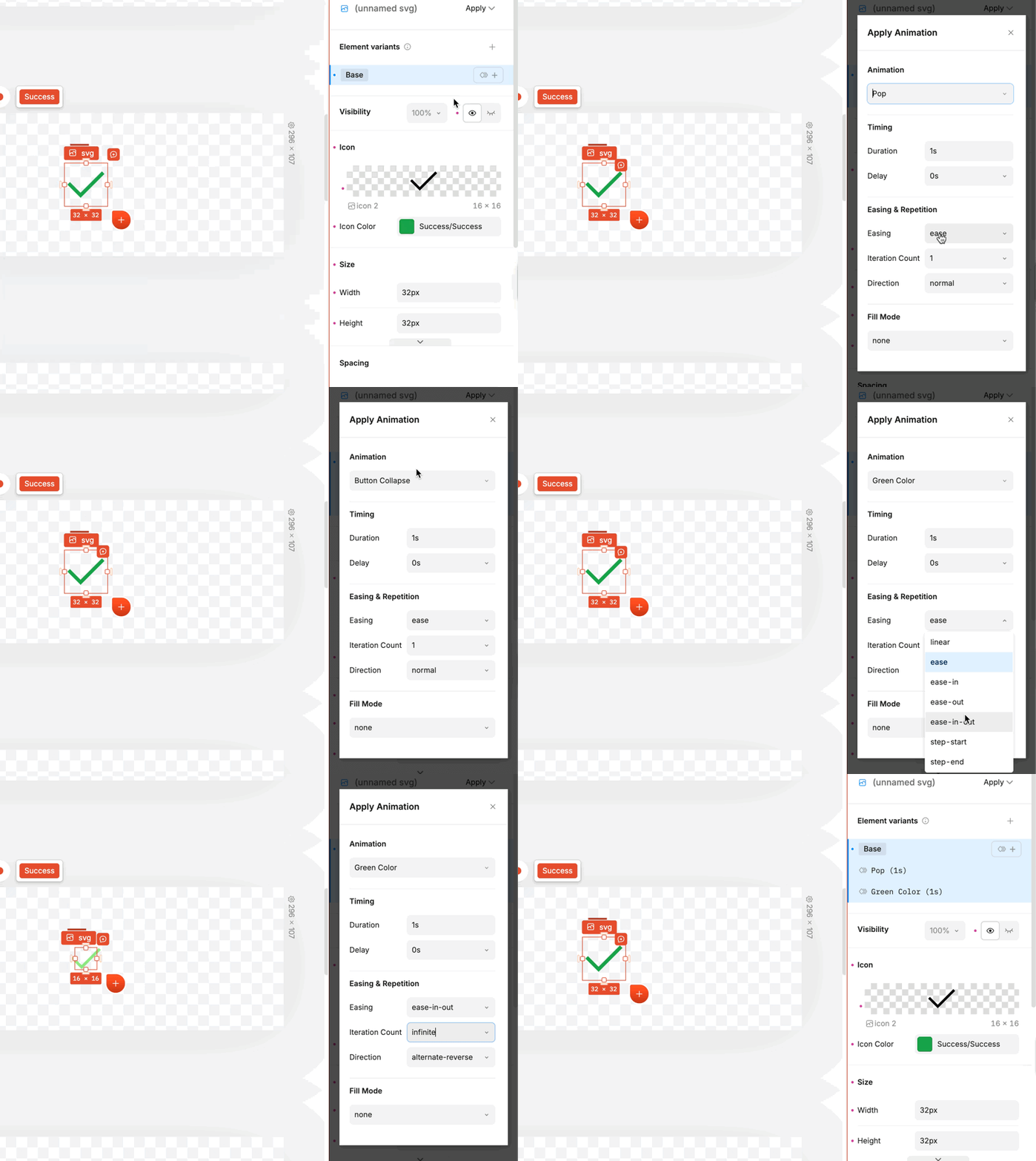
If you haven’t tried it yet, Plasmic animations let you build keyframe animation sequences visually in the editor instead of manually writing CSS. You can create animations from scratch or start from presets, and apply them directly to UI elements or interactions with ease
A cleaner, more intuitive animation editing UI
In-Studio animation previews
Smoother workflow for tuning timing, effects, and state transitions
Ability to combine multiple animations
Copy+paste animations from CSS code into the Plasmic editor
Generate animations using AI
Read more: https://buff.ly/172KqPI
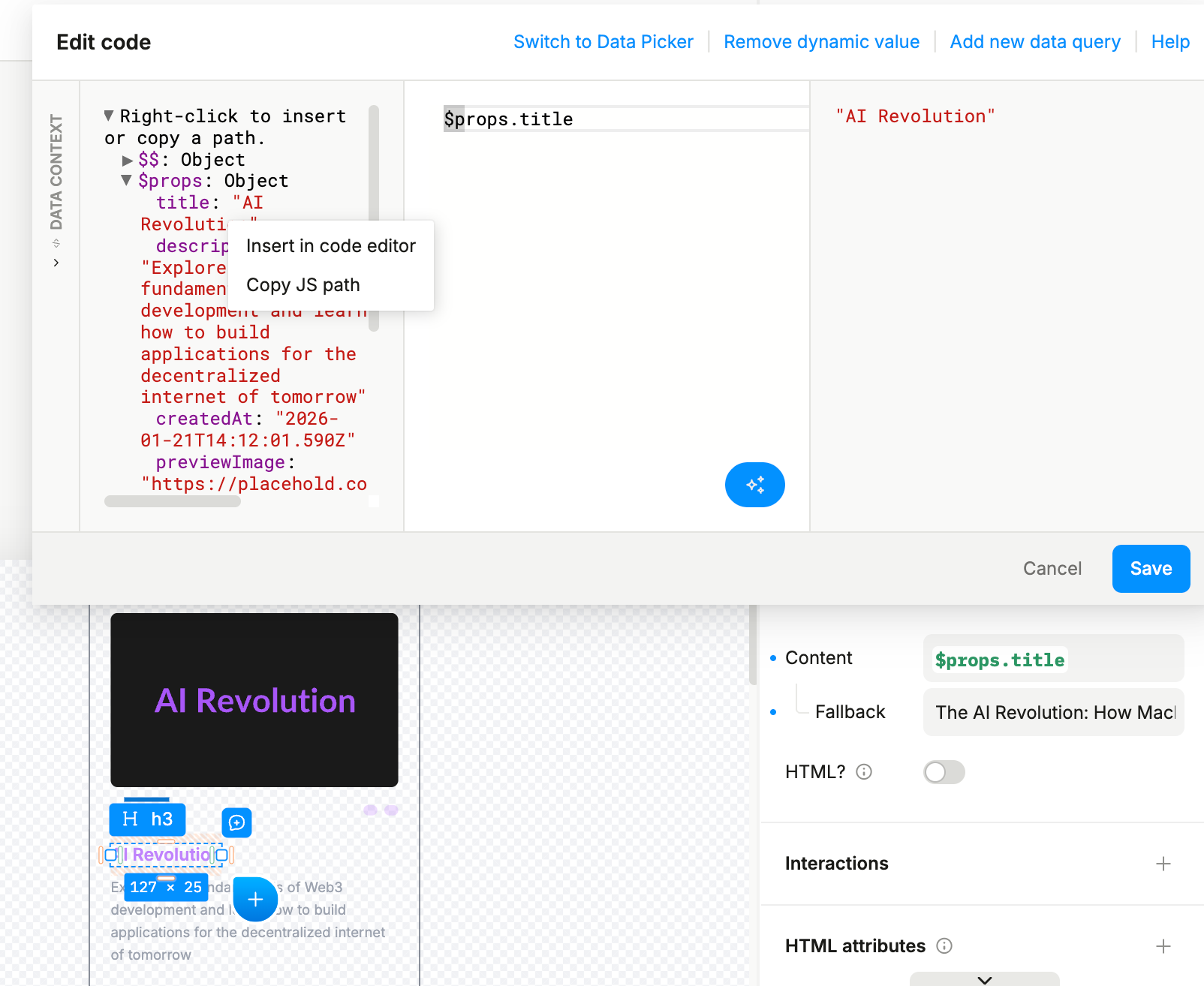
Manually typing complex data paths is often slow and error-prone. To solve this, we added a new inspector that provides a tree view of all available data!
Data context inspector can be accessed on the left side of the code editor view within any dynamic value, collapsed by default. It includes all the available data and allows you to insert or copy a data path:
Images in the library can now be downloaded directly from your Assets tab.
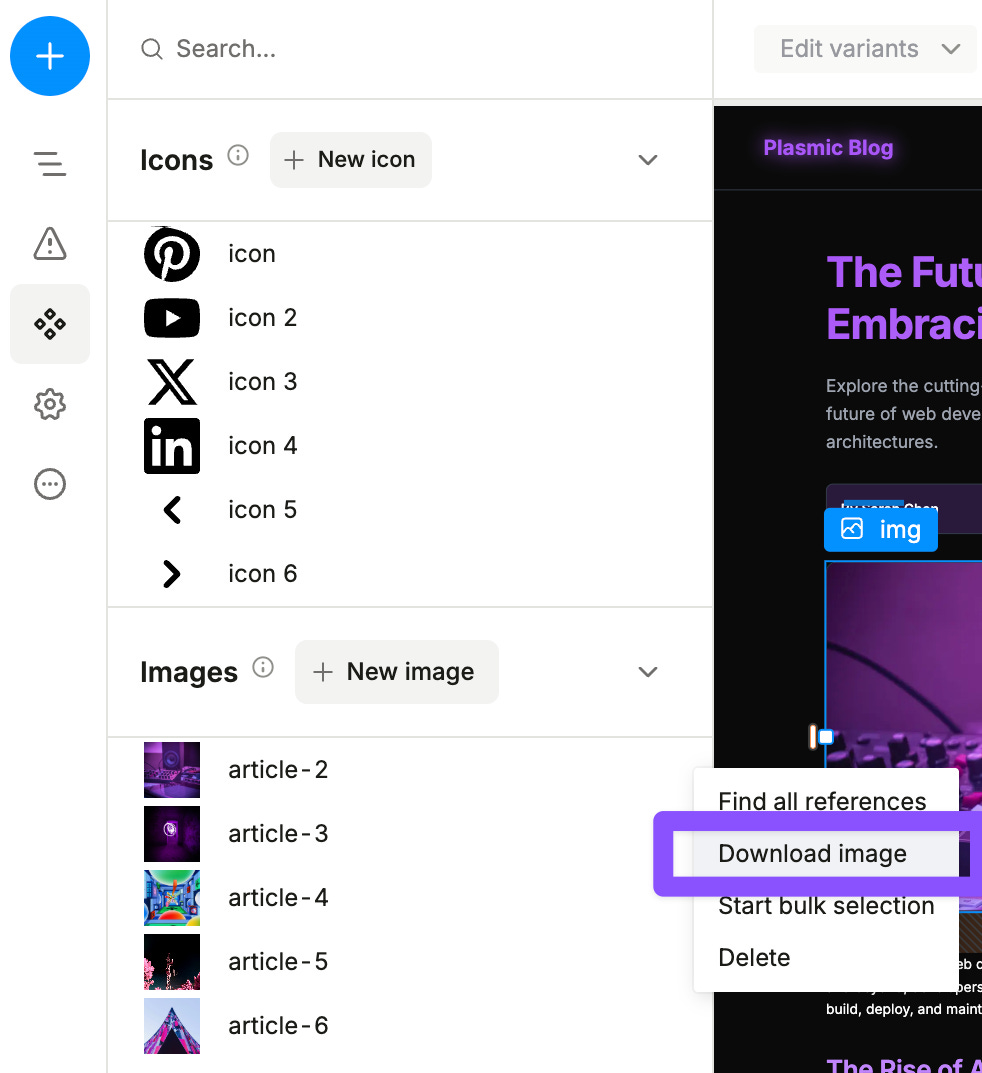
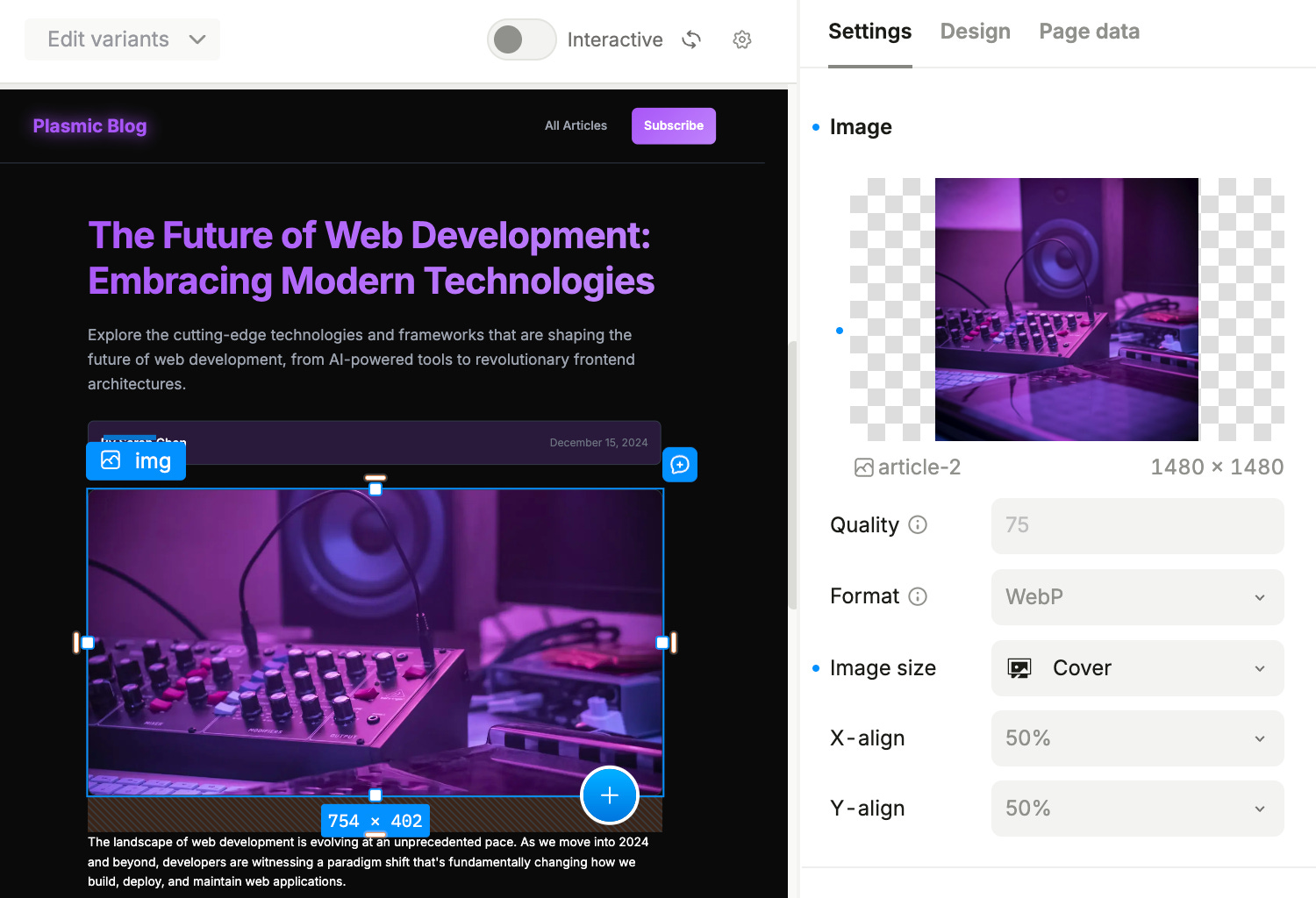
Image optimization now allows more control over delivery behavior and performance trade-offs:
You are able to configure the quality parameter for the compression (100 meaning uncompressed)
You can select the format of an image (WebP is the suggested default)
We rolled out a package upgrade across the parts of Plasmic that power loader/codegen apps and hostless projects. This release includes major version updates for:
@plasmicapp/loader-nextjs
@plasmicapp/loader-react
@plasmicapp/loader-gatsby
We also updated related runtime and codegen packages, like:
@plasmicapp/host
@plasmicapp/react-web
@plasmicapp/react-web-runtime
@plasmicapp/data-sources
We also raised the minimum runtime versions to more modern baselines:
React 18+
Next.js 14+ for @plasmicapp/loader-nextjs
Node 18.17+
This upgrade lays the groundwork for a lot of important work:
full support for React 19
full support for the Next.js App Router
better alignment with React Server Components
support for hostless packages that rely on back-end functionality
The foundation for registered custom data queries that can be edited visually in Studio
If you host with Plasmic, no changes are needed.
Otherwise, we strongly recommend upgrading your codebase to the latest package versions and following the migration guide. You can optionally move to App Router or stay on Pages Router and make fewer config updates.
Read more in our announcement and keep an eye on the next updates!
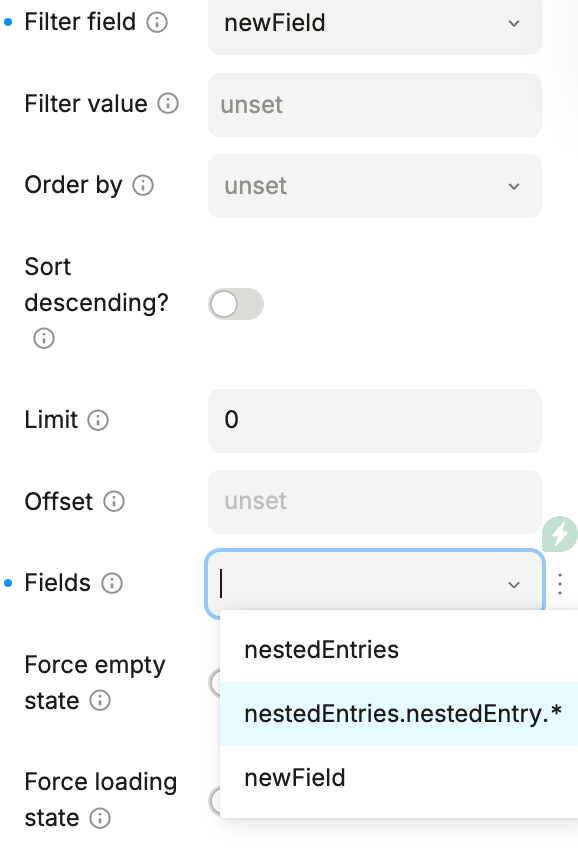
You can now use the
Fieldsproperty to select nested values in arrays or objects when fetching an entity. This keeps your queries light and prevents overfetching.
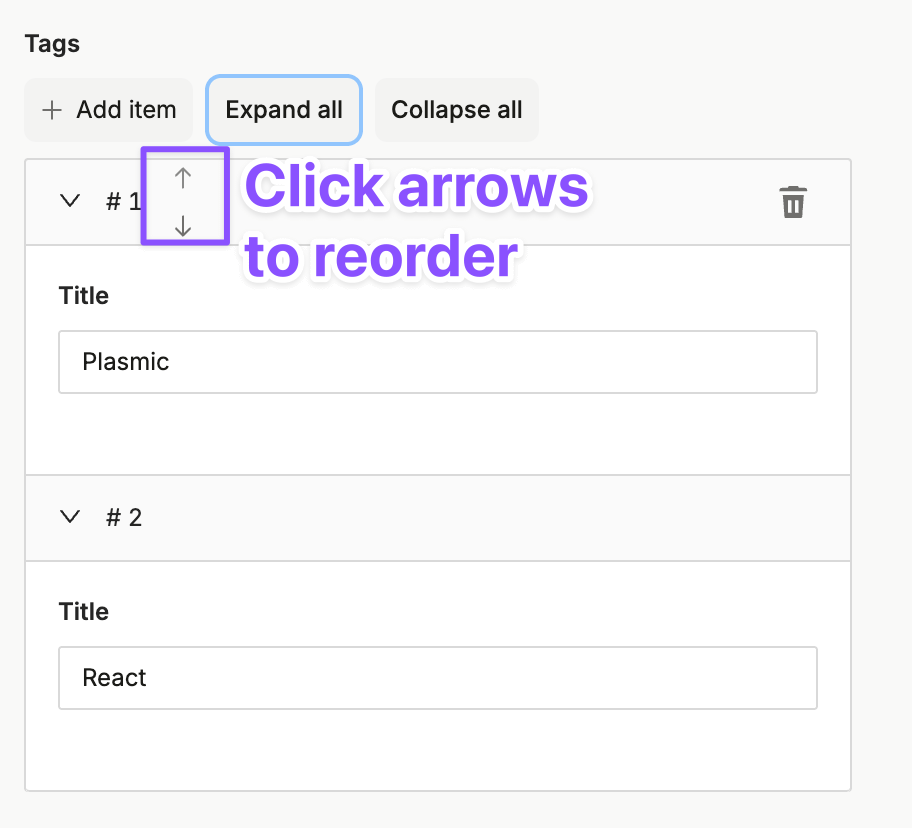
CMS entries in array fields can now be reordered directly, reducing manual cleanup when managing structured content.
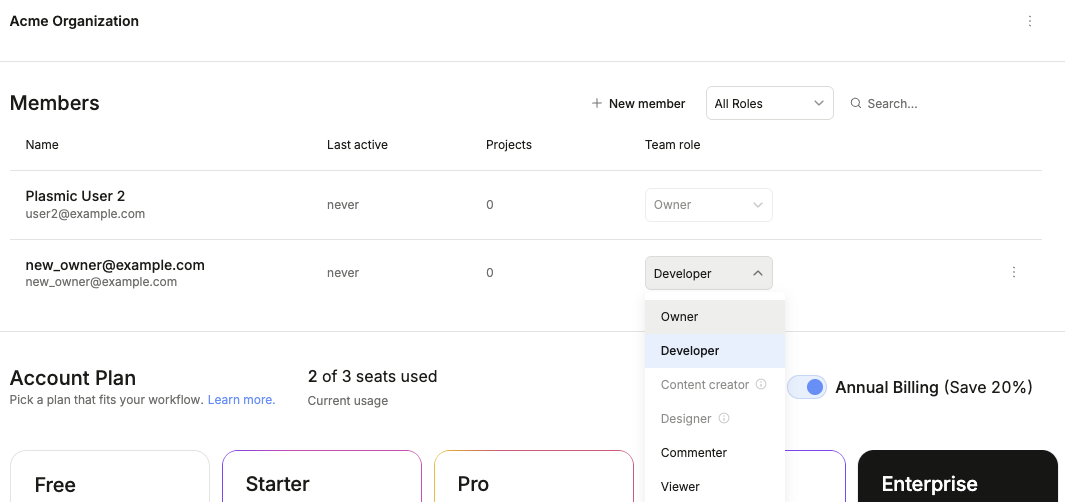
Users can now transfer organization ownership in studio settings.
To transfer ownership to another member, please follow these steps:
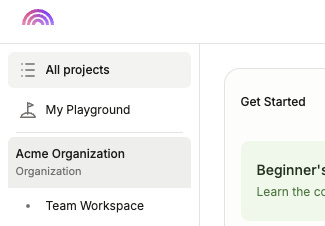
Click your organization
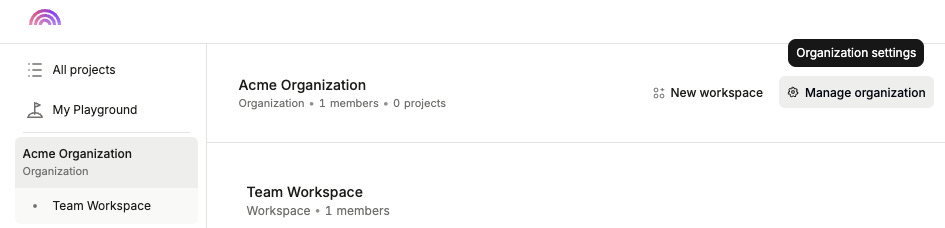
Click “Manage organization”
Make sure the new owner is a member, then change their role to “Owner”. Your own account will be updated to the “Developer” role.
This release also sets up the next round of data and back-end features we are working on, including:
registered data queries you can wire up visually in Studio
custom back-end functions in interactions
data tokens
broader back-end integration support
Read more:
As always, if you try these updates, we’d love to hear how they go!
No posts
Comments
Nothing yet. Say the first thing.
Sign in to join the conversation.