
Hi friend,
I have to be honest with you guys. I’ve tried a lot of image models over the past couple of years, and most of them leave me feeling a bit frustrated. You describe something really specific and they just kinda... guess. But when I started playing with Uni-1.1 from Luma Labs, something clicked. It actually feels like it’s understanding what I want and working together with me instead of just throwing pixels around.
This isn’t another regular diffusion model. Uni-1.1 is built on what Luma calls Unified Intelligence. It’s a decoder-only autoregressive transformer that handles both text and images in one single flow. It reasons, plans, checks if things make sense spatially and logically, and then generates, all in the same process. No weird handoff between an LLM that “understands” and another model that draws. Just one brain doing the whole job. Less artificial. More intelligent. I really felt that difference right away.
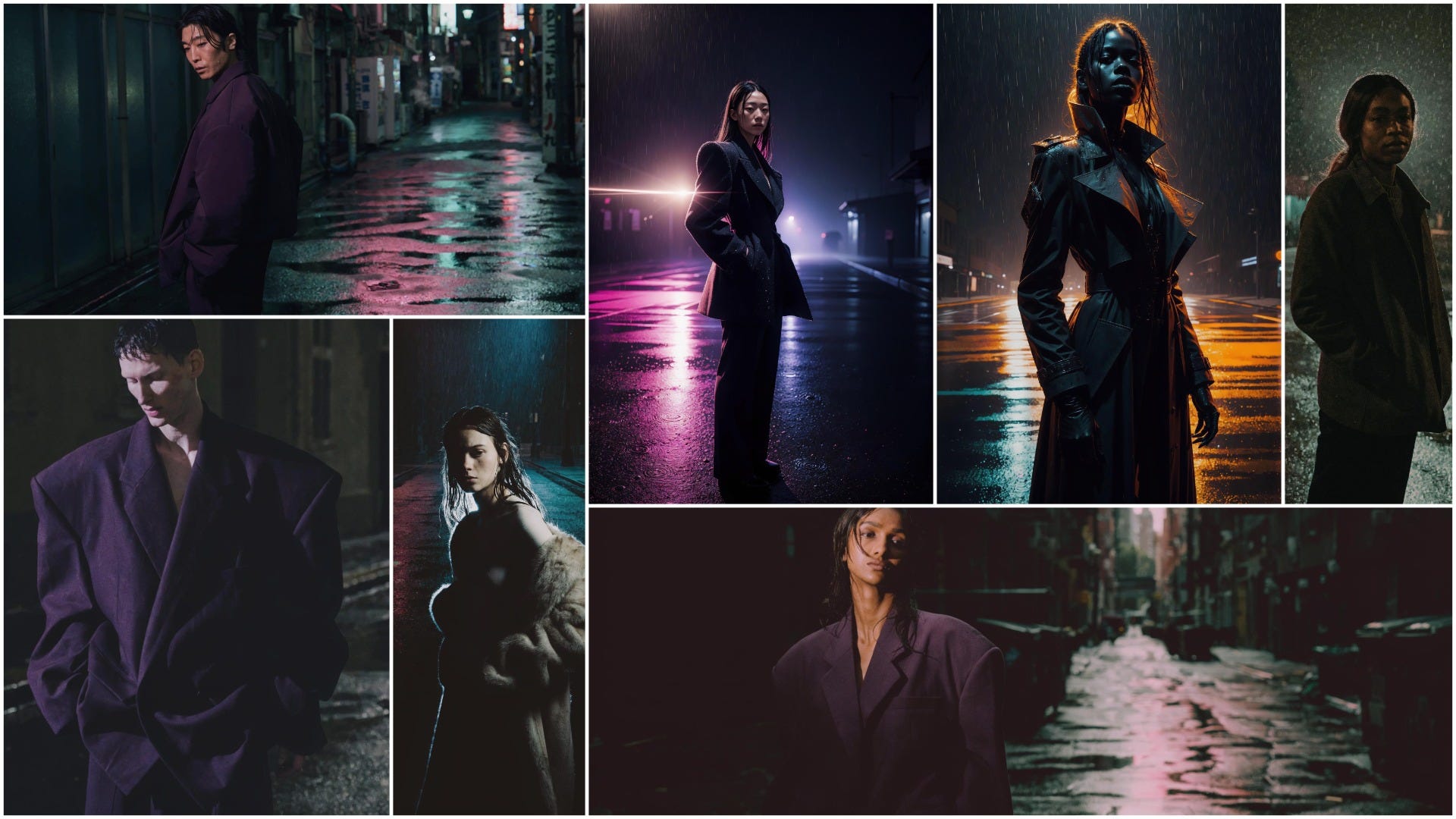
Most models are good at copying styles or matching prompts, but Uni-1.1 actually reasons through what I’m asking. Luma breaks it down into three things that really stand out:
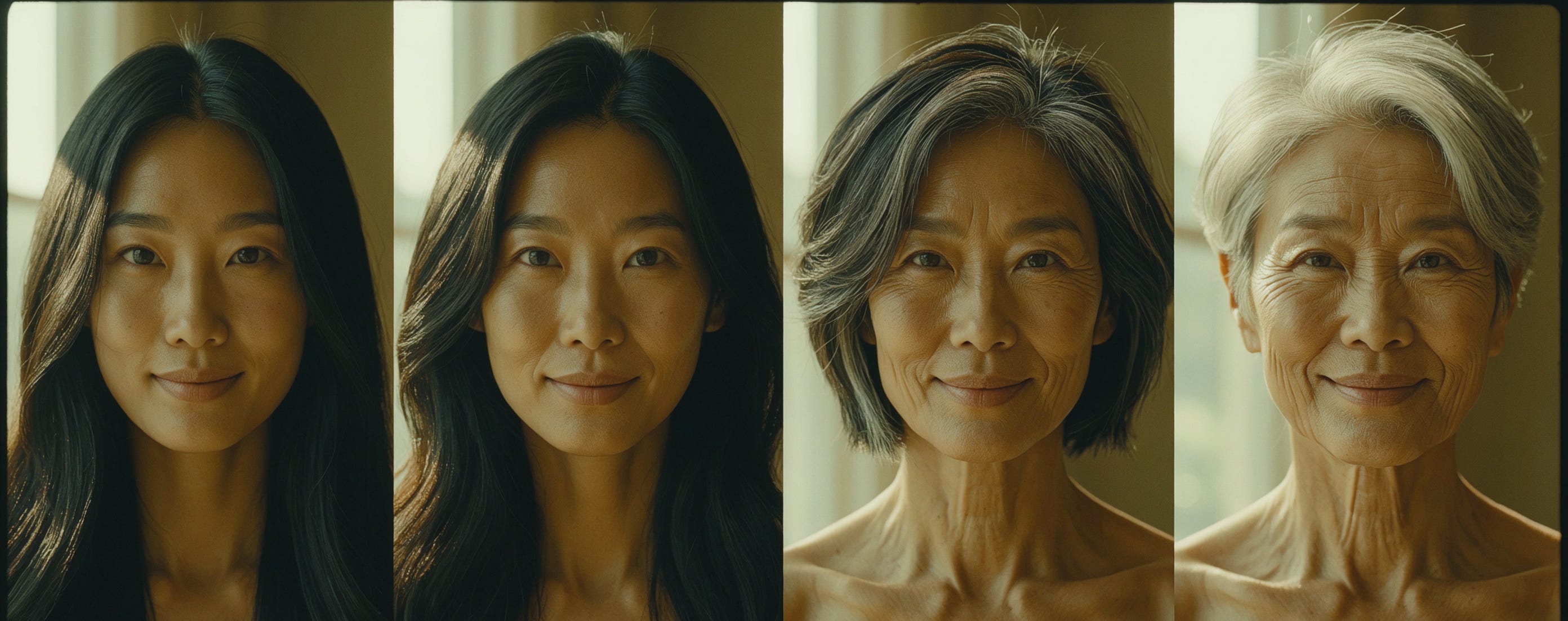
Intelligent — It has common sense. It understands gravity, lighting, emotion, and how scenes should logically fit together. I tried aging the same character over time and it just got the progression right without me micromanaging every detail.
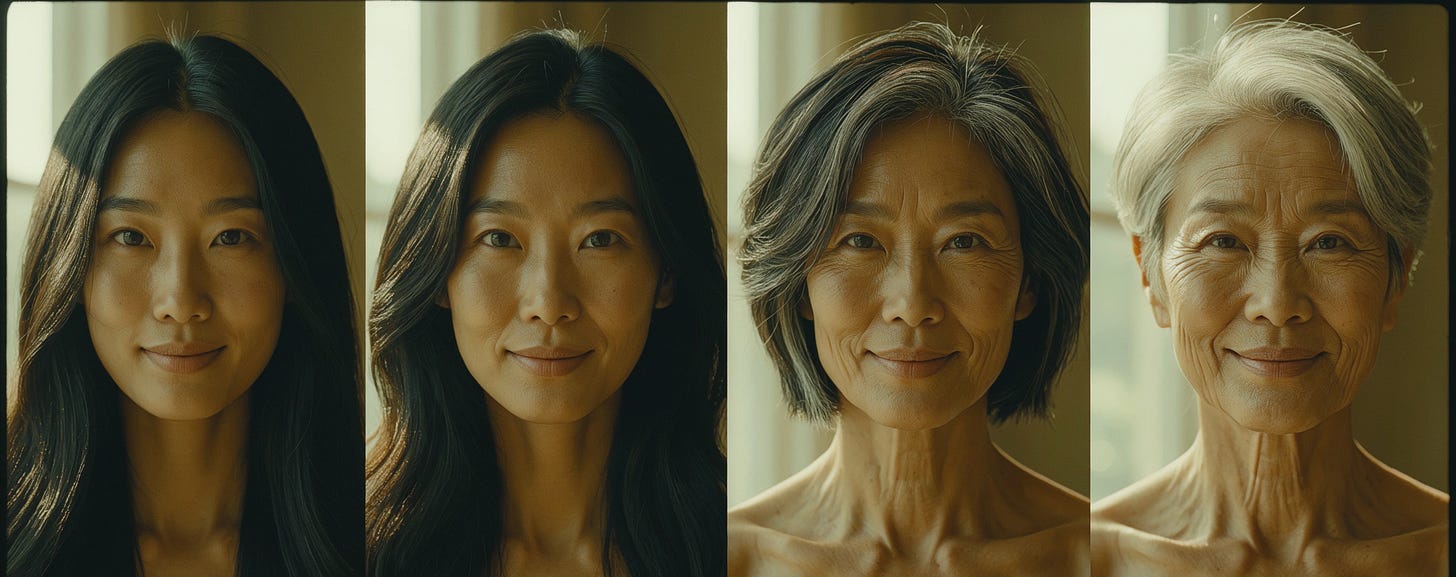
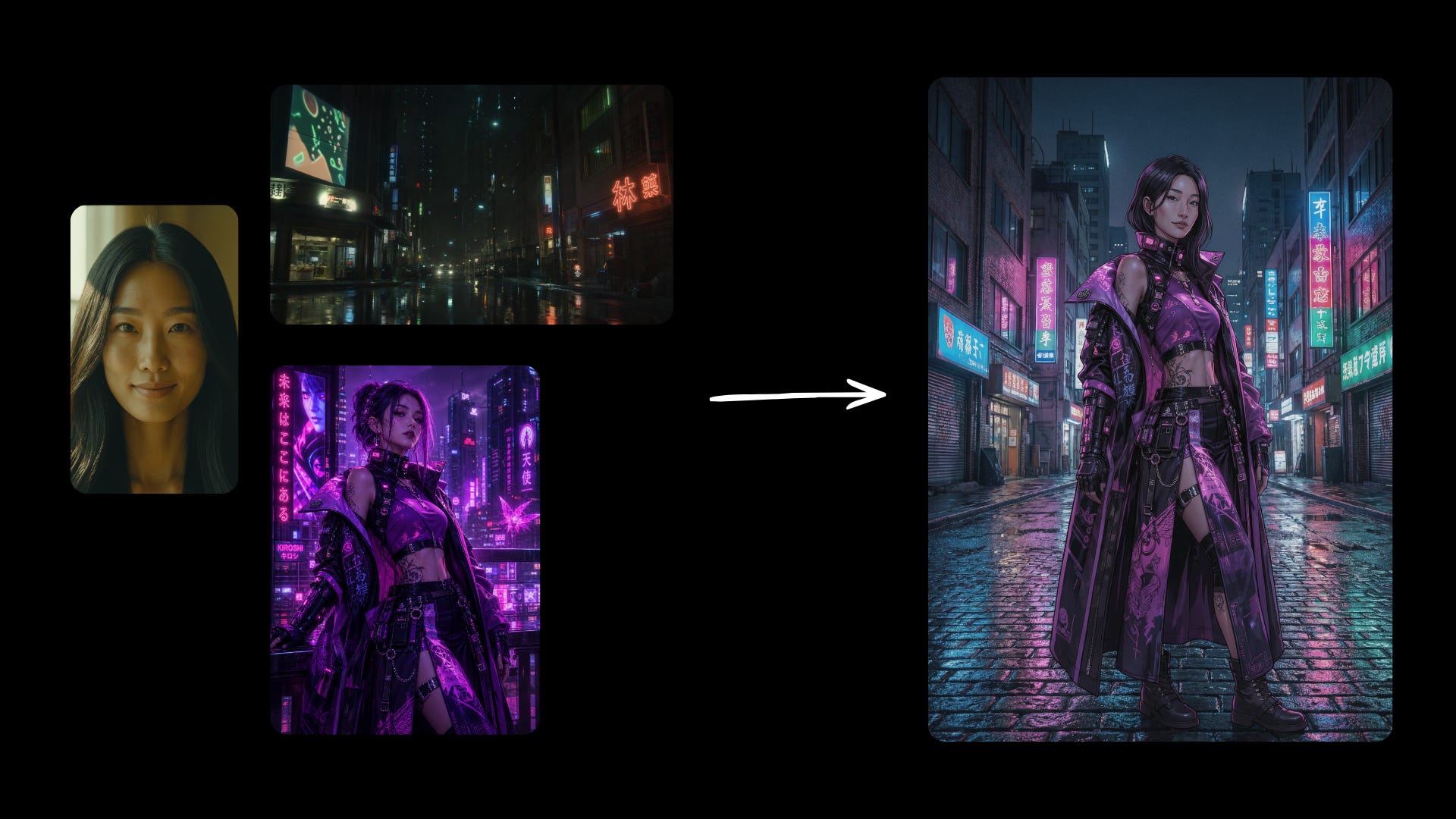
Prompt: Four-panel sequence of the same young Asian woman naturally aging from early 20s to 60s, same face structure and bone structure, consistent appearance, soft natural lighting, realistic progression, side-by-side panels Directable — You can feed it up to 9 reference images and clearly label what each one is for (character, style, lighting, composition, etc.). It actually respects them instead of going off on its own.
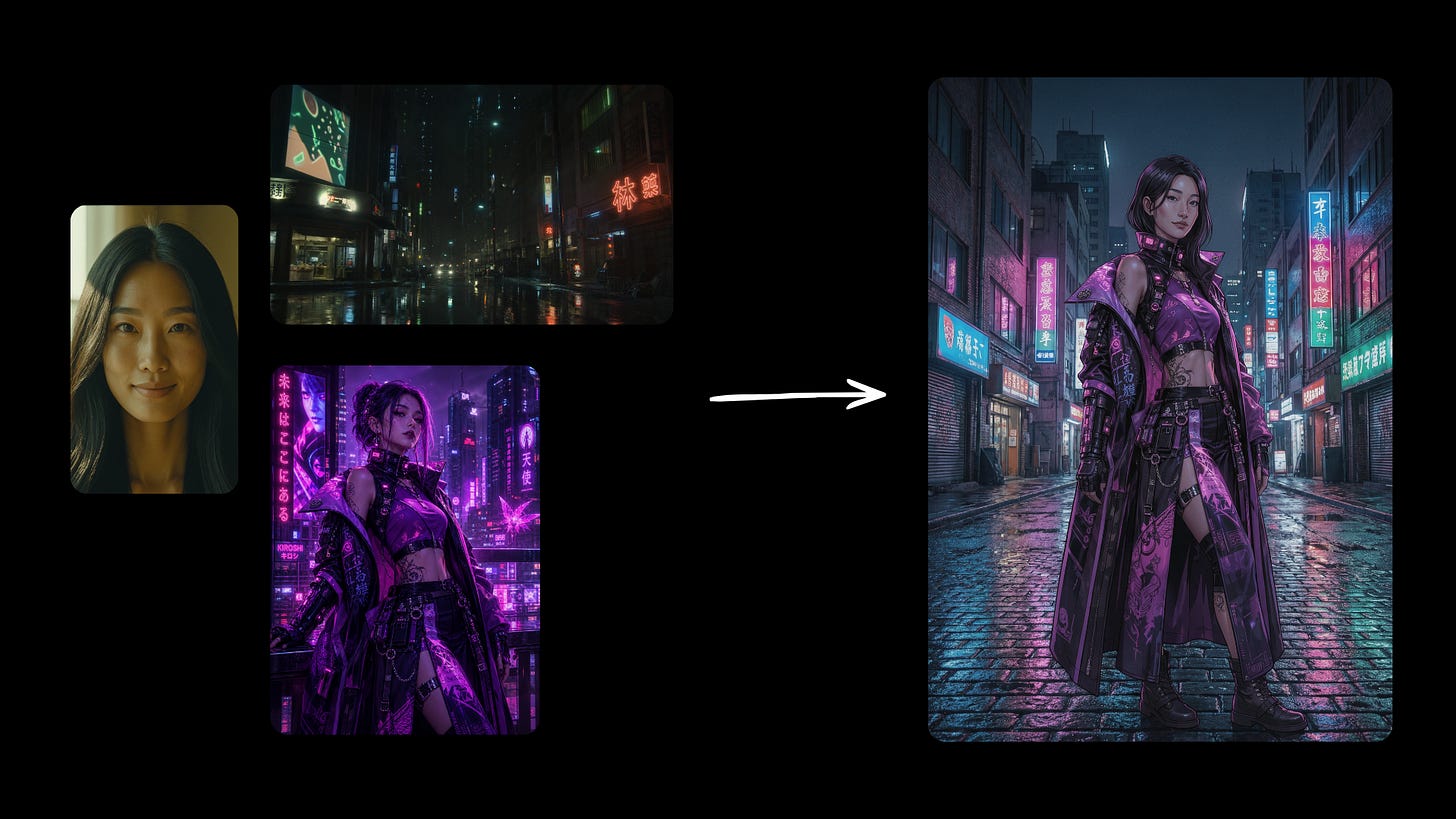
Prompt: Young Asian woman (image 1) in cyberpunk street at night (image 2), exact same outfit from reference (image 3), blended with clean manga style and strong neon lighting, highly consistent character Cultured — It knows so many visual languages. From manga to classical oil painting, memes, historical styles, cultural details — it handles them while still keeping my subject consistent.
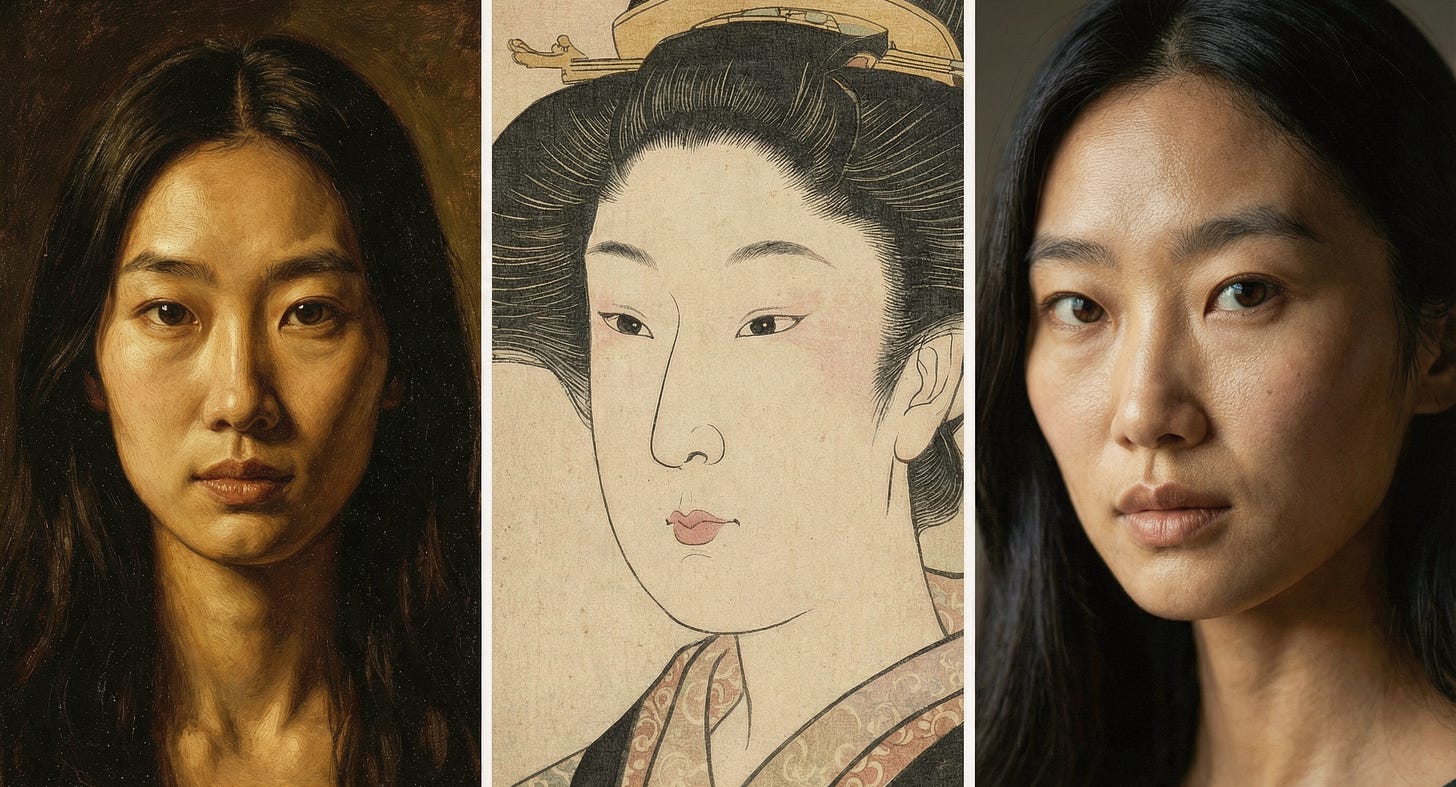
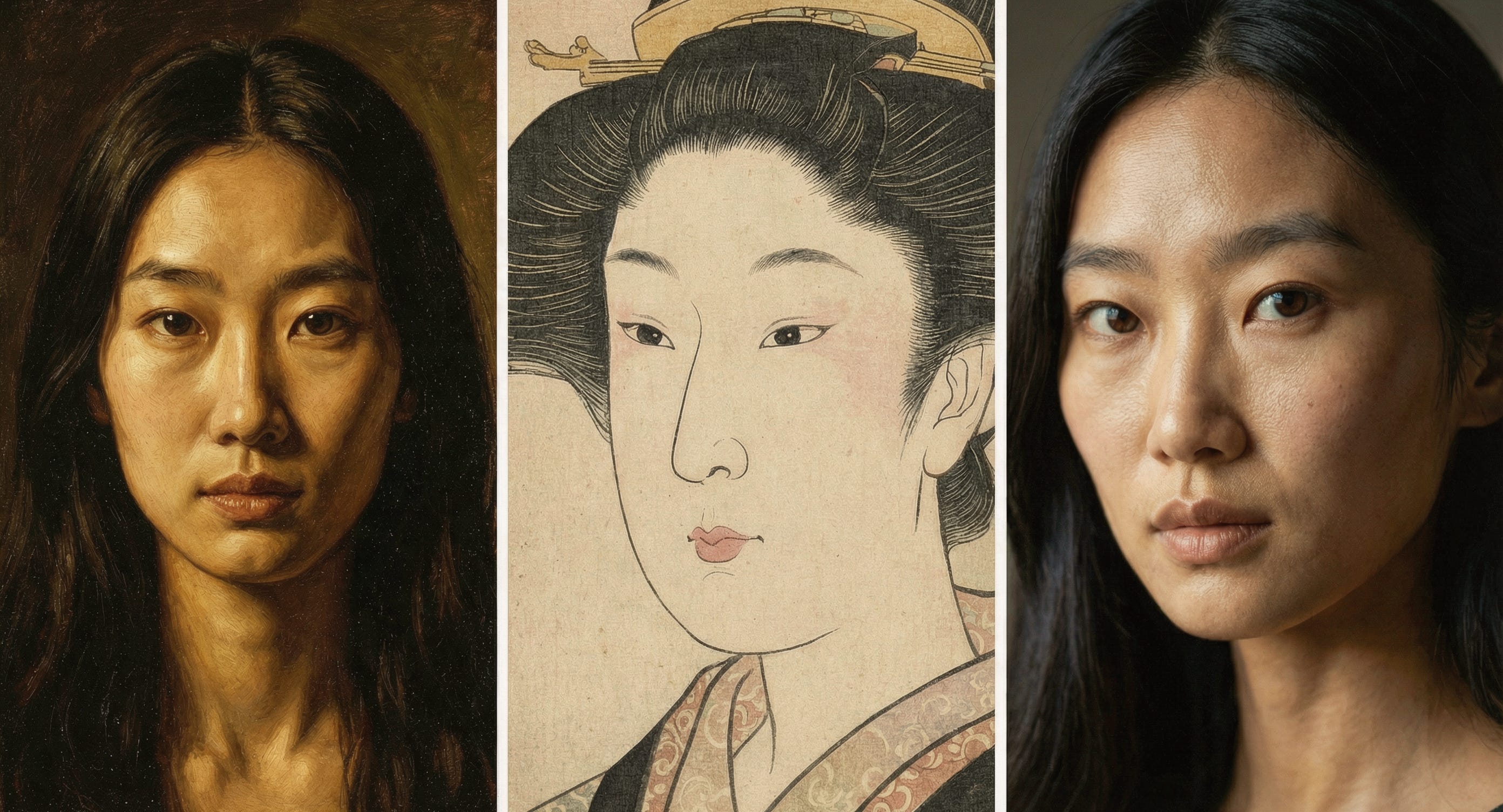
Prompt: Three versions of the same young Asian woman (I use the same woman above in the same chat): classical oil painting style, Japanese ukiyo-e woodblock print style, and modern cinematic style, perfect face consistency across all three, elegant composition
It ranked number one in human preference tests for overall quality, style & editing, and reference-based generation. Only came in second for pure text-to-image. And it does all this at 2K resolution while being noticeably cheaper than a lot of the big competitors. I love that it’s powerful but still practical for regular creative work.
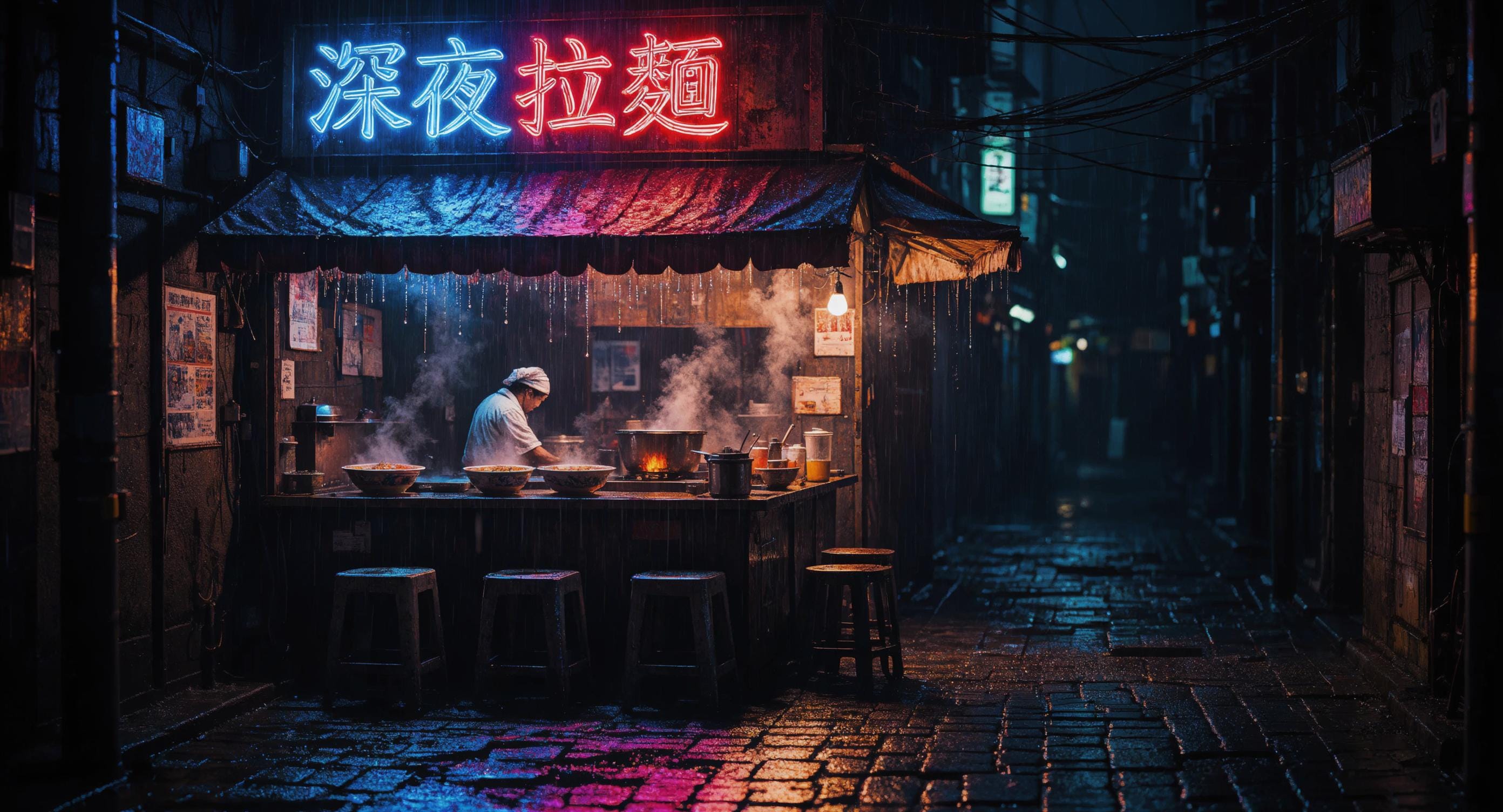
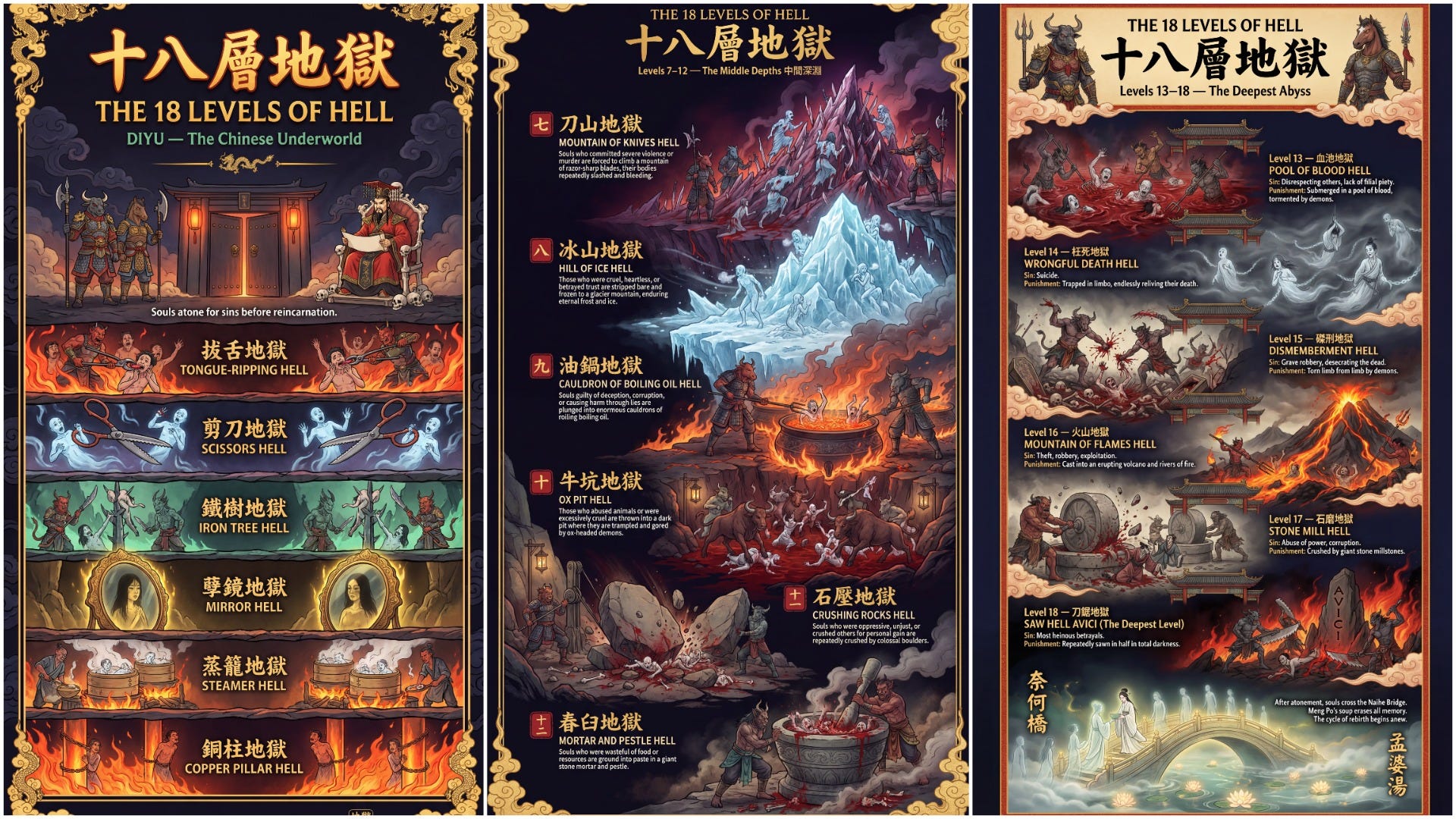
On top of that, I’ve been blown away by how good it is at text inside images. I used to dread asking any AI to put words on signs, posters, or book covers because it always came out garbled. But Uni-1.1 nails readable text every time, even in English and Chinese. I threw in a prompt with Chinese characters on a neon sign and it rendered them perfectly, no typos, no weird strokes. That alone has saved me so much time in my projects. I also prompted generate Chinese 18th level of hells and it shows me detail of each level with accurate images and text. Mind blowing!
This is where it’s become part of my daily process. I usually start in Create Image mode when I have a fresh idea. I throw in a loose description plus 2–4 reference images (one for character, one for mood/lighting, one for overall vibe). I label them clearly like “IMAGE1 as main character reference” and just talk to it naturally. No need for perfect prompt engineering.
Once I get a solid base I like, I switch to Modify Image mode. This is my favorite part. I lock the elements I want to keep (face, pose, clothing, overall composition) and only change one or two things at a time. For example:
Edit instructions:
Change the background to a quiet rainy street at night
Keep the character’s exact pose, expression, and outfit
Add soft neon reflections on the wet ground
Make the lighting cooler and more cinematic
I do this in small steps, saving good seeds along the way so I can come back and iterate predictably. It feels way more like directing than rolling the dice.
For storytelling work, I generate a few consistent scenes in one go and then refine them in multi-turn chat, the model keeps context really well, so I don’t have to keep re-explaining everything.
I’ve been using the templates as starting points and then making them my own. It’s sped up my ideation-to-final stage a lot. I go from vague idea → solid references → base image → surgical edits → final piece much faster and with fewer dead ends.
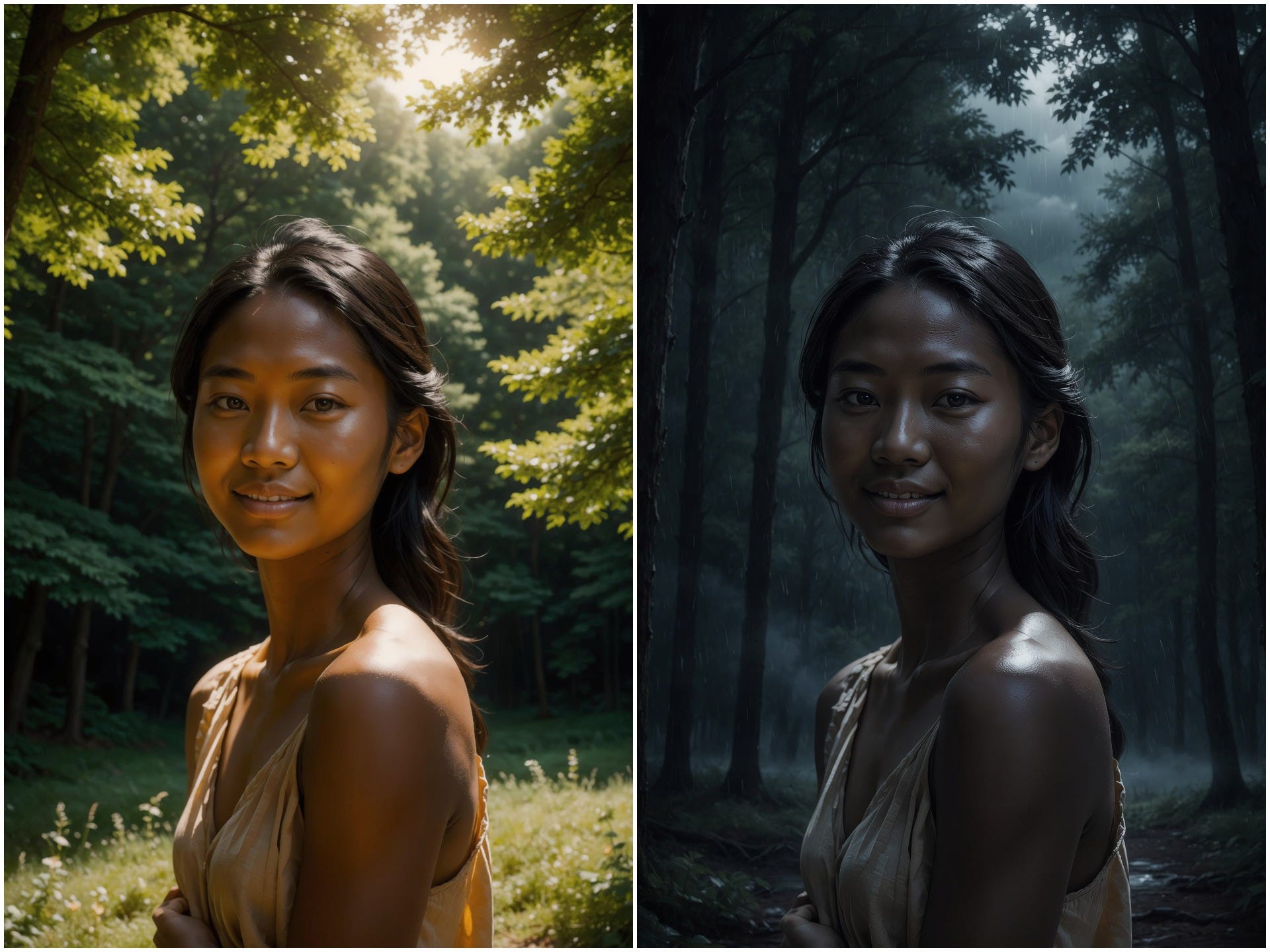
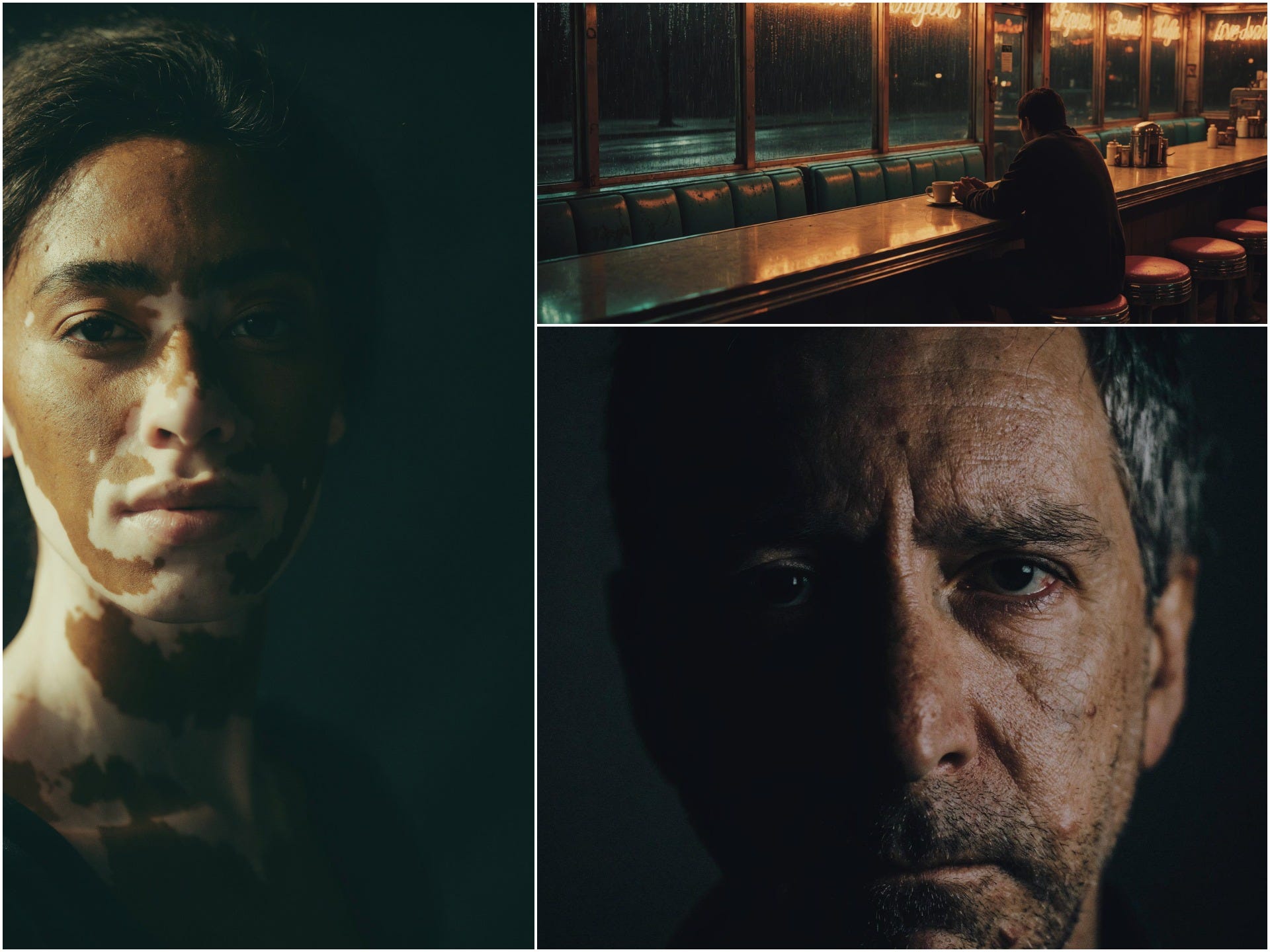
I’ve always loved the moody, atmospheric vibe of A24 films, that slow-burn tension, the beautiful but slightly unsettling lighting, the way everything feels intentional and cinematic. So I tried using Uni-1.1 to create a series of frames for a A24-style short film.
I didn’t overcomplicate the prompts. I just described the vibe in plain English: “A quiet psychological drama in the style of A24, a car in a gas station.”
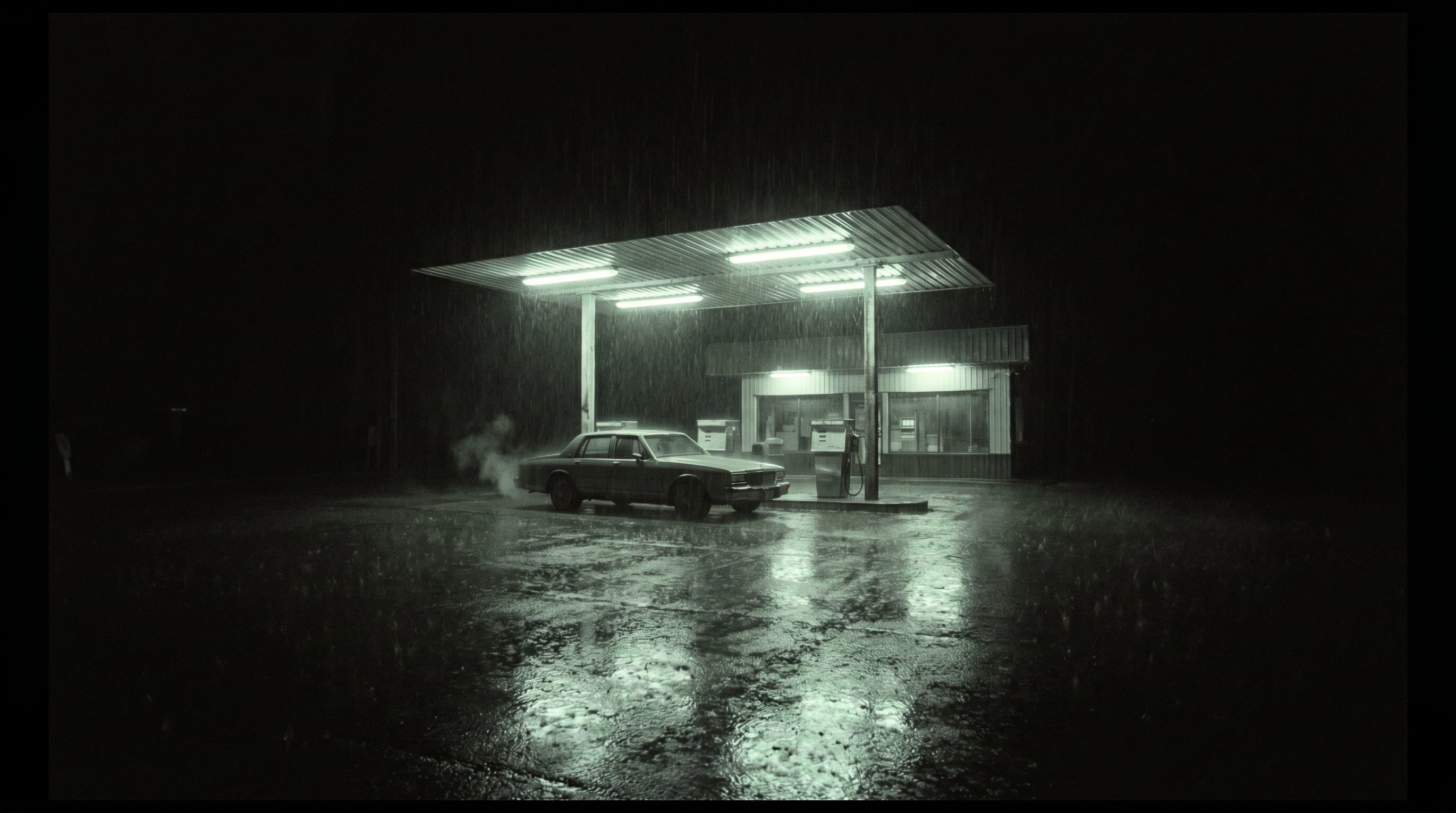
It got the vibe immediately.
Then I kept building the story across multiple frames. I used the same character reference for consistency and told it things like “next scene: she walks deeper into the forest, same outfit and face, add faint glowing mushrooms in the background, maintain A24 cinematic style.” It kept the character looking exactly the same while evolving the scene naturally.
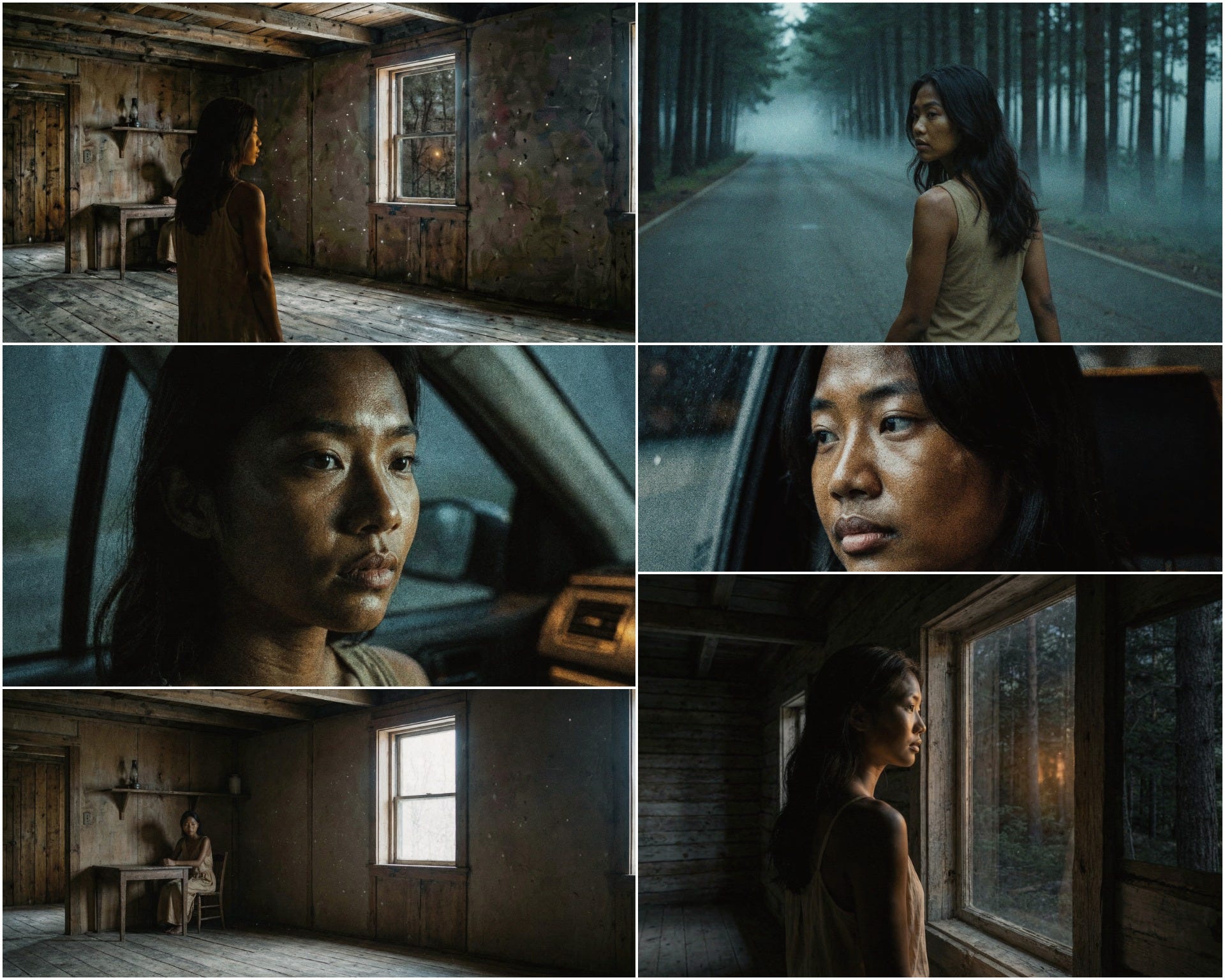
By the end I had a little storyboard sequence that actually feels like it could be from an A24 short. I’m not even a pro filmmaker, but the way Uni-1.1 understood the “A24 vibe” without me listing every technical detail was wild. It reasoned through the emotional tone and translated it into visuals. I’m still geeking out over how effortless it was.
Generating fresh images from scratch or using references
The Modify Image mode, this one blew my mind for clean, controlled changes
Blending multiple references together smoothly
Multi-turn chatting to keep refining
Using sketches and visual instructions
Creating consistent characters across scenes (great for my storyboarding)
Using plain, normal language instead of perfect prompts
Rendering crisp text in English or Chinese right inside the images
How You Can Try It Right Now
Go to app.lumalabs.ai, Uni-1.1 is available to try with free credits.
Pick Create Image for new stuff or Modify Image for edits.
Label your references clearly.
Choose your aspect ratio (lots of options now).
Generate, save good seeds, and iterate.
Pro tip I learned quickly: start loose and exploratory, then get more precise as you go. Think visually and direct it like a teammate.
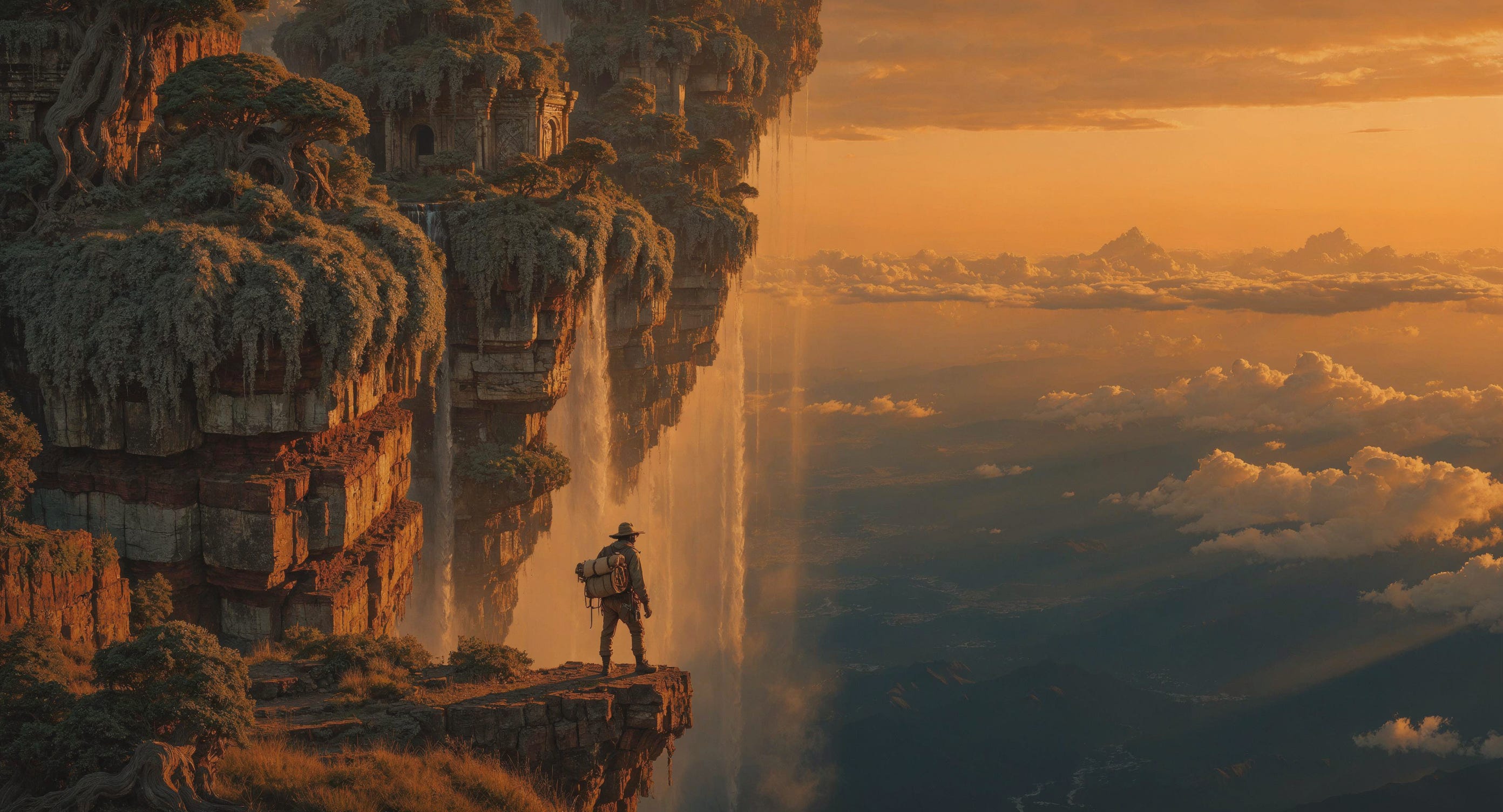
For me, Uni-1.1 isn’t just another new model. It feels like the start of something bigger, models that actually understand the assignment instead of just pattern-matching. I’ve been waiting for tools that feel more like creative partners, and this is the closest I’ve gotten so far. Whether I’m iterating on personal illustrations or building out a whole short-film aesthetic, it just makes the process more fun and less fighty.
I can’t wait to see what you all create with it. Drop your generations in the comments, I’d love to feature some of the best ones in a future issue.
Big love and purple energy as always,
Zeng💜
P.S. Big thank you to Luma Labs for sponsoring this post and supporting independent creators like me. 💜
Comments
Nothing yet. Say the first thing.
Sign in to join the conversation.