
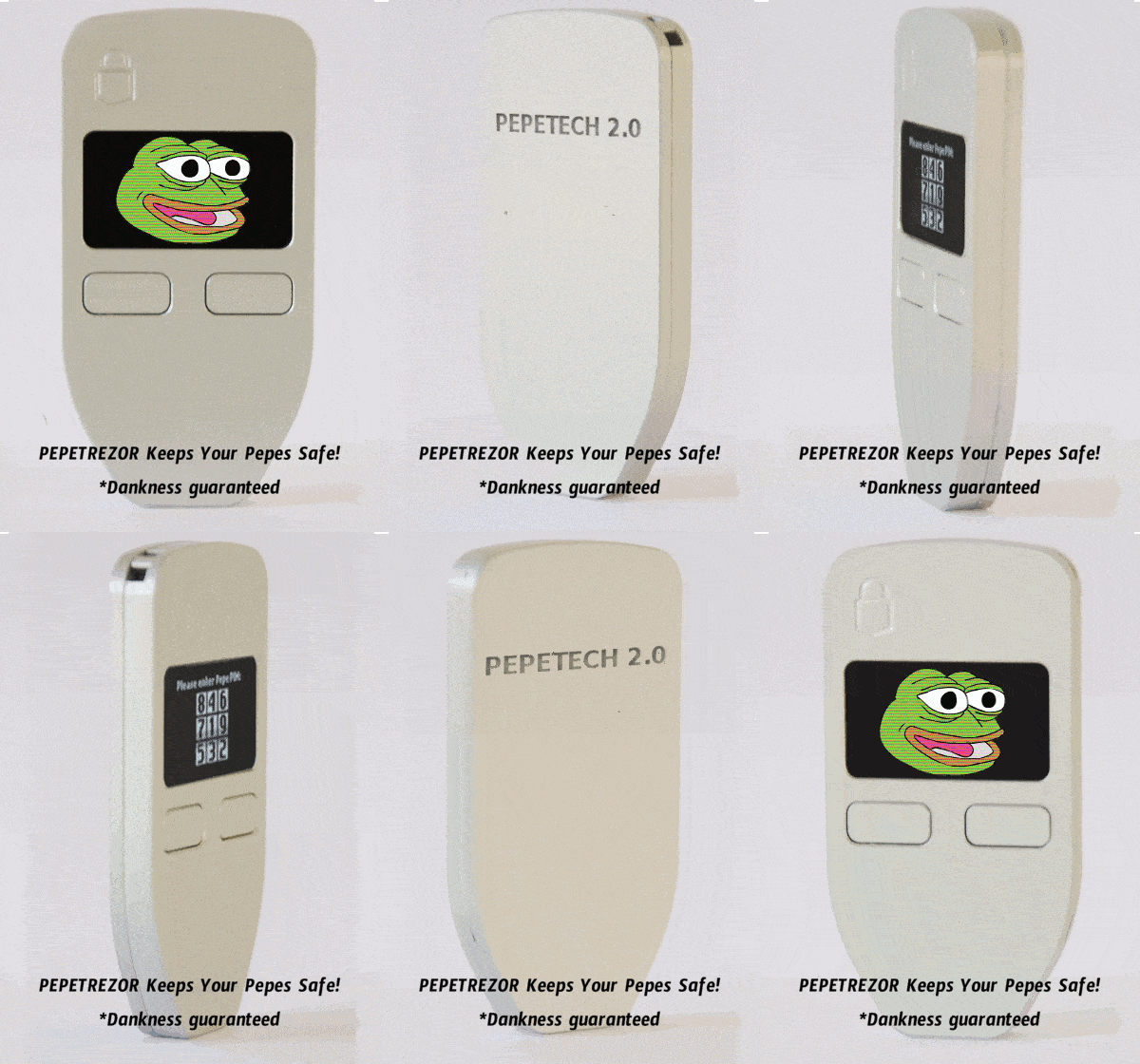
Have you been reluctant to get into RARE PEPE Bitcoin NFT’s because there has been no support for cold storage solutions? Well now you don’t have any excuses left! You can now use your Trezor address to receive and transfer Counterparty Tokens (XCP). Ok G so how does it work?
1st you will already need your FreeWallet.io and Trezor setup both on the latest firmware. FreeWallet Version 0.9.23
If you don’t already have a Trezor please use our affiliate link to buy one here.
* I also highly suggest before doing any of this you send a TEST token to your Trezor address. Send a very cheap token that would not affect you if lost.
Next navigate inside of FreeWallet to the top right address actions option
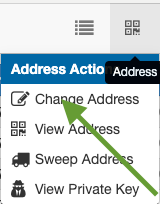
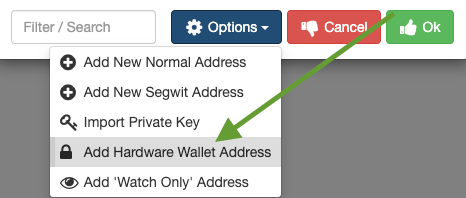
Next click on the Add Hardware Wallet Address option
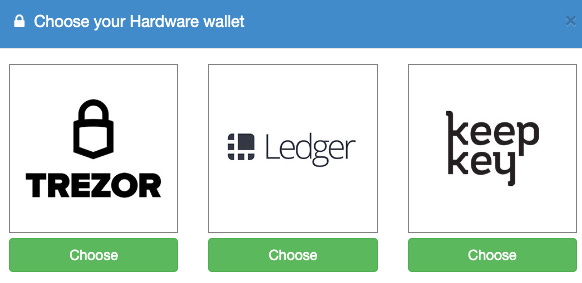
Select Trezor
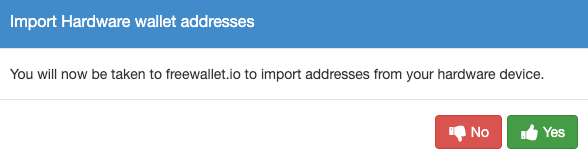
It will then take you to import the addresses from your Trezor
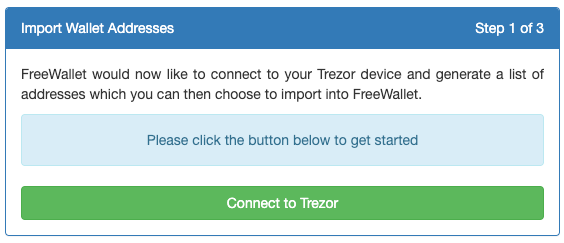
You will then need to connect to your Trezor
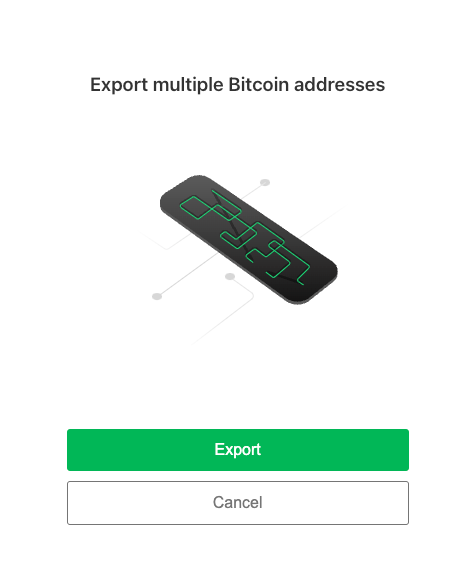
Click Export and Select your wallet option in Trezor Standard or Hidden
It will default to Legacy addresses so you will need to change that to Normal
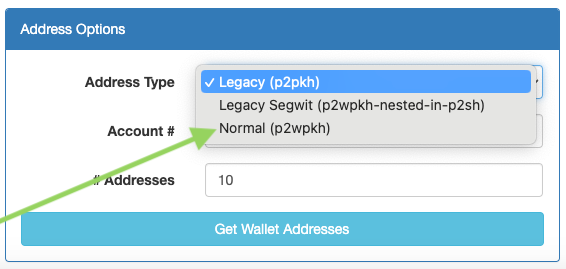
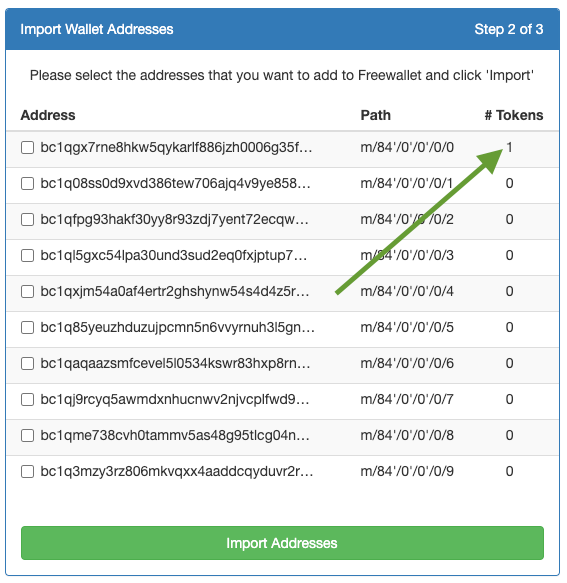
Then select get Wallet Addresses. You can see that we know this address has tokens attached to it because I already sent one there as a TEST. Select the addresses from Trezor you would like to use for your XCP tokens then select Import Addresses.
Then you will Open FreeWallet again here
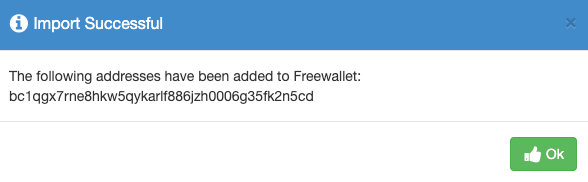
And you can see the address was successfully imported!
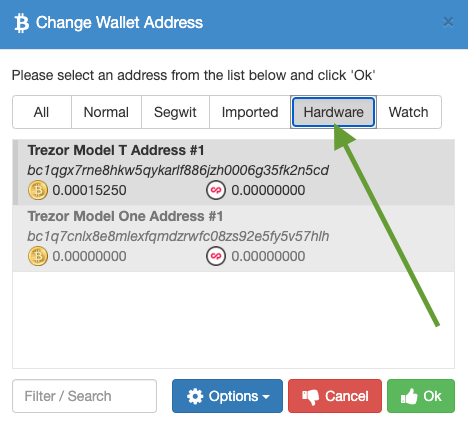
To view your Trezor Tokens go back to Address Action then select the Hardware option to view your tokens inside of FreeWallet.
To send a Token from your Trezor just use the normal FreeWallet process
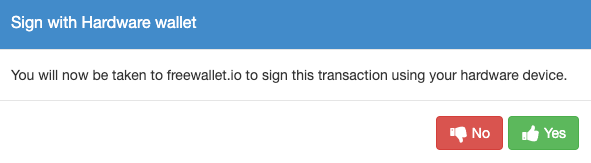
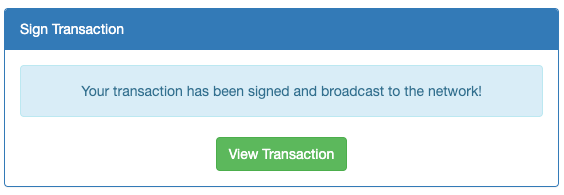
You will then sign the transaction on your Trezor device
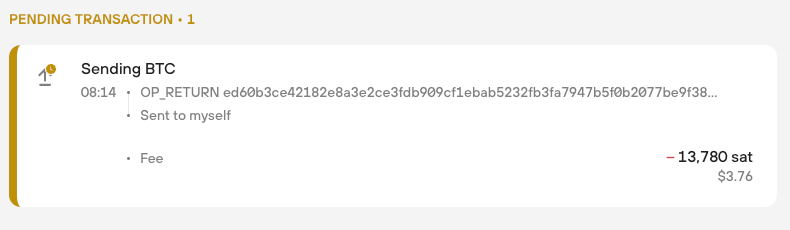
And you can now see the transaction inside the Trezor Suite as well!
No posts
Comments
Nothing yet. Say the first thing.
Sign in to join the conversation.