
In February 2025, I wrote my most popular post ever about turning on Advanced Data Protection (ADP) for iCloud and why everyone should do it, which you can check out here (https://onlinesafety.substack.com/p/turn-on-e2e-encryption-for-apple-icloud).
The reason Advanced Data Protection for iCloud is so effective from a privacy and security perspective is that it uses end-to-end encryption to protect your iCloud data, which means not even Apple can see the contents of your iMessages, Photos, and iCloud Drive files, because they don’t have the encryption keys. Of note, this is NOT true for Google Drive and Google Photos.
Some people are skeptical of big tech and whether it’s actually true that Apple can’t decrypt or see your data. However, the strongest evidence that this is actually the case is that the UK government is fighting so hard to force Apple to break it. Eighteen months later, they are still fighting, and Apple is back in court.
On August 3, TechCrunch reported that Apple has filed a new legal challenge against the UK government over a secret order demanding access to encrypted iCloud data (https://techcrunch.com/2026/08/03/apple-challenges-uk-governments-latest-demand-for-icloud-backdoor-report/). Apple took the complaint to the UK’s Investigatory Powers Tribunal, the court that handles government surveillance disputes.
If you use an iPhone, iPad, or Mac and you have not turned on Advanced Data Protection for iCloud, you should.
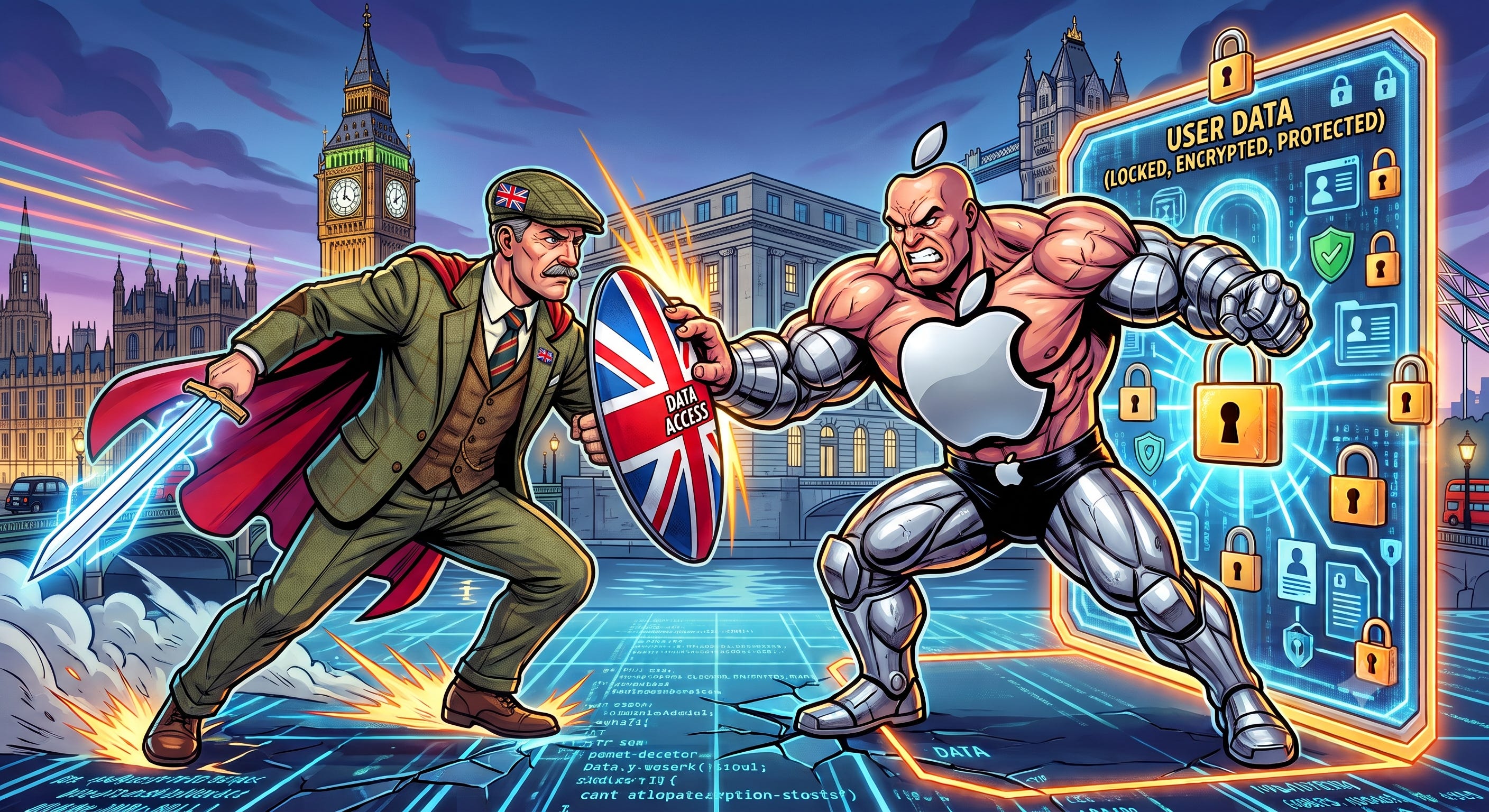
In January 2025, the UK Home Office served Apple with a “technical capability notice” (TCN) under the Investigatory Powers Act of 2016, a law critics call the Snoopers’ Charter. A TCN is a secret order that can compel a company to hand over user data, even when it is encrypted.
The original order was not limited to British users. It reportedly demanded access to encrypted iCloud content worldwide.
Apple’s response was to refuse to build the backdoor and, instead, to pull Advanced Data Protection out of the UK entirely in February 2025. New UK users could no longer turn it on, and existing users were told to shut it off. Apple’s information on this is posted here.
In August 2025, US officials said the UK had withdrawn the demand. Apple never re-enabled the feature in the UK, and now we know why. In September 2025, the Home Office sent a second order, this one narrowed to the encrypted backups of British citizens (EFF’s write-up is worth reading). That is the order Apple is now fighting.
From their statement: they have never built a backdoor or master key to any of their products or services, and they never will.
So this is a pretty good indication that Apple’s Advanced Data Protection end-to-end encryption is real.
1. A backdoor built for one government is a backdoor for everyone. There is no such thing as encryption that only breaks for the good guys. If the key exists, it can be stolen, subpoenaed, sold, or abused by a rogue employee.
2. This is a playbook, and other governments are watching. Australia already has similar legislation. The EU has spent years debating client-side scanning. India has pushed for traceability in encrypted messaging. If the UK wins, every other government figures out how to do the same, and this type of protection becomes meaningless everywhere.
3. It proves the feature actually works. The reason the UK went to this much trouble is that when Advanced Data Protection is on, Apple cannot read your data (and therefore can’t give it to a government in response to a legal order).
By default, iCloud gives you what Apple calls standard data protection. Your data is encrypted, but Apple holds the keys. That means Apple can decrypt it, Apple employees with the right access can potentially see it, and Apple can be compelled to hand it over. Under standard protection, only 15 categories of your iCloud data are end-to-end encrypted (E2EE), including your passwords in iCloud Keychain, Health, and Home data.
When you turn on Advanced Data Protection, that number jumps to 25 categories. The ones that get added are the ones with sensitive content.
iCloud Backup (this is the big one; it includes your full device backup and your Messages)
iCloud Drive (all your files)
Photos
Notes
Reminders
Safari Bookmarks
Shortcuts
Voice Memos
Wallet passes
Freeform
If you read my February 2025 post, that number was 23. Apple has expanded coverage since then, and Journal data is now end-to-end encrypted by default, whether or not you turn ADP on.
With E2EE, only your trusted devices hold the keys. Not Apple. Not an Apple employee. Not anyone who breaches Apple’s servers. Apple’s full breakdown of every category is here.
Three things are still NOT end-to-end encrypted, even with ADP on: iCloud Mail, Contacts, and Calendars. Mail has to work with the global email system, and Contacts and Calendars are built on older standards (CalDAV and CardDAV) that do not support it. Some metadata also remains under standard protection, such as file names, timestamps, and backup device details. Plan accordingly. If you are sending something truly sensitive, do not send it by email.
Also, there is a gap in sharing. ADP keeps shared content encrypted only when everyone involved has ADP turned on. Shared Albums in Photos, iWork collaboration, and anything you share with an "anyone with the link" URL are not end-to-end encrypted, even with ADP enabled. If you share a link to a file, Apple holds a key to it.
Google offers nothing comparable for Gmail, Google Photos, or Drive. This remains the single strongest privacy argument for choosing Apple.
Once ADP is on, Apple cannot recover your data if you lose access to your account. They do not have the keys. That is the entire point.
This is why most people who start the process bail halfway through, but it’s okay. It is also completely manageable. Apple requires you to set up at least one recovery method before you can enable the feature, and you can store it in your password manager.
You can
Set up a Recovery Contact. This is a person you trust (spouse, adult child, sibling) with an Apple device who can generate a code to help you back into your account. Consider this option carefully, as it creates a potential social-engineering pathway for a bad actor to access your account.
Generate a Recovery Key and store it somewhere you will not lose it and that is secure. Put it in a password manager or keep a printed copy in a physically secure location, like a safe or a safe deposit box.
Also make sure you don’t forget your device passcode. Your passcode is one of the recovery options, and it is the one people might forget after switching to Face ID and no longer typing it all the time.
Before you start, update every Apple device signed in to your account. ADP requires iOS 16.2, iPadOS 16.2, or macOS 13.1 at a minimum, and you should be running current software anyway. Any device you cannot update must be removed from your account. Turning ADP on from one device enables it for your whole account.
On iPhone or iPad
Open Settings.
Tap your name at the top, then tap iCloud.
Scroll down and tap Advanced Data Protection.
Tap Turn on Advanced Data Protection.
Follow the prompts to set up your recovery method.
On Mac
Open the Apple menu and choose System Settings.
Click your name, then click iCloud.
Click Advanced Data Protection, then click Turn On.
Follow the prompts to set up your recovery method.
Apple’s official help page is here if you get stuck.
Leave iCloud.com web access off. When you turn on ADP, access to your data at iCloud.com gets disabled by default. Apple gives you the option to turn it back on, which temporarily hands your browser and Apple the keys to decrypt your data. Leave it off. Use your devices.
Audit your trusted devices. In Settings, tap your name and scroll to the device list. Every device on that list can decrypt your data, so remove any old devices that you don’t use anymore (or any devices you don’t recognize).
Turn on Stolen Device Protection. ADP protects your data in the cloud. Stolen Device Protection guards against the bad actor who watched you type your passcode and then stole your phone. Settings > Face ID & Passcode > Stolen Device Protection.
Stay Safe!
Tate
Comments
Nothing yet. Say the first thing.
Sign in to join the conversation.