
June 1, 2026
Hi everyone,
Just a quick post to remind you of two upcoming webinars. This is the second time I’ve presented these two topics via Library 2.0.
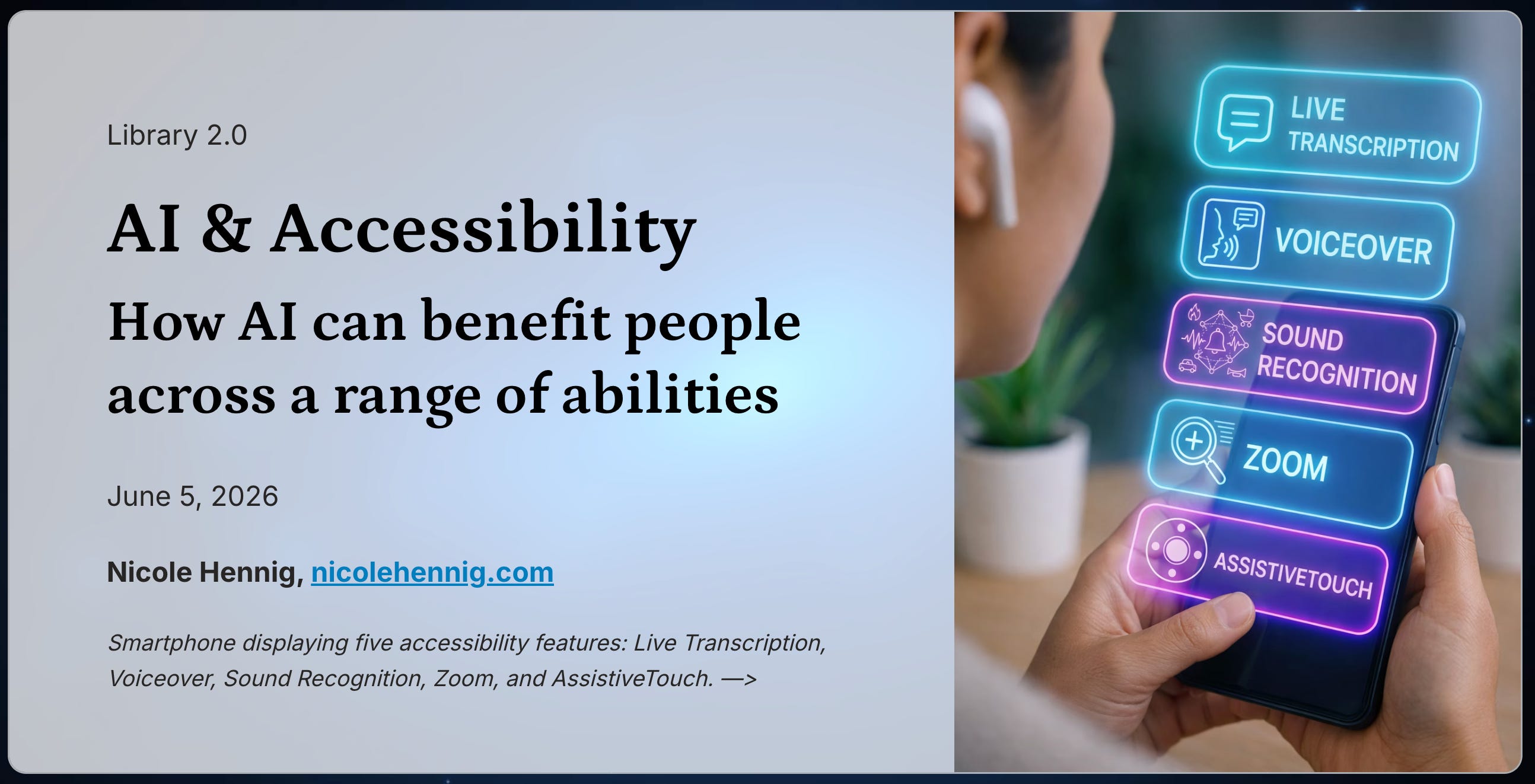
What should librarians know about AI and accessibility? This webinar goes beyond accommodation to explore how AI tools can support agency and inclusion for people with disabilities. See real examples across vision, hearing, cognitive, and physical access — from smart glasses and auto-captioning to AI chatbots. Leave with practical strategies for your library or campus.
Agenda:
Understand how AI tools intersect with accessibility and UDL (universal design for learning)
See concrete examples across disability types:
Blind and low-vision access
Deaf and hard-of-hearing access
Physical disabilities and speech access
Neurodivergent and cognitive accessibility
Consider ethics and institutional responsibility.
Leave with practical strategies and resources for learning more.
Sign up here: https://www.library20.com/ai-sessions/ai-accessibility
June 5th, 2-3pm Eastern daylight time
(You’ll get the recording & slides if you can’t make it live).
Comment from an attendee of the April 24th session:
”I found the topic incredibly timely and valuable. Our community will benefit greatly from seeing the real-world examples and practical strategies you share—particularly regarding vision, hearing, cognitive, and physical access.”
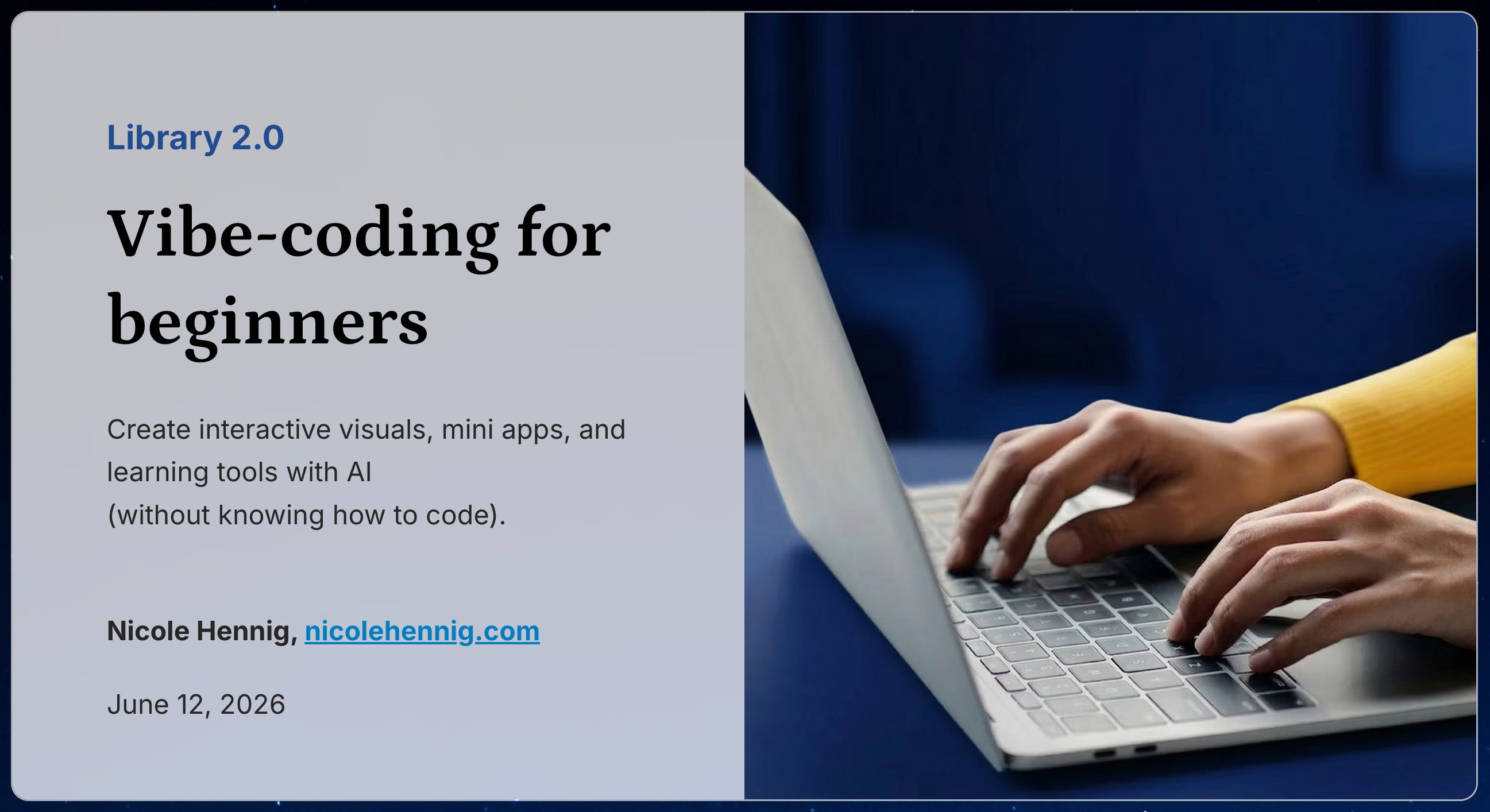
Create Interactive Visuals, Mini Apps, and Learning Tools with AI
This session is designed for information professionals who want to create dynamic digital experiences—without needing a coding background.
Learn how to turn library statistics and information literacy content into beautiful, accessible interactives. We’ll demonstrate how these can be created using natural-language prompts in a few beginner-friendly “vibe-coding” tools. We’ll walk through how these tools work, what they’re good at (and not so good at), and how to iterate from a rough draft to something you can actually use.
You’ll see examples of how to create:
Engaging educational quizzes and activities
Mini-sites or simple web pages for visualizing library data
Interactive graphics to help explain complex topics
Demos may include a mix of browser-based, natural-language “build it for me” tools and AI-assisted design environments. You’ll leave with concrete examples and ideas you can adapt for your own library context.
Agenda:
What we mean by “vibe coding” (and the approach we’ll use)
Practical limitations to understand up front
Examples of vibe-coded quizzes and learning games (and how they were made)
Examples of visual data displays (and how they were made)
Ways to share interactives: hosted on the sites where they were created, or embedded in your website or libguides.
Tool categories and recommendations
Capabilities of free vs. paid accounts
Recommended resources for learning more
Sign up here: https://www.library20.com/ai-sessions/vibe-coding-for-beginners
June 12th, 2-3:15 pm Eastern daylight time
(You’ll get the recording & slides if you can’t make it live).
Comment from an attendee of the March 20th session:
“I wanted to reach out and say thank you for the fantastic webinar you gave with Library 2.0 a few weeks back on Vibe Coding!“ (And she went on to share a few tools she had vibe-coded).
And as always, you can follow me on Bluesky or Mastodon where I post daily about generative AI.
Comments
Nothing yet. Say the first thing.
Sign in to join the conversation.