Have you ever tried sharing your indie app on Reddit? If so, did your post get removed soon due to “self-promotion”? Plenty of indie devs know this pain. I wanted a place to share updates about my apps, and after discovering that creating a subreddit dedicated to just one app is not the way to go unless you have tons of users, I decided to create “ r/IndieAppNews ”. This is a subreddit for indie…
This is not traditional “how to” blog post. I quite like the Kingfisher library and use it in multiple apps. However I often forget how exactly to arrange view modifiers in SwiftUI when using the KFImage component… So I decided to create this with snippets that I am using so next time I can just check my blog (which I am used to doing) and grab a snippet or two. It is entirely possible some of my…
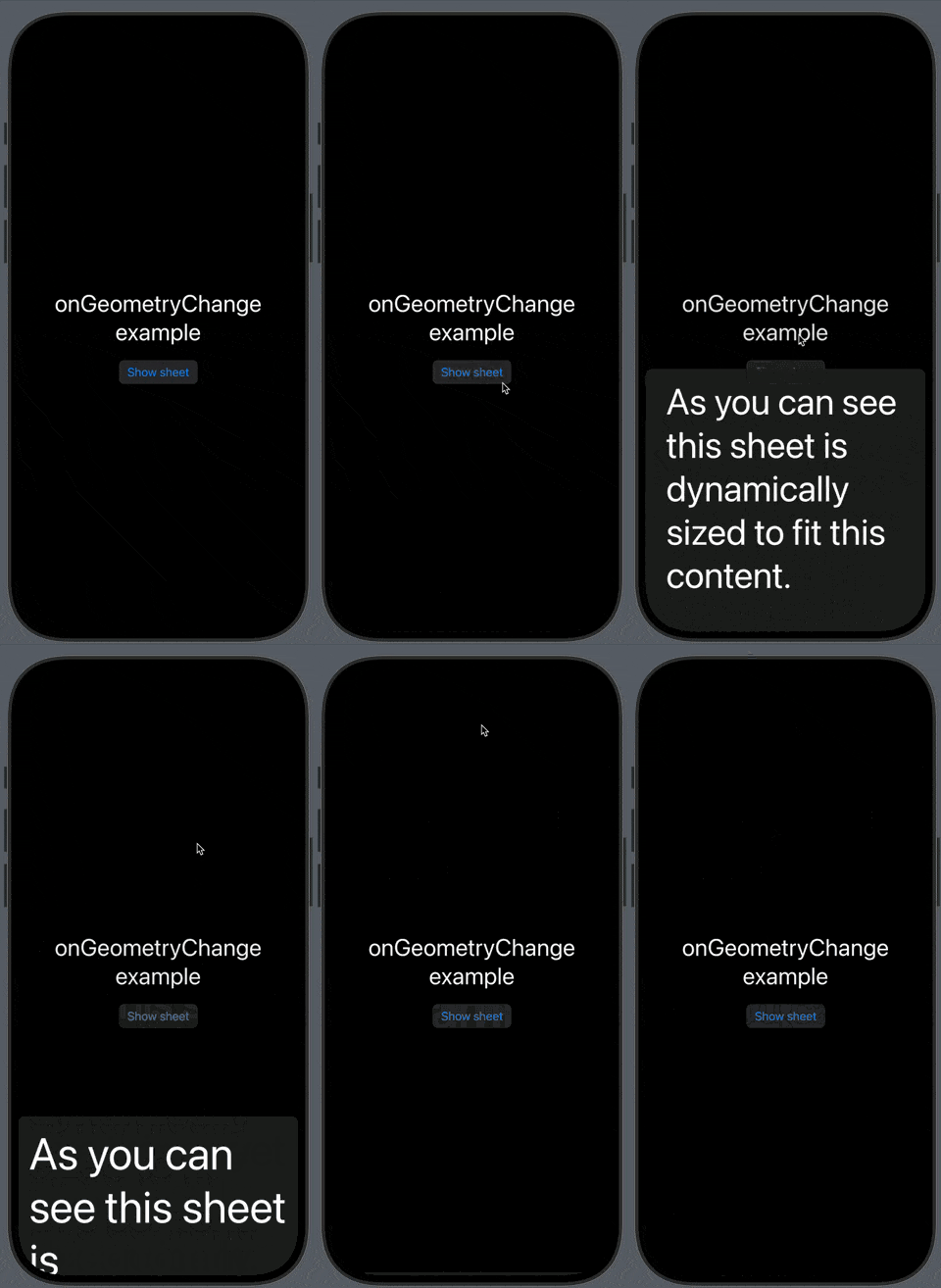
Recently I needed to know size of SwiftUI container to layout horizontal carousel. The reason was to have one items always at least a tiny bit visible so users can reliably find the rest by scrolling. I started with GeometryReader and quickly got frustrated and started looking for another solution… There are many problems with GeometryReader and its behavior, which is why I am trying to avoid it…
This week, I spent many hours trying to diagnose and fix weird and random Core Data crashes in one client project. The app was working fine, but when we built it recently with Xcode 15, it started crashing in various places. When trying to fix it, I kept running into EXC_BAD_ACCESS , which is a crash I dislike so much because when you get this, it usually means a lot of digging. In my case, Core…
If you are like me, perhaps you just now realize that iOS 18 offers the option to tint the icons and widgets with it. The widgets’ tinted look may range from okay to almost unusable without tweaks. Thankfully, the “fix” isn’t that difficult. Once you know what to do, it is a matter of simply tweaking the tinted design. This blog post is intended as a quick start for supporting the tinted home…
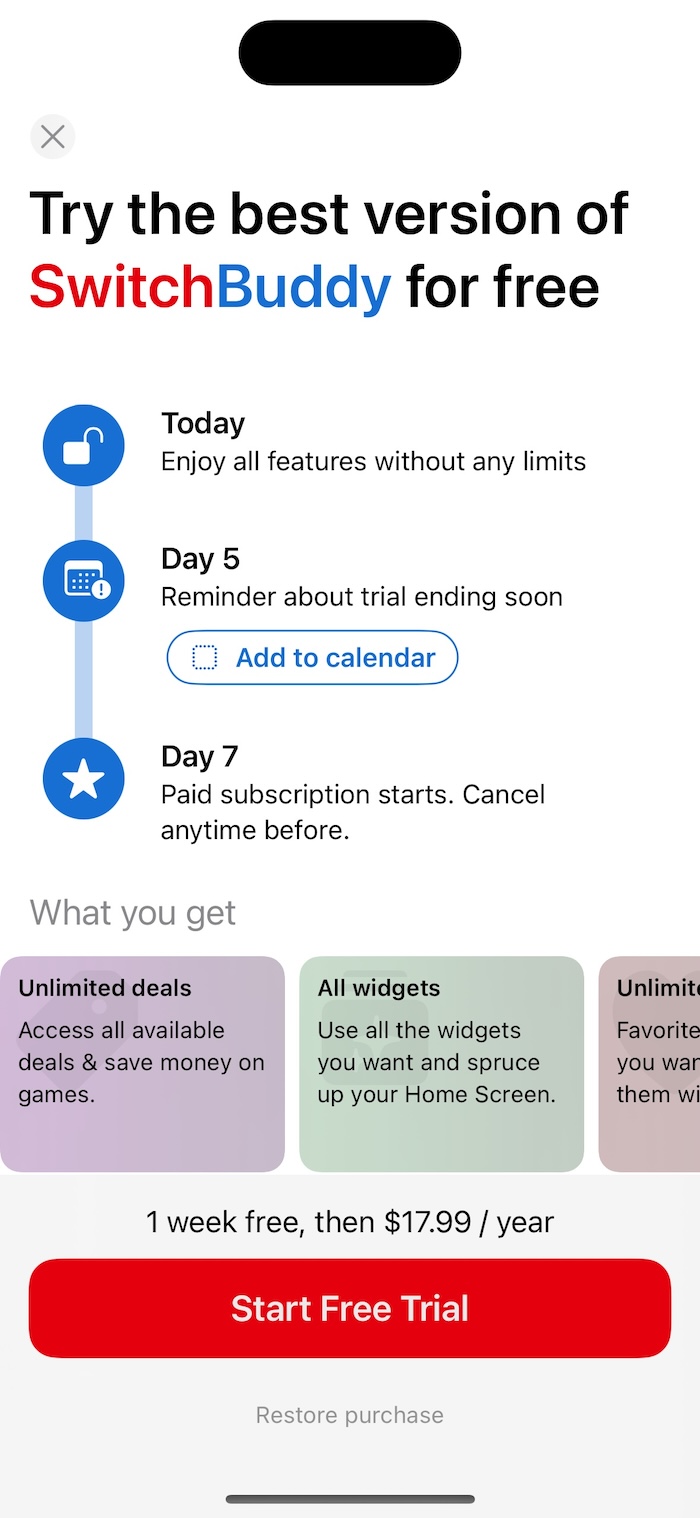
At the end of January 2024 I decided to change how my onboarding works in SwitchBuddy in relation to subscription offer. Previously the onboarding would end with a simple footer that would offer the user to check the SwitchBuddy+ subscription or just finish the onboarding. If you know what “Blinkist trial” is, you can skip this paragraph. Otherwise, a short explanation follows. This approach to…
Recently in a work project I was working on a SwiftUI view with prominent part that had “glow effect” animation that I built with the shadow modifier and the standard SwiftUI animations. Looked great. However I noticed that whenever I would switch tab in the UIKit tab bar and return to this screen, the animation would go wrong. What was fascinating about it is that it basically always went wrong…
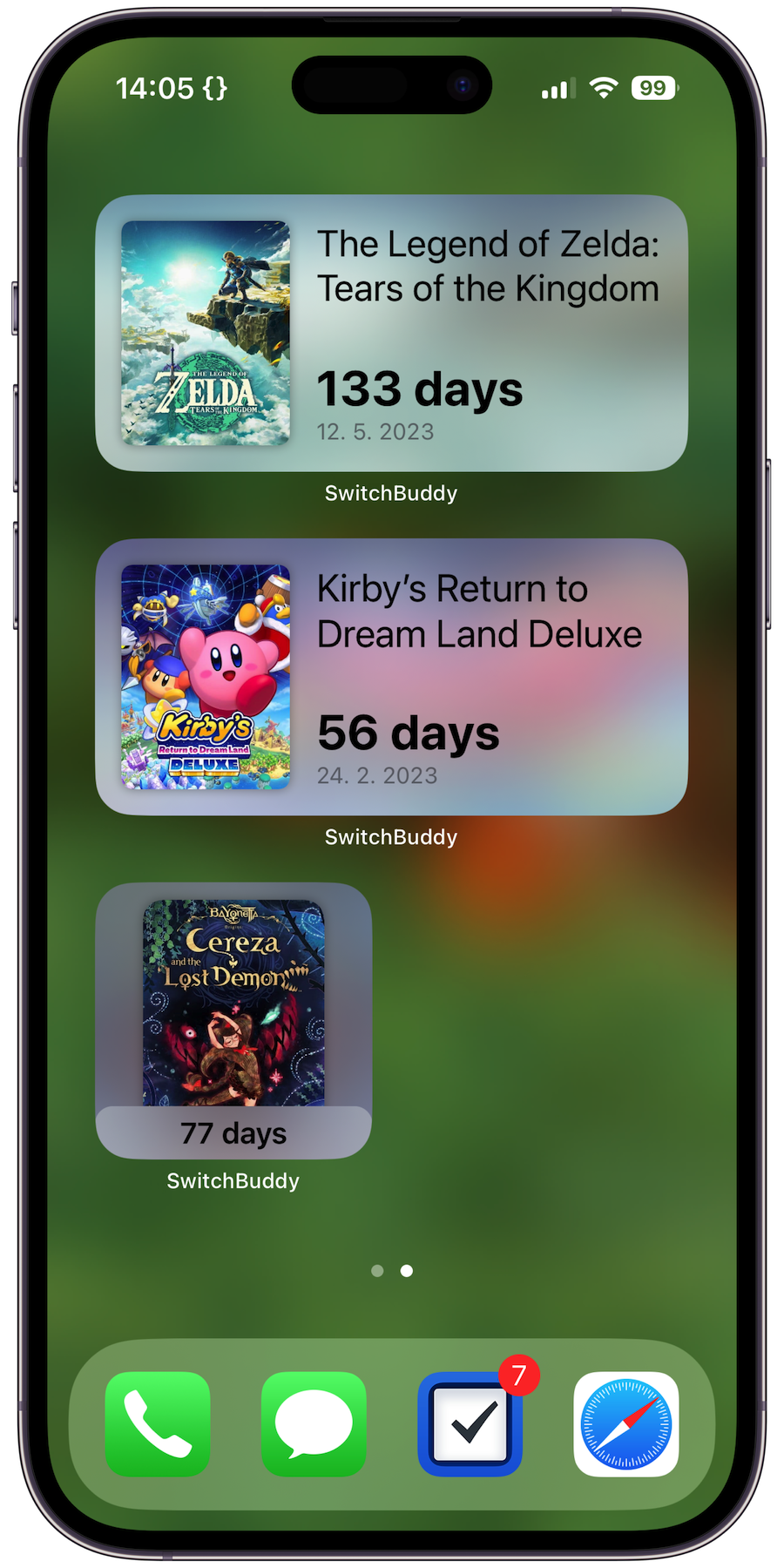
The new StandBy mode that Apple introduced in iOS 17 was probably the main reason we had to start using “containerBackground” API to keep our widgets working . In my case, I noticed (actually got a “bug” report) that my GamingBuddy countdown widget looked weird in StandBy. It normally has background so it is nice rounded square, but with background removed in StandBy mode, it indeed looks weird…
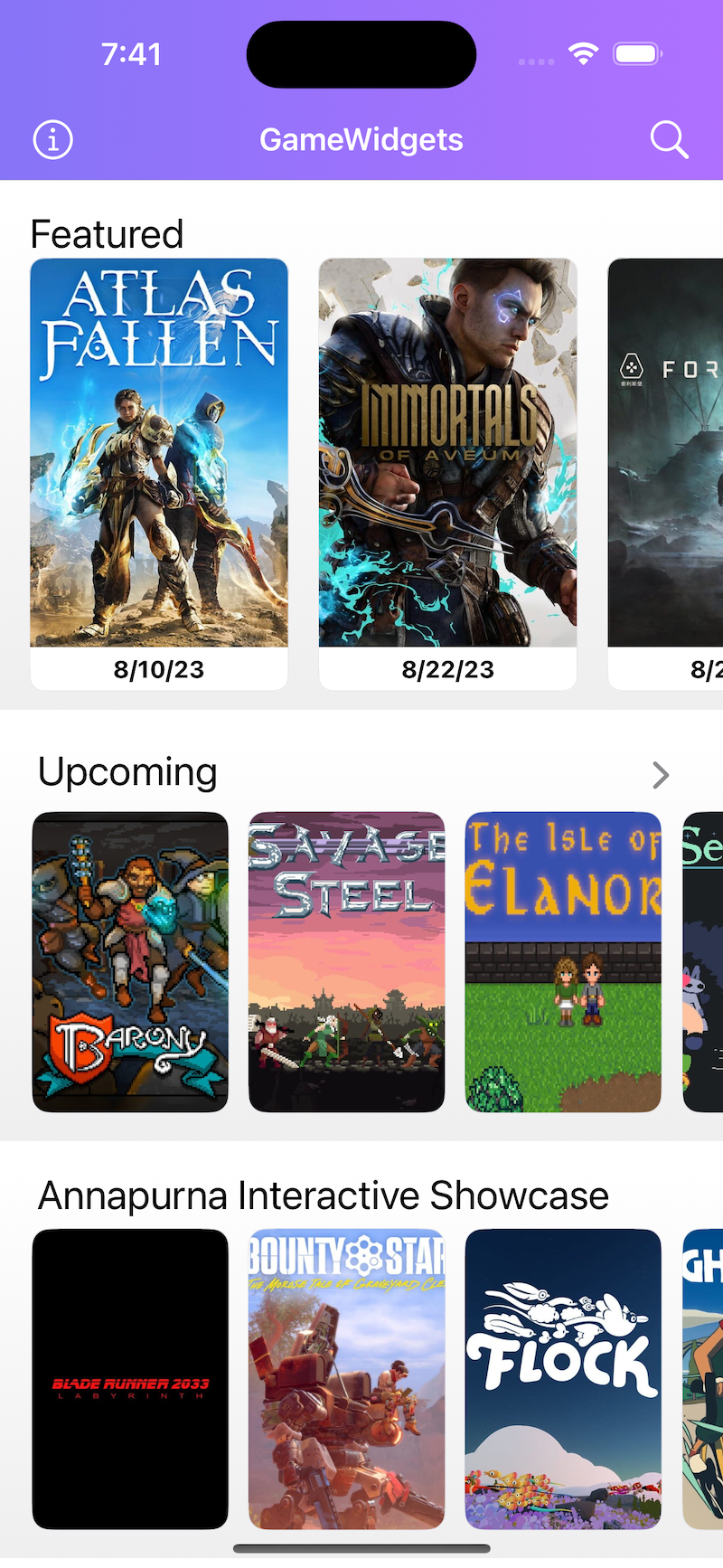
I am trying a new article format about my "UX learnings" from my development. It may be helpful to someone. This first foray into writing about UX concerns my " Game Widgets " app, which may soon be renamed to be more descriptive . The impulse to rethink the initial user experience came during one of WWDC Labs when the people from Apple mentioned that it might be difficult to know what to do when…
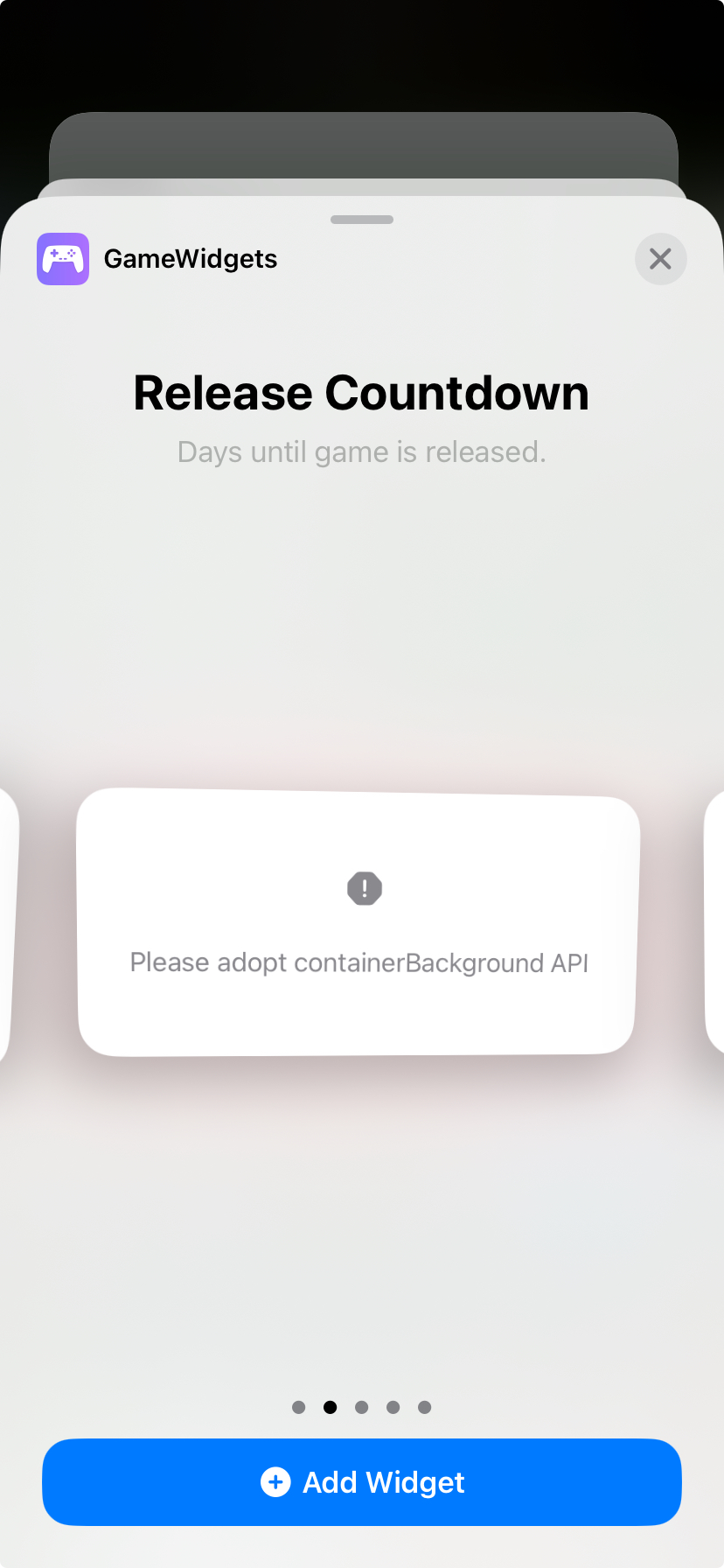
If you built your app that has Home Screen widgets with Xcode 15 you might notice they are broken now. Apple has introduced some big changes to widgets that you need to take into account. One issue is that instead of your widget content, you might see just a message that says: “please adopt containerBackground API” . Another problem is that there is now extra padding applied that most likely…
When you want to share data in iOS via the “share sheet" the basic workflow can be to create UIActivityViewController , and pass it some data like URL , UIImage and similar, and it will work. Code like this: let shareVC = UIActivityViewController ( activityItems : [ url ], applicationActivities : nil ) present ( shareVC , animated : true ) However, the experience is only sometimes great for the…
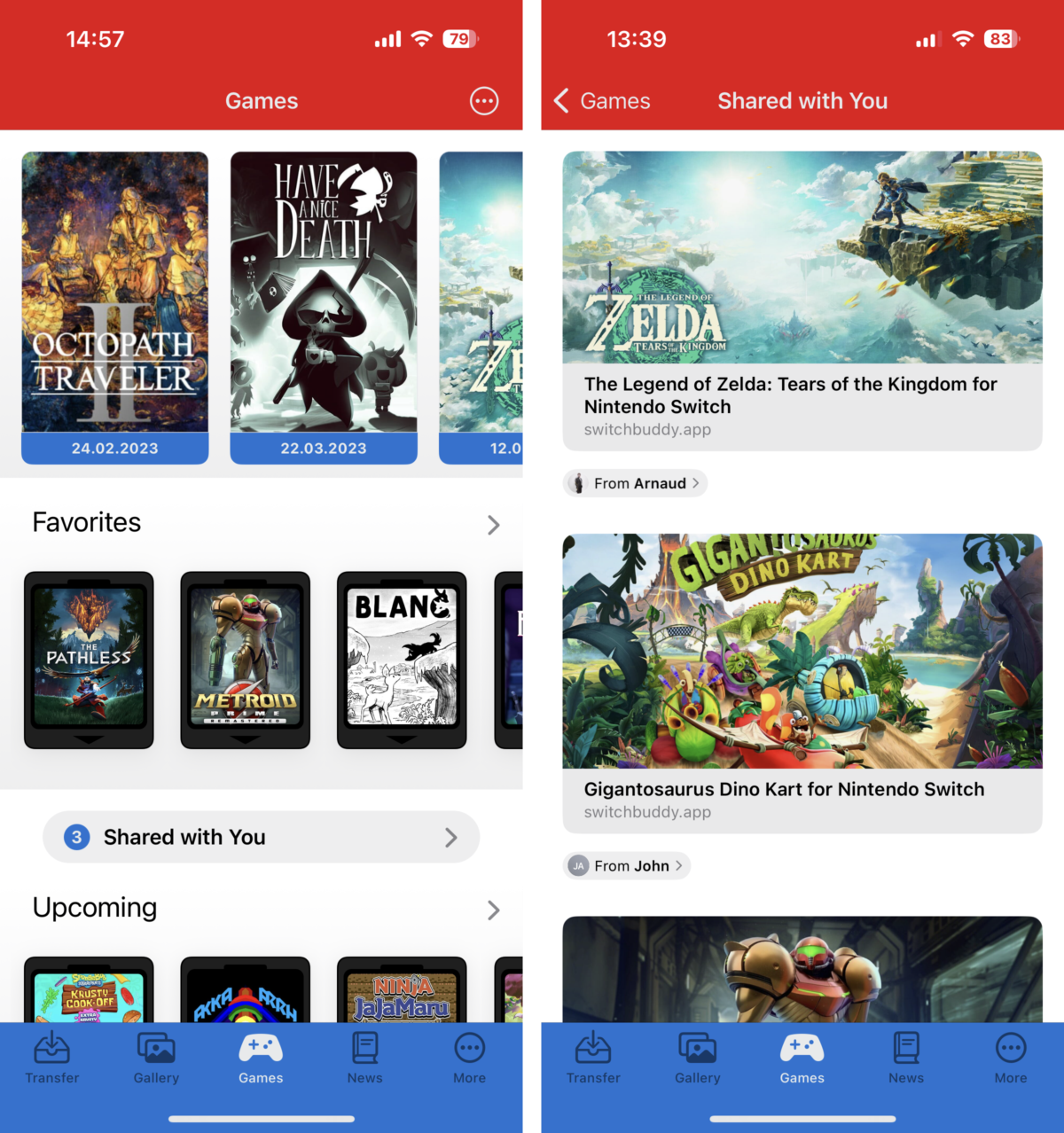
One of the new frameworks that iOS 16 brought is the 3rd party support for Shared with You. This is an Apple feature that let’s app access links that the user received via iMessage from their contacts. The idea is that the user can quickly access recommended content directly in the particular app without digging through older messages. So instead of searching the conversation for the podcast link,…
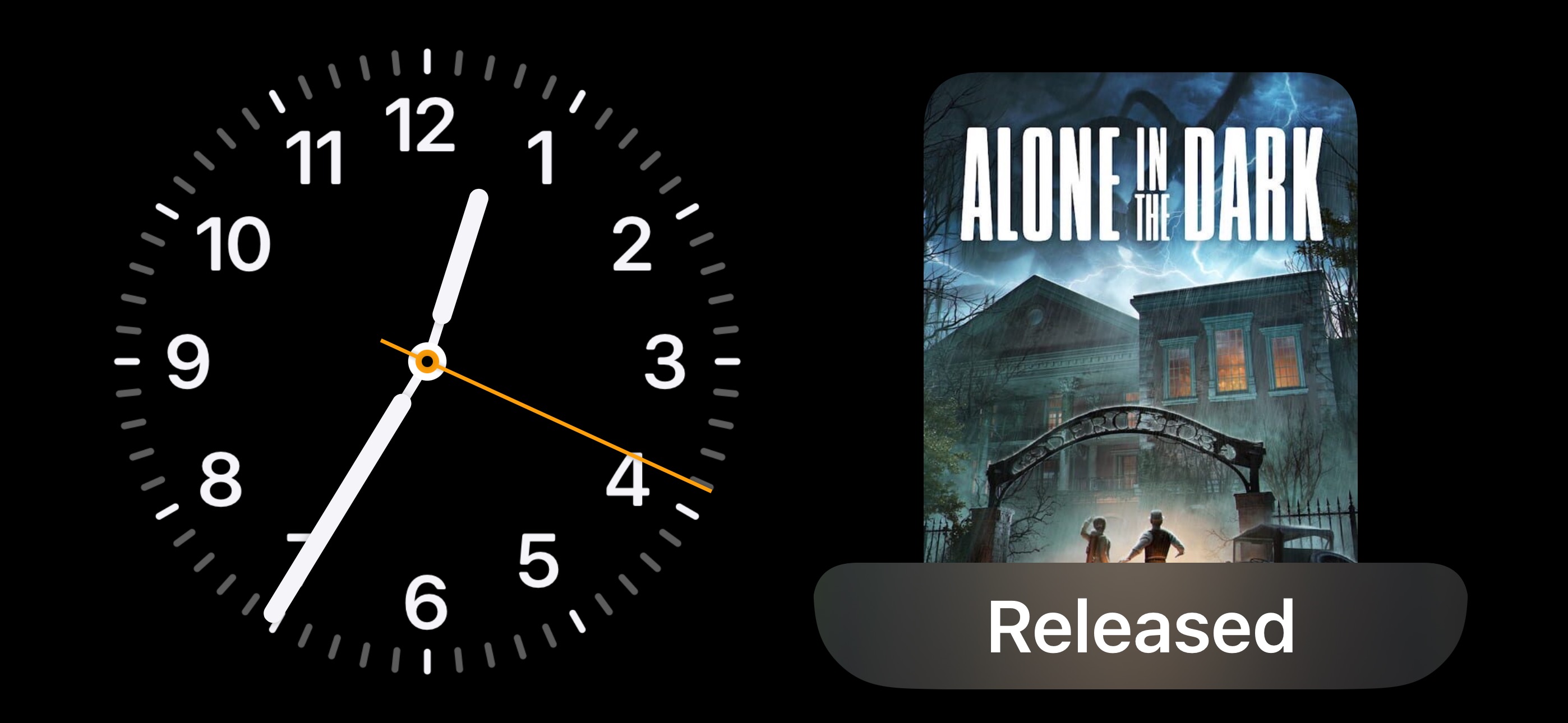
So today, my day got quite derailed when I noticed an issue with one of SwitchBuddy countdown widgets. The game came out today, but the widget was showing “Tomorrow”. At first, I thought that my countdown logic is just slightly off in this case, that I previously did not notice. Then what started happening is that when I removed the widget and added it again, it wouldn’t load the data for the game…
My SwitchBuddy app has a couple of “main” screens that have a lot of content, and the user can scroll pretty far. And while you can tap the top of the screen to scroll to the top across iOS - I don’t think many people use it. Not to mention it is not super convenient to do. Ivory (and Tweetbot) have this cool feature where you can tap any tab bar item to scroll to the top quickly. I have gotten…
I first heard about Balance when Alexander Sandberg tweeted how ImpressKit made it easy for him to prepare Press Kit and first Press Release. It turned it wouldn’t be the last time I heard about his app for time tracking with better work-life balance in mind. Alexander managed to have super eventful and successful launch from the press standpoint. Getting articles in TechCrunch , BGR and many…
While working on widgets for SwitchBuddy , I found a great way to have nicely-looking rounded corners for views inside my widgets without manually specifying and tweaking the cornerRadius . The answer is named ContainerRelativeShape and has been available since iOS 14. This clever little shape is used with the clipShape modifier, and its appearance is based on the parent view. When you have a…
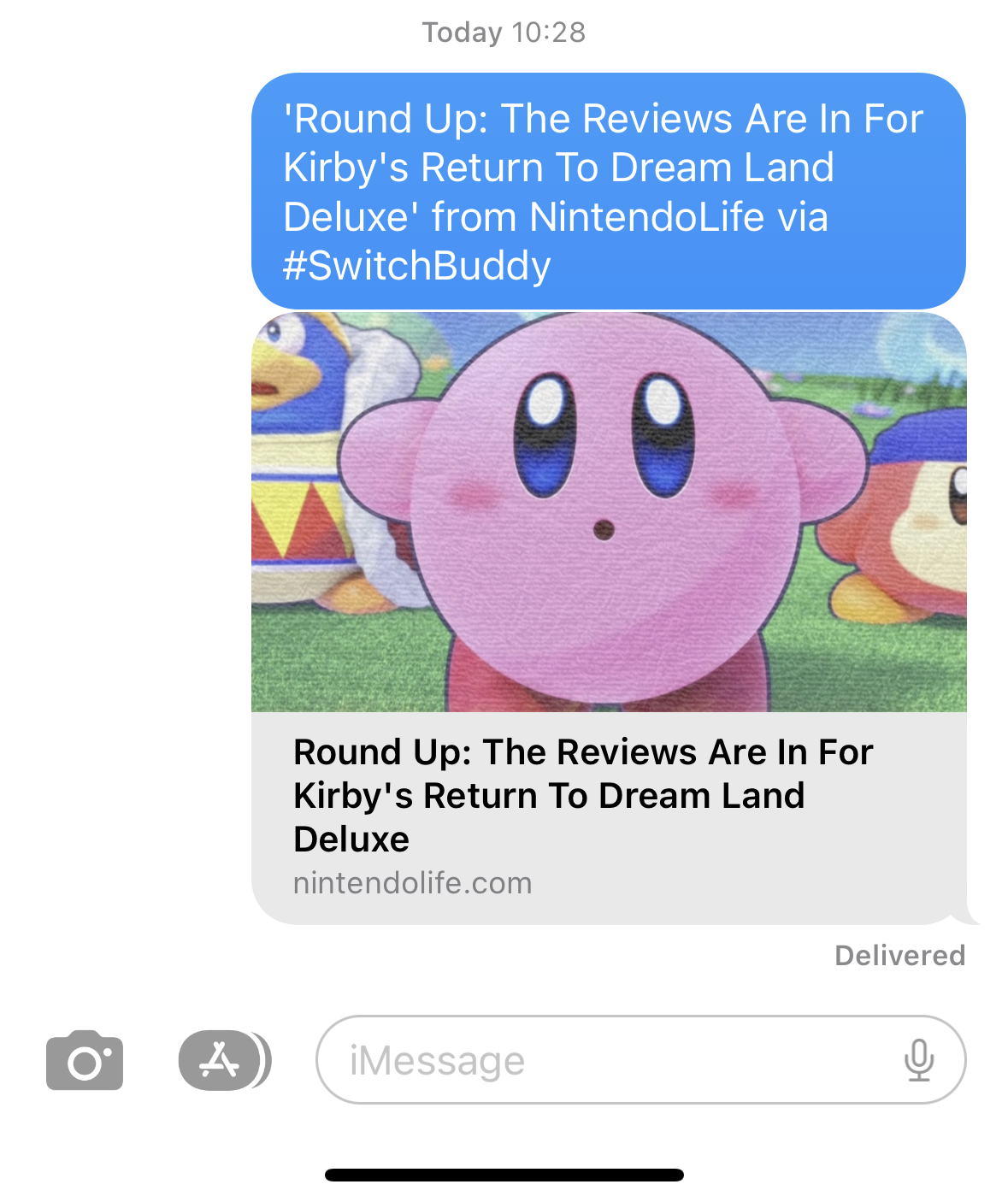
Some time ago, I changed how articles are shared in my SwitchBuddy app. Originally the app just shared the URL, but I changed it to share the article title, website, and SwitchBuddy attribution + the link in single text (represented with plain string). Sharing text works great for messaging apps and social media. Only when I shared an article to my Mac via AirDrop did I spot the problem. Instead…
I recently had quite a fun challenge - how to allow the gallery in SwitchBuddy to work in landscape while keeping the rest of app portrait only. There seems to be a lot of solutions which approach this from different angles. I ended up with one that seems relatively future-proof and does not require modifying Info.plist values for supported orientations. The solution The main part is to return…
Have you ever had a label in your app that showed a live countdown? And have you noticed it to subtly shift horizontally when the countdown value changed? This is because, by default, numbers have different widths. 1 takes less horizontal space than 5 , for example. And this can easily affect the total width of the label. The basic solution is quite simple, thanks to…
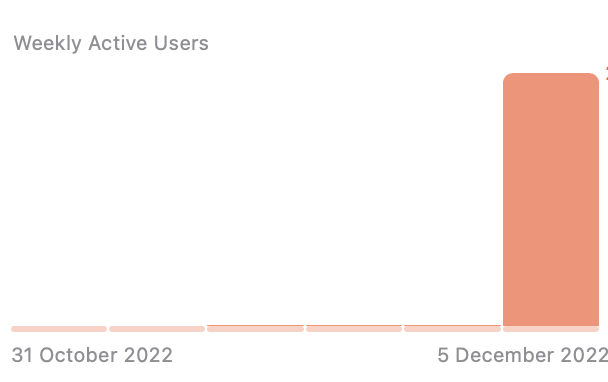
This year, my document scanner app Scan it was part of the fantastic Indie App Santa project. Going in, I had yet to learn what to expect beyond some significant amount of downloads. Scan it was featured on December 5, so I felt the urge to wake up soon and check that there is not a massive fire to put out. Thankfully I woke up to just a few support emails mentioning the price is not Free…
I have recently decided to try TelemetryDeck for the first time in my SwitchBuddy app . I wanted to better understand how people use it and already got quite a few insights. For example the app has way more daily active users than I thought, also changing the in-app theme is popular, while changing the app icon not so much. I understand that indie devs are very reluctant when it comes to analytics…
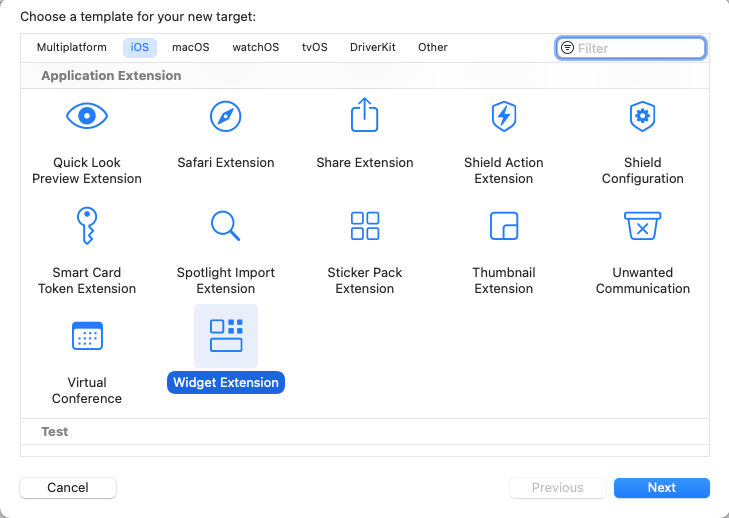
Before we get started with the tutorial, you need at least Xcode 14.1 Beta or later to be able to use the newest APIs. Note that is not meant to be an exhaustive guide but rather the minimal setup required for you to start playing around with Dynamic Island 🏝 on your own! Widgets extension and project setup Dynamic Island is part of Live Activities API, which is part of the Widgets system. If…
So iOS 16 is coming soon, probably mid-September. And once again, this is an incredible opportunity for all indie devs to make a splash with their apps. This mainly applies if your app integrates any of the new user-facing system' features like Lock Screen widgets, Focus Filters, App Intents, and more, but even if it doesn't, you can still benefit. The new iOS release is a period when both Apple…
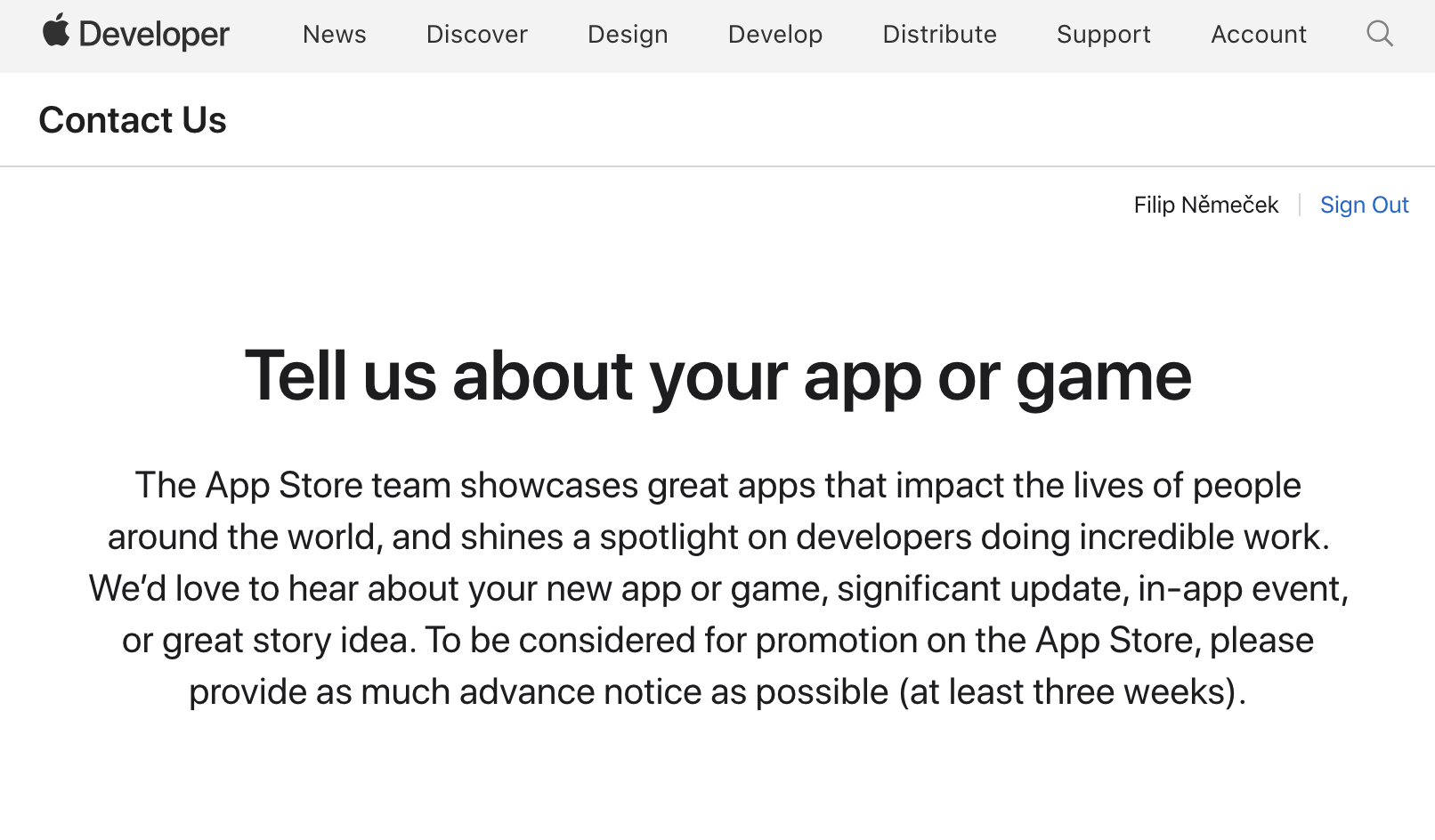
Being featured in the App Store is a pretty good deal. But did you know that you can ask Apple to feature your app? Asking for a feature is available to every App Store developer. All you need to do is to fill out dedicated form on the Apple Developer website. Since I haven’t had the experience yet with the form, I have decided to chat with fellow developers in hopes of inspiring more indie devs,…
I have written previously about press releases, but never in a truly detailed manner. So in this post, I am going to go into detail about how I sent a press release about my app Chill Zones that got covered on iMore . I aim to present the entire process from idea to finish so anyone can follow along with their press release. 1: Pick the topic My first step was to decide to send the press release .…
I have been talking to a lot of ( mostly ) iOS devs recently about things related to press and marketing. One of the takeaways is that devs sometimes aren’t sure whether it makes sense to spend time preparing Press Kit. Before tackling the main question, let’s first look at when is having a press kit desirable : Introducing your app to journalists Journalists stumbling upon your app and wanting to…
One of the reasons you might not want to replace your Table Views with Collection Views might be that the former has excellent support for swipe actions that are pretty common in iOS. They are frequently used for deleting items or perhaps favoriting them. With the list layout configuration that Apple added to Compositional Layout with iOS 14, we can easily create swipe actions for Collection Views…
Lists are one of the most common layouts in iOS apps, and while in the past, we created these with the UITableView , we can quickly achieve lists with UICollectionView , which gives you more flexibility. Simple collection view list In this post, we will look at creating the simplest list possible. It takes just a few lines of code. Like this: let configuration = UICollectionLayoutListConfiguration…
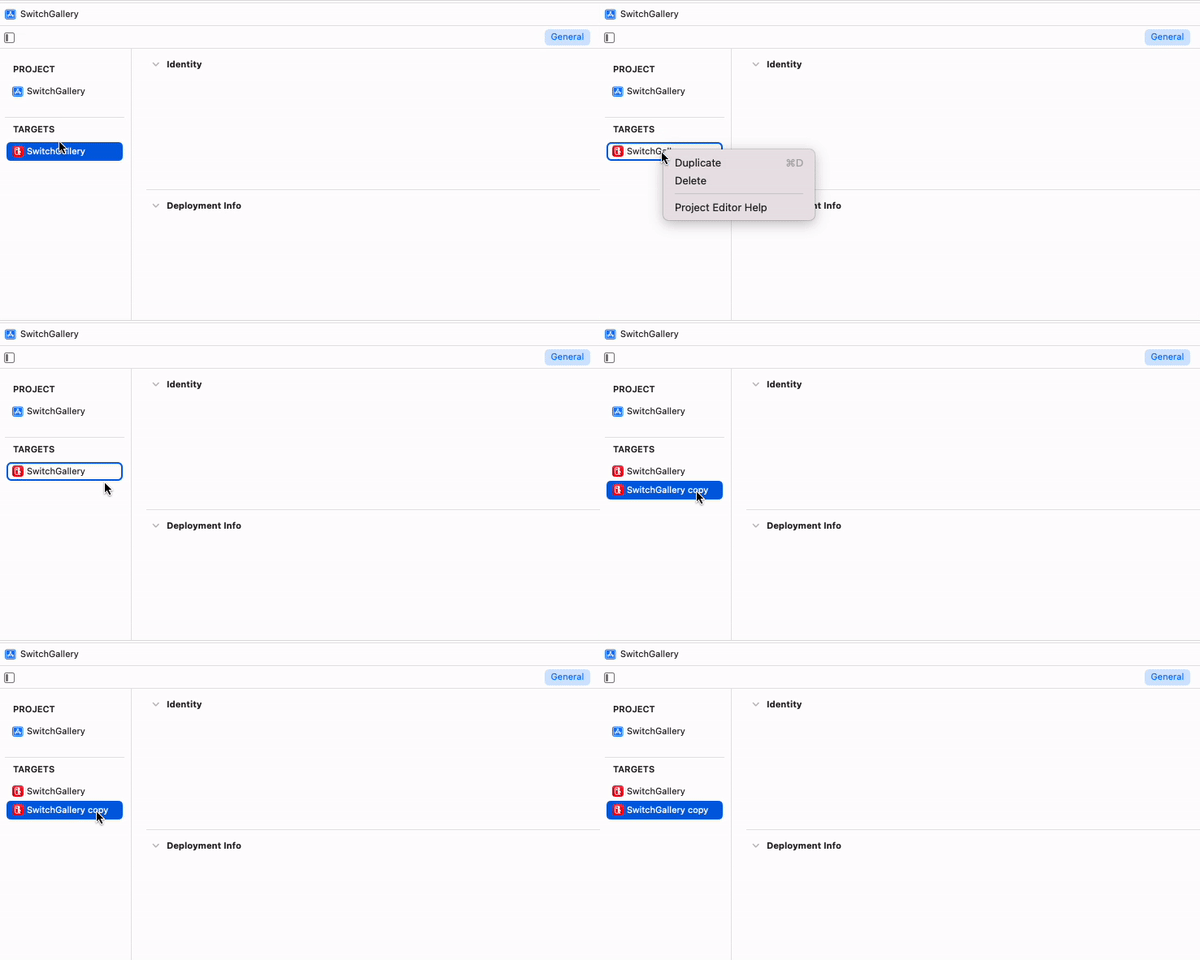
There are cases when you want your app to appear like two or more apps in TestFlight or even in the App Store. Since apps are identified by their Bundle ID, the clean solution is to create a new target for these “flavors”. What are the use cases? Perhaps you want a dedicated dev version of your app that connects to different backend server and even uses a custom icon. This way, it is impossible to…
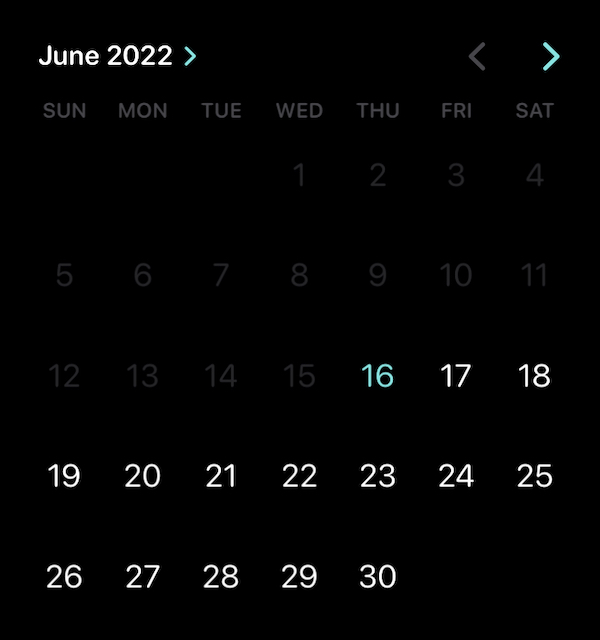
Since iOS 16, we can use a dedicated calendar view to let users select dates in a way that offers more control than with the standard UIDatePicker . UICaledarView looks similar to the modern UIDatePicker introduced with iOS 14. This blog post is intended to get you started quickly. We will look at: How to start using the calendar view How to select a single date How to select multiple dates How to…
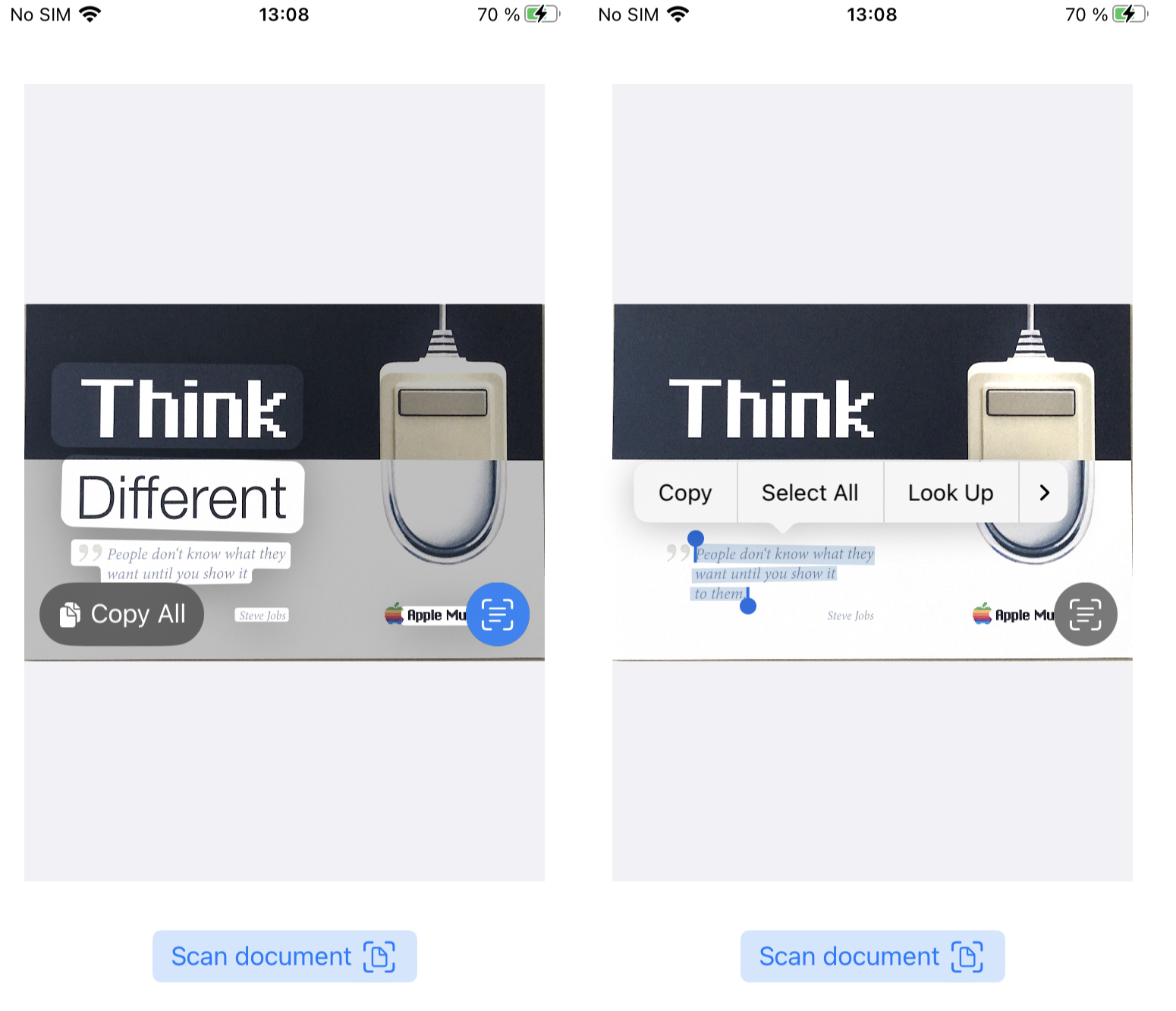
With iOS 16, the Live Text feature is available for developers. However, you won’t find any LiveTextKit or similar framework in Xcode 14. These new APIs are part of the VisionKit framework. Conversely, Live Text is more like a marketing term. The classes we will be using are ImageAnalyzer and ImageAnalysisInteraction . The basic setup is not complicated. We need UIImageView to display the new…
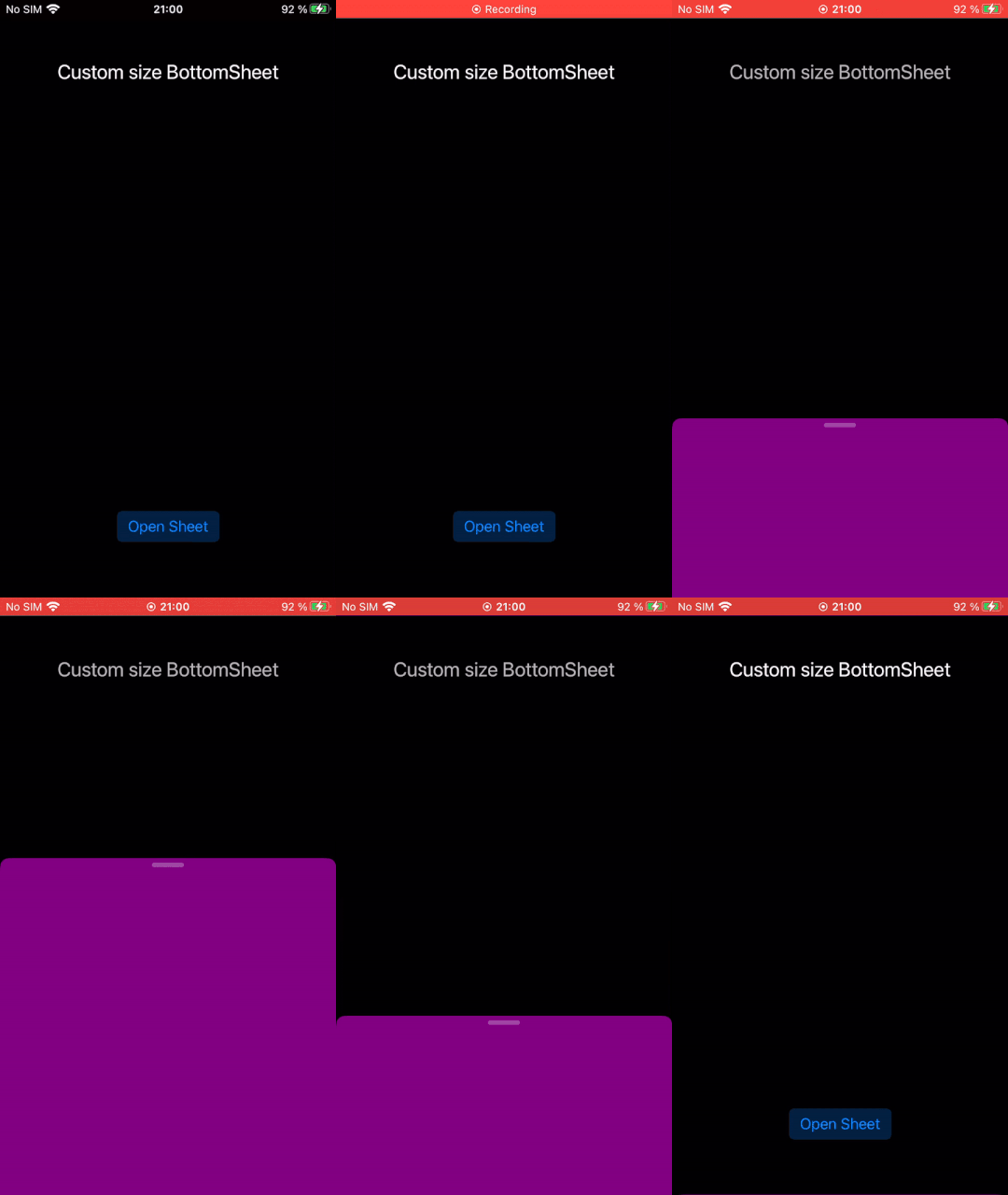
iOS 15 brought great UIKit addition in the form of “bottom sheet”. For content that does not need the entire screen. However, we weren’t able to customize its size - meaning height. It would always take roughly half of the screen on iPhone and optionally expand to a full modal sheet, which was available since iOS 13. This is no longer the case with iOS 16. Now we can ask for any height we want .…
Resizing images in Swift is nowadays pretty straightforward. Primarily thanks to UIGraphicsImageRenderer , a high-level yet very performant API we will use together with UIImage . The main challenge when resizing is to determine the correct size. We want to preserve the aspect ratio so the resized image is not stretched in any way. Resizing images this way is often done as a preparation for…
iOS lets us - apart from importing media from the Photos library - also import either iCloud or local files from the Files app . In this post, we will look at how to accomplish that. Selecting files We will use UIDocumentPickerViewController ( Apple docs ) which handles all the hard work for us. This view controller presents the Files app interface, and we get back callback with the result. Since…
Creating the first press kit mobile app isn’t straightforward. You need to come up with some basic description, image assets, and important links that the press might need (like the App Store page, landing page, and similar). Since other developers already went through it, why not look for a bit of inspiration? Press Kits aren’t meant to be original and unique creations but practical “bundles” of…
Having launched a few of my apps and another bunch of client ones, I thought I would try to come up with a list of more minor things worth adding before your app goes live for the first time. Contact Having a prominent way for the users to get in touch with you may be the difference between hearing about an important issue and getting a one-star rating. With the option to change the default email…
When preparing image assets for your app Press Kit, some of the assets are more obvious than others. Screenshots? Totally. Some excellent Full HD banners? Sure. Hmm, but what else? More banners? Framed screenshots? What about lifestyle photos? What are lifestyle photos? Photos that show your app in a real-world setting. They can either include a person using the app or just the device with some…
While researching Press Kits I found that one of the somewhat frequent questions is: “ Are Press Kits still relevant? ” Do you need to spend time and energy creating one for your mobile app or game? The short answer is YES. As long as websites and other media are interested in covering new and updated apps, press kits will be relevant. Having a press kit significantly boosts the chances your app…
This post will be pretty different from the others. I usually strive to present the cleanest solution, but with UINavigationBar , if you want to customize everything, you will have to live with a strange code. Anyway, I recently wanted to customize every color aspect of the navigation bar and dynamically toggle it based on the selected theme in the app. This is because some colors need dark text…
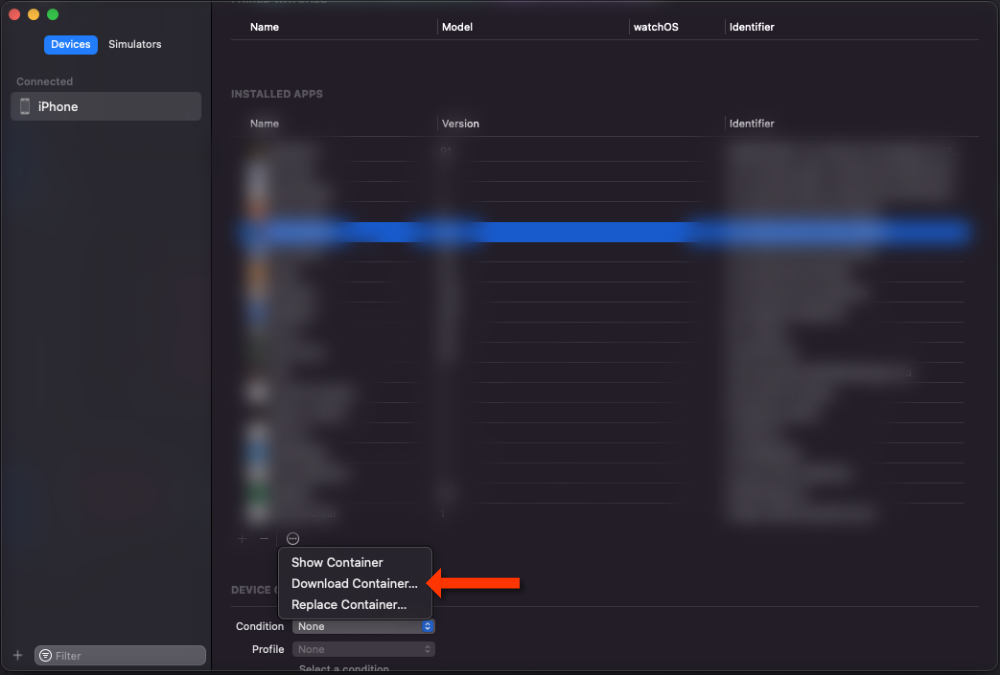
I bet you have already used FileManager at least a few times. It is pretty straightforward, but unless your app is a proper file manager with lists of all files and similar, it is a bit complex to take an unfiltered look at the underlying files . Perhaps you are working with audio files and need to verify they are correctly saved or generate images that you want to see quickly. Whatever the case,…
I asked fellow iOS devs on Twitter to send me their press kits for review. Below are the most common tips and feedback that I gave. I have structured this based on the “content-type” for easier reference. Text overview/description Two things come to mind right away. Some press kits had a brief description of the app; it wasn’t immediately clear without studying the screenshots or even the App…
In most cases, when you want journalists to write articles about your app, you need to tell them first about its existence. Contacting journalists might be pretty intimidating, but hopefully less so with these tips. Reach out to the right contacts In my experience, reaching out individually instead of sending emails to every address you find works better. You can also tailor your email to the…
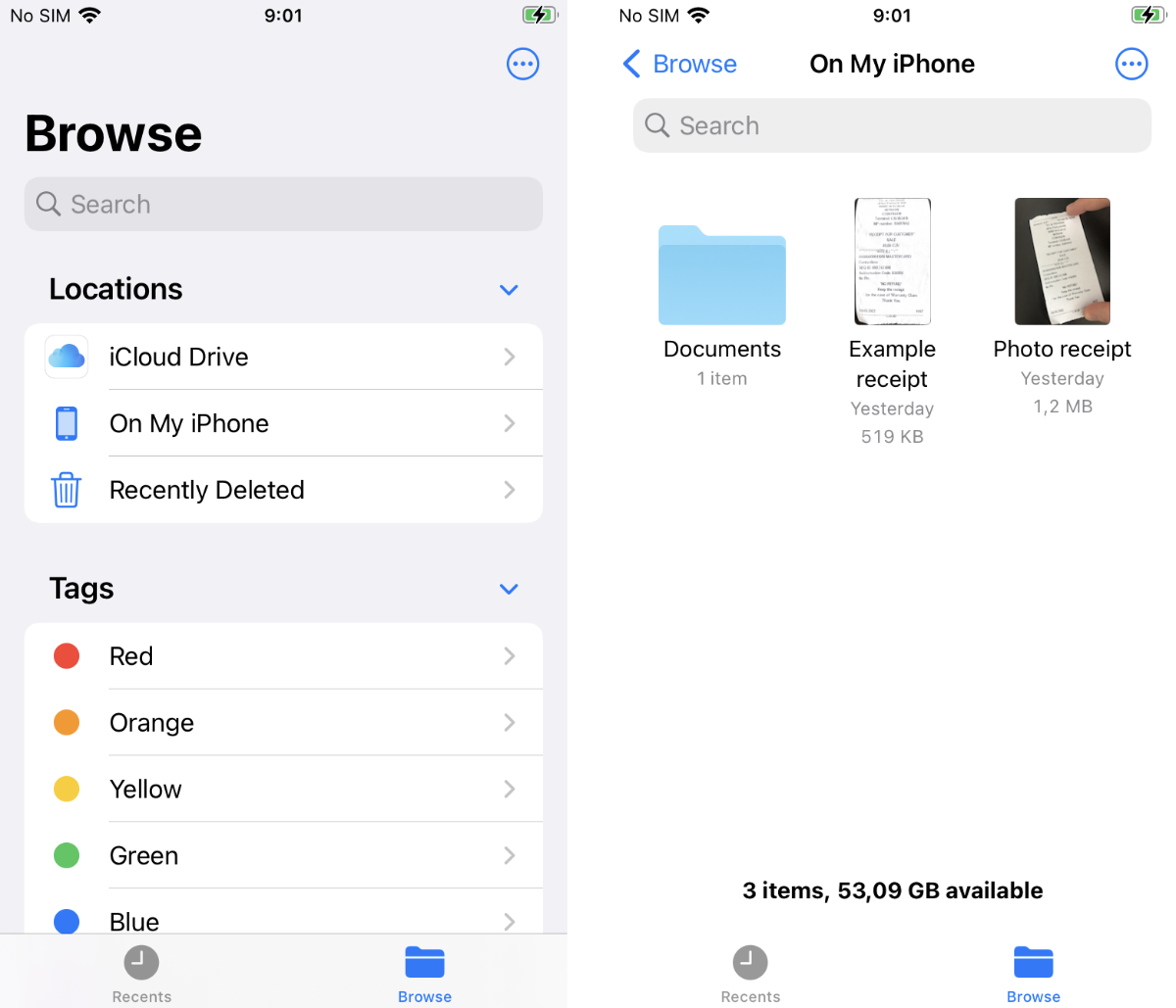
While adding the gallery feature to SwitchBuddy, I implemented a way to open the app's Document folder in the built-in Files app. If you know the proper URL scheme, it is just one line of code. Prerequisite Also note, that there is a prerequisite. You need to make this directory "public" so it shows on its own in the "On my iPhone" section in Files app. This requires Info.plist modification, and I…
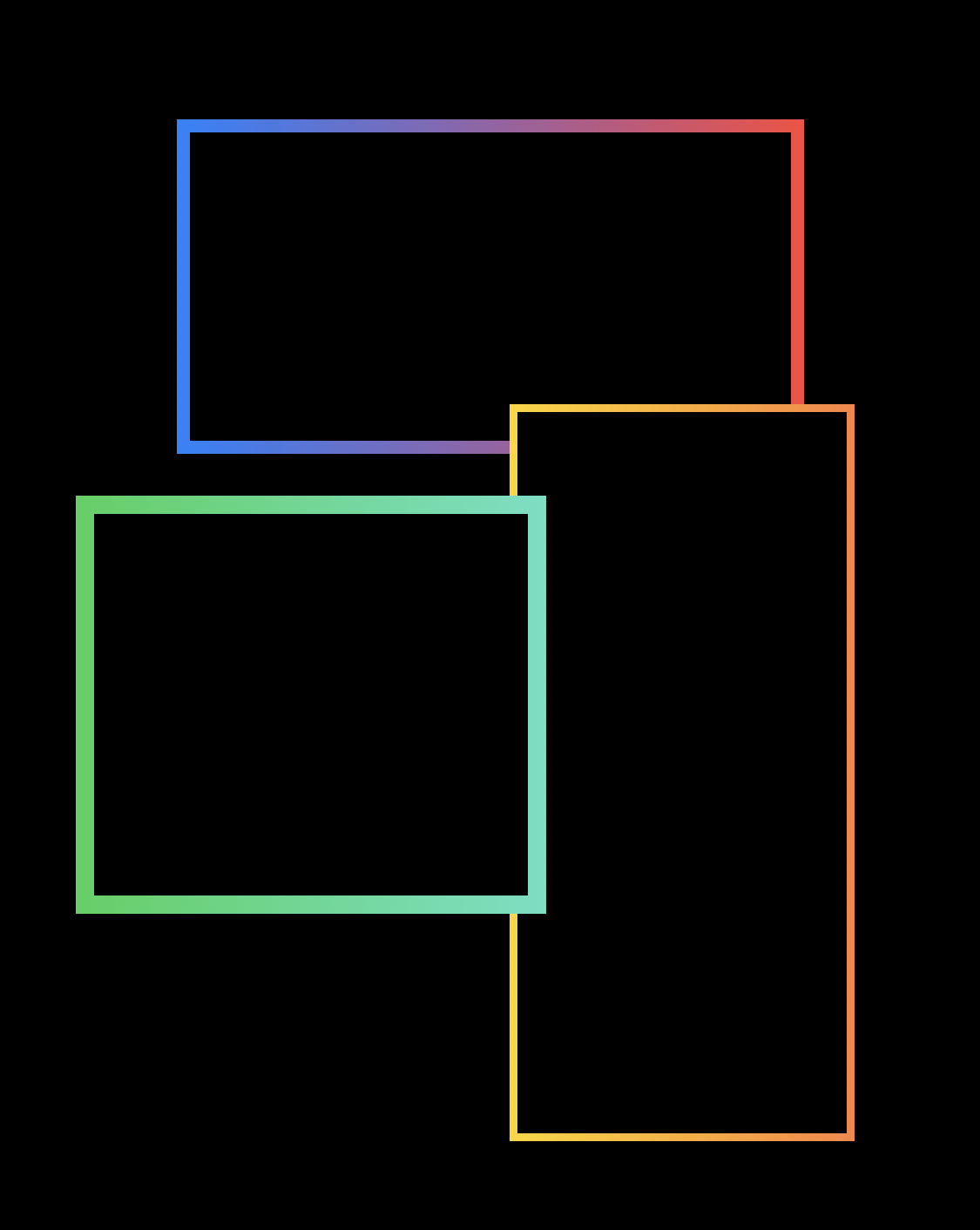
While playing with the gradient text in UIKit using rendered UIImage , I wanted to use the gradients for other stuff, and borders are a pretty lovely candidate. And with the approach via UIColor , there is nothing to implement. We can assign the colors to the layer.borderColor property, and that's it. As a reminder, below is the code to render gradient into UIImage : import UIKit extension UIImage…
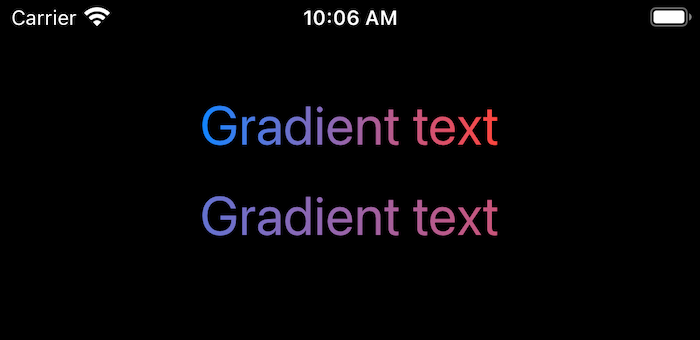
This was supposed to be a super short post about how to easily achieve gradient text with UILabel in UIKit. 🙈 Gradient text is something I am not using that often to remember how to do it quickly, so I wanted a quick reference guide to help myself and others in the future. However, I discovered that my solution had a pretty big flaw. I think it makes sense to go over it to understand why it…
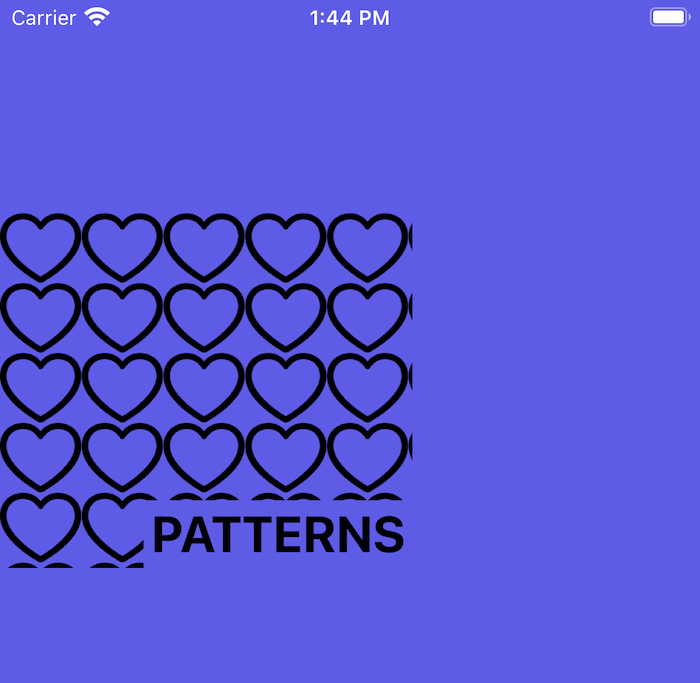
I think as an iOS developer you are probably deeply familiar with UIColor . But have you ever noticed this initializer? UIColor ( patternImage :) This will let you create a "color" out of an image. You can use any UIImage you want. If the size of element you apply this "color" to is larger than the image, the image will get repeated until it covers the whole space. With this initializer you can…
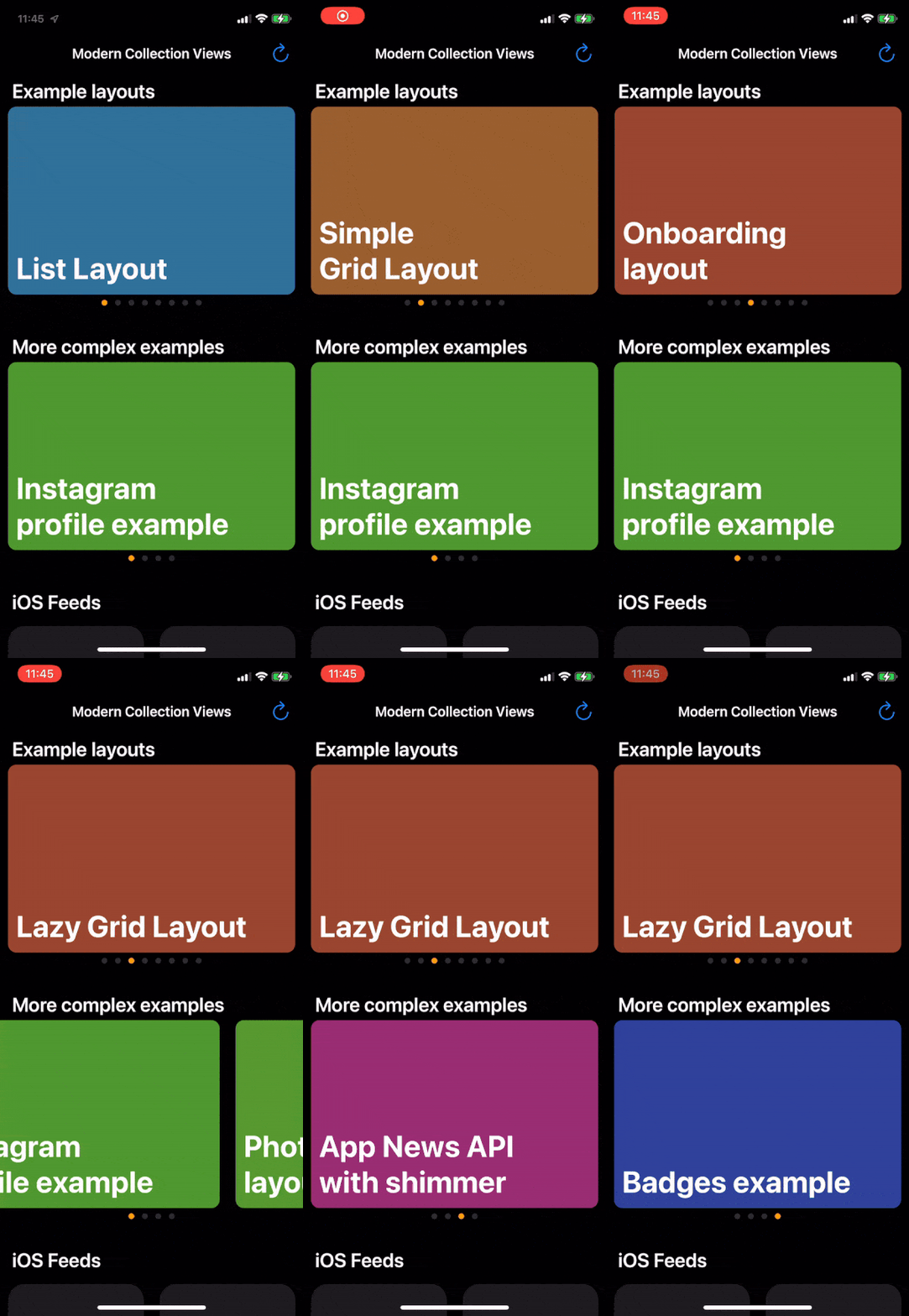
When you have horizontal sections where items take the entire width of the Collection View, it makes sense to give the user some indication that more items are available. That's a great use case for UIPageControl aka the "dotted page indicator." In this post, we'll implement this with Compositional Layout and Diffable Data Source. There are a few distinct parts to this. You need to show the (…
As an indie developer, you probably know you should be doing "some marketing" so that people have a chance to find your app. Or you should be doing more. I think part of the barrier is that it is hard to know what "do marketing" means, so it is easier to continue developing features. Below are some "marketing things" you can do today to help your app find more users. Review your App Store listing…
Some days ago I was working on alternate icon for one of my apps and thought that it would be nice to see it on a real device. And since Safari allows you to add book marks to your home screen - idea for a new project was born. Meet App Icon Preview The App Icon Preview usage is super simple. You just need to upload image and then you get link to add to your home screen. Open the link in Safari on…
The magic of Diffable Data Source, either for UICollectionView (with UICollectionViewDiffableDataSource ) or UITableView (with UITableViewDiffableDataSource ) is that it does a lot of work for us. But sometimes, it doesn't quite do what we want, and it is hard to pinpoint where the problem lies. In this post, we will look at the causes for incorrect animations - at least what I found using these…