

Writing today demands both creativity and fast, reliable information. The old workflow — Google, a dozen open tabs, scattered notes — was slow and messy.
Perplexity AI changes that. It combines search, AI, and cited sources in one place, and once you get the hang of it, it genuinely speeds up the research side of writing without sacrificing quality. This article covers seven practical ways to use it.
Perplexity lets you filter by source type before you search — Web, Academic, Social, Finance, and more. Most writers skip this and just hit enter. Don't.
Academic— for credible studies and research-backed claims
Social— for real opinions, pain points, and the actual language your audience uses
Finance— for market data and financial publications
This one small habit means more relevant results from the start, with less filtering on your end.
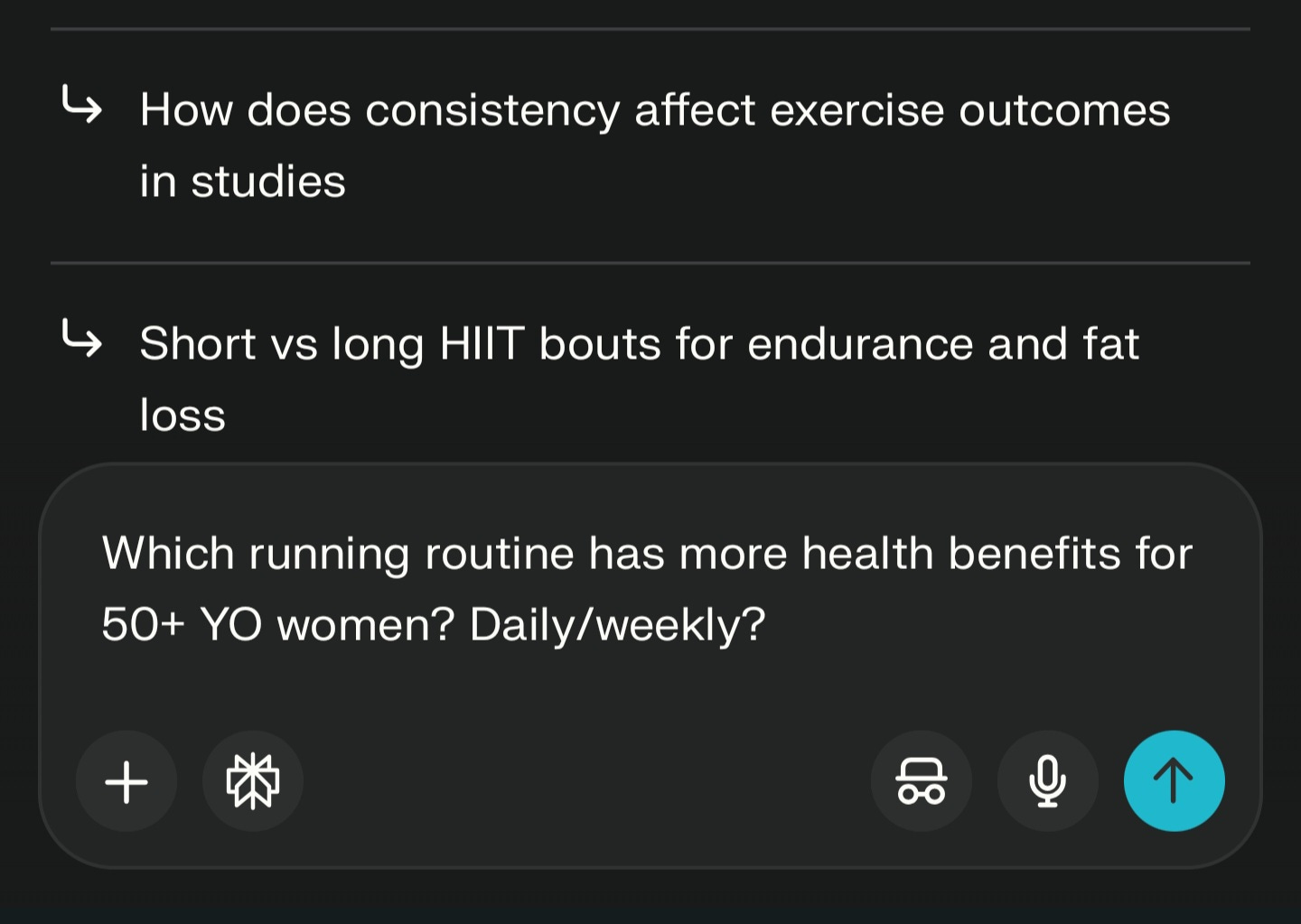
Unlike Google, Perplexity holds context in a thread. You don't have to re-explain yourself with every new question — and there are additional angles worth exploring.
As a writer, this means you can start broad, narrow down to subtopics without losing your thread. It's a more natural way to research, closer to how you actually think when developing a piece.
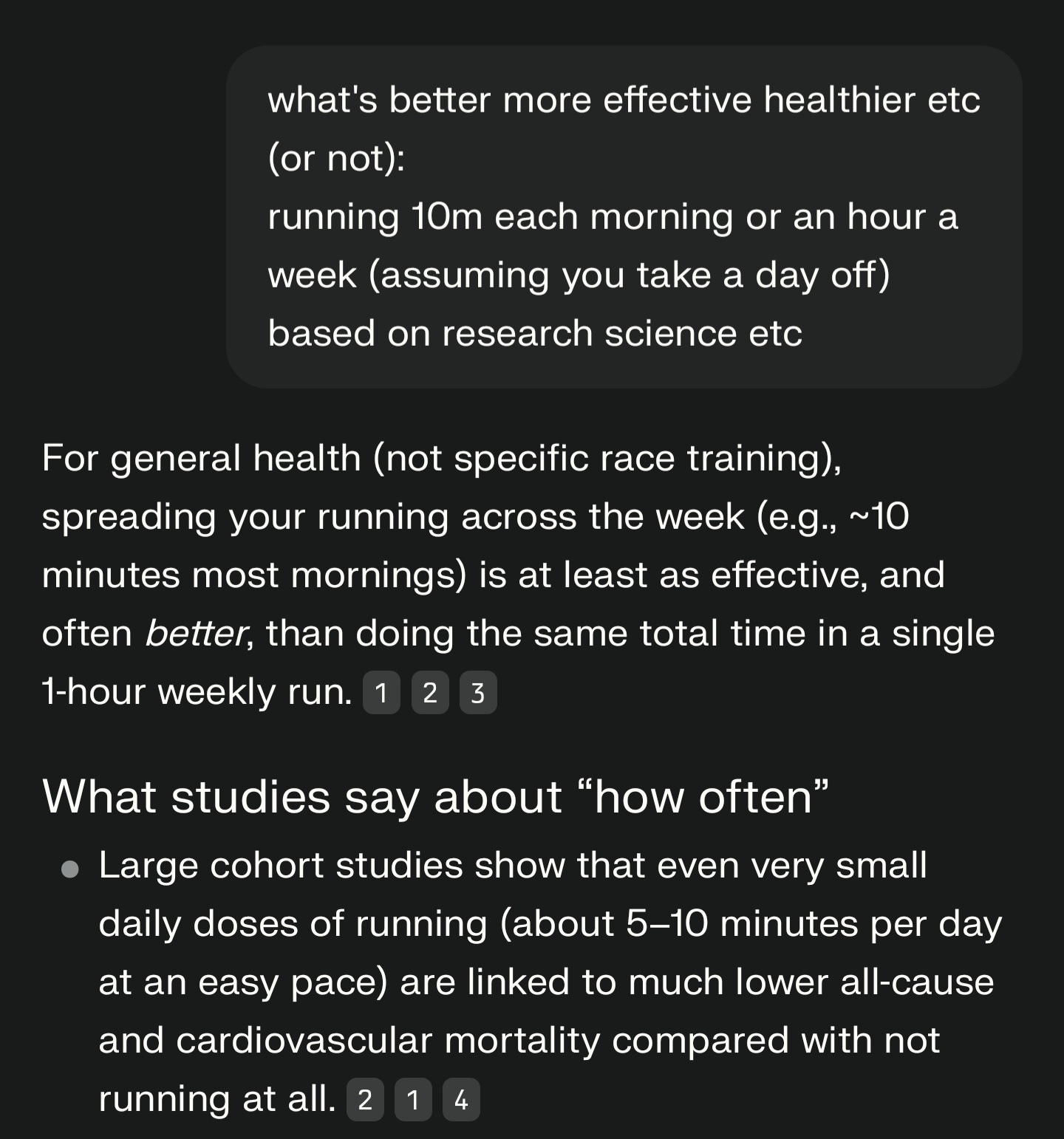
Perplexity links its sources directly in the answer, unlike most AI tools. That's genuinely useful.
You can quickly validate claims, pull supporting data, and avoid repeating misinformation that's floating around. That said, don't outsource your judgment entirely. Skim the actual source before citing it. Perplexity points you there; you still need to look.
This one's underused. Before you wrap up your research, ask:
"What are the opposing views on this?"
"What do critics say?"
It keeps your content from being one-sided and adds the kind of nuance that makes a piece actually worth reading. Think of it as a built-in devil's advocate.
Research papers, long-form reports, academic articles — they're valuable, but reading all of them in full isn't always realistic.
Paste a link into Perplexity and ask it to pull out the key points. It's not a replacement for reading things properly when it matters, but for initial research — getting a lay of the land before you decide what's worth your time — it's a solid shortcut.

Once you've gathered enough, ask Perplexity: "Turn this into an article outline."
Because it's working from the context and sources already in the thread, the outline won't be the generic five-point AI structure you'd get from a blank-slate prompt. It reflects what you've actually been researching, which makes it a much more useful starting point.
Perplexity lets you save and bookmark threads. If you're working on multiple topics or come back to subjects repeatedly, this keeps everything in one place — no scattered tabs, no starting from scratch.
It's a small organisational feature, but for writers juggling several pieces at once, it makes the workflow noticeably cleaner.
- Always pick a source filter — don't just search generally
- Use threaded follow-ups rather than starting a new query each time
- Glance at the actual sources before you cite or quote them
- Combine threads on related angles for a fuller picture
Perplexity isn't just a chatbot. It's a research tool that thinks in context —and that's what makes it genuinely useful for writers.
The people who get the most out of it aren't using it to write for them. They're using it to research faster, go deeper, and build better-structured pieces. Used that way, it removes a lot of the friction that slows writing down — without removing the thinking.
Comments
Nothing yet. Say the first thing.
Sign in to join the conversation.