
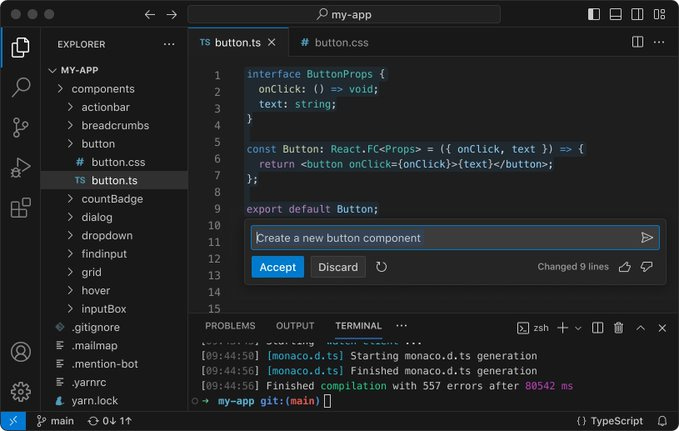
Welcome to your first step in the coding world!
If you're new to programming or looking to switch to a more efficient code editor, Visual Studio Code (VS Code) is an excellent choice.
Developed by Microsoft, VS Code is a free, open-source code editor that supports many programming languages and offers features to enhance your coding experience.
In this beginner's guide, we'll walk you through the steps to start with Visual Studio Code, from installation to writing your first piece of code.
Why Choose Visual Studio Code?
System Requirements
Downloading and Installing VS Code
Understanding the User Interface
Customizing Your Workspace
Installing Extensions
Creating and Opening Projects
Basic Editing and Shortcuts
Running and Debugging Code
Additional Resources
Free and Open-Source: No cost involved; a large community contributes to its development.
Cross-Platform: Available on Windows, macOS, and Linux.
Extensibility: Thousands of extensions to…
Comments
Nothing yet. Say the first thing.
Sign in to join the conversation.