
Developer Naveen Naidu has offered 3 months free off the annual subscription – I've been using this smart dictation app non-stop for 6 months now.
Hello members (and future members)! I am excited to announce a new Partner addition to my Membership – Monologue (part of Every)!
Built from developer Naveen Naidu and designed by Lucas Fischer, Monologue for iPhone & Apple as well as Mac lets you dictate freely with great access points and a retro design – plus capture using Shortcuts. Here’s how it’s described on the App Store:
Monologue is voice dictation that writes the way you talk-so your messages, emails, and notes come out clear, polished, and sounding like you.
Write what you meant to say
Most dictation apps get the words down. Monologue gets the intent right-matching your tone (casual, professional, or anything in between) and cleaning up the “uhs,” filler, and awkward phrasing automatically.
Monologue is offering 3 months free off the annual subscription of $144/year, saving you $43.20 while giving you smart dictation for a full year – here’s the summary:
Turn speech into clean text anywhere — dictation, voice notes, and bot-free meeting notes for Mac, iPhone, iPad, and Apple Watch. 100+ languages, works offline, agent-ready. Members get 30% off Monologue Pro’s annual plan for the first year.
My thanks to Naveen for participating – Monologue has been active on my Mac since the day I bought it in February, so I highly recommend it.
Learn more about the Membership, learn about Monologue,get Monologue on the App Store, or sign up for a membership below:
- Quarterly membership ($15/3 months)
- Annual membership ($50/12 months)
Check out the members-only Discounts page for Monologue’s redemption link.
Interested in becoming a partner? Register your app or service here.
Posts You Might Like
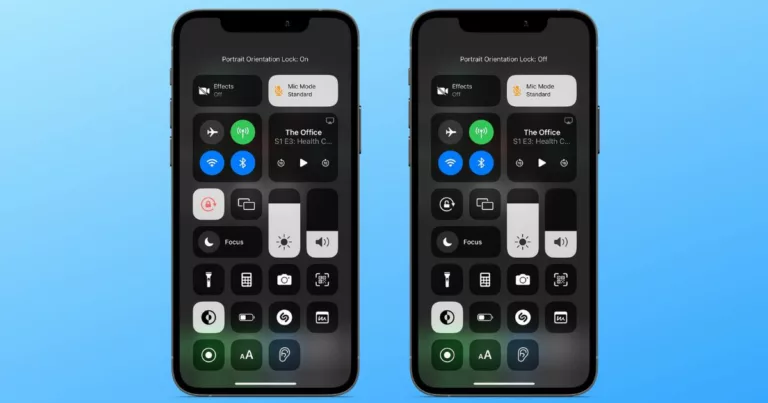
How to Enable iPhone Orientation Lock for Specific Apps »
The folks at MacObserver have put together a guide for how to set up App automations that control Orientation Lock – check it out.
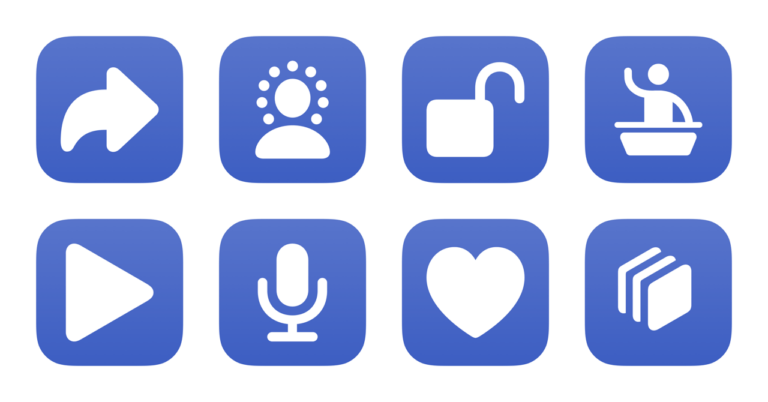
New in the Shortcuts Library: Keynote shortcuts
If you're a fan of Apple's presentation tool, these shortcuts are for you – create from themes, open presentations in Rehearse and Show Mode, and create presentations from your own custom theme.
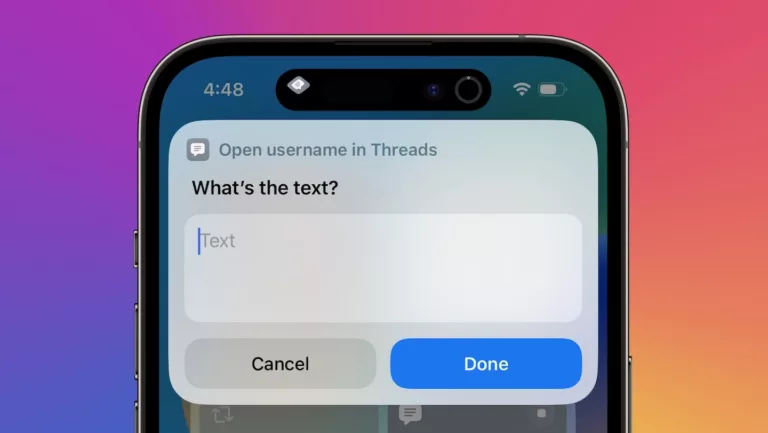
How To Directly Access Threads Profiles Using Shortcuts
In learning about Threads' unique URL scheme, I've shared two shortcuts for accessing others' and your own profile directly in the app.
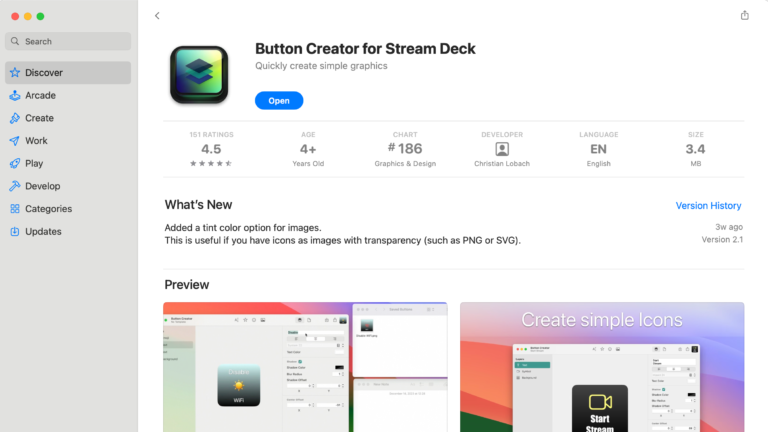
Easily Design Custom Stream Deck Icons with Button Creator for macOS
When building out your Stream Deck, you're going to need icons – this Mac app Button Creator lets you customize your own in a simple interface.
Comments
Nothing yet. Say the first thing.
Sign in to join the conversation.