
Twenty nine years ago I was part of a team building Windows Remote Desktop. I’m biased, but remote desktop was a cool idea. Most computers need the monitor, keyboard and mouse to be plugged in locally. But Remote Desktop - or Hydra as the project was known back then - enabled the display, keyboard and mouse to be remoted over ethernet. Now you could control Windows machines that were hundreds of miles away. Or have multiple users share one powerful server.
Even today it’s remarkably useful - I manage my fleet of workstations using remote desktop. And it finds plenty of use in corporate environments as well.
But these days I’m starting to move over to the dark-side - my daily driver is now a MacBook (I’ve finally been seduced by the benefits of a fixed-length instruction set). So I’ve switched to using the Mac Remote Desktop client to control my fleet.
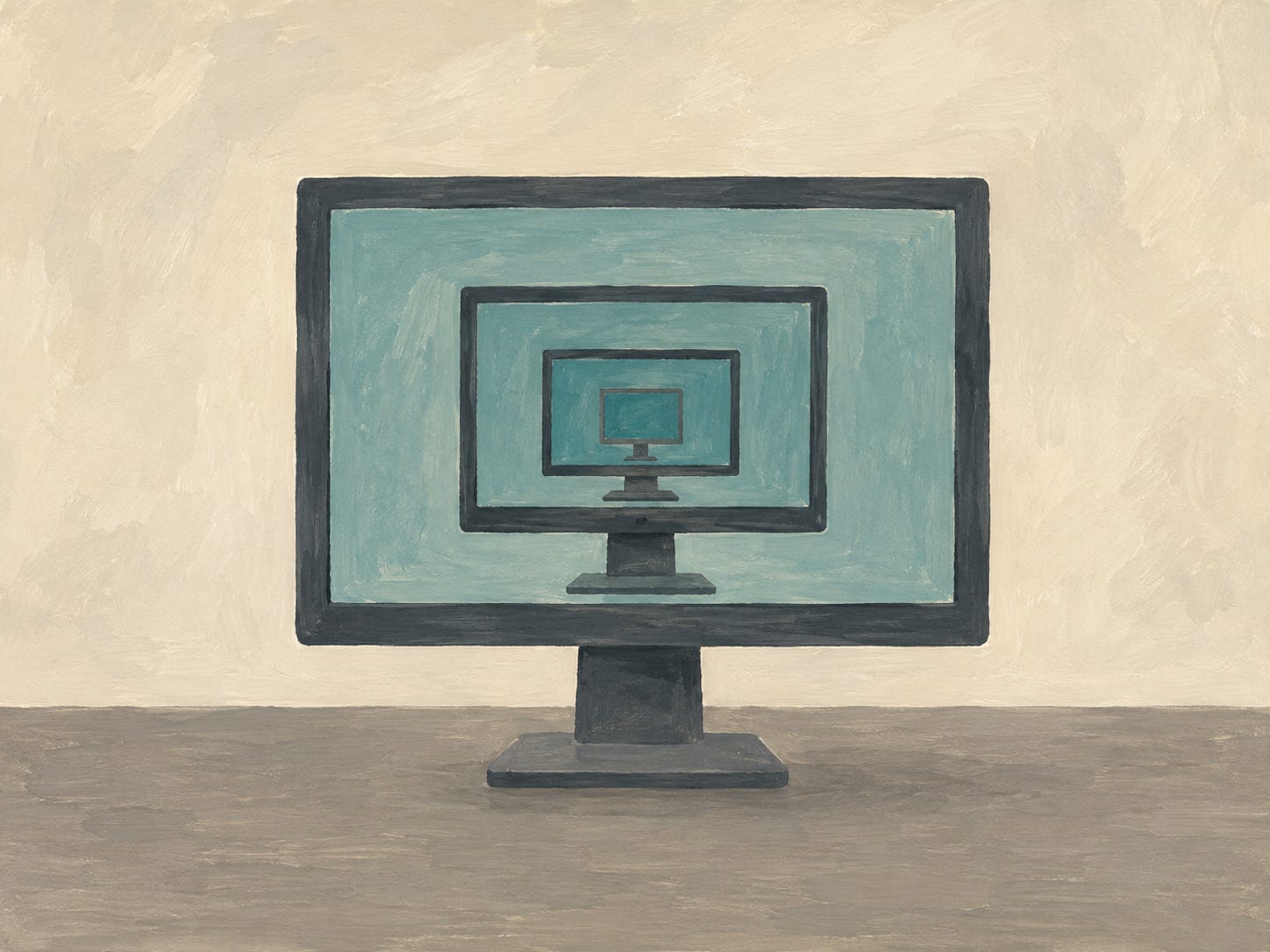
At first glance Microsoft’s Mac Remote Desktop app seems quite nice.
But then you actually use it…
The shared clipboard stops working after a day. It slows down over a period of days and needs to be reconnected to reset. It feels “sticky”; there is too much latency between pressing a key and seeing something happen. And the most irritating bug? Whenever my monitors enter power-saving the client resizes out of full-screen mode and puts the shrunk window on a random desktop.
It’s frustrating. It’s hard to escape the feeling of a poor quality beta.
For the past few months I’ve lived with it. But three days ago I had a thought. Could I write my own client?
I’ve been here before. I was part of the team that wrote the original Windows client. Six of us spent six months building it - 36 person months in total. But how long would it take today?
Just a couple of days it turned out. I had some scraps of Opus and Sol kicking around so I set them off to build a client while I worked on other things. When I checked in on Sunday evening it was pretty much done. And rather awesome.
It stays full-screen and on the same desktop when my monitors go to sleep. The latency is reduced; it feels less sticky. I’m confident the clipboard will last more than a day; and if it doesn’t I know where to go to get it fixed.
Two days versus 36 person months?
It clearly isn’t a fair comparison. I was able to reuse existing Rust crates to handle connection establishment, security, key storage, H.264 decompression. The protocol is simpler than it used to be. The server is stable and not under development. I didn’t have to design the client from the ground up.
But then again. Back then we were building on the T.128 protocol from NetMeeting. So we had a head-start too. Maybe it’s not as unfair as it initially seems?
Despite the latency improvements the new client doesn’t feel as quick as I’d like it to be; it’s better, but it’s not as good as working interactively. I’ve got top-end machines on a 2.5Gbps LAN; I want it to be instantaneous. That’s not too much to ask is it?
In the 90s, the big challenge was network bandwidth. Networks were slow - a 10Mbps ethernet was considered fast. PCs were also slow compared to today. Back then the top-end machine was a 200MHz Pentium Pro. Put that in context - a single core of the machine I’m writing on is >100x faster than a Pentium Pro. And I have 18 cores.
I spent a lot of time measuring performance and latency back then. A 200MHz Pentium Pro on a 10Mbps network could manage sub 50ms latency. It didn’t feel sticky. What’s gone wrong today?
I sent Claude off to do some analysis. First we got some measurements. The median latency turned out to be ~75ms, but with p95 at nearly 500ms. Research tells us we need consistent sub 100ms in order to not perceive “stickiness”; those 500ms outliers mess with your motor loop. A consistent 90ms is better than 75ms with outliers of 500ms.
Yikes. So why is it worse today?
Traditionally apps drew to the screen using “GDI commands”. Select a red pen. Draw a line from here to there. Select the Arial font at size 14 and write the text “Hello world!” at this position on the screen.
The original remote desktop captured these commands as soon as the app made them, packaged them up and sent them to the remote. Which then replayed them. The commands were small and easy to encode and decode. It was highly efficient.
But Windows changed this with DWM which arrived in Vista; from then on apps had to draw to an offscreen bitmap. Remote desktop could no longer see the GDI commands - and suddenly had to deal entirely in bitmaps. Worse, the bitmaps were updated on a schedule - e.g. 30Hz. 30Hz is 33ms between frames. So it takes 17ms on average before the server is even aware there is a change to send.
It gets worse; there’s another composition pass - which adds 33ms. So we’ve gained 50ms - and the server is only just realising something has changed.
Then we’re dealing with bitmaps. Even on a 1Gbps LAN, bitmaps are too large to send uncompressed. A 1440p frame would take 125ms to send. So we need to compress them. And the solution RDP uses is H.264. Which adds ~5ms of latency to compress. And another ~5ms to decompress. We’re up to 60ms of extra latency.
And then, finally, we’ve got the display. Back in the 90s we used CRTs - those big glass screens which blasted you with x-rays. They were analog - so were near enough instantaneous. But our modern monitors do fancy digital signal processing - good monitors add ~2ms; office monitors add ~10ms. And then there’s pixel response time. A typical office IPS screen is ~10ms. OLED is good here - it has practically zero response time.
So our modern stack adds 62-80ms of latency. No wonder remote desktop has felt progressively stickier over the years.
But it got me thinking. Could we rebuild the server as well?
Turns out, yes, we seem to be able to rebuild this too. It’s not complete (and may never be), but Fable has built a prototype server, installed it and measured it. We’re stuck with bitmaps. But we can run our display driver at 240Hz to reduce the 50ms latency to 6ms. Microsoft defaults their driver to 30Hz (and caps it to 60Hz).
When only a part of the screen changes and we send a delta, we don’t compress it - the latency introduced from sending more data is less than the encode/decode time so there’s no benefit in compressing.
H.264 encoding is similarly optimised to minimise encode/send/decode latency. No point in saving 2ms on send if we incur 3ms on encode/decode. I can tune this to my high bandwidth LAN - I don’t care if this doesn’t work well on a 28.8kbps modem :).
It’s early days, but we’ve knocked 8ms off so far. And there might be as much as another 30ms to find. I doubt we’ll get that far, but we should be able to comfortably beat Remote Desktop.
And, if nothing else, this is fun.
A week ago I had no idea I’d be rebuilding Remote Desktop. But this is the world we live in.
What to conclude?
I find it very hard to tell how much is me - the SDLC we’ve built, being part of the original team, the decades of experience - and how much is Fable, Sol, Opus or Luna.
I doubt most people would have rebuilt the client. But how much of that is because they’d never have even considered trying? Is a habit of trying daft things what’s needed? Or does AI get to the point where I complain to Fable 8 about the problems I’ve got with a particular piece of software and Fable goes and rewrites it for me - and it does that reliably? And then am I really out of a job?
No posts
Comments
Nothing yet. Say the first thing.
Sign in to join the conversation.