

As a consummate marketer, I often find myself at conferences and gatherings where the conversations inevitably lead to AI. Often, someone will lean in, mildly distressed, and ask, “The pace of change is staggering — how and where do I even begin to learn AI without falling hopelessly behind?”
These aren’t idle questions or mere conversation starters either. They come from startup founders — some deeply technical, others more focused on business strategy — all grappling with how to navigate this breakneck-speed moment in time we are barreling through. The urgency in the question gives me pause every time.
This article is my attempt to answer that question for non-technical audiences. In my next article, I’ll explore the same question from the perspective of developers and engineers, and provide a roadmap tailored to a technical audience.
Needless to say, this roadmap — or curriculum — is based on my experience and worldview. It’s not exhaustive or definitive, but it’s a starting point you can customize to your needs. My hope is that this will give you directions to explore the basics and, from there, find a rabbit hole or two to go deeper based on your interests.
Before we get started, let’s categorize some broad use cases that affect almost every one of us in our day-to-day lives. Then we’ll dive into some tools, and resources that could help you get started in these areas.
Research: Whether you’re a student diving into a new subject or a professional conducting market analysis, AI can help you find, organize, and synthesize information more efficiently. Even if you’re not a student, instead of relying solely on Google searches, you now have powerful tools that can assimilate vast data in minutes based on what you are looking for.
Learning something new: AI-powered tools can act as personalized tutors, adapting to your skill level and specific needs to make learning engaging and effective. Imagine having a tutor with access to vast libraries of data — one that patiently teaches concepts at your pace and level of understanding.
Creating something new: While generating blogs and articles has been widely explored (and often overused), few realize AI’s potential for creating illustrations, images, or videos for many use case, including teaching. You can even build full-stack applications without prior coding knowledge — but that’s a topic for the next article.
Automation: When people say AI can 10X your productivity, they often refer to no-code AI automation tools that simplify repetitive tasks, freeing up time for more meaningful activities.
Data Analysis: AI tools make it easier to analyze data for both personal and professional use. So why is this useful for anyone? You can use the data analysis to make better decisions even if your question is around — what is a more cost-effective location for a vacation in a certain area with similar attraction and amenities?
Now that we’ve defined these broad categories, let’s dive deeper into each one, exploring the tools and resources that can help you get started.
1. Research
Example: Imagine you’re a student working on a thesis about renewable energy from the ocean. Instead of manually scouring dozens of papers on oceanography and renewal energy separately, you use AI to summarize key points, identify trends, and organize sources into an easily navigable format. You can then synthesize the information from two different fields and research a specific topic that may not have been explored before.
Perplexity (perplexity.ai): In addition to searching all internet data from the past and the current in near real-time, this tool lets you generate topic-specific pages. For example, when researching renewable energy, you can create a dedicated page compiling the latest breakthroughs, articles, and summaries in one place. You can share this page or access it across devices.
Steps to Use: Start by entering a broad topic. Let Perplexity suggest related subtopics. Ask additional questions, organize results into clusters, and save or publish the page.
ChatGPT with Projects (chat.openai.com): Ideal for synthesizing dense research papers or drafting quick summaries. Ask specific questions like, “What are the pros and cons of wind energy?” or mix and match two disparate subjects to explore connections. Ensure you enable the browsing feature for up-to-date information.
Steps to Use: Create a project for a topic. Upload documents or paste text for summarization. Use follow-up questions across chats and synthesize the findings into a single document.
NotebookLM (notebooklm.google): A standout tool from Google, NotebookLM allows you to create notes by adding sources such as web pages, papers, and even YouTube videos. But, best of all, it can also generate podcasts from your notes so that you can use it to learn from your synthesized notes while traveling, walking or at the gym.
2. Learning something new
Example: Suppose you want to learn how to play the guitar. AI can analyze your skill level, recommend personalized exercises, and even provide feedback on your practice sessions.
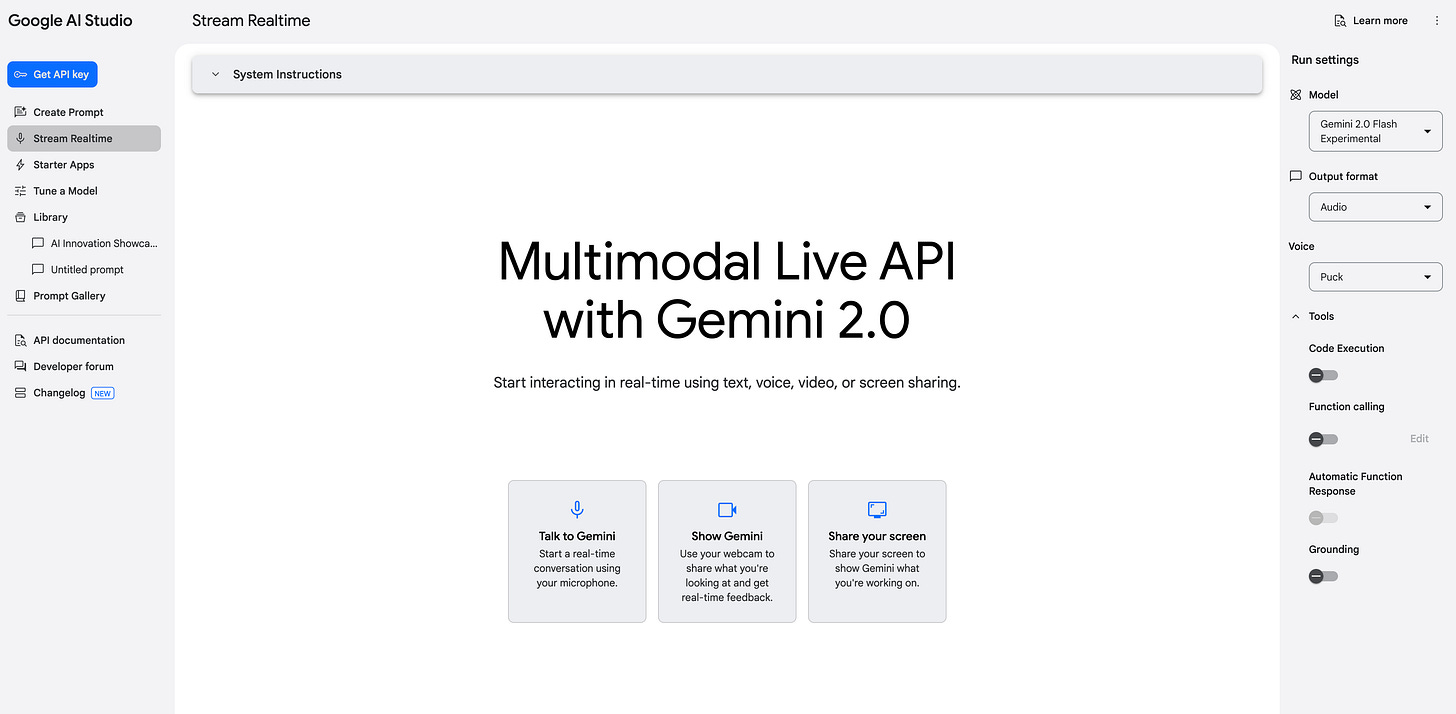
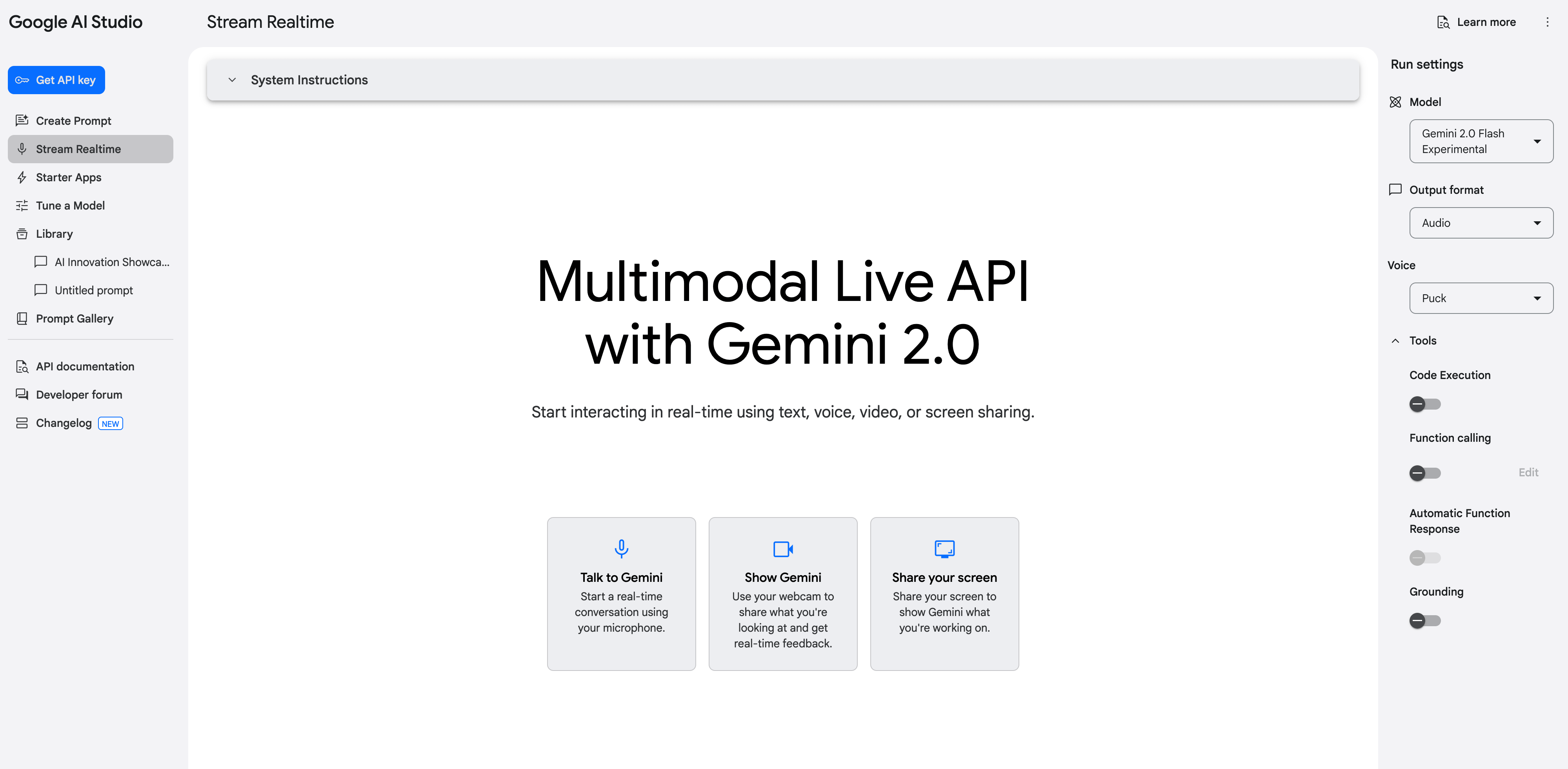
Google Gemini (gemini.google): Offers dynamic, interactive lessons with screenshare and video-sharing capabilities to demonstrate techniques or corrections.
Steps to Use: Start a streaming session on Google AI Studio. Share your webcam, screen, or both, and request guidance verbally while you play the chords. Alternately, you can also share assets like audio or presentations to demonstrate and ask for personalized feedback from AI.
OpenAI Custom GPTs (chat.openai.com/gpts): Browse marketplace GPTs designed for specific use cases, such as cooking or guitar lessons and use them for very specific use cases.
Steps to Use: Explore or create a new GPT at ChatGPT Custom GPTs.
Claude by Anthropic (claude.ai): Ideal for diving deep into theory, especially around technical topics. Claude can also generate artifacts (e.g., code or mermaid diagrams) to visualize concepts.
Steps to Use: Ask conversational questions to break down complex concepts. Request visuals, such as a diagram for music theory.
3. Creating something new
Example: You want to create a video teaching others how to bake sourdough bread. AI helps you generate a script, design visual aids, and produce high-quality video content.
Napkin.ai (napkin.ai): Sketch and refine ideas for video illustrations or diagrams.
Steps to Use: Provide natural language input describing your vision. Refine the generated diagrams or illustrations.
Firefly, Midjourney and Grok (firefly.adobe.com, midjourney.com, grok.ai): Generate detailed, high-quality visuals for thumbnails or presentation slides.
Steps to Use: Input descriptive text prompts and iterate until the visuals meet your expectations.
Runway and Google Veo2 (runwayml.com, veo.google): Simplify video creation with text prompts and add effects, captions, or transitions.
Steps to Use: Experiment with example prompts to generate videos matching your vision.
4. Automation
Example: You’re managing an online store and overwhelmed by repetitive tasks like updating inventory and sending order confirmations. AI tools automate these processes, saving you valuable time.
Some high level concepts — A unit of automation is typically referred to as a workflow. A workflow consists of several tasks which could be certain steps within different applications, for example a CRM or Email etc. Finally, how the workflow gets triggered is called a Trigger, for example, at a certain time every day or through another action in another application or manually etc.
Zapier and Make (zapier.com, make.com): Both platforms offer hundreds of app connectors, enabling you to build workflows with drag-and-drop simplicity. Automate tasks on a schedule or trigger them based on specific actions (e.g., new CRM entries). They also include AI features that enables you to build workflows automatically using prompts.
Flowise and n8n (flowise.io, n8n.io): These tools provide more granular control and allow custom code execution. Both are open-source, so you can run them locally or deploy them on your infrastructure. I will cover this more deeply in my neext article.
5. Data Analysis
Example: You’re analyzing monthly expenses and want to visualize spending patterns. AI tools help create dashboards and provide actionable insights.
ChatGPT and Anthropic Claude (chat.openai.com, claude.ai): Upload CSV files to these tools for analysis. Both can generate charts and graphs for visualizing data.
Caution: Avoid using sensitive or personally identifiable information (PII) due to potential data privacy concerns. In my next article I plan to cover how to use your own open source model deployed privately for your use.
Excel and Google Sheets Plugins (workspace.google.com): Use AI-powered plugins for insights directly within your spreadsheets.
Metabase (metabase.com): Build interactive dashboards from spreadsheets or APIs using either drag and drop features or specifying your queries without learning how to code.
Conclusion
In this article we covered foundational examples of using AI for everyday tasks. As you explore tools like OpenAI and Claude, dig deeper into their features or use Perplexity to discover the latest advancements. By starting small, building your skills, and experimenting with these tools, you can unlock opportunities to work smarter and live more creatively. The key is to stay curious, take action, and share your progress with others.
✌️
Comments
Nothing yet. Say the first thing.
Sign in to join the conversation.