
I bet every developer using Nuxt 2 has seen this error page at least once:
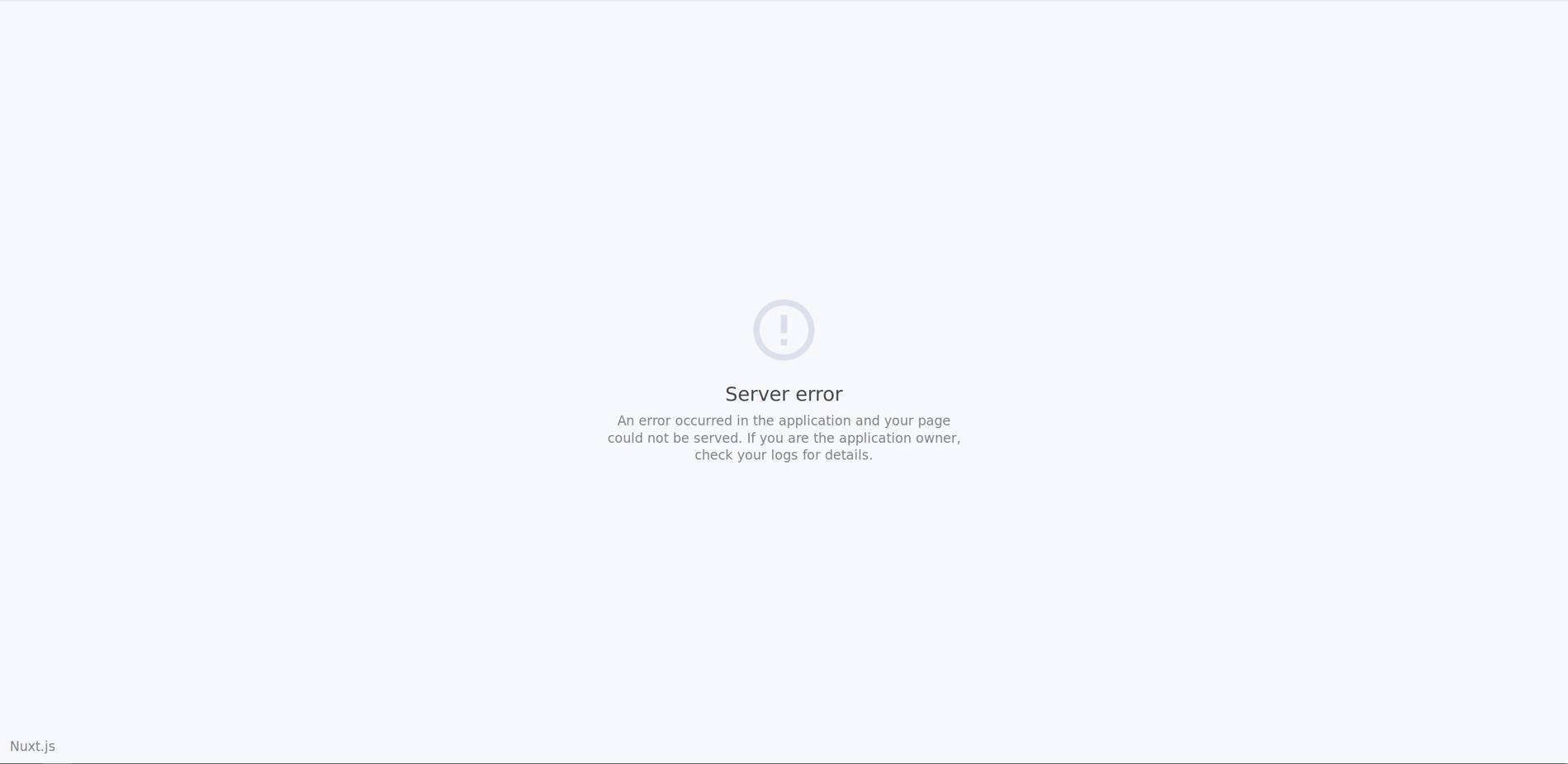
And I’m sure that you’ve asked yourself: How to change this page? You likely want to brand this error page similar to your client side error pages, so that your users aren’t as confused whenever a server-side error occurs and have info available how to proceed further.
Testing the server-side error page
Let’s create a new dummy page called
error.vue
in the
pages
folder:
export default {
  asyncData() {
    throw new Error(":(");
  },
};
To see the page you have to boot up the project in production mode. Otherwise
youch
will kick in and give you information about the occurred error. After going through
npm run build && npm start
, open the page (f.ex. with
localhost:3000/error
) and you should see the error page.
Okay… changing time!
Changing text
Do you like the style and only want to change the text there? No problem! You can do this through your
nuxt.config.js
. The text for the default error pages is extracted from the
message
object. The important default values can be found below:
export default {
  messages: {
    loading: "Loading...",
    error_404: "This page could not be found",
    server_error: "Server error",
    nuxtjs: "Nuxt.js",
    back_to_home: "Back to the home page",
    server_error_details:
      "An error occurred in the application and your page could not be served. If you are the application owner, check your logs for details.",
    client_error: "Error",
    client_error_details:
      "An error occurred while rendering the page. Check developer tools console for details.",
  },
};
I’ve highlighted the lines that influence the text of the default server error page. Let’s change them and see what happens!
export default {
  messages: {
    server_error: "Oh no! Server error",
    nuxtjs: "Is this Nuxt.js?",
    back_to_home: "Cmon, back home!",
    server_error_details: "Uh uh :| Server errorrrrr",
  },
};
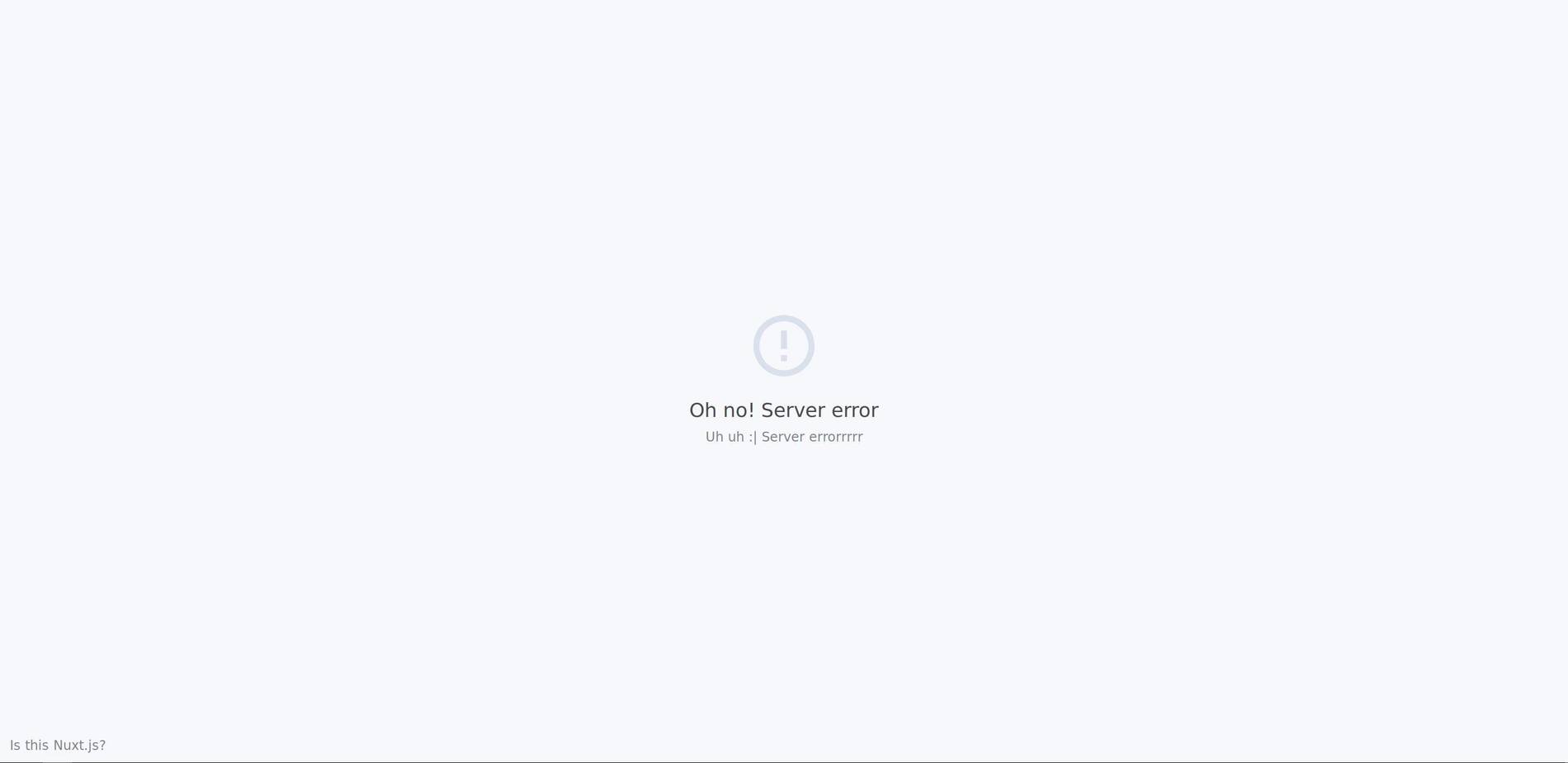
Looks great so far! But as you may think, this isn’t everything ?
Completely replace the error page
Surprise folks! Similar to an own
app.html
file, you can also replace the server-side error page.
All you have to do is to create a folder called
app
in your project root and another one inside it called
views
. Now add an
error.html
file inside the
views
folder and edit it to customize your error page.
HTML
means: No Vue/Nuxt logic, only pure HTML and CSS. You can add javascript (eg. error reporting tools) and so on if you want though.
I’ll add a small unstyled piece of HTML for demo purposes.
<h1>Oh No :(</h1>
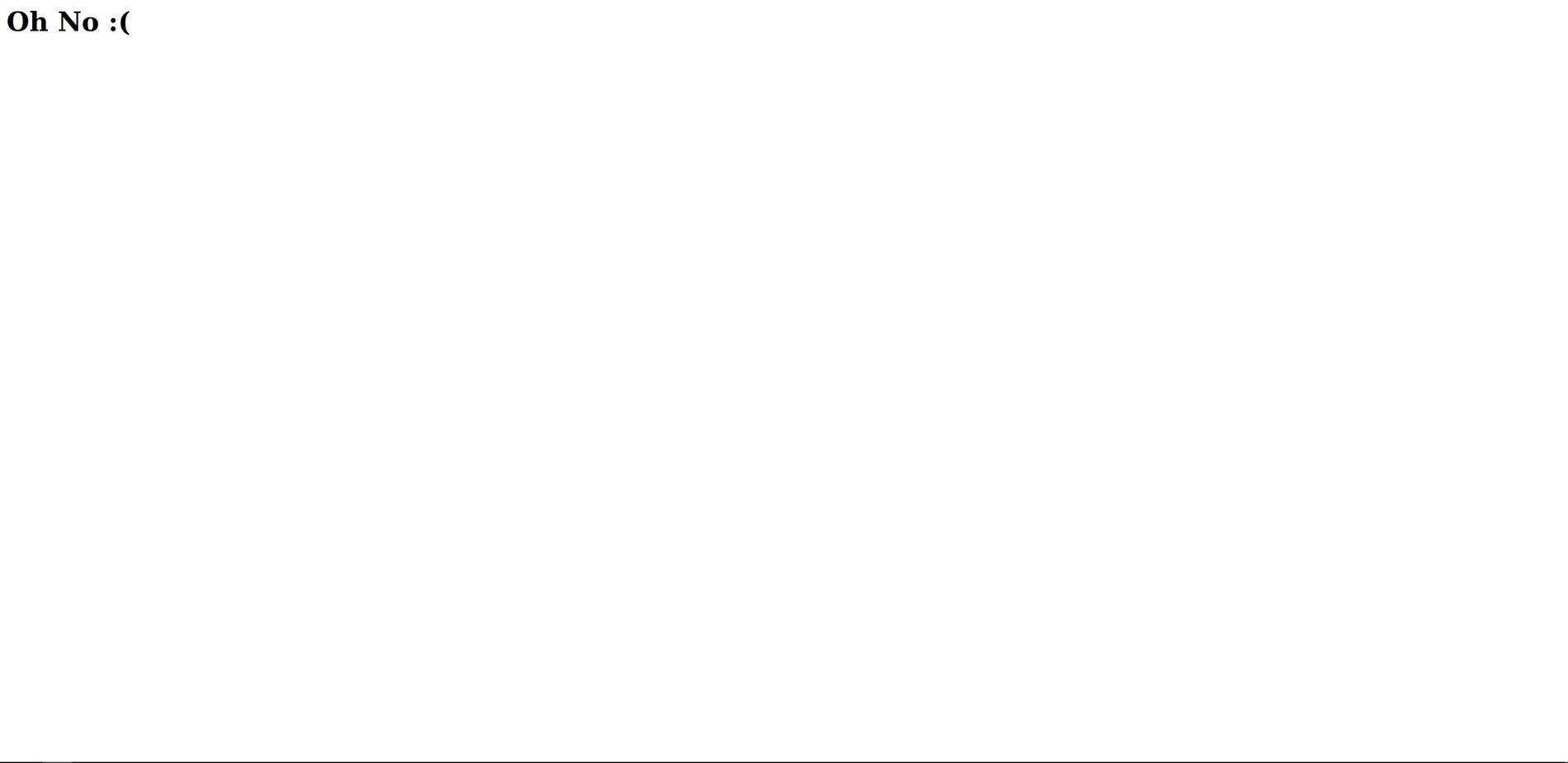
There we go!
Conclusion
It was easier than you thought, wasn’t it? Now it’s your turn! ? I’d love to see some nice error page designs, so if you built a great one and want to share it be sure to send it to me as well.
As usual, I hope the article helped you out somehow. If you’ve spotted typos, wrong code or have questions, feedback or ideas, please send me a message!
You can reach out on Twitter (@TheAlexLichter) or through email (blog at lichter dot io). Stay tuned for more content ?
Comments
Nothing yet. Say the first thing.
Sign in to join the conversation.