
Last year I paid a graphic designer over $20,000 redesign all my sales pages and create aesthetic Instagram Carousels for me.
Clearly THIS must have been the reason my growth on Insta had plateaued….right??
And they were gorgeous. Truly. They were the kind of designs that made me want to screenshot my own content and post it as an inspiration board on Pinterest.
But…
Did they immediately go viral and grow my audience? No…
Did they increase my sales?? Also, no.
If anything, my engagement on Instagram was WORSE than before and my sales conversations were basically identical.
So I sat there looking at these beautiful, expensive, but financially flat graphics and though to myself: I could have bought another Birkin.

Now, I will happily spend $20,000 for aesthetics in life.
Give me the epic spa day and a vintage bag – I’m in.
But if I am going to spend that kind of money (AND TIME!!! bc the hours reviewing and giving feedback are 😵💫) on my business it better mean….$$$
Otherwise, i’d rather do it the lazy (+ cost effective) way…which in the year 2026 involves (you guessed it) my BFF Claude.
So this article is going to explain how to save LITERALLY $20,000+++ with Claude.
A well-designed 10+ slide Instagram carousel costs $200 MINIMUM if you hire someone to make it.
I know this because I have worked with multiple social media managers, design agencies, and VAs on exactly this.
So if you’re posting 3x a week, that’s $600 a week on carousels alone. $2,400 a month. Almost $30,000 a year.
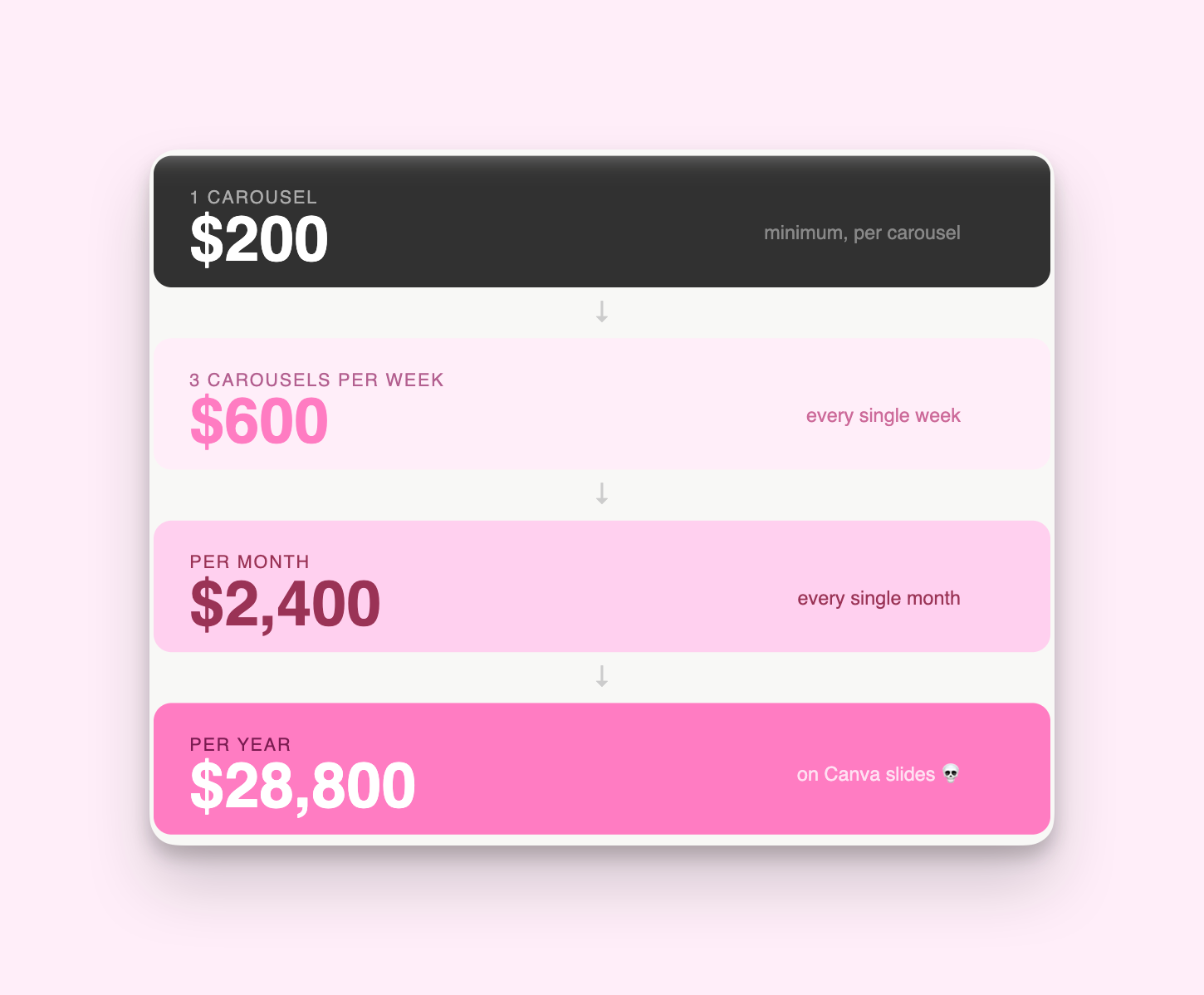
On Canva slides. 💀
Anthropic just released Claude Design — a tool that creates genuinely beautiful, on-brand carousels in minutes. Not “good enough for a small business” beautiful, either.
But like, high-end campaign, i’m running an 8 figure business, beautiful.
And i’m OBSESSED with it.
I used this EXACT system to make this carousel …
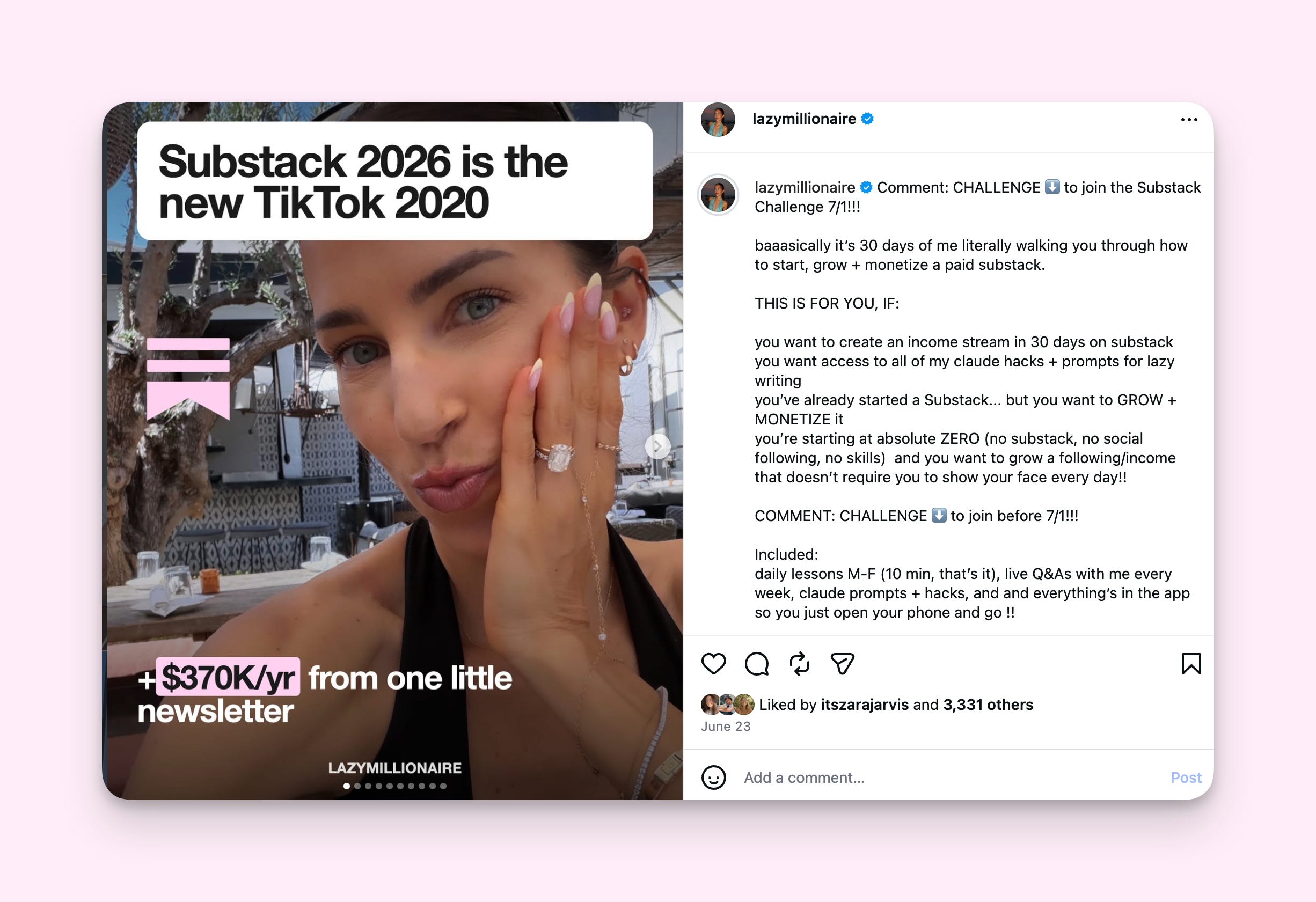
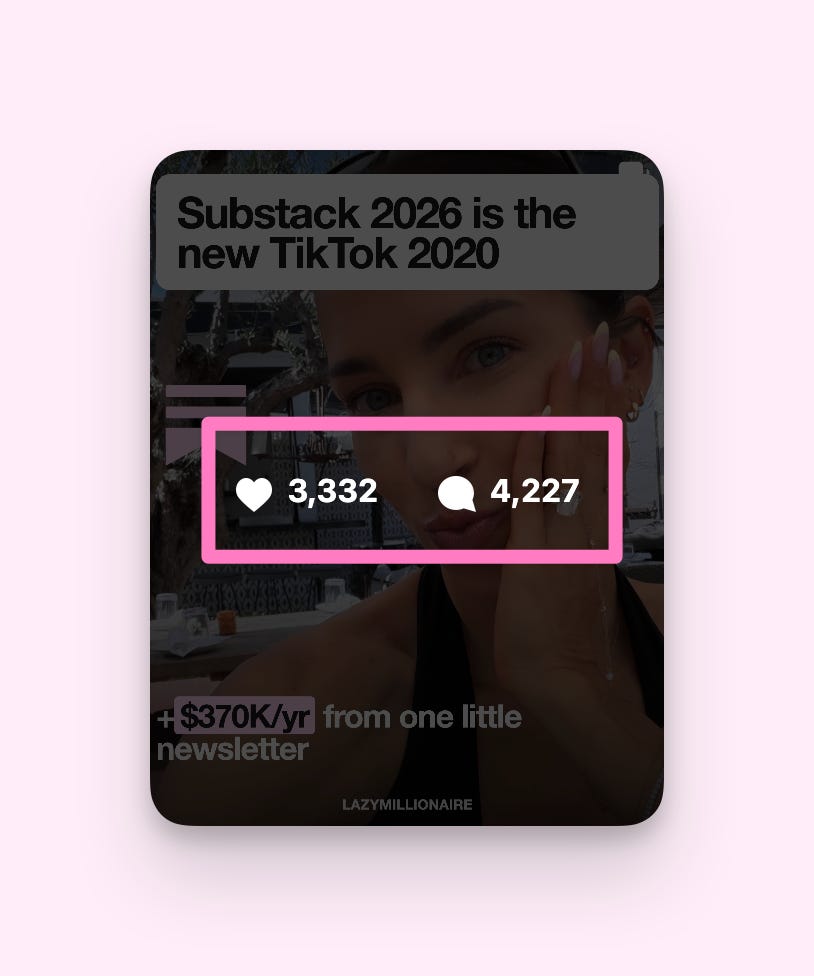
It has over 3300 likes and 4200 comments…
And these….
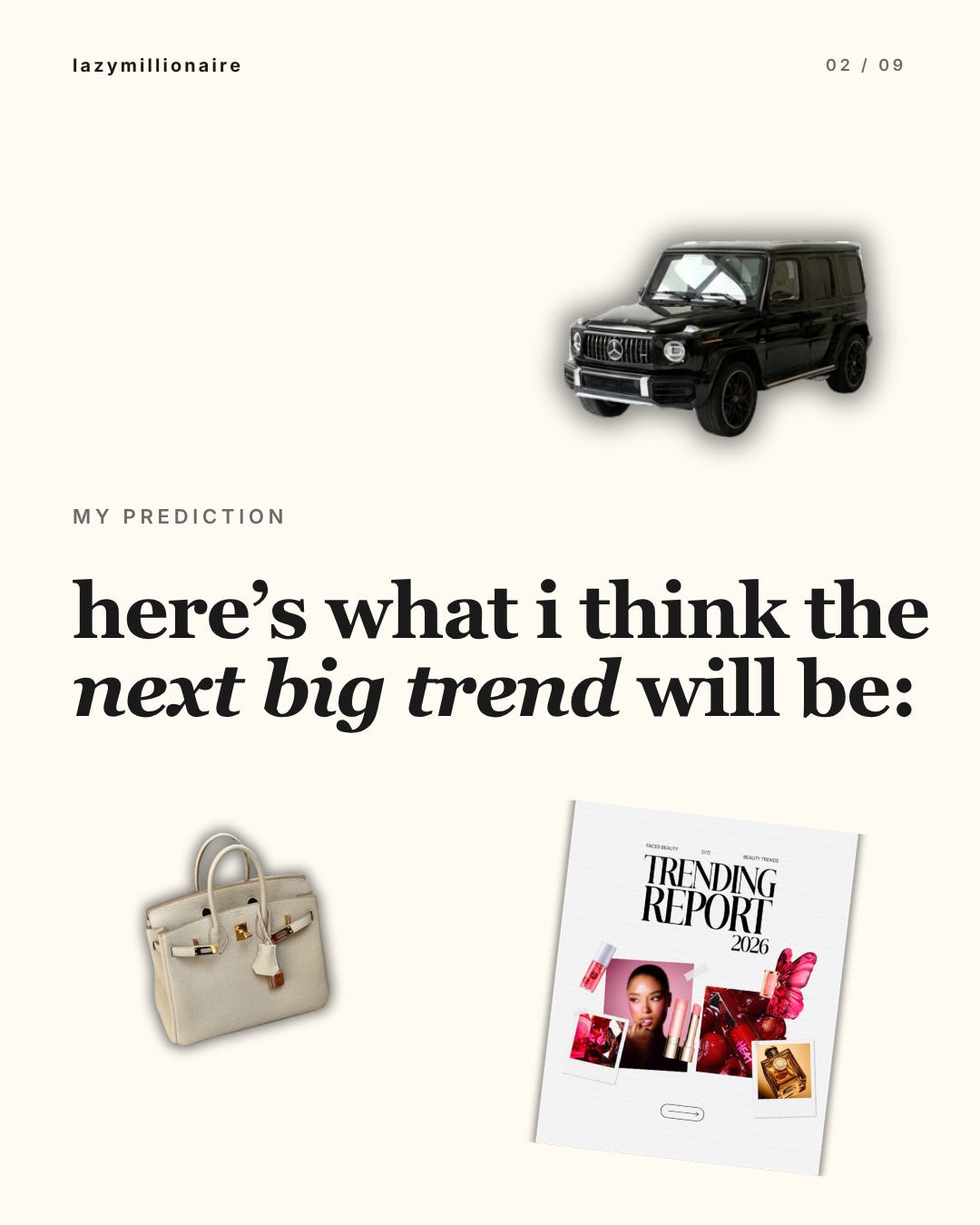
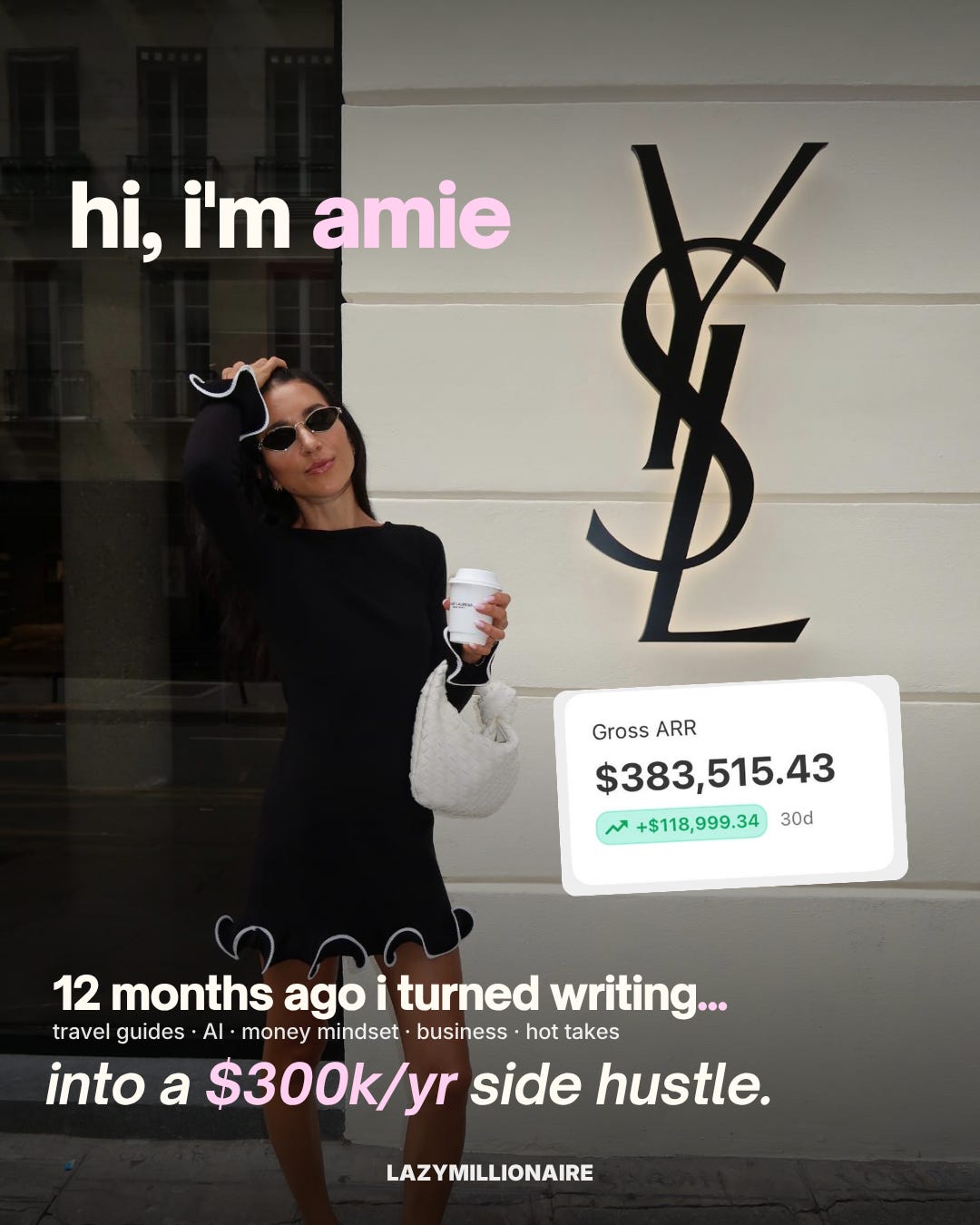
And the most insane part is that you can use the Claude Design hack i’m about to teach you, not JUST for Instagram carousels, but for…
Youtube thumbnails
Digital course slides (!!!)
Infographics
Substack thumbnails
Pinterest covers
…basically ANY design needs you have, that you would normally pay a designer (or VA) to create for you, can be done in a matter of MINUTES with Claude Design.
For example I also used this hack to create ALL of the slides for my recent Substack challenge:
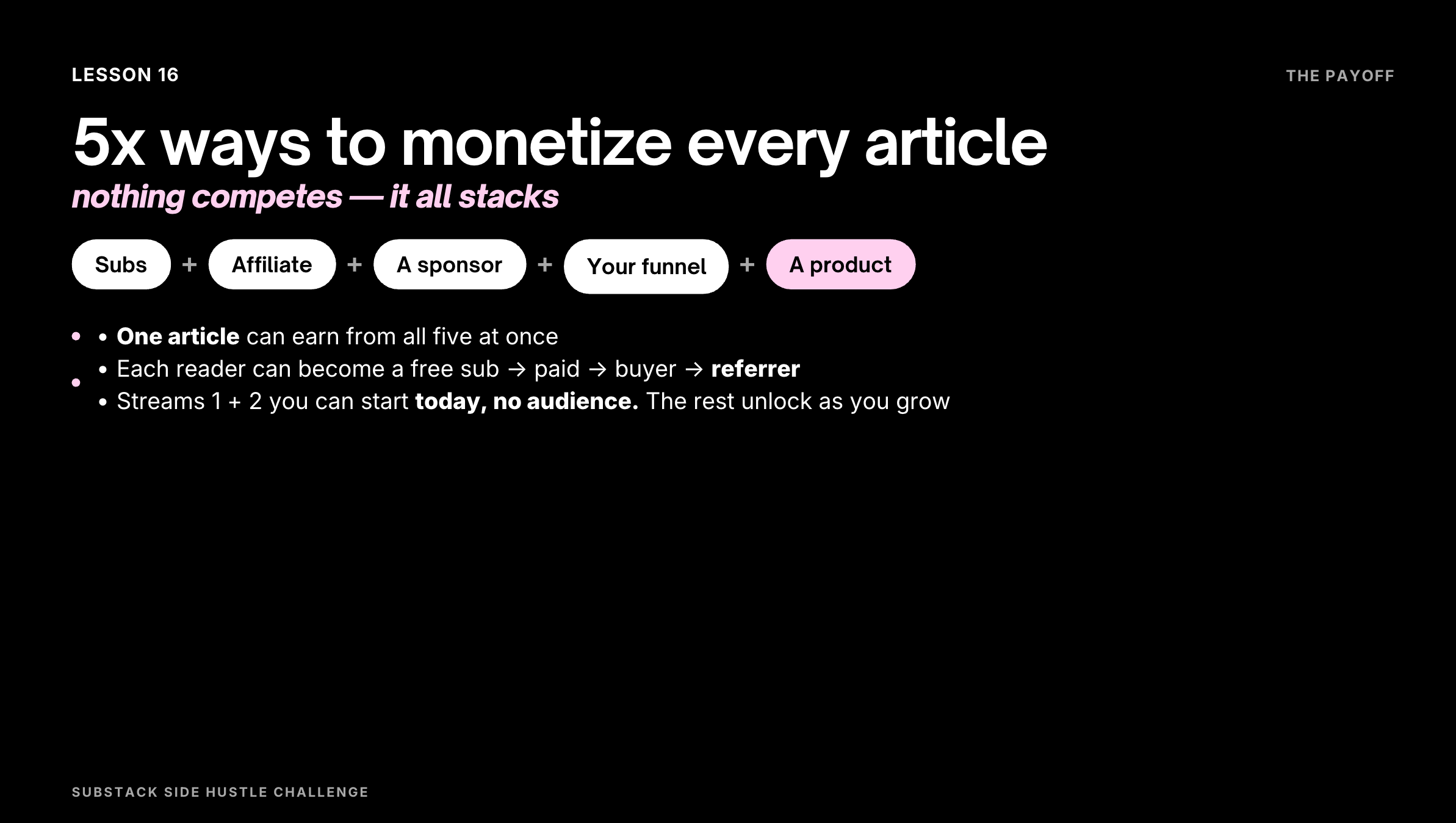
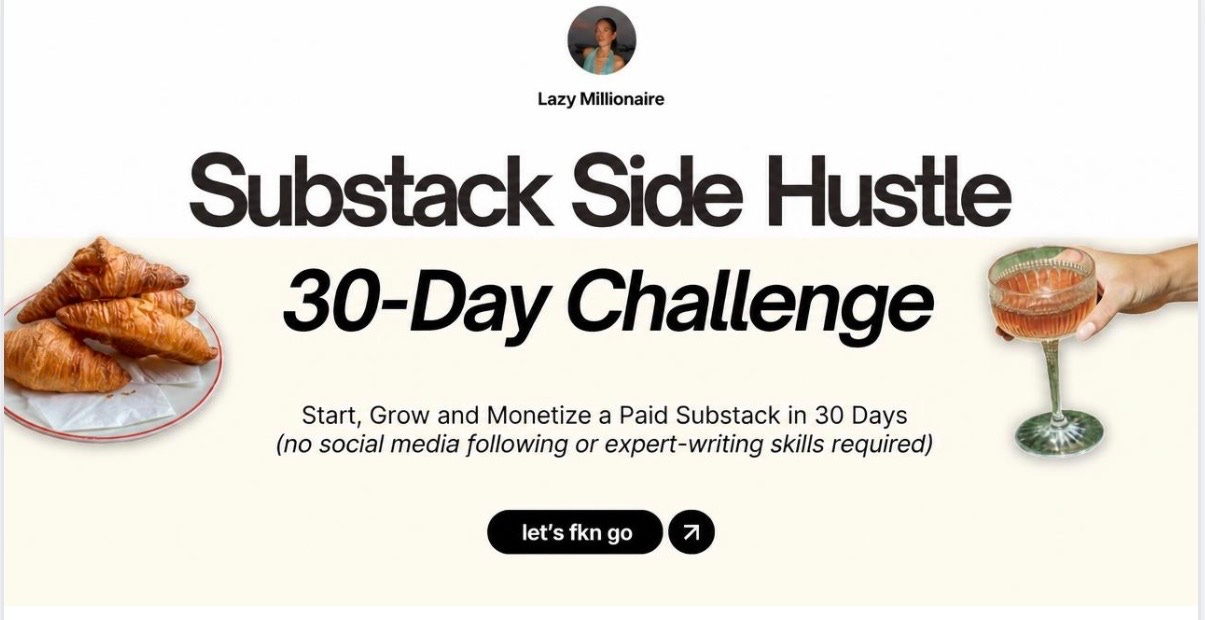
I even used Claude design top generate 2 different Substack thumbnails for THIS post:
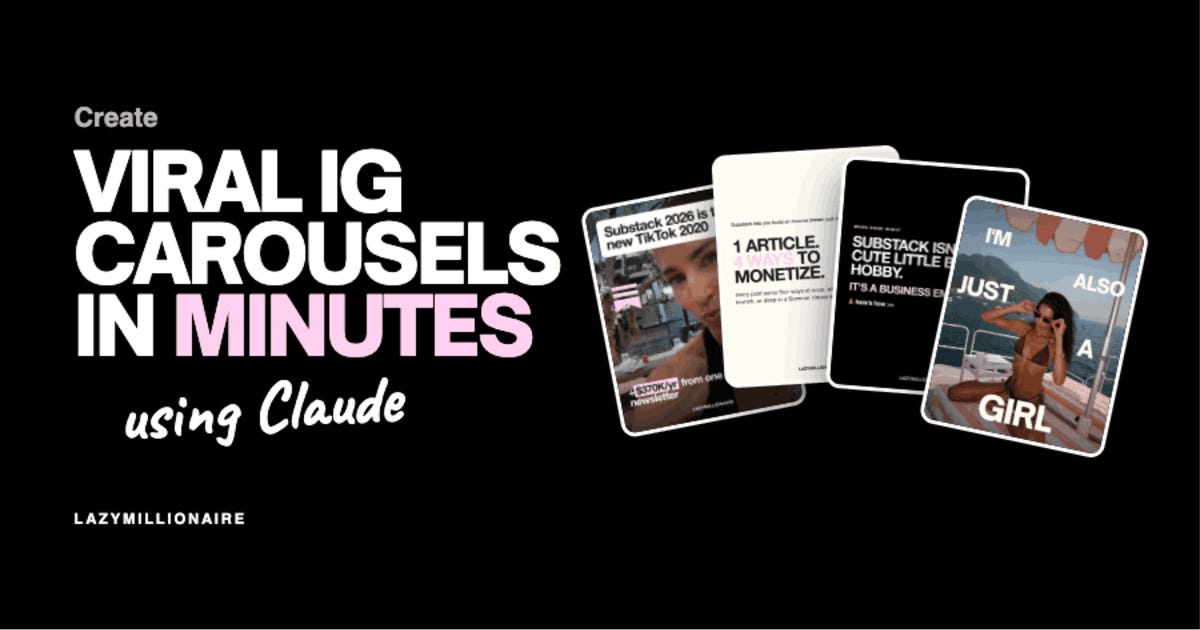
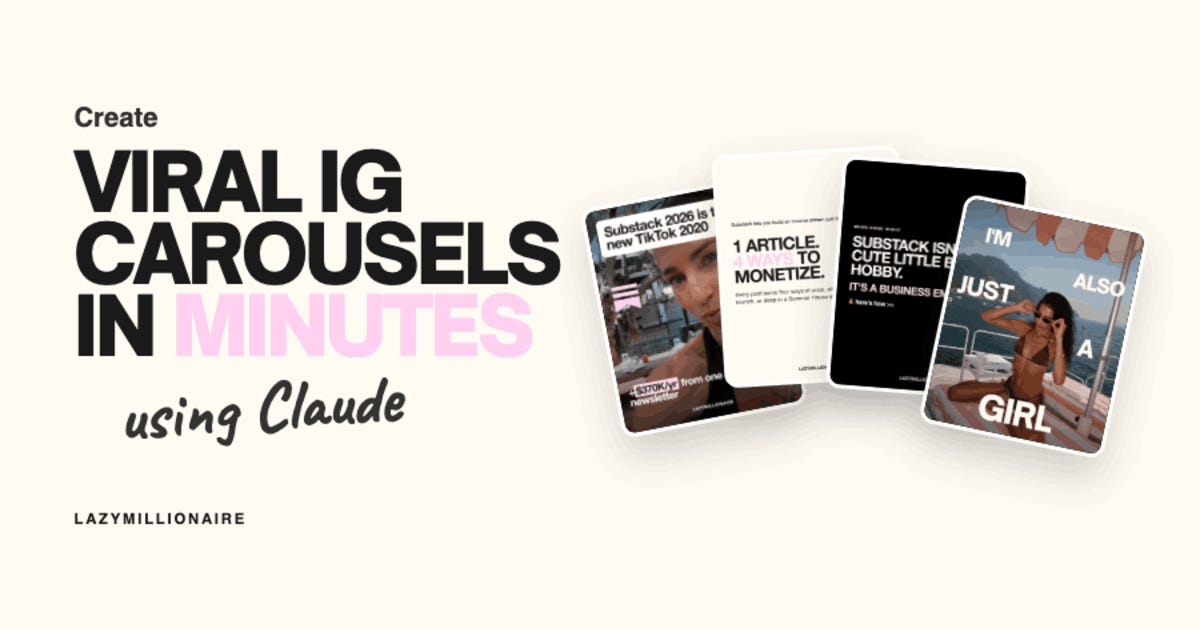
Pretty good, right??
I’m going to show you exactly how I use Claude Design to build carousels that look like I paid someone $200 for them.
Including step by step screenshots of every click, and the prompts I used because I know some of you are not tech people and that is completely fine — neither am I, honestly.
AND - how to repurpose content you’ve already created (Substack articles, blog posts, old captions, etc) into gorgeous Instagram carousels that fit your branding, in like 5 mins.
(P.S. I’ve been testing this since it released and my carousel reach, likes, and saves are up. The vanity metric that actually tells you something.)
Upgrading to paid is basically the cheat code for everything I teach. For less than the price of an Erewhon smoothie, you get the stuff I don’t put anywhere else on the internet:
The full step-by-step Claude Design tutorial with screenshots and exact clicks (written for non-techy girlys, I promise)
The exact prompts I use to generate on-brand carousels in under 10 minutes — copy, paste, post
The brand brief template I give Claude so every carousel matches my aesthetic without me explaining it from scratch every time
The entire archive of every paid post I’ve ever written, instantly unlocked
Bonus resources, cheat sheets, and behind-the-scenes tea I don’t share on Instagram, TikTok, or anywhere else on the internet
The full step-by-step is below for paid subscribers — including exactly what to click, what to type, and screenshots of every single step 🎀
Comments
Nothing yet. Say the first thing.
Sign in to join the conversation.