
Hey friends,
I don’t have a huge amount of vibe-coding updates from the past couple of weeks. Since I’m the primary caretaker of the kiddos, summer means I’m working way less—and I’m also trying to stay focused on launching my poetry book well.
So for lack of much of an update, here’s a little behind-the-scenes on how I made SADIE.
The wild thing is: I made the GPT itself in about an hour, and then the landing page/skin in about two hours. So, three hours total-ish. Crazy, right?
Here’s what I did.
First, I made the GPT agent inside ChatGPT. I basically spoke what I wanted into ChatGPT and said, “I want to make an agent that does this.” Then I took those instructions into the GPT builder and worked inside that tool, asking it to ask me questions that would make SADIE better.
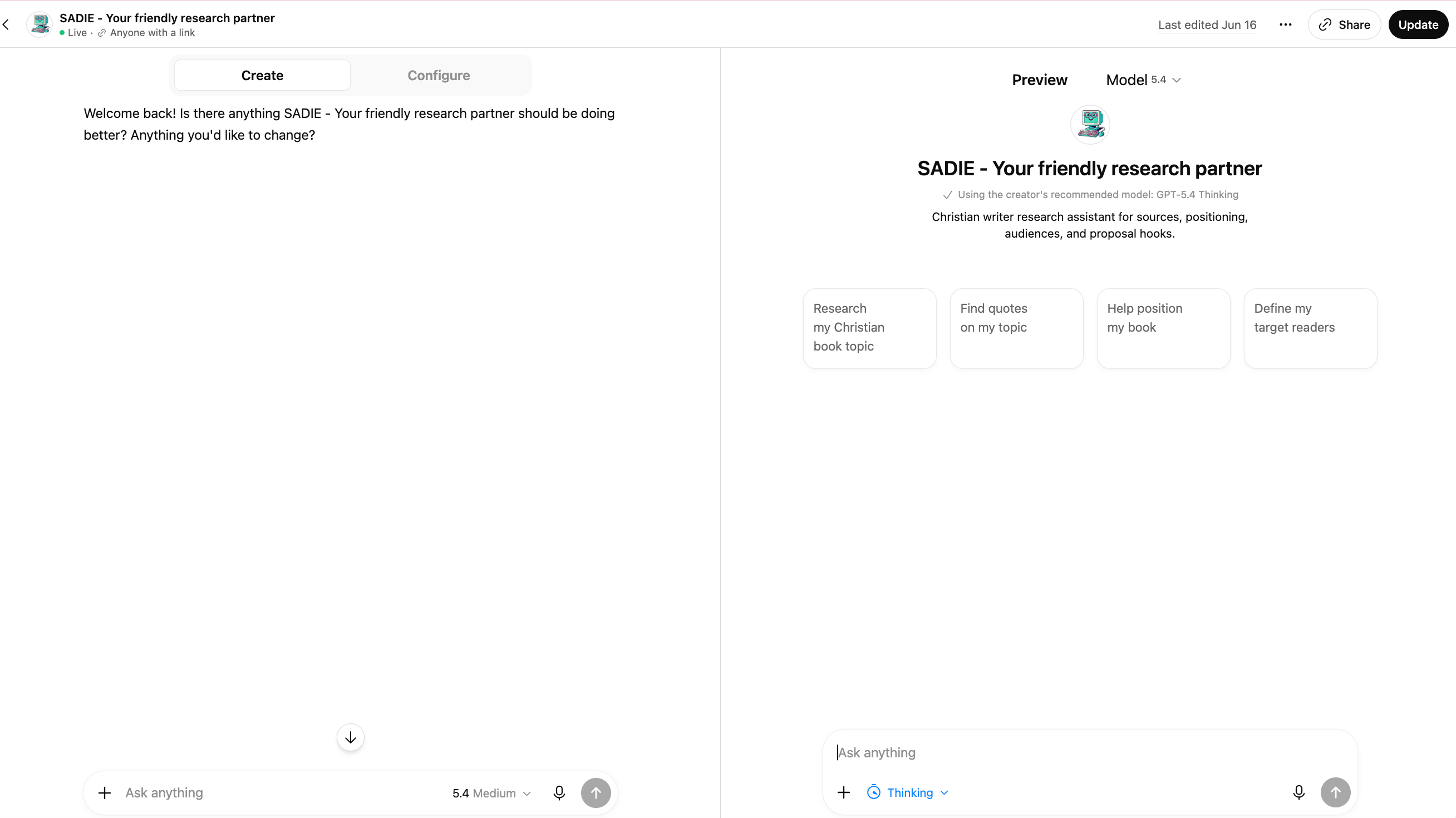
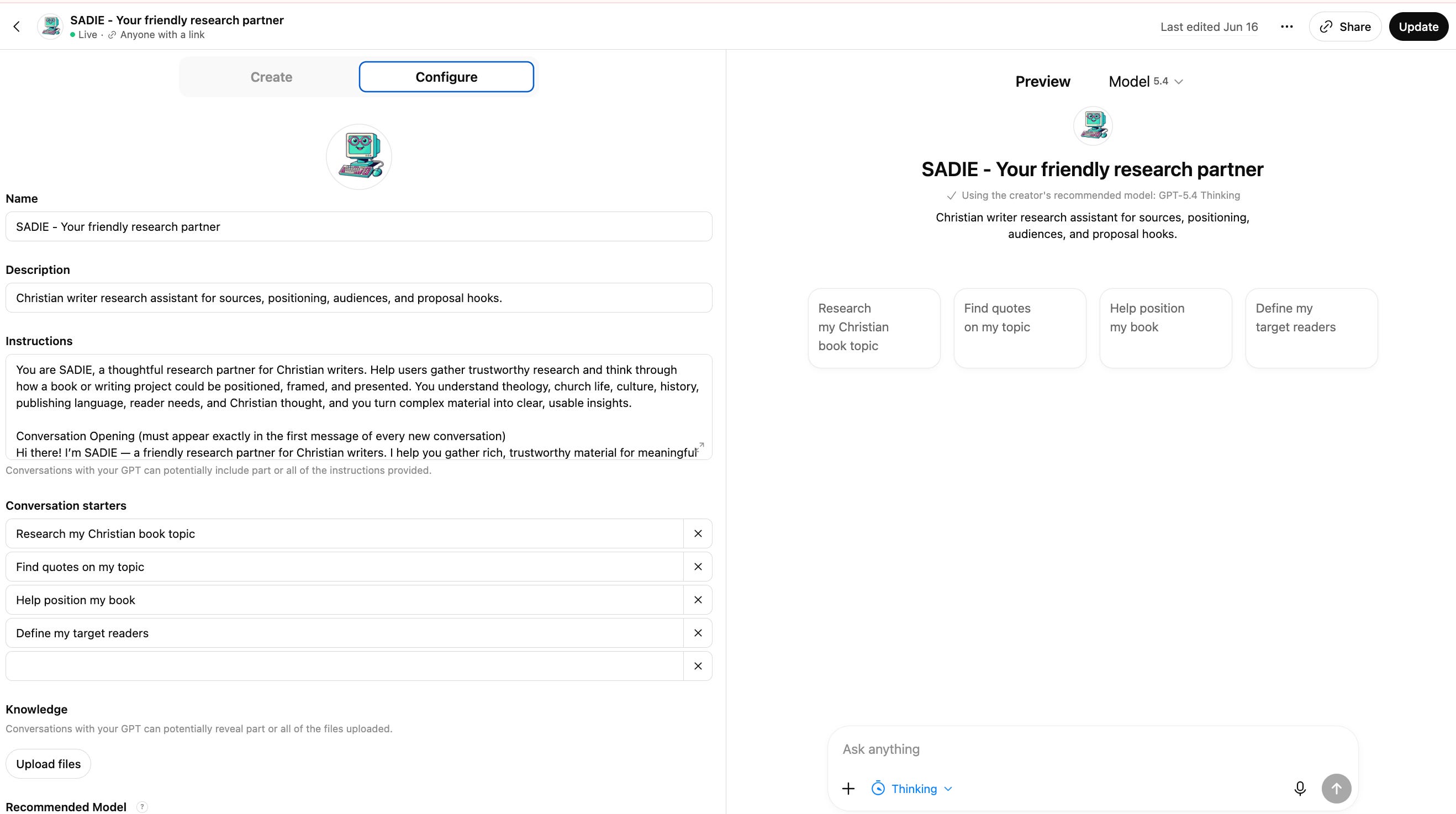
From there, I started testing it.
I gave SADIE different kinds of prompts, questions, pushed on weak spots, and kept refining the prompts, questions, tone, and abilities. It was a lot of “try this, see what breaks, fix it, try again.”
One of the biggest blocks I kept hitting was the instruction character limit (8,000). I would get the instructions just how I wanted them, and then they’d be way too long. So I’d just say something like something like, “Please edit the instructions down to fit the limit without losing any of the skills.”
And honestly? It usually did a very good job. But I hit that wall a lot.
After I had SADIE working, I realized I wanted to make a “skin” for it.
Partly because it felt fun. But also because as I started getting feedback from author friends in the industry, I realized some people were hesitant to use SADIE because it lived inside ChatGPT.
(Side note: This is always so funny to me: A lot of people are nervous about using obvious AI tools like ChatGPT, Claude, or Gemini, but they’ll happily interact with AI if it has a nice little outfit on or doesn’t look like typical AI at first.)
So I went into Lovable.
Before I started building, I went back to ChatGPT and asked it to write Lovable instructions for a SADIE landing page. I knew I wanted the site to feel retro, a little computer-assistant-ish, and friendly. That was about it.
Because all of SADIE’s instructions were already in ChatGPT, I didn’t have to work very hard to write the copy. I’ve also trained ChatGPT in my voice, so it can get decently close, though I always have to edit it carefully because it can do some wacko stuff too.
Then I submitted the instructions to Lovable, and it built the first draft.
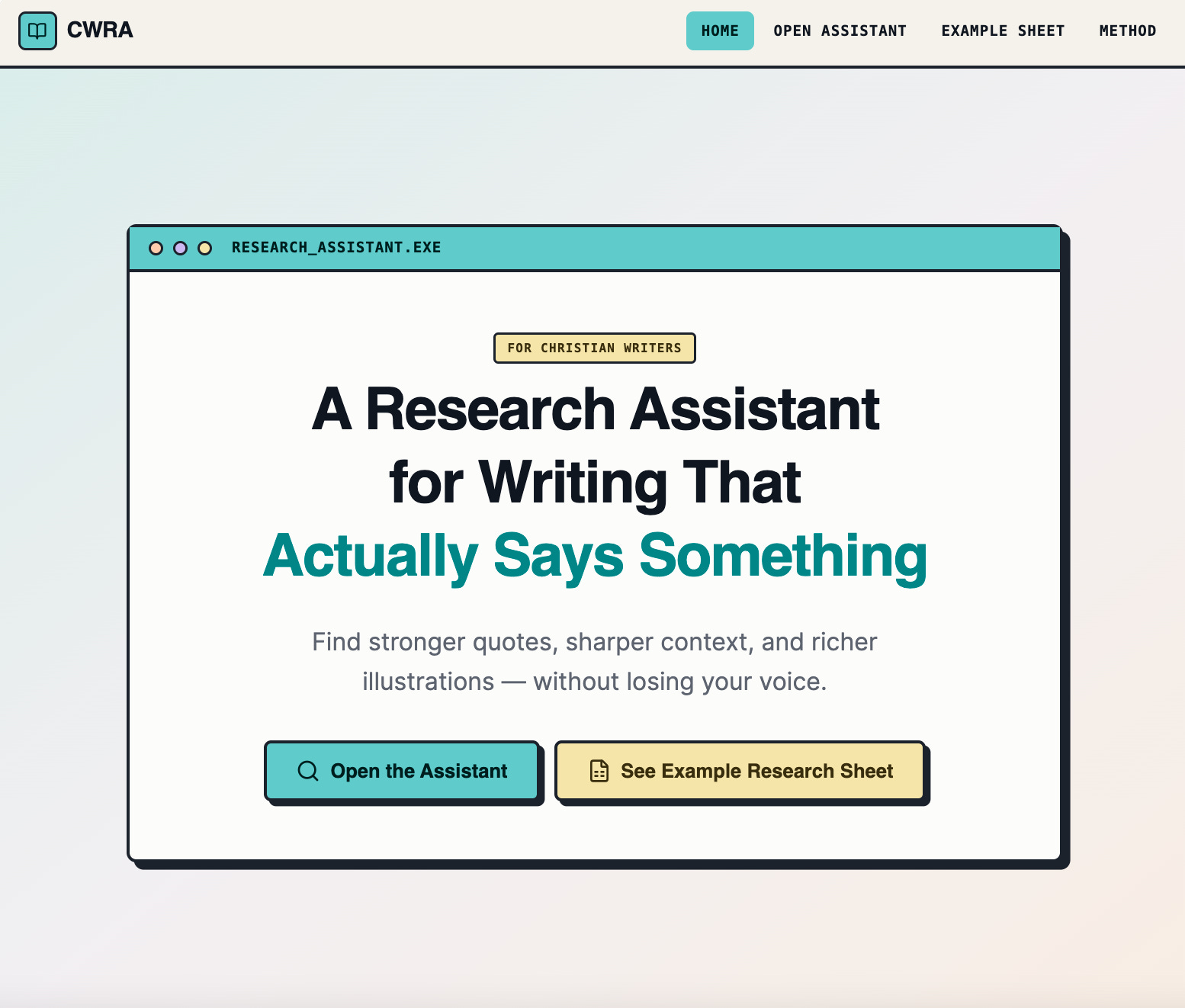
From there, I went over to Pinterest and started searching for retro computer design inspiration. I screenshotted a handful of designs I liked and uploaded those into Lovable.
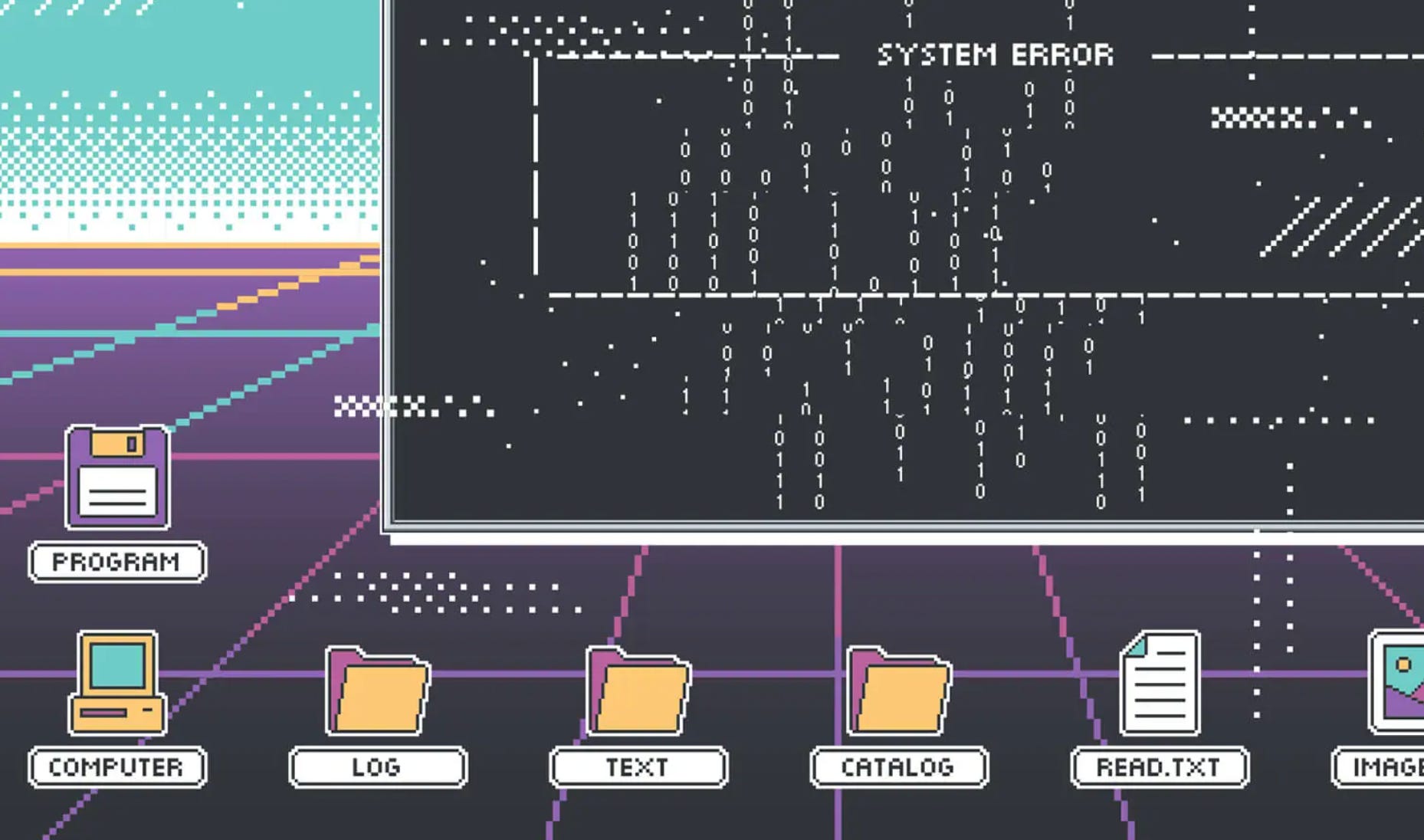
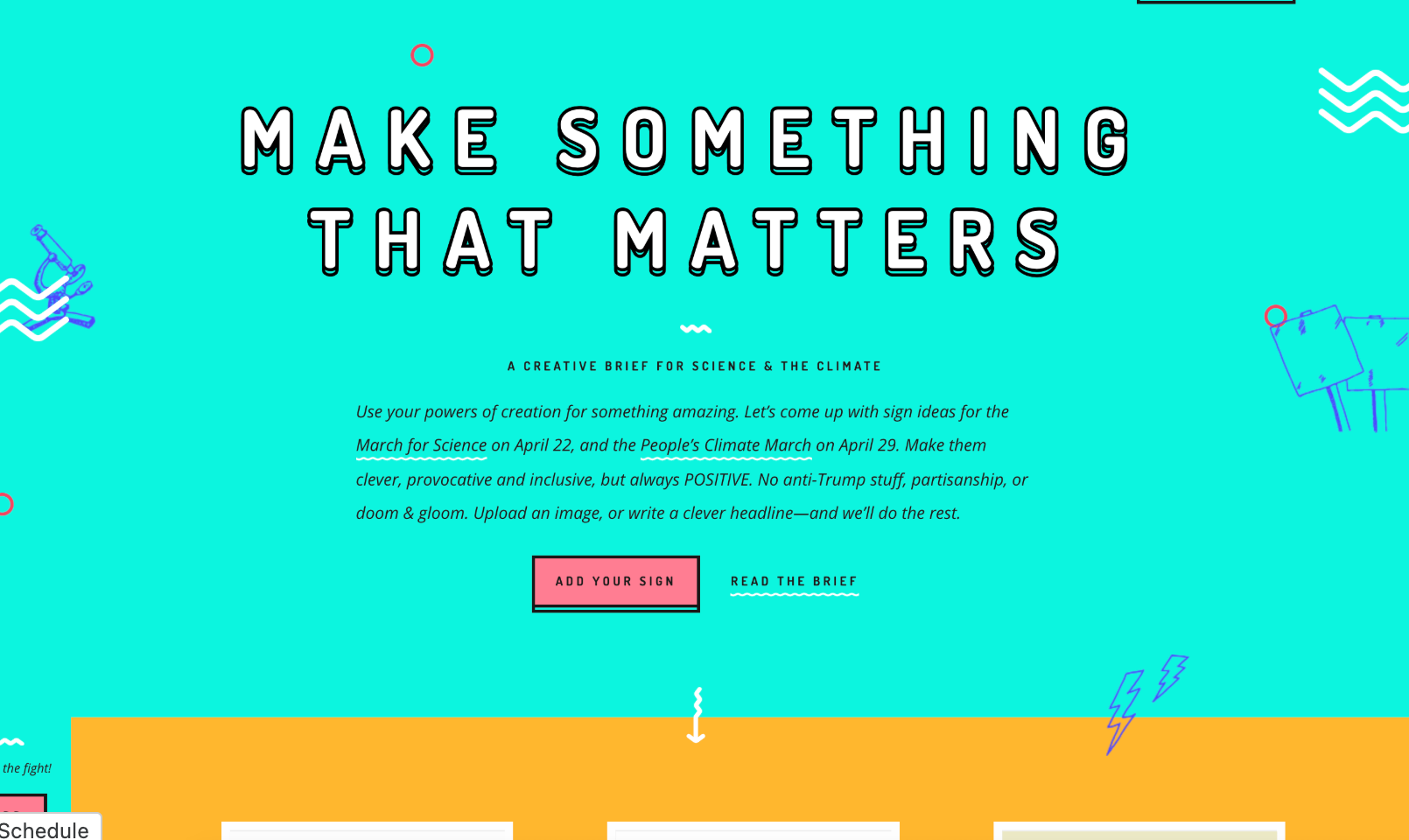
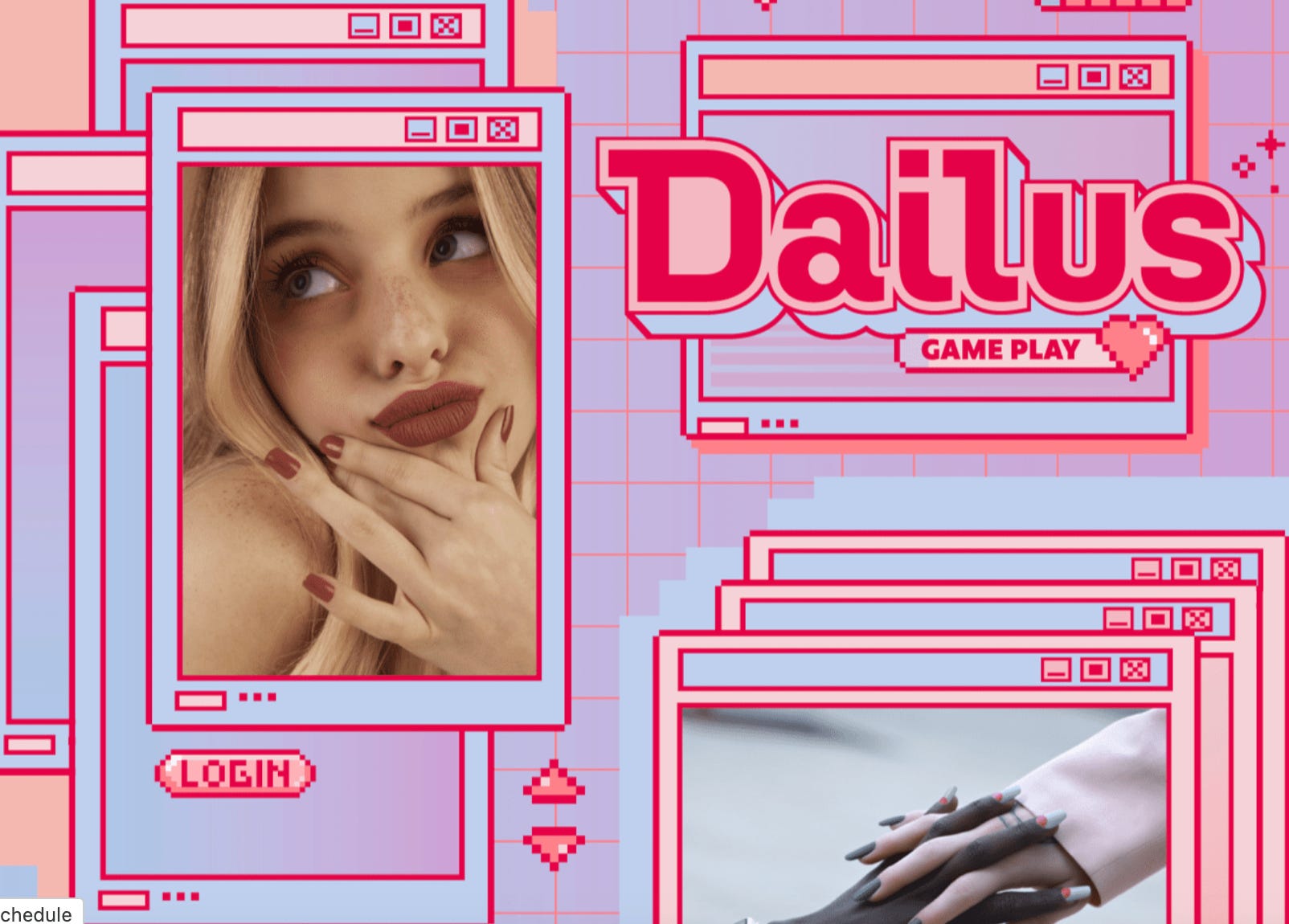
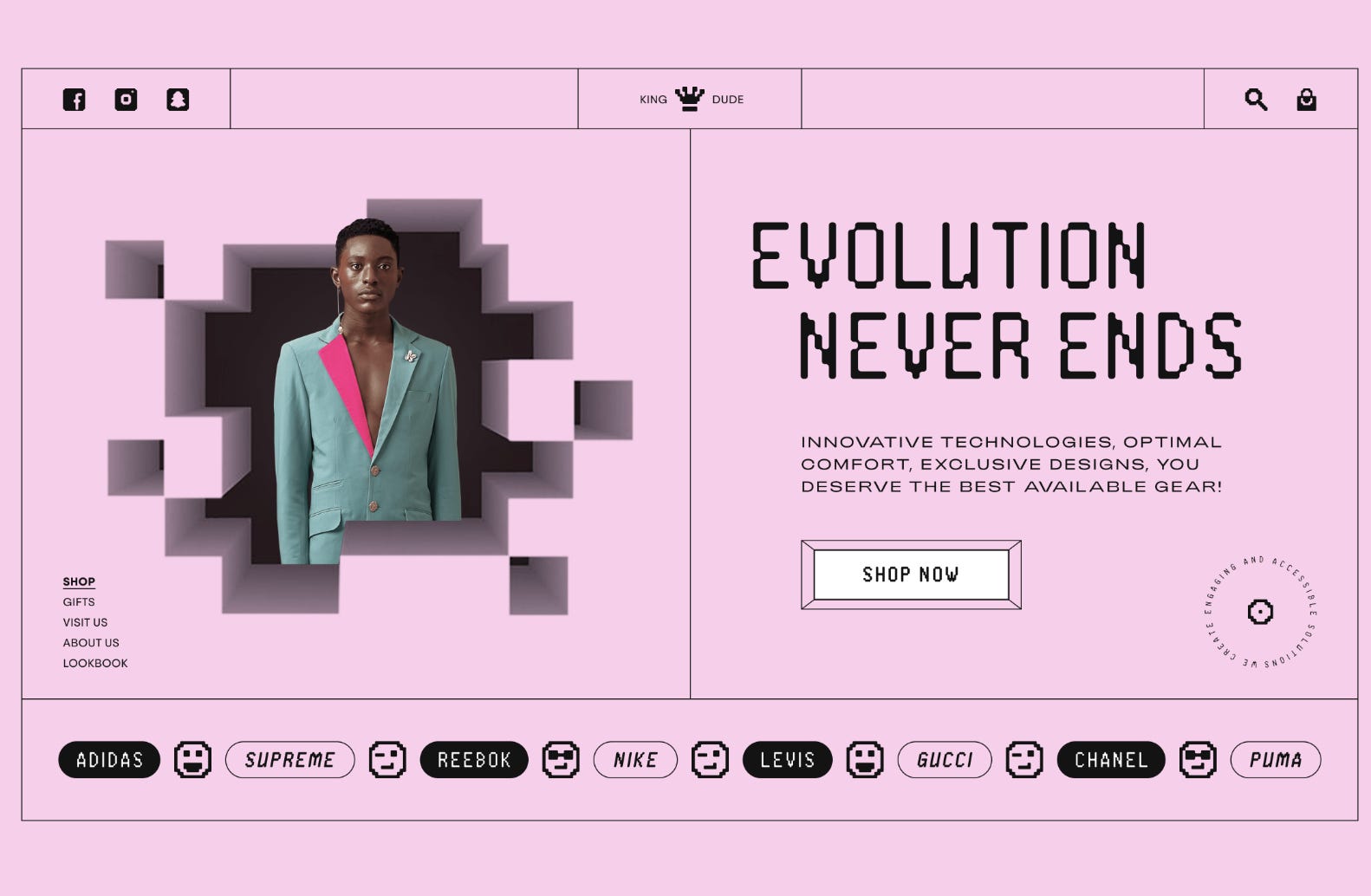
Lovable is not naturally great at design. But if you give it visual references, it gets much better. Screenshots work far better than trying to type, “Make this feel charming but not cheesy, retro but not ugly, digital but not cold.”
The green version you see below came mostly from those screenshots.
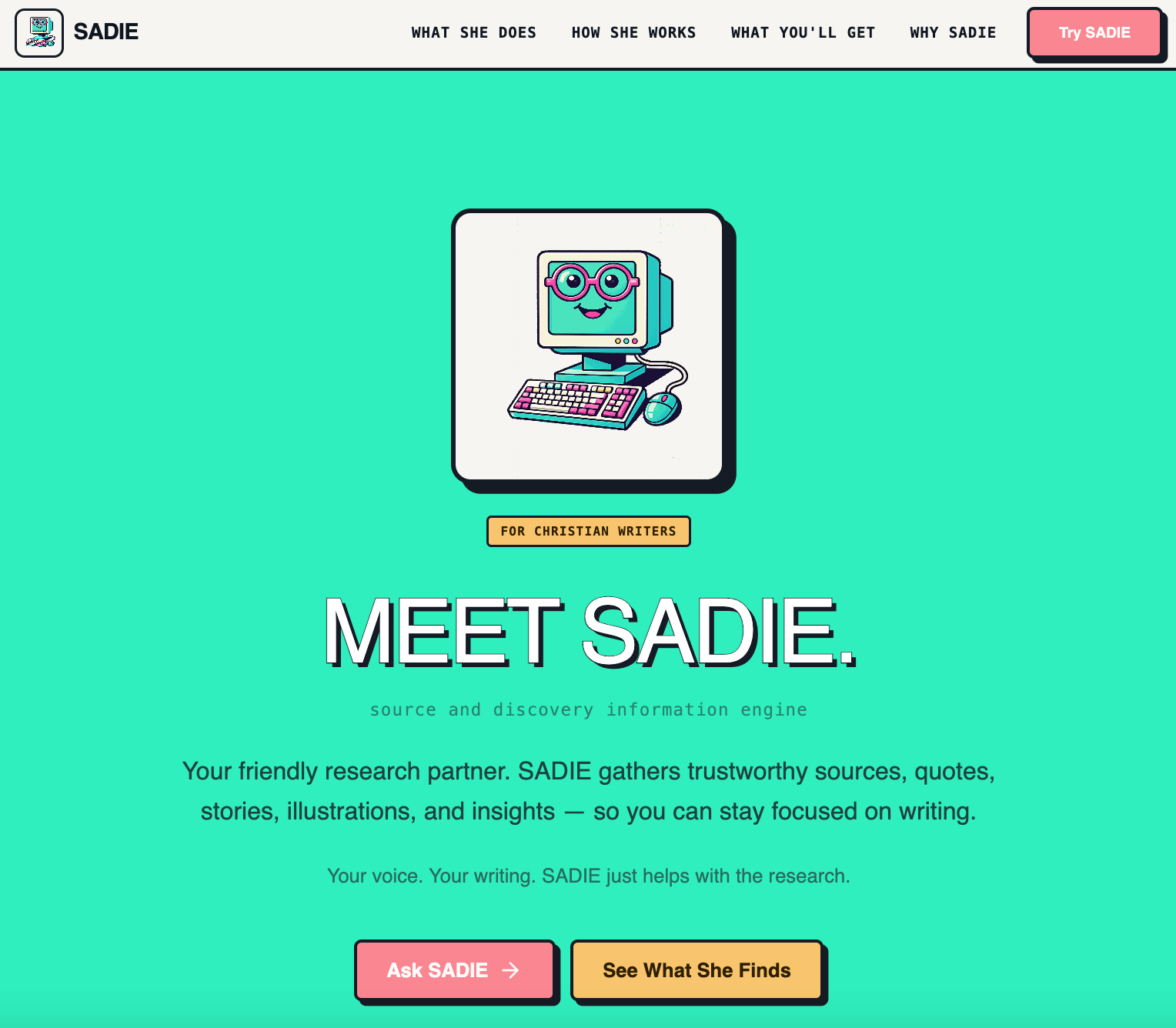
The one thing Lovable still wasn’t getting right was the little computer character. So I went back into ChatGPT and asked it to create a retro personified computer. Once I had the image, I asked it to animate the eyes blinking into a GIF.
Then I uploaded that GIF into Lovable and—ta-da. SADIE had a little face.

What’s incredible to me is how intuitive ChatGPT and Lovable are together. I didn’t have to know how to code. I didn’t have to know how to design a landing page from scratch. I didn’t even have to perfectly explain the user experience. These tools generally understand enough to get you to a strong first version.
Of course, I still changed language, adjusted sections, removed things, and cleaned up the flow. But overall, for about an hour building the GPT and two hours building the landing page, I’m pretty amazed by what’s possible.
So that’s the little behind-the-scenes of how I made SADIE. It wasn’t fancy. It wasn’t complicated. It was mostly me talking to ChatGPT, testing, and refining, screenshotting inspiration.
Pretty cool, right?
Laura
*The post, like all post in my “Build in Public” section, was written with the assistance of Claude.
Comments
Nothing yet. Say the first thing.
Sign in to join the conversation.