
Google rolled out a new privacy setting this week. Disappointing to see that we are opted IN by default (at least, those of us in the US are; maybe not in countries with GDPR-like protections?)
They’re just not learning, are they? Here’s what to do about it.
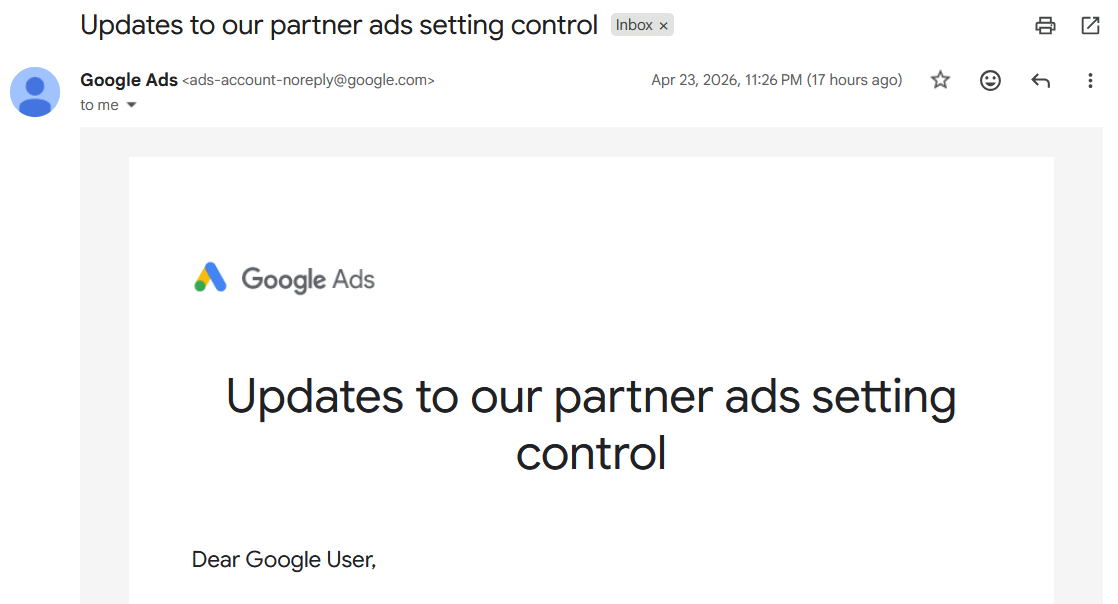
Your inbox should have an email from Google that looks something like this:
The email starts with this hogwash:
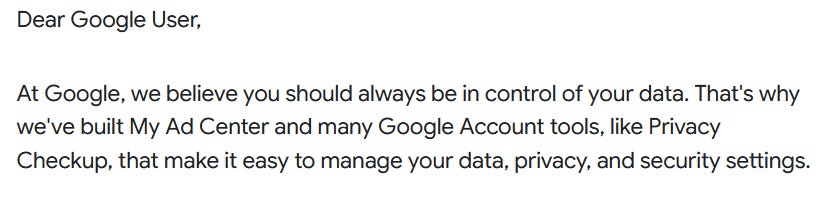
Dear Google: if you really believed that we should “always be in control of your data”, you wouldn’t @#$% opt us IN by default in the first place. Stop blowing smoke. We see you through it.
To fix this, go to adssettings.google.com/partnerads and turn OFF the new radio button for “Help advertisers select ads for you”.
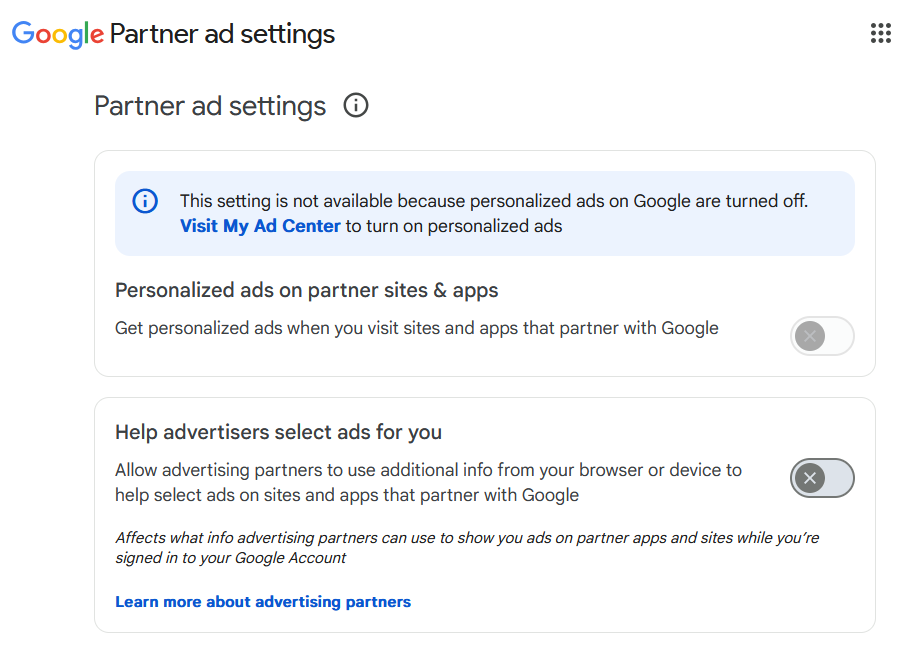
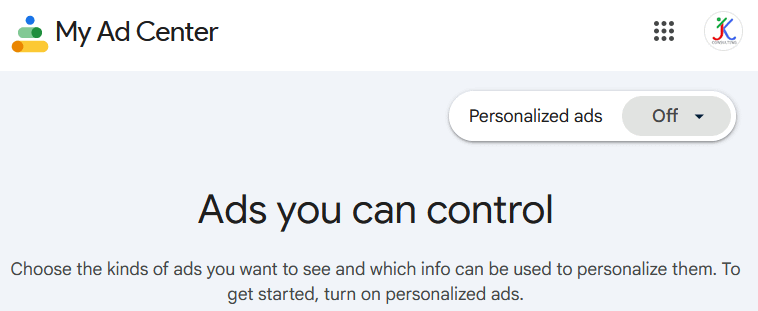
For more privacy, I recommend also setting the first radio button for “Personalized ads on partner sites & apps” to OFF. Even better, disable personalized ads at myadcenter.google.com. Look for “Personalized ads: Off” at the top right of the page. If it’s On, change it.
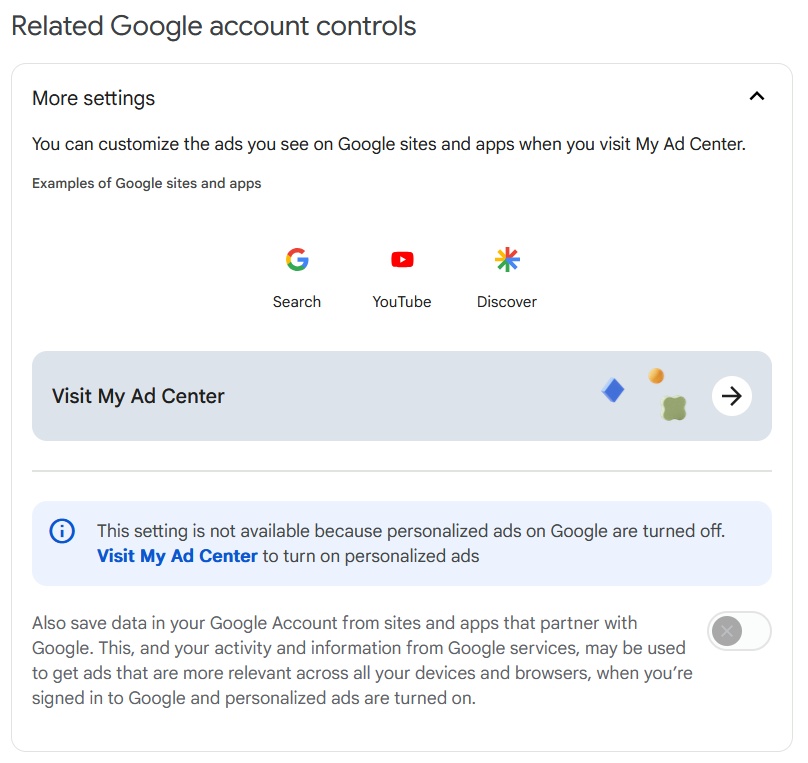
While you’re on adssettings.google.com/partnerads, scroll down to “Related Google account controls”, expand More Settings, and turn off this “Also save data …” radio button too:
Until the day comes when these big companies develop the integrity to not keep opting us IN by default to using our data, we can protect ourselves by staying on top of these changes as they roll out, and sharing the info with others.
The best way to protect ourselves is by not using their products, but that’s admittedly a steep challenge for most. Defending ourselves is next best.
If you have more than one Google account, you’ll need to log into each account and repeat these steps for each one. You can also change these settings on the Google pages you get when you are not logged into a Google account (‘Sign In’ is shown at upper right).
Good luck, and stay safe out there!
Thanks for reading Everyday Ethical AI! This post is public, so feel free to share it.
Comments
Nothing yet. Say the first thing.
Sign in to join the conversation.