
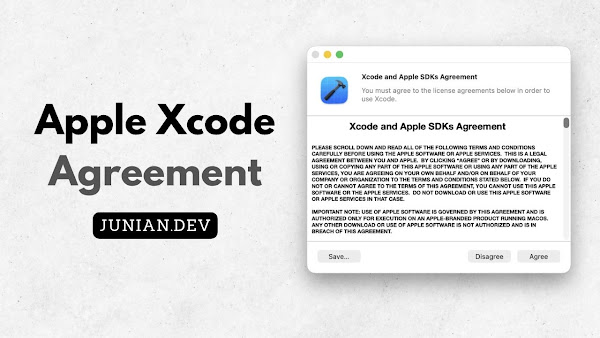
Have you ever run a Homebrew command and suddenly gotten this error message?
Error: You have not agreed to the Xcode license. Please resolve this by running:
  sudo xcodebuild -license accept
The error message is pretty self-explanatory. You can fix it by executing this in Terminal:
sudo xcodebuild -license acceptIt will prompt you for your Mac password. Just enter your macOS password and press Enter—the problem should be gone.
But sometimes the error shows up again.
You see, this error usually appears after you update either the Xcode Command Line Tools or the Xcode app from the App Store.
For every new version update, you’re expected to accept the license agreement again.
So if you’ve just installed an Xcode app update, you should open it. It will show you the new license agreement that you need to accept.
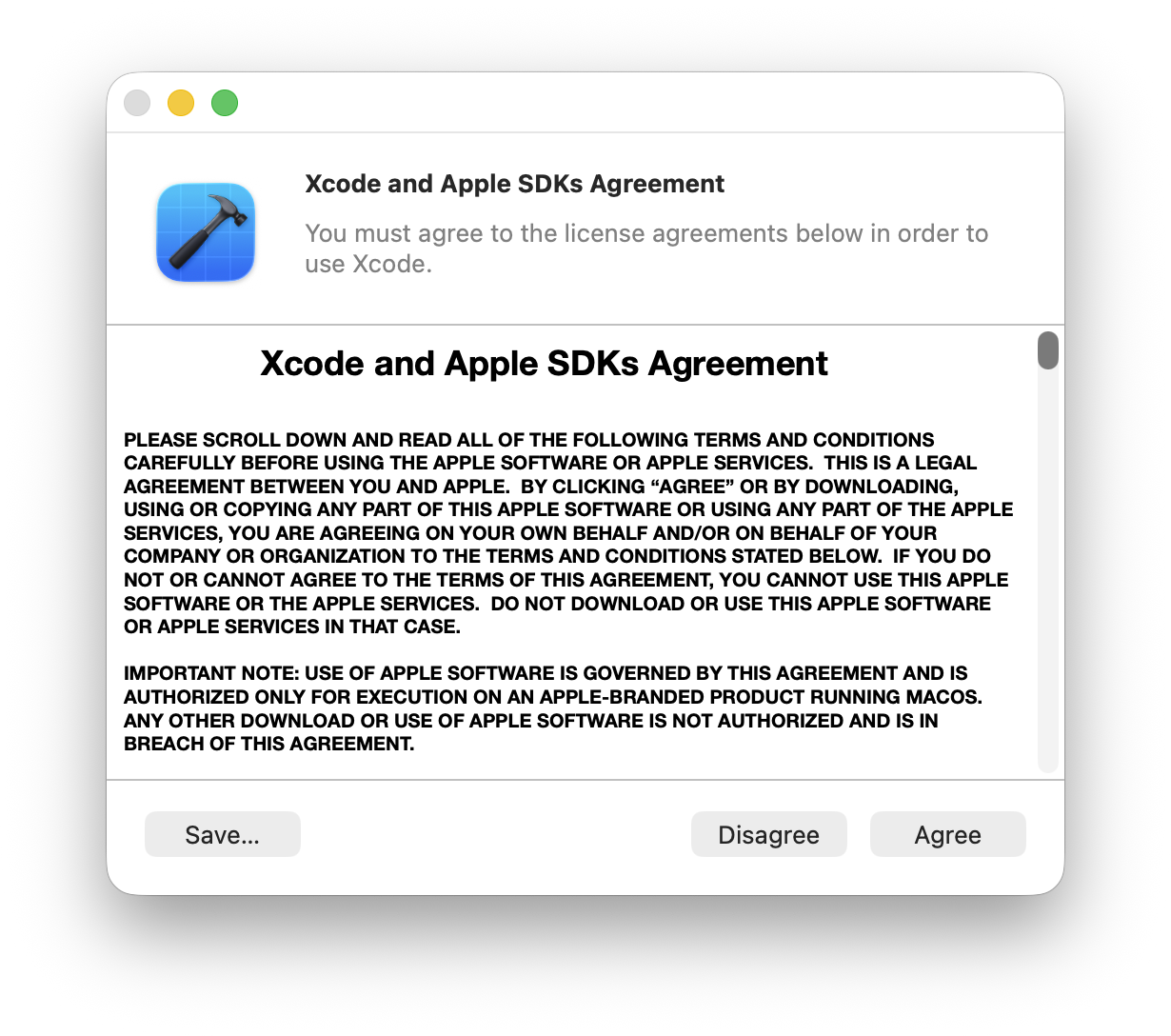
Just click Agree and use Touch ID or enter your Mac password to complete the process.
The next time you run a brew command, the Xcode license error should no longer appear.
Anyway, that’s all for today’s short post.
Thanks for reading, and see you next time!
Comments
Nothing yet. Say the first thing.
Sign in to join the conversation.