
Editor’s note: We’ve added a new page to the Journalist’s Toolbox — Data Centers. We’ll continue to post to our Environment page as well, but the Data Centers page will focus specifically on impacts data centers have on communities.
In April I wrote a newsletter about summarization tools and covering public meetings. But this summer, I learned about a tool that takes public meeting coverage to the next level.
An ONA webinar in late June featured SeeGov, a tool that summarizes, transcribes and provides video clips from public meetings. The tool was built by a nonprofit organization founded in September 2023 by Alex Rosen, now SeeGov’s executive director.
The tool also allows you to extract, edit, crop, produce and distribute social media videos from those meetings. It’s a cross between Nota’s social media video tool and Summarize.tech, which provides summaries of YouTube videos. SeeGov pulls video from YouTube as well as many other platforms, including Facebook.
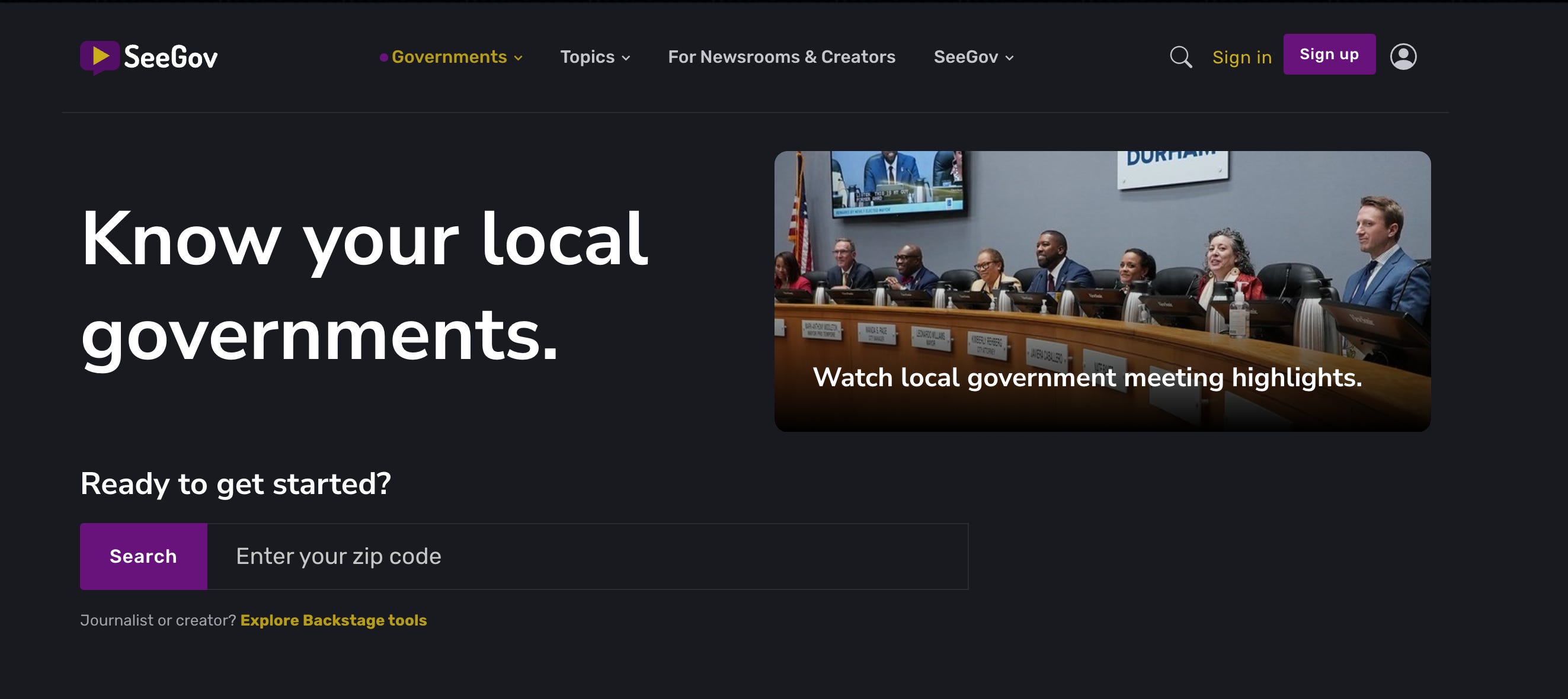
SeeGov.org’s homepage
Connecting to the Audience: This tool connects meeting coverage to where media audiences spend their time: channels like YouTube, Instagram, TikTok and even community pages in Facebook. Meet the audience where it’s at. Many people, including younger generations, won’t make time to read a news article but will probably stop and watch a video summary of their city council voting for a large tax hike.
Sponsor: visualping

Please welcome our new sponsor, visualping. This is a tool I’ve been using for a long time, and its AI features added in the past few years have taken it to the next level.
Covering long city council and school board meetings is a tedious — but important — task for journalists. I’ve been recommending Summarize.tech for capturing summaries and reviewing meeting videos for the past few years. But SeeGov takes it a few steps further with content creation tools and distribution.
The tool is also being used by civic creators who are covering meetings for their communities. Users choose what to include in their social videos and add context to inform residents and expand democratic participation, just as a journalist would. The platform does not alter the source video.
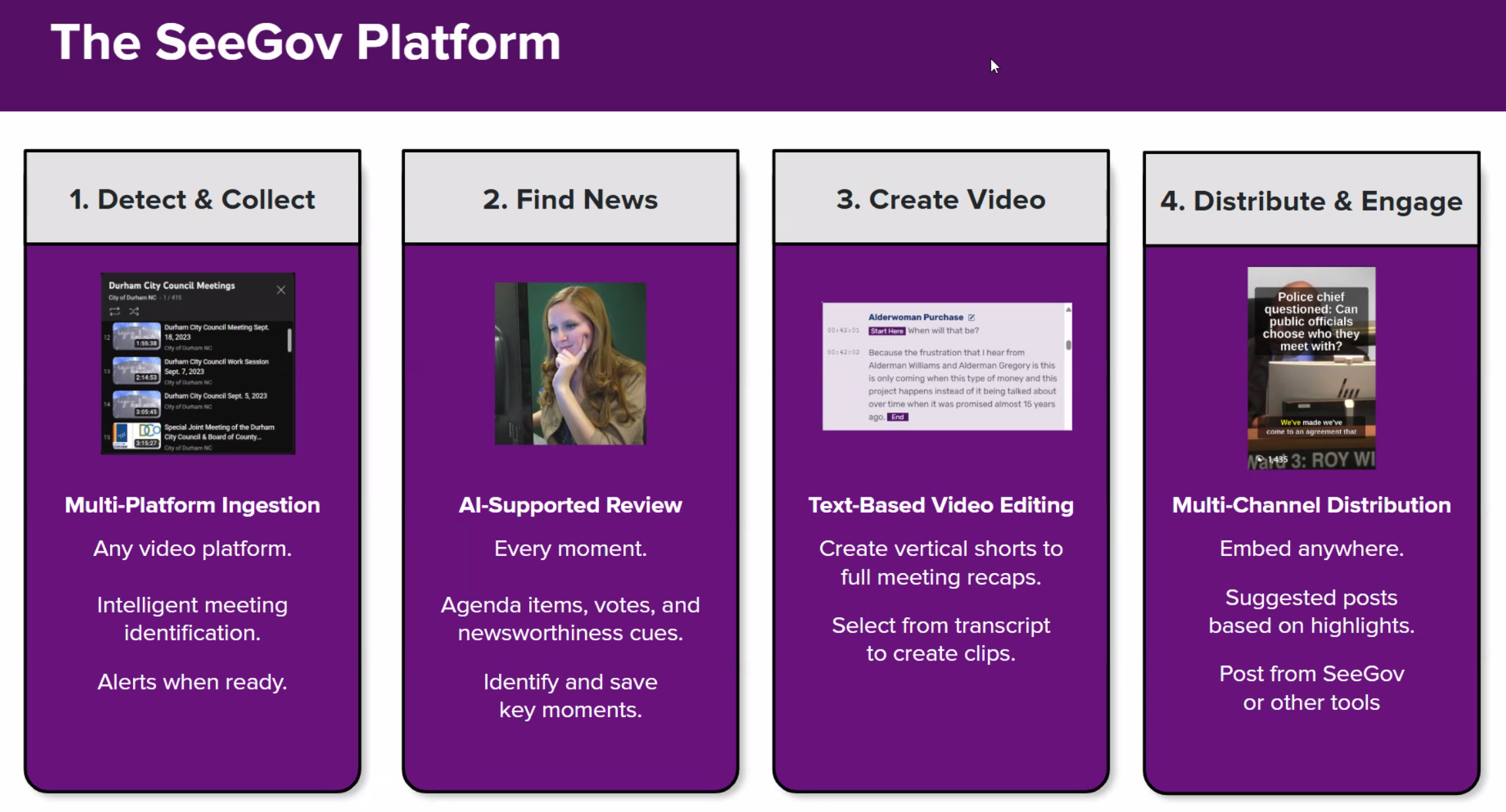
SeeGov uses AI technology for some of the heavy lifting, but Rosen says there’s also a lot of human interaction in the second step of this process, featured in the slide below. Local residents and journalists help find the key agenda items.
Pricing: Rosen and his team launched the site with funding from the Knight Foundation. The tool is free but is soon introducing a pricing plan that starts with free for monitoring three government entities, then starting at $49 a month for more sites to monitor. There are discounts for smaller newsrooms and those that contribute content to the site.
The video editing is all text-driven (similar to Nota) and SeeGov gives you embed code, download and the chance to share it over multiple social media channels, including a direct line to its Reddit community.
Sponsor

Scale: For now, the tool covers 300 government entities, but will soon blossom to 2,000. It ranges from larger cities to small communities and hyperlocal coverage. It was beta-tested at the Illinois Times in Springfield, Illinois, and has been heavily used by local publications in Asheville and Durham, NC.
Try it out: The tool is intuitive to use, much like many AI tools where text prompts drive results. Training won’t take long. I just started with my ZIP code on the homepage, created a log-in and picked some city council meetings to explore.
Sponsor: Nota

Be sure to check out the incredible production tools suite with our longtime sponsor at HeyNota.com
Peter Pachal of Media CoPilot has scheduled a new series of trainings on AI for journalists. Tne next six-class cohort is now live on his website.
This one goes deep. Besides the fundamentals of the Quick Start class, there are chapters on deep research, Gemini Notebooks, vibe coding, working agentically and more.
Former students can use the code VIP to get 25% anytime.
I’ve taken Peter’s classes in the past and I highly recommend it!
OpenArt Director
Launched in June 2026, this vibe-directing tool builds short videos from its chat.Are You In the Weights?
Find out if your name or website appears in Large Language Models like ChatGPT, Claude, etc.Flaurent Daudents: The Half of Journalism AI Can’t Do Yet
A new paper from Oxford and Stanford built a seven-agent “virtual newsroom.” Daudents tested it, and the result says less about whether AI can do journalism, more about which half of the job is still ours as journalists.Fast
Check your internet speed
Data + Journalism, 2nd Edition
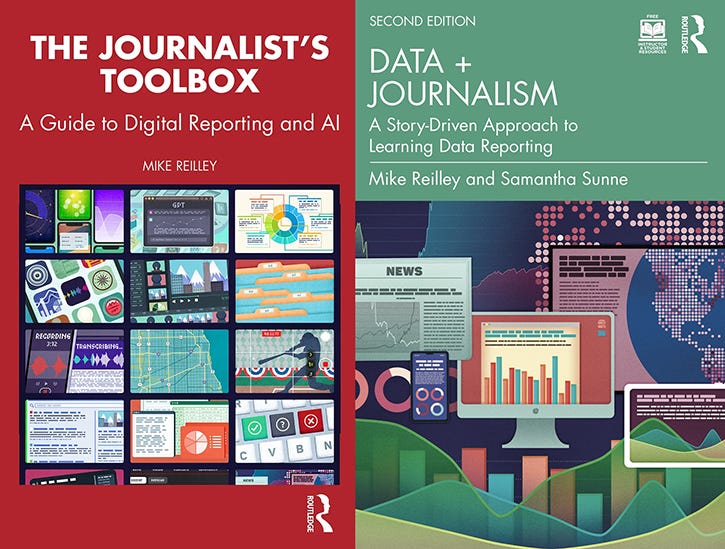
Samantha Sunne and I co-authored the 2nd Edition of the textbook, “Data + Journalism: A Story-Driven Approach to Learning Data Reporting” that is now available through Routledge and other booksellers. It’s an introductory- to intermediate-level guide to learning data storytelling from A to Z. The second edition features new tools, datasets, exercises and AI tools.
The Journalist’s Toolbox
My book, “The Journalist’s Toolbox A Guide to Digital Reporting and AI” was published by Routledge in 2023 and focuses on concepts and tools still used today. You can order it here.

“Be curious, not judgmental.” — Ted Lasso, misquoting Walt Whitman, who never said this. (Still, it’s a good message, no matter who did or didn’t say it.)
Follow me @itsmikereilley | @journtoolbox | Subscribe on YouTube | Subscribe to this newsletter
Copyright and Trademark 2026 | Mike Reilley
No posts
Comments
Nothing yet. Say the first thing.
Sign in to join the conversation.