
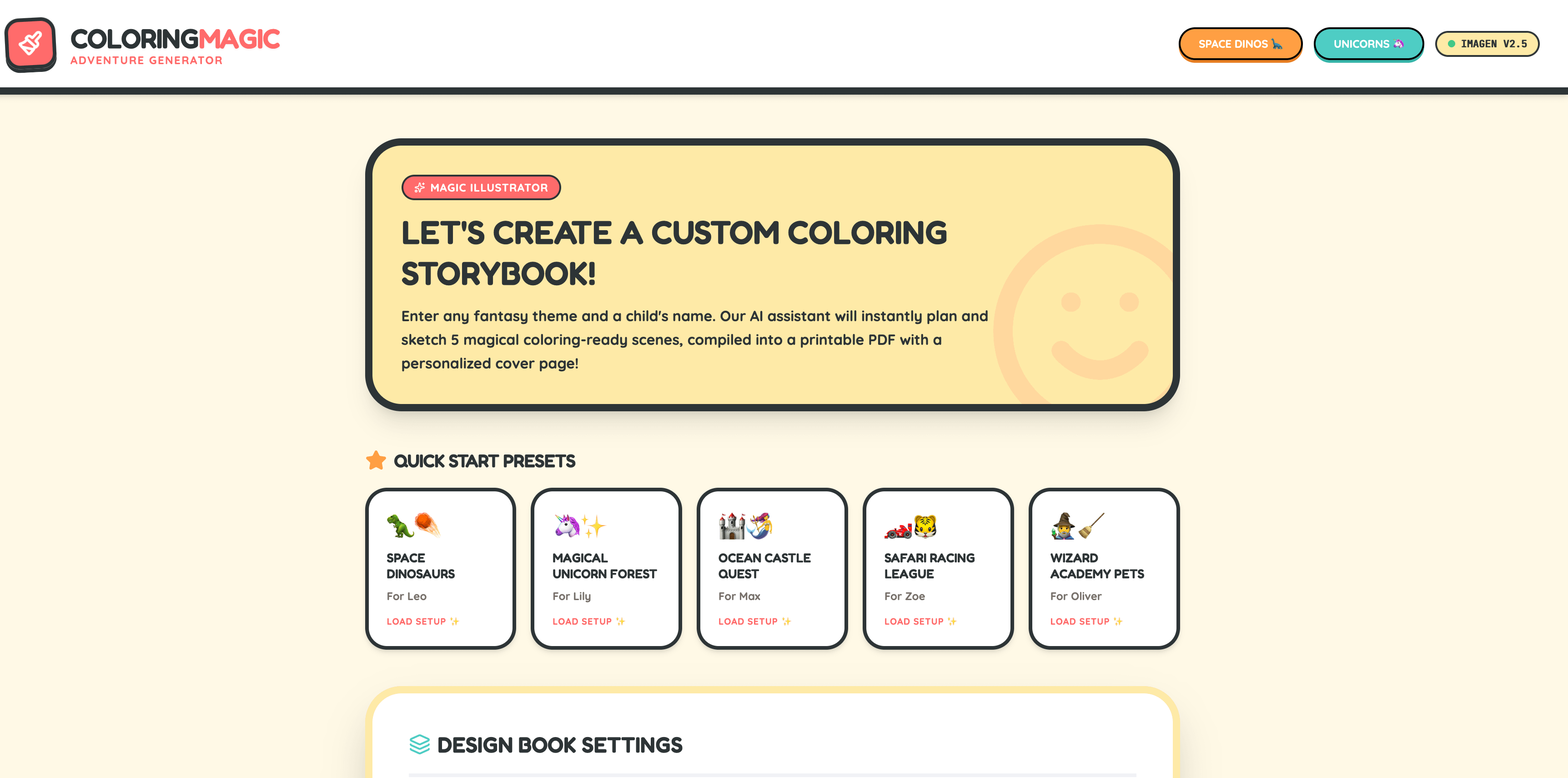
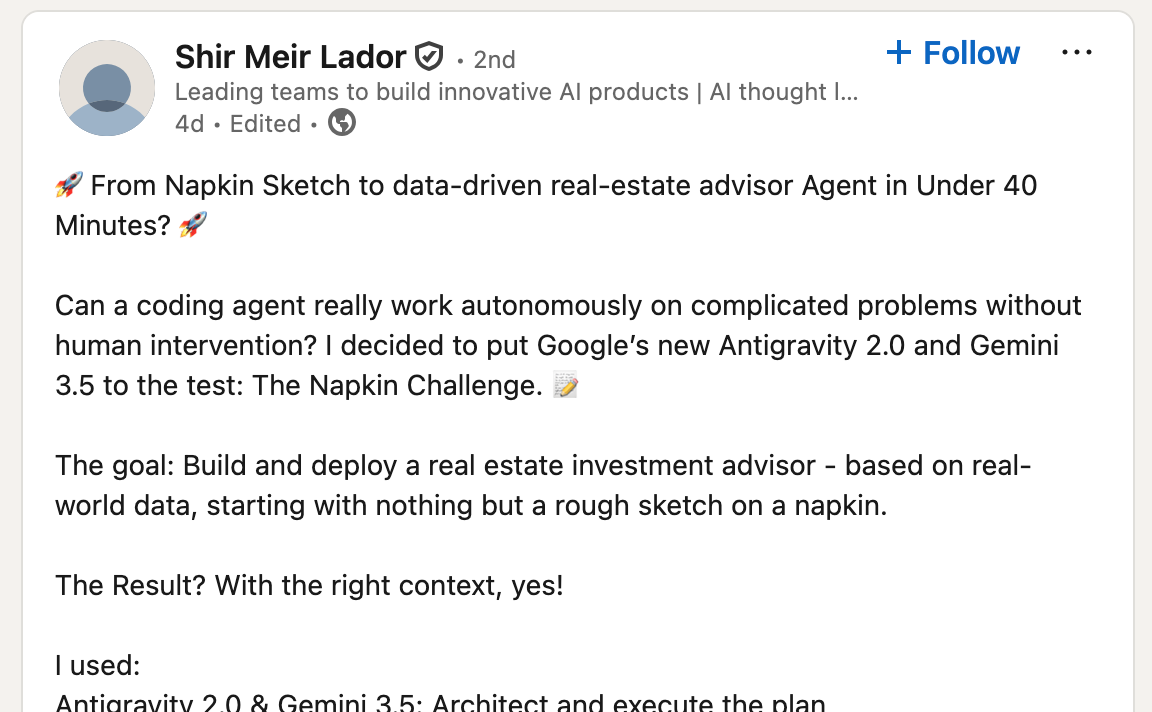
We have a group chat with other Cloud GDEs and there was a post linked in there about the napkin challenge. What is the napkin challenge?
See this image from this post:
I’ve used antigravity in the past for showing it a screenshot of a problem with an app to help explain the problem I’m facing so that it can resolve it, mostly because my CSS skills are, shall we say in a word, crap. This challenge was approaching the capability of the multi modality of the gemini models from the other direction: start with nothing but an image, and make it so.
Whilst I didn’t quite use antigravity because…reasons, I did instead use ai studio to build and deploy this app.
The concept I wanted to build was a colouring in book generator for my daughter because she seems to absolutely POWER through colouring in books and has an insatiable need for more colouring in activities, non stop.
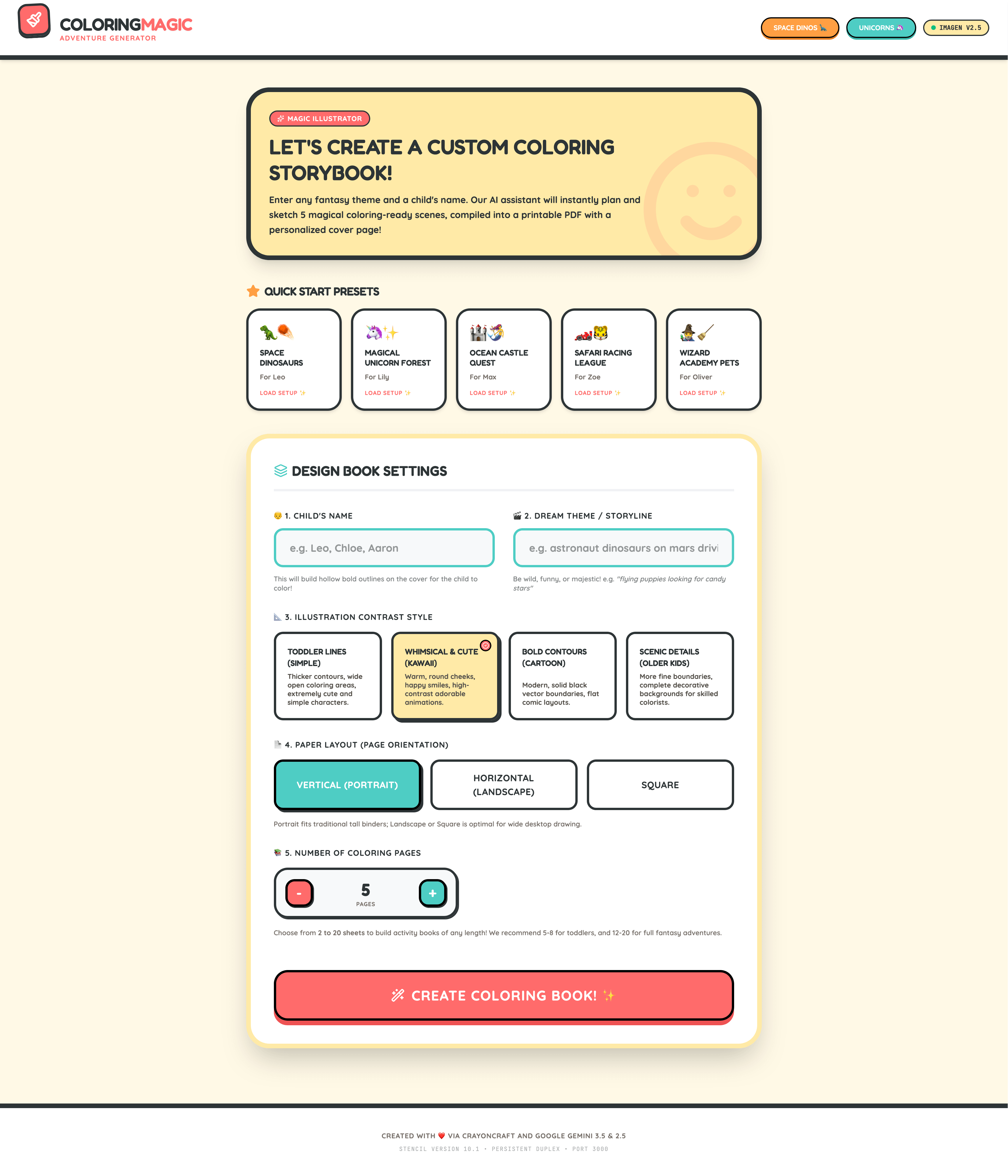
Here’s what I started with:
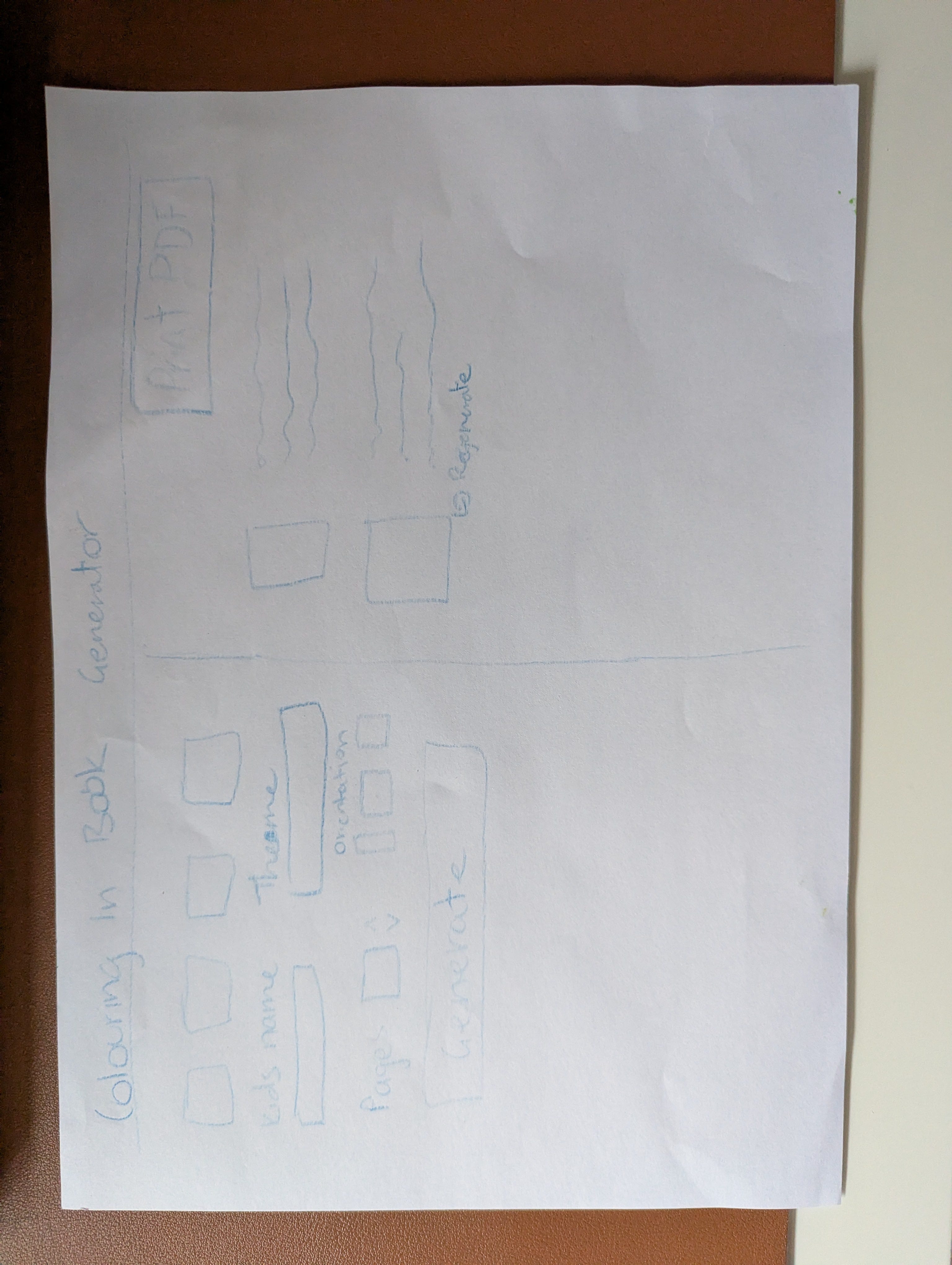
The idea is that you give it some inputs with quick-start prompts and then input your childs name, and set some options like landscape or square or horizontal orientation and then select how many pages you want.
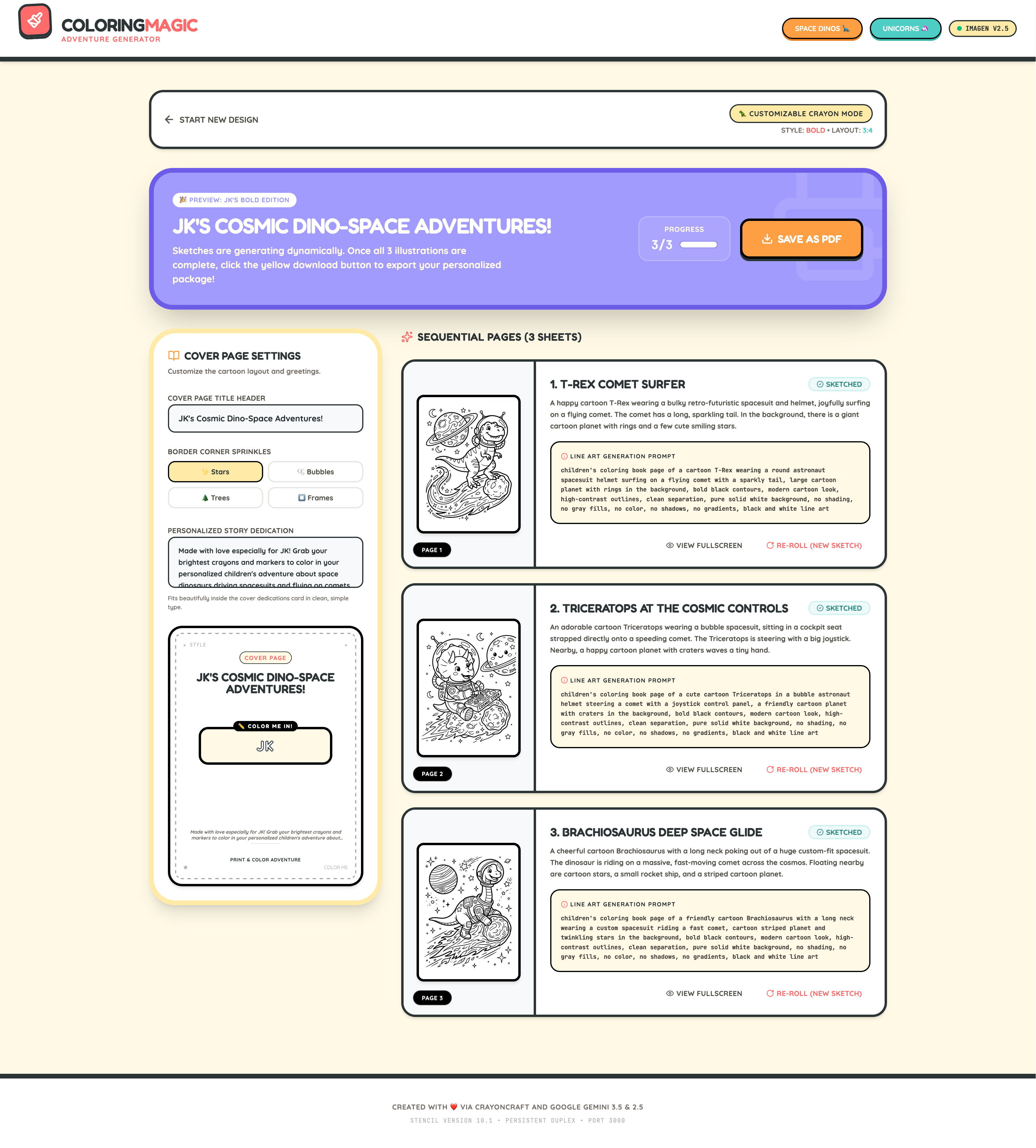
On the following page the image layout shows up with the imagery which you can regenerate and tweak.
Here’s how it went.
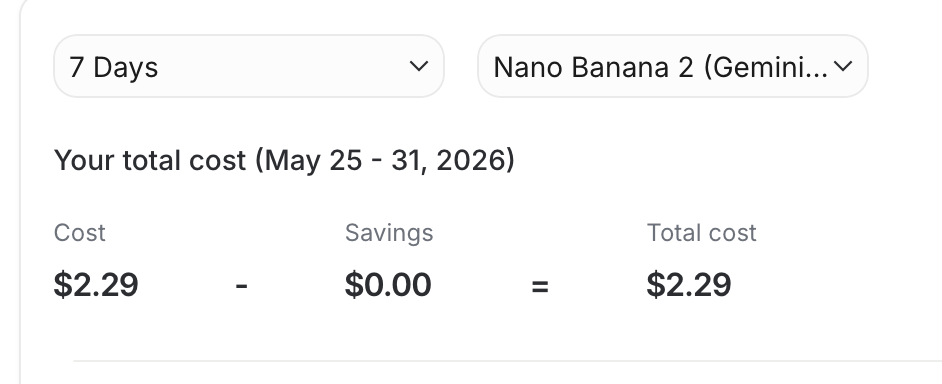
It took a few rounds of re-prompting, fixing errors that were generated and handling errors and so forth, but we got there in the end. One interesting hiccup is that the model couldn’t generate images without a paid nano banana api key, which is fine, but then it tried to revert back to SVG drawings which were…. shall we say… well it tried, but the unicorns looked like mutants and were downright scary. There were lines all over the place, weird gaps and all kinds of madness. I had to use my knowledge of building with these tools before to explicitly tell it not to do that and to only use a specific model. Then I had to provide the api key before it would generate properly. But also, it’s “expensive”. Each image generation is about 10c, so a 10 page book that I made for two of my kids cost me around $2.30 when you also include the text generation and a few “mistakes” the ai made with the images that had to be regenerated. Eg, I had an elephant with a trunk coming out of its face but also it’s bum.
With those caveats and warnings out of the way, here’s what the app generated for me and the final result.
Once you’ve inputted your settings for the book, we then generate!
On the results page below you can see the generated results plus a “save to pdf” button which will create a PDF with your generations.
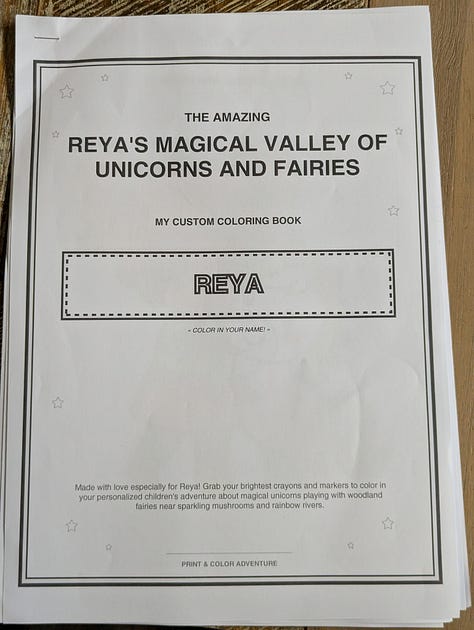
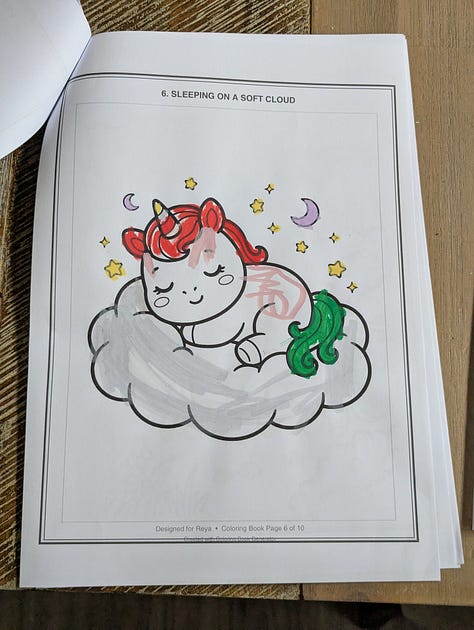
If you’d like you can see the PDFs I created for my kids which we went and printed so now they’re busy colouring away giving me time to write this post.
Here’s the “real-life” version of the output from the app in the real world. Reya loves the magical fairy and unicorn theme btw.
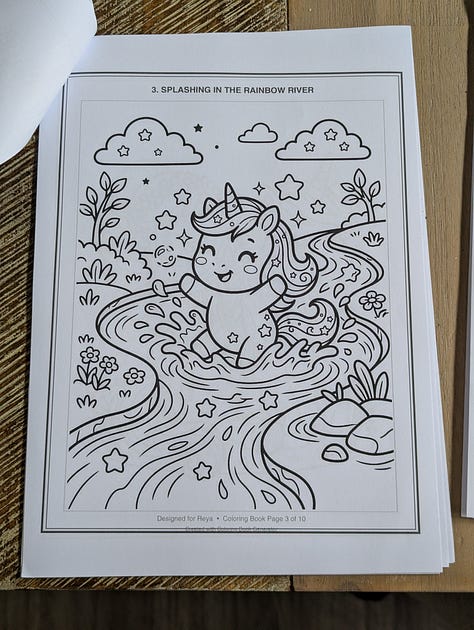
Overall I was pretty impressed. The idea of personalised software at the whim of the user is closer than ever now though we’re still not there yet. I had great fun participating in this challenge because my kids are having a lot enjoyment from the creation process as they are participating in the process and choosing the pages and what theme they want and then I get some peace and quiet for a few minutes whilst they are focused on colouring!
No posts
Comments
Nothing yet. Say the first thing.
Sign in to join the conversation.