
If you’re looking to dip your toes into analyzing TAQ (ticker and quote) data, one way without having to go through the cost and trouble of using KDB+ is to utilize the time-series optimized edition of PostgreSQL offered through TigerData.
So far I have been experimenting with importing TAQ Master Trade files and NBBO data (National Bid Best Offer) successfully on my Macbook Pro M3. The NYSE has sample datasets available for download here.
To see the detailed implementation, please head over to my github repository for importing the data. There you can see how I implemented specific steps for designing the tables and the ingestion process. Working with this data was perfect since I was interested in experimenting with TimescaleDB, which is an incredibly fast time-series tuned version of Postgres offered by TigerData.
Hypercore Architecture
Row Storage: Recent data stored in rows for fast inserts/updates
Column Storage: Historical data compressed in columnar format.
Automatic Transition: Data moves between formats based on age
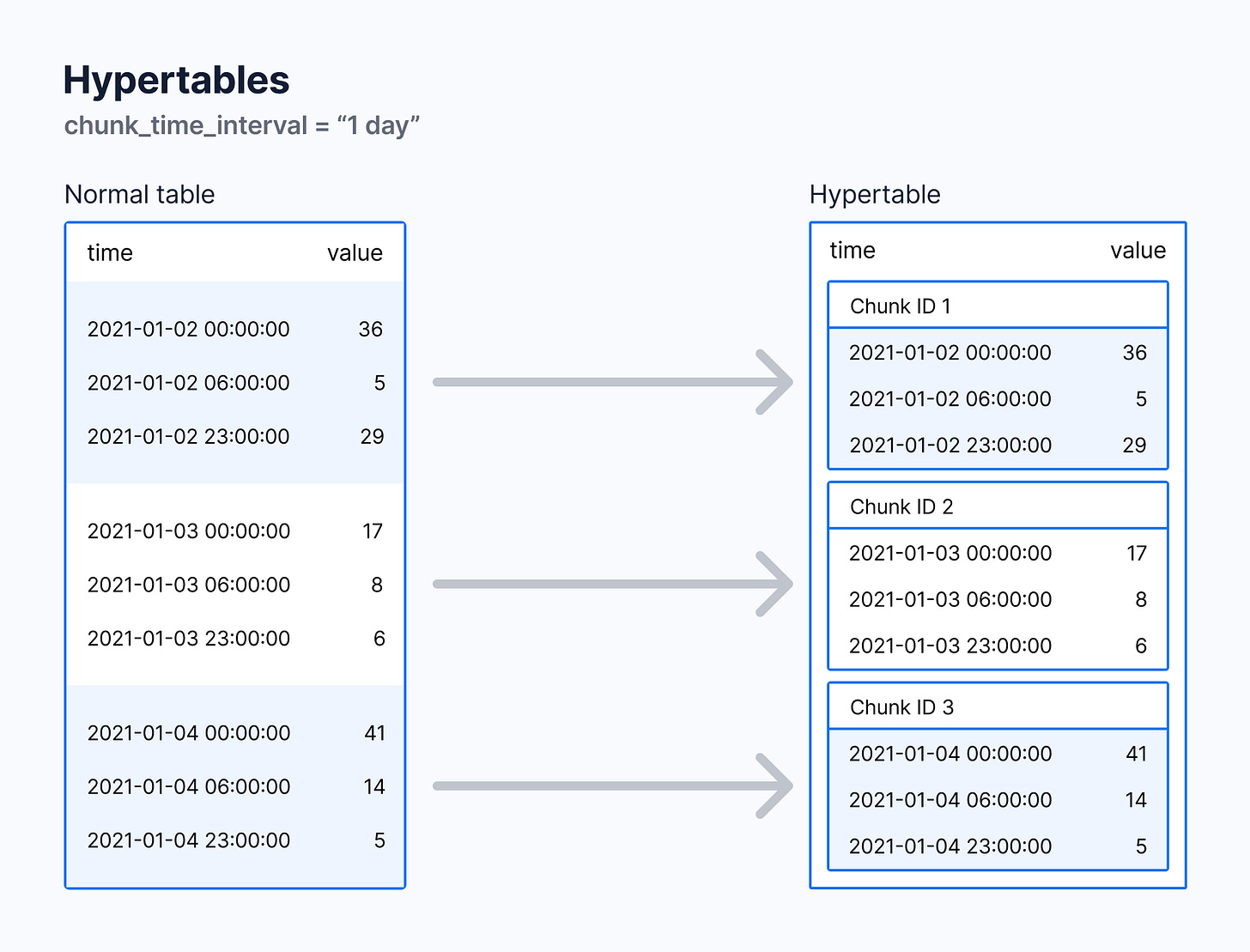
Intelligent Chunking
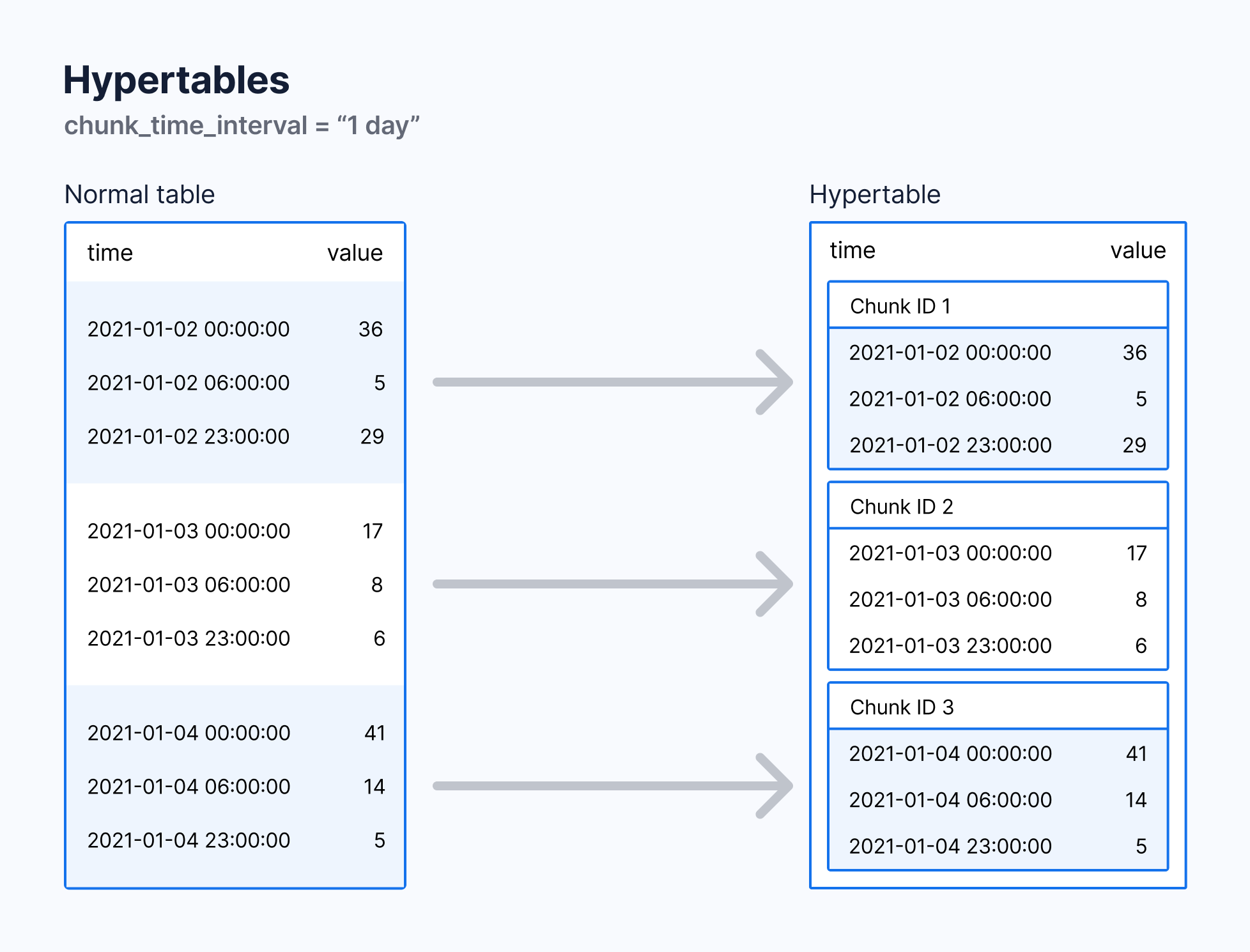
Data automatically partitioned by time intervals
Default 7-day chunks (customizable)
Enables parallel processing and efficient compression
Native Compression
Up to 95% compression ratios
Reduces storage costs dramatically
Maintains query performance
There is a PDF available that goes through the entire schema of TAQ data files. Take for example, the NBBO data has 34 fields. Looking at the type of data in each field will give us a good idea of how to best structure the schema. TAQ data presents unique timestamp challenges:
Nanosecond Precision: Timestamps are based on hours since midnight down to nanoseconds
No Date Field: Files contain one day's data without explicit dates
Multiple Timezones: All times in Eastern Time
TimescaleDB Limitation: No native nanosecond timestamp support
TAQ data utilizes timestamps for the hour of the day down to nanosecond. Each file has a complete day’s worth of data and is organized by date. That means there is no date included within each TAQ file, you have to handle it.
This presented an interesting situation, because TimescaleDB does not have native nanosecond timestamp capabilities, the best practice is to use BIGINT to store this data.
The next issue is how to handle dates. Of course we want to be able to query by day as well, and also efficiently chunk the data by day as well for performance. I found the best solution is to pre-process the TAQ data at the command line with sed and add an additional ‘data-date’ column. This will match up with the schema we create with the date of the data file. From there we can chunk and partion the data by date.
This is where we solve both for removing the unecessary header and footer files and take care of organizing our data by date as well.
time sed '1d;$d' EQY_US_ALL_NBBO_20250102 > CLEAN_EQY_US_ALL_NBBO_20250102
time sed "s/^/2025-01-02|/" CLEAN_EQY_US_ALL_NBBO_20250102 > DATA_DATE_CLEAN_EQY_US_ALL_NBBO_20250102
I did a lot of experimentation with the both the best table design and when to perform certain operations with ingesting and processing data.
Best Practices:
Create your indexes after importing your data
Do not convert your tables to hyper tables post-import. The migration option on hypertable creation is expensive in I/O and time. When I imported NBBO data, it took 15 minutes to import and another 30 minutes to convert the table to a hypertable. What ended up being more efficient, was tuning my timescale-parallel-copy command and shortened it to 8 minutes with insertion directly into a pre-made hyper table.
Datatypes: In particular the hardest part is that there is no support for Timestamps that go into the nanosecond range. The workaround is to use bigint, and then add a second column that we can organize the data for by date.
Efficient data loading: Using the timescale-parallel-copy command we can greatly accelerate the importation of the data at the command line. a 450mm row dataset can be copied in around 8 minutes into the database. Below is an example on how I imported NBBO data. You’ll need to experiment with the amount of workers for your CPU and the batch size, I found that 50,000 rows per batch was optimal.
timescaledb-parallel-copy \
    --connection "host=localhost user=postgres sslmode=disable dbname=postgres"\
    --table taq_nbbo \
    --file "TEMP"\
    --workers 16 \
    --batch-size 50000 \
    --reporting-period 15s \
    --split "|" \
    --copy-options "CSV" --verbose \
    --columns "data_date, time,exchange,symbol,bid_price,bid_size,offer_price,offer_size,quote_condition,sequence_number,national_bbo_indicator,finra_bbo_indicator,finra_adf_mpid_indicator,quote_cancel_correction,source_of_quote,best_bid_quote_condition,best_bid_exchange,best_bid_price,best_bid_size,best_bid_finra_market_maker_id,best_offer_quote_condition,best_offer_exchange,best_offer_price,best_offer_size,best_offer_finra_market_maker_id,luld_bbo_indicator,nbbo_luld_indicator,sip_generated_message_identifier,participant_timestamp,finra_adf_timestamp,security_status_indicator"
Schema design for trade data
Handling trade corrections and cancellations
Creating efficient indexes
Performance benchmarks
Best bid/offer data complexities
Multi-exchange quote aggregation
Real-time vs. historical analysis patterns
Cross-joining trades and quotes
Market microstructure metrics
Visualization and reporting
No posts
Comments
Nothing yet. Say the first thing.
Sign in to join the conversation.