

I want to confess something.
Back in 2019, before Docsumo, I built a spreadsheet I was kind of proud of.
It tracked our entire sales pipeline. Lead source, deal velocity, all colour-coded with conditional formatting that would make any data analyst weep with joy.
I showed it to everyone. “Look how automated this is!”
One day the sales ops person sent me this meme lol!!
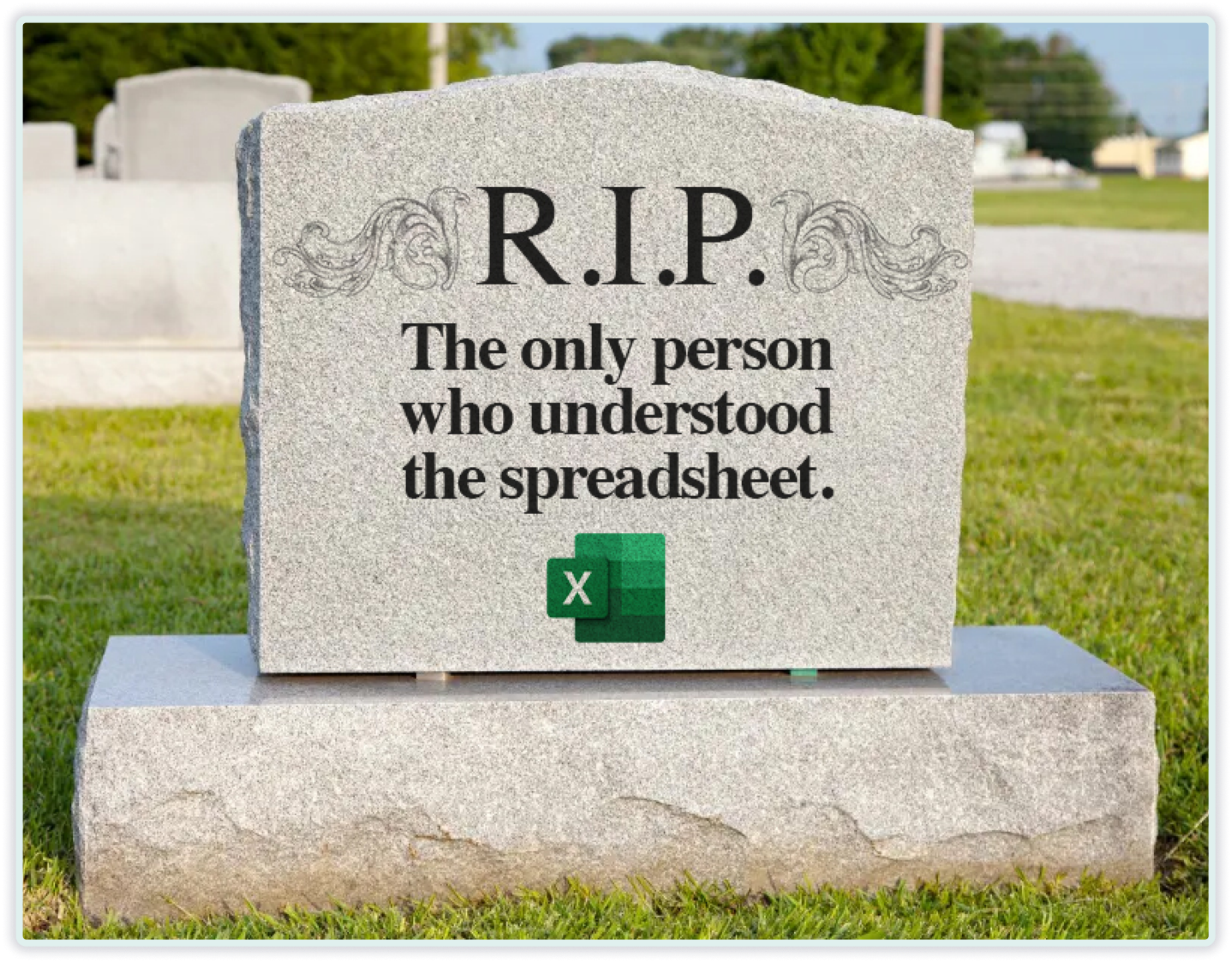
I realised nobody else could use it. Including me, after about three months of not touching it.
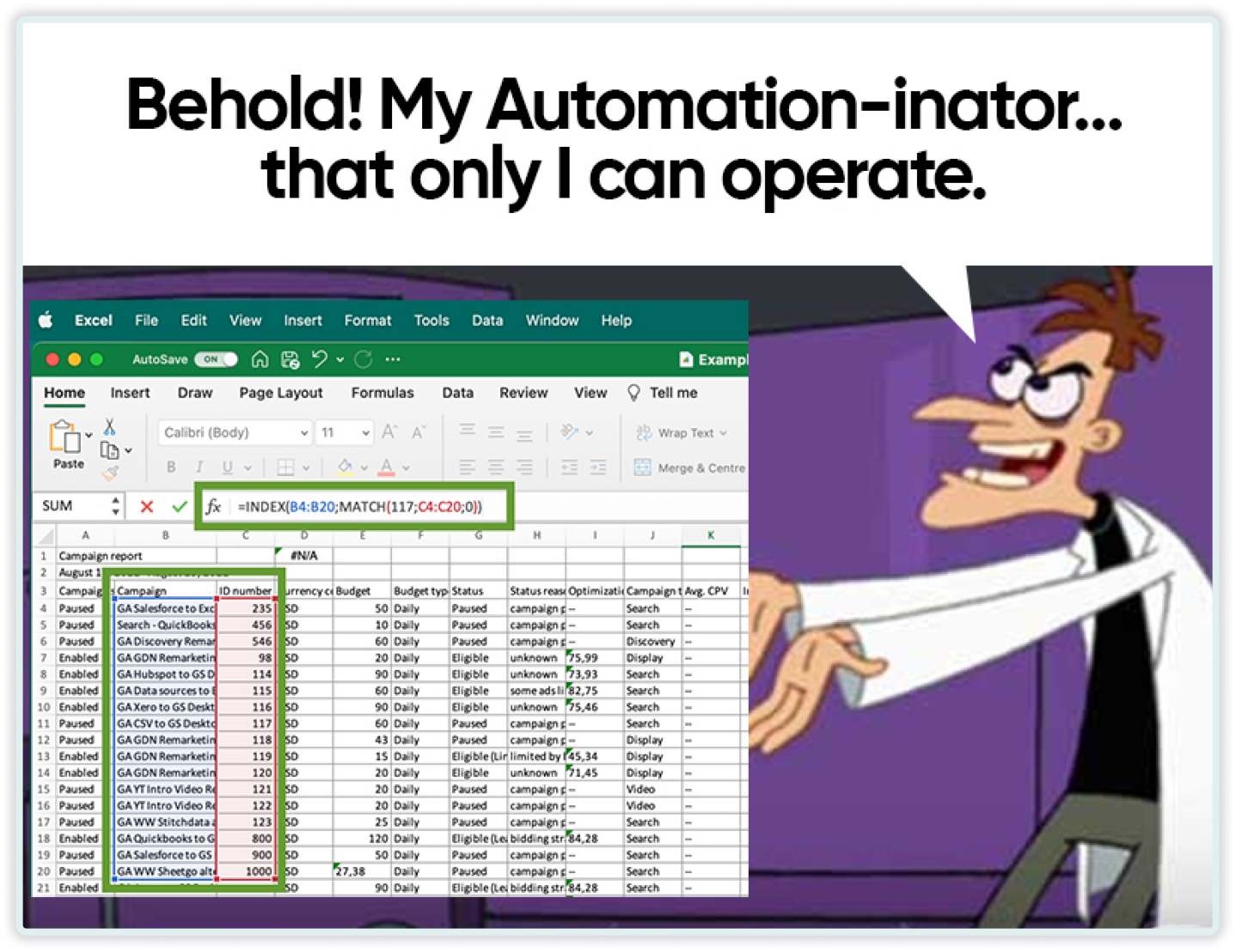
Last week, I saw a survey that stopped me cold. 58% of finance leaders said Excel is their primary automation tool.
I laughed. Then I felt bad for laughing. Because I’ve been that person.
You start with something simple. It can be tracking quarterly invoices.
Then the next quarter hits. Instead of rethinking your approach, you tack on another sheet.
Leadership wants trend analysis. Fine, you add a pivot table tab.
Your boss needs vendor risk metrics. Time to dust off those VLOOKUP skills.
Half a year passes, and suddenly you’re babysitting a multi-tab creature that lives in your head. And you’re burning entire days each quarter just to keep the thing breathing.

On average, AP teams capture just 58% of available early payment discounts. The other 42% is gone.
MONEY LEFT SITTING THERE!!
If you’re processing invoices worth ten million monthly. If 30% of suppliers offer 2% early payment discounts, that’s $60,000 in potential monthly savings. Over a year, that’s $720,000 in savings just sitting there.
Doesn’t it blow your mind that most teams only grab about half of it?

That’s $360,000 annually that just... disappears. Because by the time your team finishes entering data and routing it for approvals, the discount window has closed.
Teams with automation capture around 85% to 95% of available discounts.
I spoke with a finance director whose AP team dedicates over thirty hours weekly to manually entering invoice information into their system.
She told me, “My people are Excel wizards. They’re just not getting to apply their intelligence to anything that matters.”
When I asked why they hadn’t automated, she said they’d looked into it eighteen months ago. Too complicated. Their documents were “too messy.”
Meanwhile, her best analyst just resigned. Burned out from data entry.

“Excel does what we need.”
Does it really?

I’ve noticed a pattern: when people say their Excel workflow is fine, they typically mean “it hasn’t exploded catastrophically yet.”
They’re not counting the discounts that expired or the vendor who’s now demanding faster payment because they’ve been consistently late. The contract renewals that happened on autopilot were because nobody had time to review the terms.
Recently, I talked to a manufacturing CFO processing 2,500 supplier invoices monthly. Their AP team was four people spending 25 hours weekly on data entry.
There were constant vendor complaints about late payments.
After automation, the data entry time dropped to 3 hours weekly. Discount capture jumped to 92%. One major supplier even offered better terms because payments were now consistently early (pretty cool perk imo).
Open whatever spreadsheet runs your most important process right now. Your monthly close. Your reporting system. Whatever keeps your operation running.

Consider these:
If your spreadsheet expert disappeared tomorrow, could anyone else execute their work?
If you discovered an error in a key formula today, what decisions from recent months would need revisiting?
If any of those made you shift uncomfortably in your chair, you already have your answer.
Look, I understand completely. Something urgent always demands attention. Why disrupt a process that technically works?
What if Excel could be what you thought it was?
Rather than being a data entry prison, it functions as the analytical tool it was designed to be. I think Claude for Excel comes really close. It lives inside your spreadsheet, traces formula dependencies, and debugs errors in seconds.
Excel should be for analysis. The invoice processing, the document chaos, that’s what automation like Docsumo handles. So your team can use Excel for thinking, not typing. Over a quarter of finance operations use zero automation tools.

Remember my sales pipeline masterpiece? I’m simply pointing out that there’s a meaningful difference between using a powerful tool and being trapped by it.
Until next week,
Rushabh
P.S. If you’re thinking, “but my situation is different because...” I want to hear your story. Reply to this and walk me through it. What’s functioning well? What’s falling apart? I personally read and respond to most messages I receive.
No posts
Comments
Nothing yet. Say the first thing.
Sign in to join the conversation.