Sooo… I did a thing. I couldn’t help but be slightly dissatisfied by the clarity of my Studio Display XDR’s nano-texture display. It just made everything look a little less than Retina-quality. And for this price, I don’t want to have lingering regrets each time I use it.
So, I ordered a second non-nano-texture version, banking on Apple’s generous return policy.
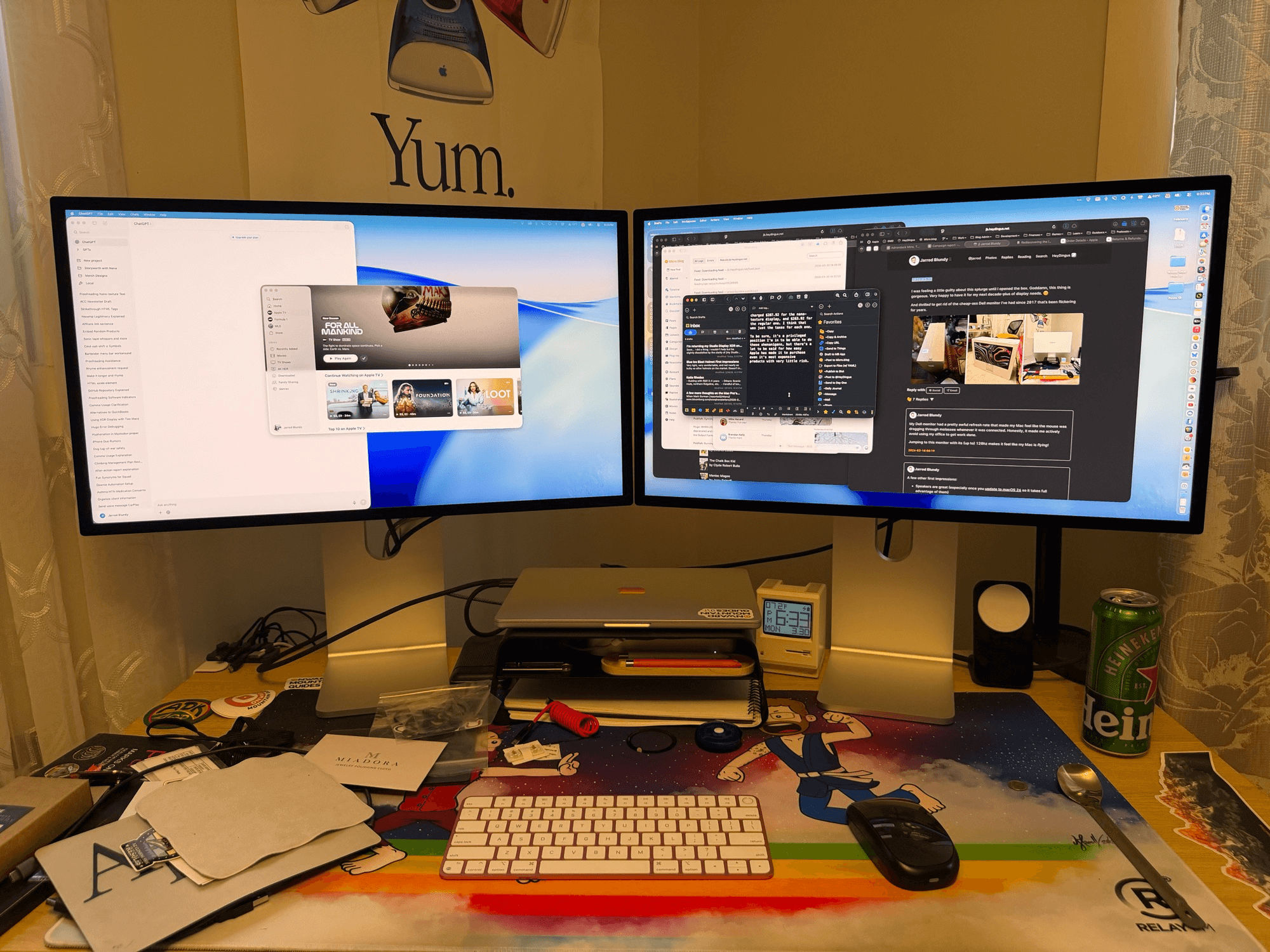
It came in today. I set it up about 30 minutes ago. I put the two displays side by side and… it’s no question. The nano-texture is going back.
Showing the same content on each display, at the same brightness level, I can absolutely see the fuzziness introduced by the “matte” display.
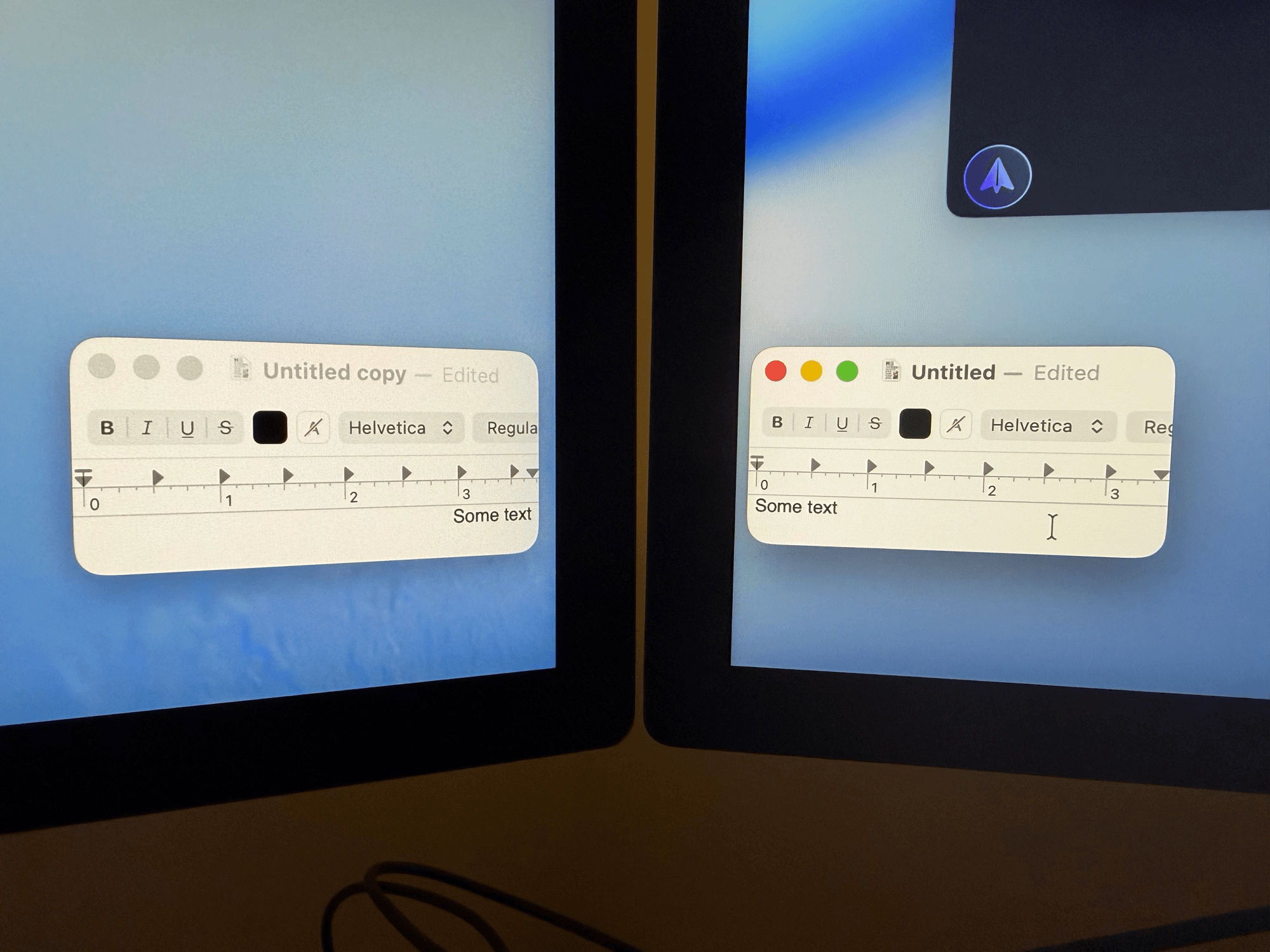
It’s not that nano-texture is all bad. I love how it looks when the display is dark — there are zero reflections.1 But the point is to enjoy it while the display is on. Without nano-texture, everything is as crisp as I had hoped. I tend to lean toward the display when I’m concentrating, and even close up, the display is razor sharp.
I technically have until April 9th to send back the nano-texture XDR, but, honestly, I think I’m going to package it up tonight.
Well… maybe tomorrow. I might as well enjoy having 10k pixels of display at my disposal while I can.
A note on Apple’s return period
If I hold onto the original display until the last day that I can send it back, I will have had it for 24 days. That’s a full 10 extra days beyond the stated 14-day return period. It’s possible that I could have squeezed in even a few more days by initiating the return today, the 14th day after it was delivered, instead of the 11th.
With that in mind, one could get nearly a month of use for testing and comparison of Apple’s products, with the ability to return it (free shipping both ways) for a full refund. That’s serious commitment to customer satisfaction, and one area where Apple’s standards haven’t slipped.
To boot, by paying with Apple Card’s Monthly Installments (which allow you to pay for an item over 12 months with 0% interest), I’ve only been charged $287.92 for the nano-texture display, and $263.92 for the regular one. I think that was just the taxes for each one.
To be sure, it’s a privileged position I’m in to be able to do these shenanigans, but there’s a lot to be said for how easy Apple has made it to purchase even it’s most expensive products with very little risk.
If I were in an environment with light sources behind me, my decision might be very different. I think there’s definitely a place for this non-reflective display — it’s just not in my home office.↩︎
Comments
Nothing yet. Say the first thing.
Sign in to join the conversation.