

Hey everyone,
You know how it goes. We're all trying to weave more tech into our lessons, and Chromebooks are amazing for that. But let's be real, managing a classroom full of them can sometimes feel like an extra full-time job, right? I've heard you – the frustration of finding a dead battery when you're ready to start an activity, the cringe when you see a Chromebook being carried like a pizza box with one hand, or that inevitable moment when a snack accident happens a little too close to the keyboard.
It’s those daily little things that add up and can really throw a wrench in your tech plans. We're all about unlocking the power of edtech, but sometimes the biggest hurdle isn't the lesson itself, it's just keeping the devices ready and safe!


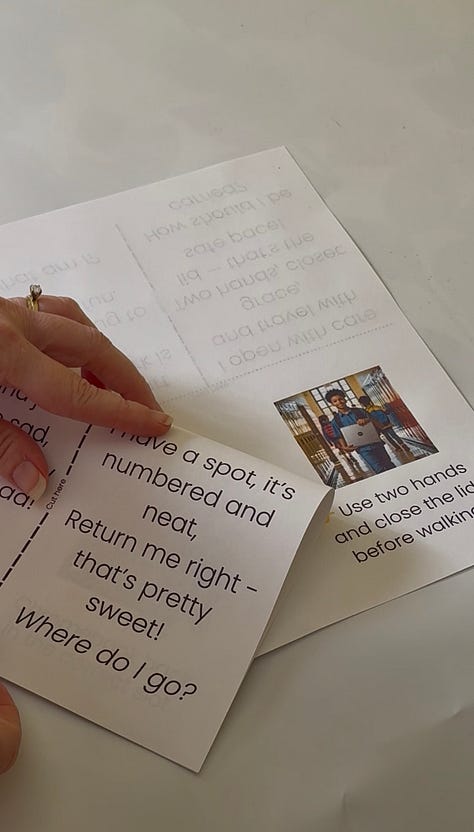
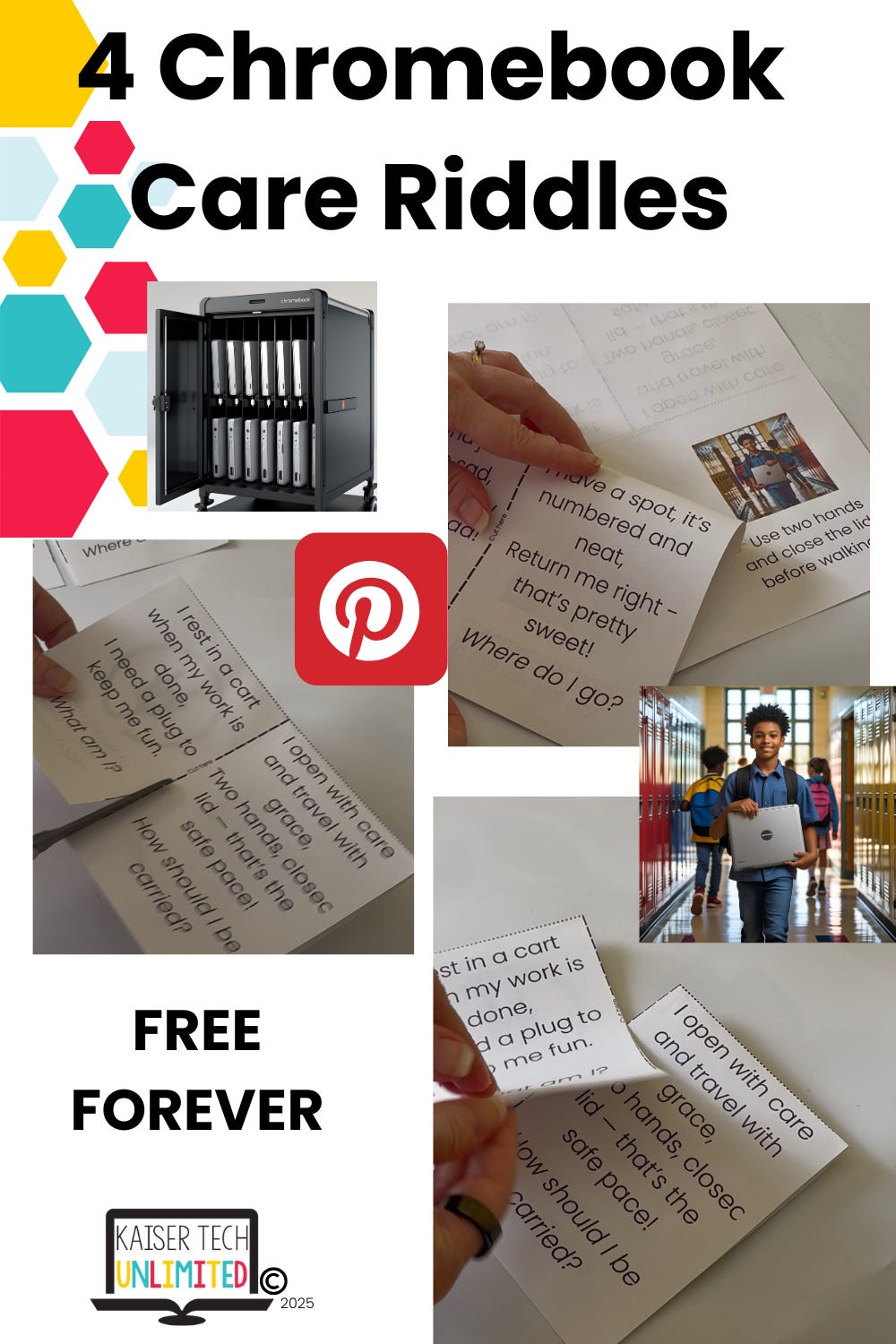
That’s exactly why I cooked up these Chromebook Riddles. Think of them as a fun, super low-key way to get those essential Chromebook care rules to stick. We're talking about reminders for plugging them in, carrying them with two hands and the lid closed, and keeping food and drinks far away. My hope is that these riddles help empower your students to take ownership of their devices, which means fewer headaches for you and more smooth sailing for your lessons.
Ready to bring a little fun and ease to your Chromebook management? I've got a free set of these riddles waiting for you. Let’s make those tech-filled days a little less chaotic and a lot more productive!
Get Your Free Chromebook Riddles!
Want more freebies? Keep an eye on my Facebook page next week for another chance to get something great!
Tackling classroom tech challenges together, to unlock every student's potential.
Until next time,

No posts
Comments
Nothing yet. Say the first thing.
Sign in to join the conversation.