
Those of you who have been here for a while read my graphic novel, 1000 Years of War and its prequel, Midnight Host. The first one ALMOST won an award and both are still for sale through FundMyComic! I think of myself as more of a writer than an artist, but artists ain’t cheap and I’m a big fan of do-it-yourself. Here’s how I hack it in Corel Painter.
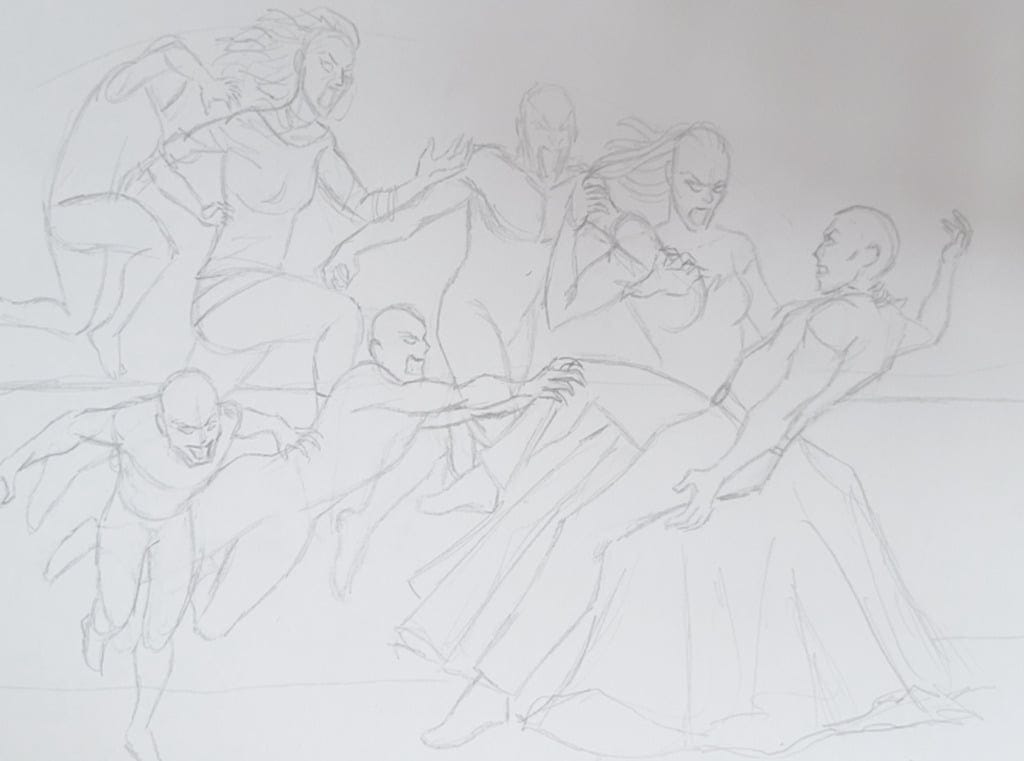
My husband’s camera is a lot nicer than mine, so I make him take a nice picture of the sketch and e-mail it to me. I then try to arrange the sketch somewhat pleasingly in a .psd file so that it has good balance and fills the space properly.
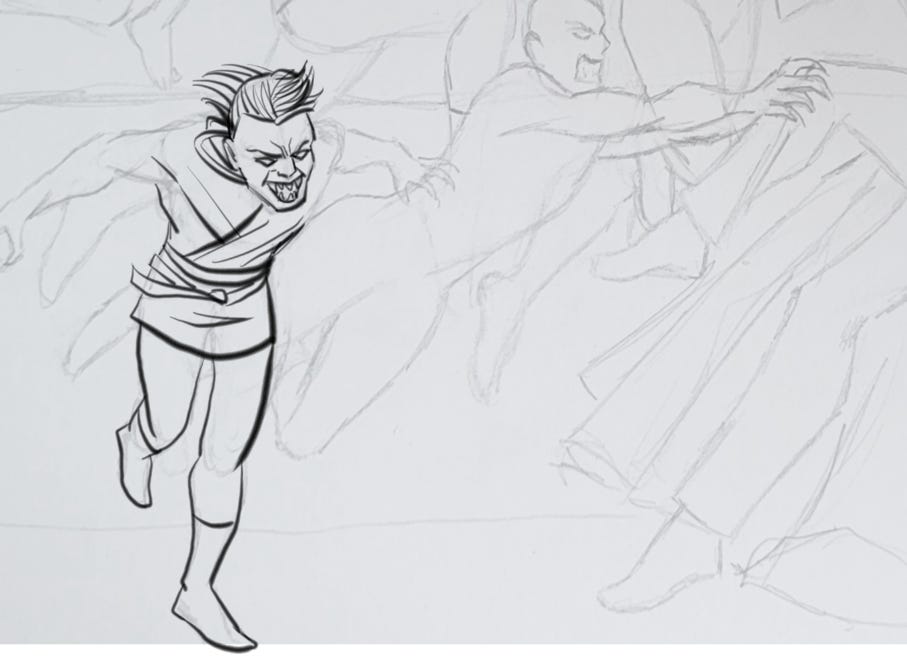
After making the pencil layer more transparent, I draw inks on another layer over it. Here’s a great example of me ignoring line weight because I’m an untrained ignoramus!
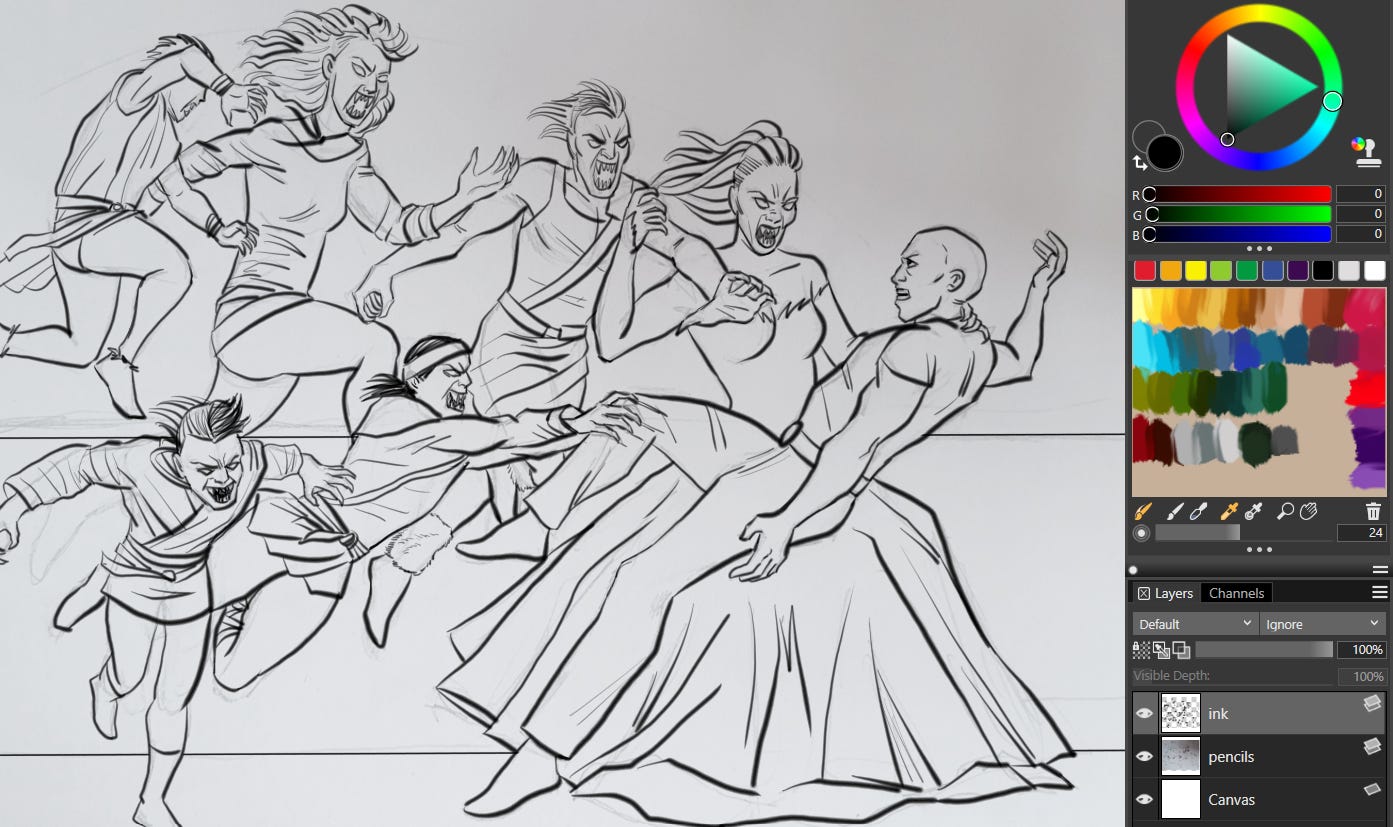
With the ink layer finished…
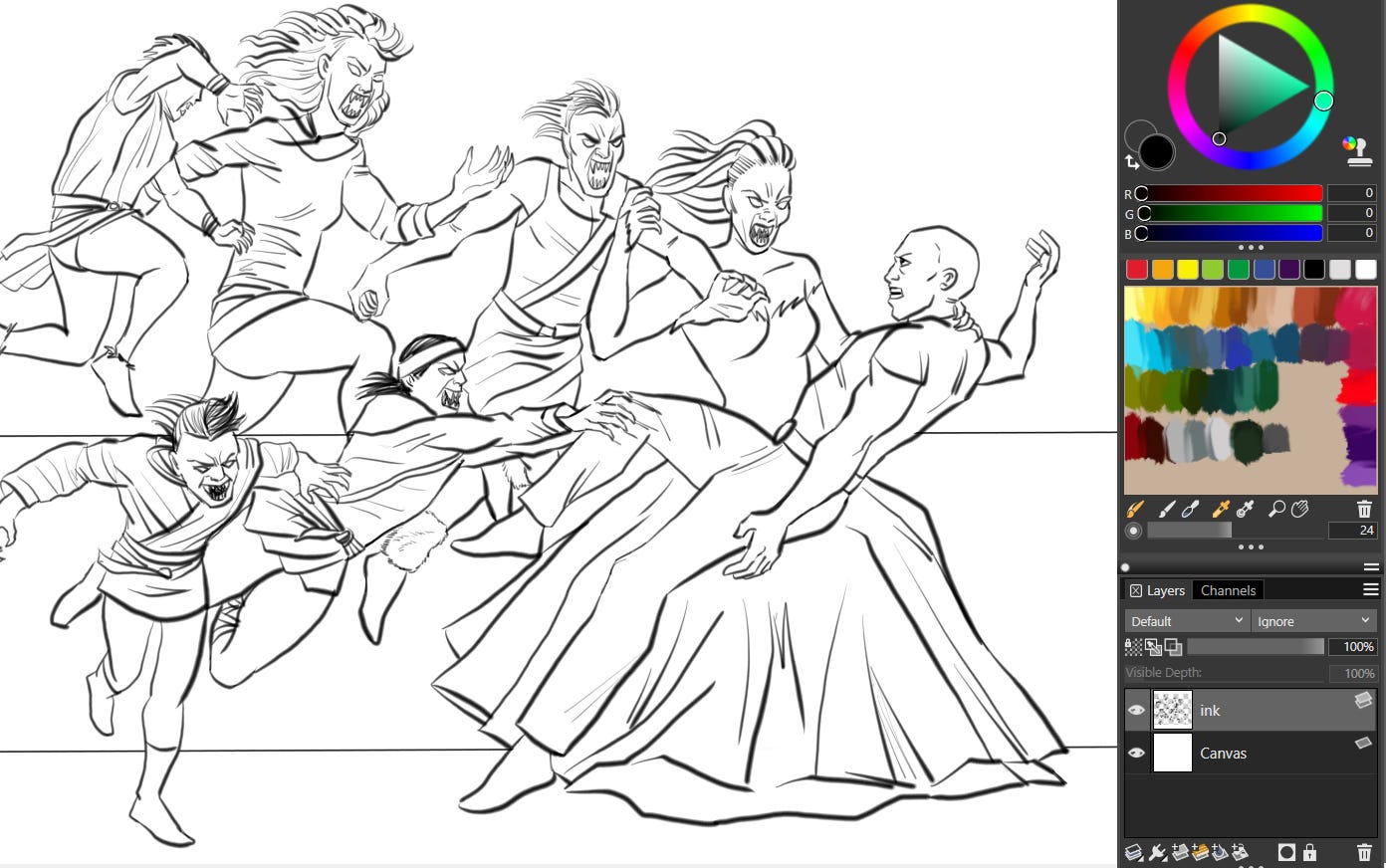
We can delete the pencil layer.
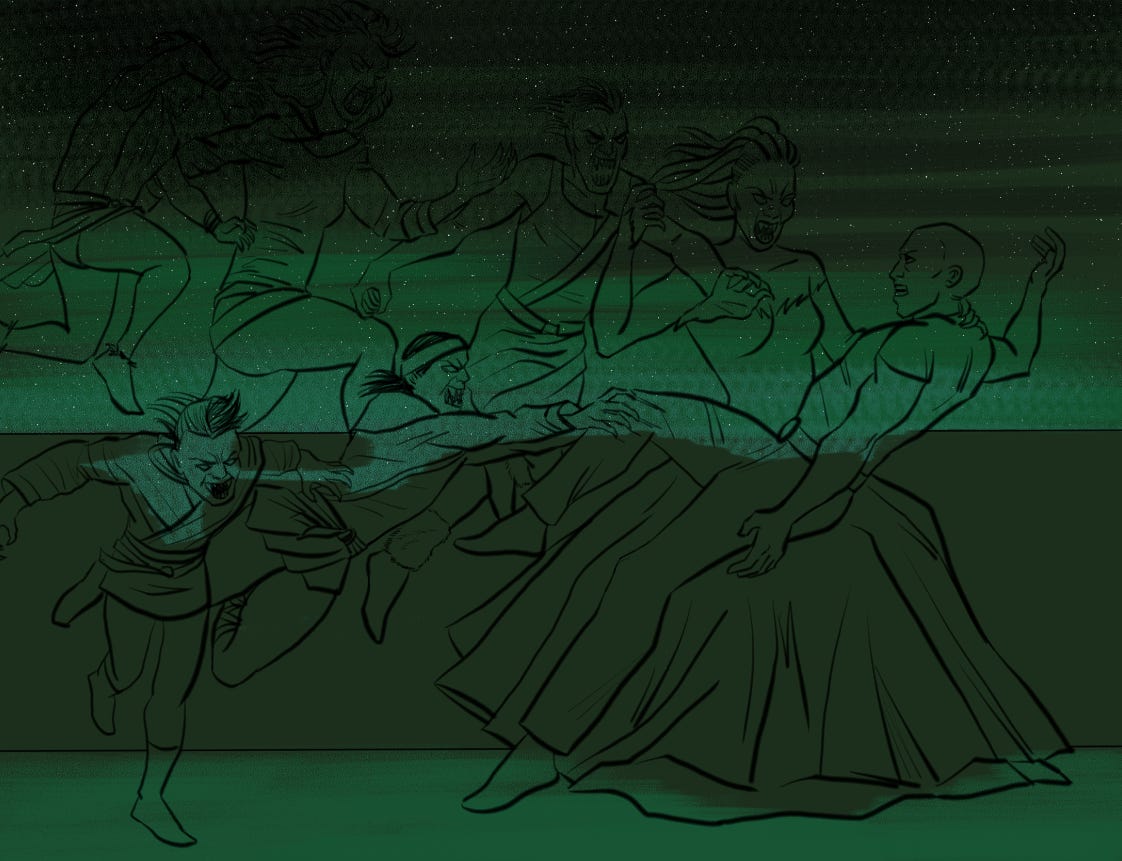
Jessi L. Roberts once remarked on how few layers I use. I’m coloring on the background here, under the inks, which are the only layer. Too many more would cause clutter and stress me out. But don’t be like me.
Sky and floor were rendered with the dull conte tool. The stars were made with the sprinkle airbrush.
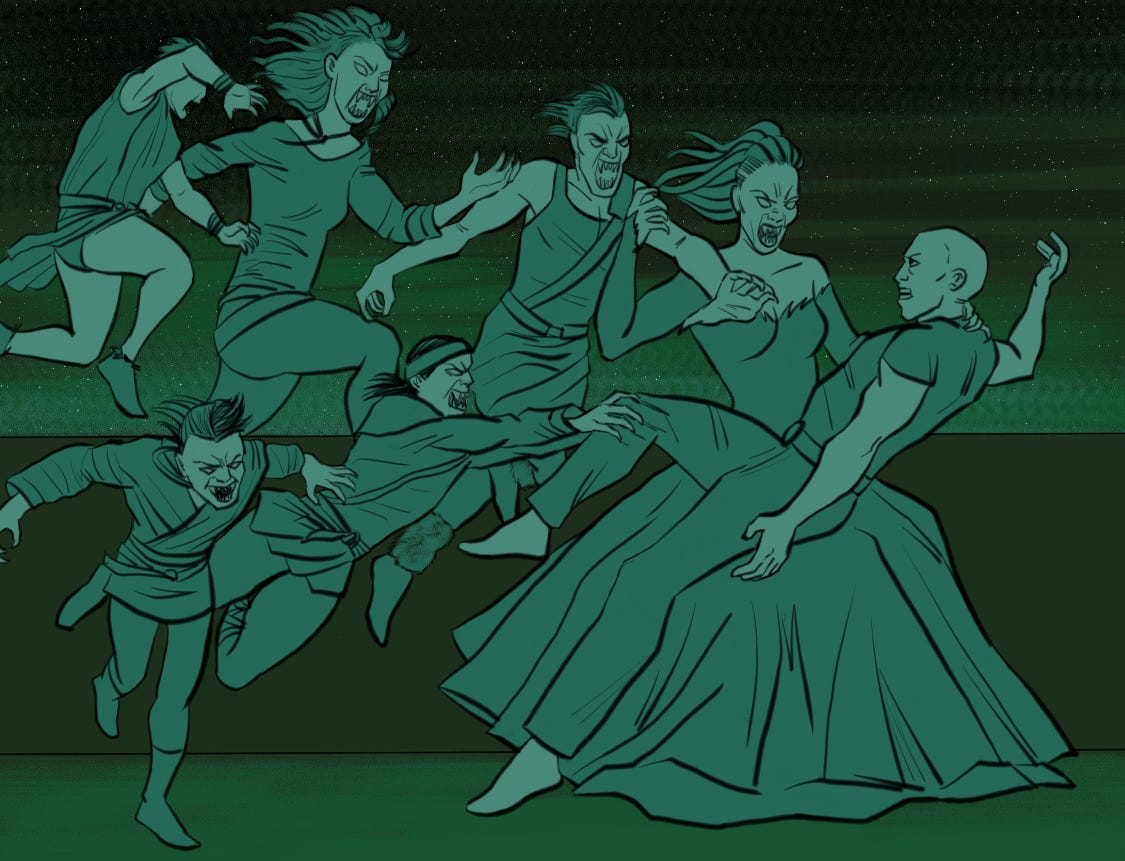
Without a fill tool, I continue coloring underneath the ink layer. The fill tool just never has clean edges when I do it.
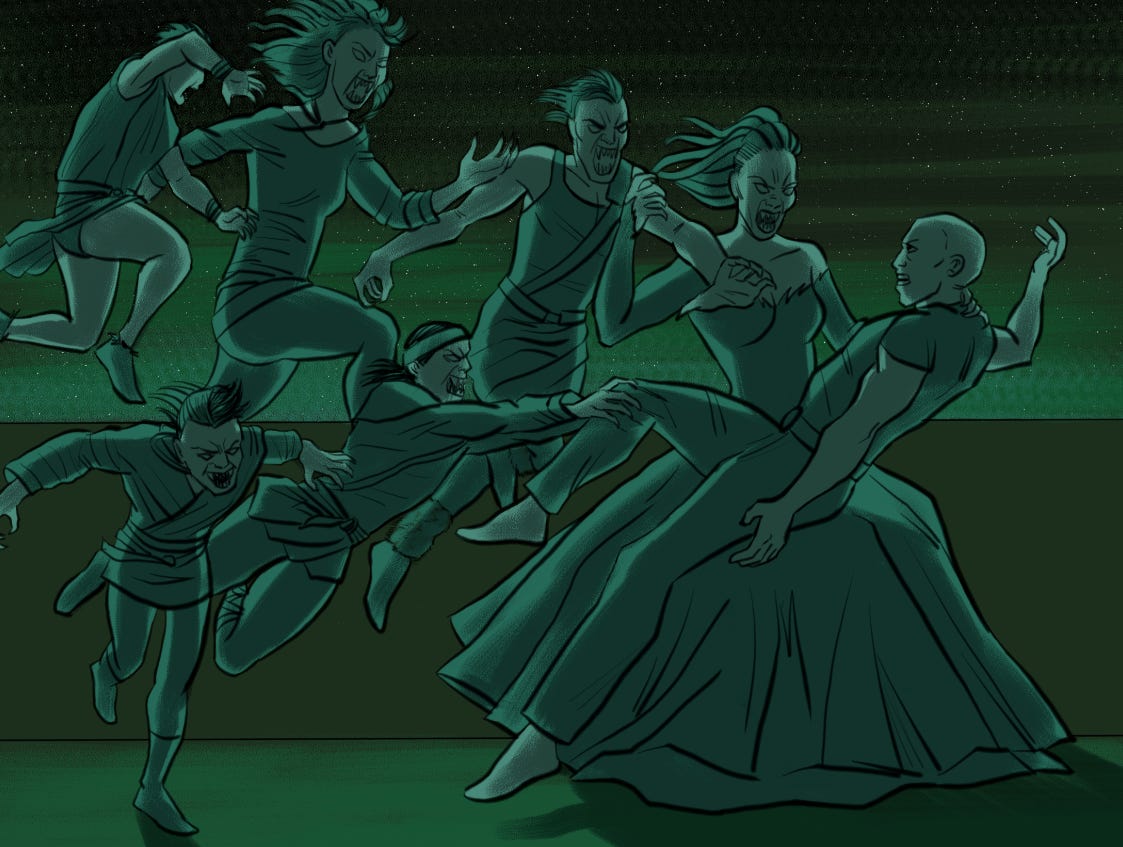
Another layer! Black at 50 percent opacity.
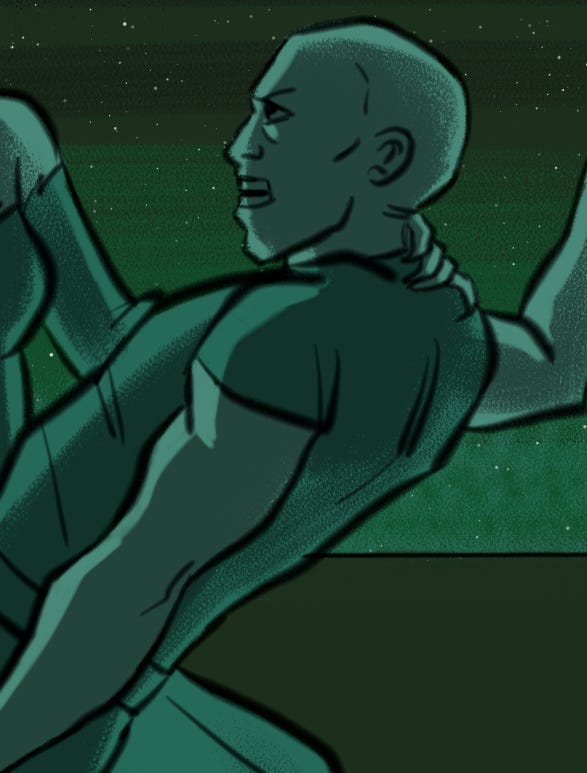
I erase the shadows’ edges to clean them up a bit.
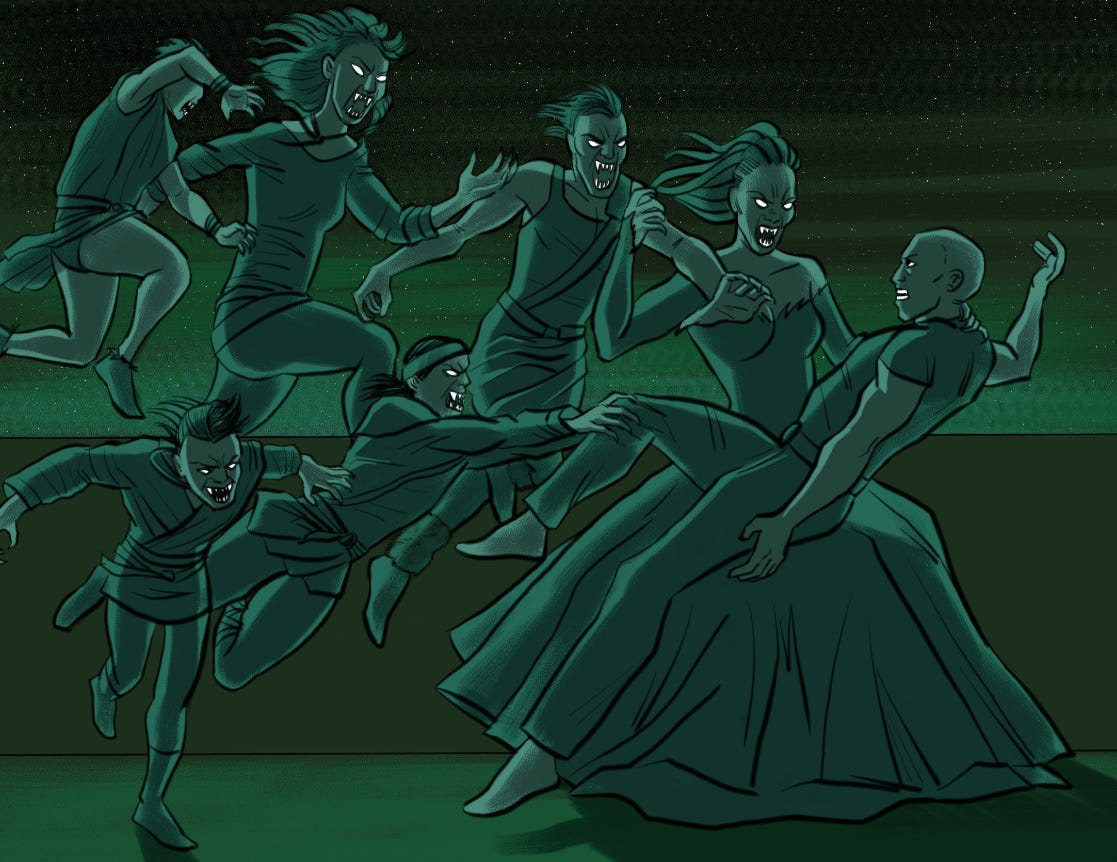
I’ve found it’s best to color eyes and teeth last, after flattening the shadows, pure white so that they pop.
And there you have it. Subscribe for a cuss ton of free entertainment! If you’re like me and you prefer reading something you can hold in your hands, support me here.
No posts
Comments
Nothing yet. Say the first thing.
Sign in to join the conversation.