Hands-On Apple explores and explains the Mac — and beyond! From clever Terminal commands to little-known iOS settings, Mikah Sargent shares all the best tips and tricks for your Mac, iPad, iPhone, and Apple Watch. You'll get all the details on Apple's apps and the best apps in the App Store, you'll learn about awesome accessories for your Apple devices, and you'll explore updates to Apple's operating systems — including iOS, macOS, iPadOS, and watchOS. Hands-On Apple is your one-stop shop for…
Stop fumbling with serial numbers, plant names, or care tags. Discover quick, practical tricks to turn your iPhone's camera into a powerhouse for instant web answers and hassle-free text capture. Enabling Live Text and checking device and language compatibility Using Live Text in Photos, Camera, and Notes for text selection Tips for extracting phone numbers, emails, and addresses with Live Text…
If you have kids using iPhones, Screen Distance might already be enforcing healthy habits without you knowing it. Find out how iOS screen features, like Bold Text and True Tone, are shaping digital wellness for your eyes and your family. Setting up and using Screen Distance on Face ID devices Night Shift: color temperature adjustments and sleep science skepticism True Tone vs. Night Shift:…
Apple just replaced its iPhone Upgrade Program with a device leasing model run by Klarna, and you might end up paying more for devices you never actually own. Find out what happens when your monthly payments end in this episode covering Apple Upgrade! Apple launches Apple Upgrade device lease, replacing iPhone Upgrade Program Klarna partnership explained: application, credit check, and payment…
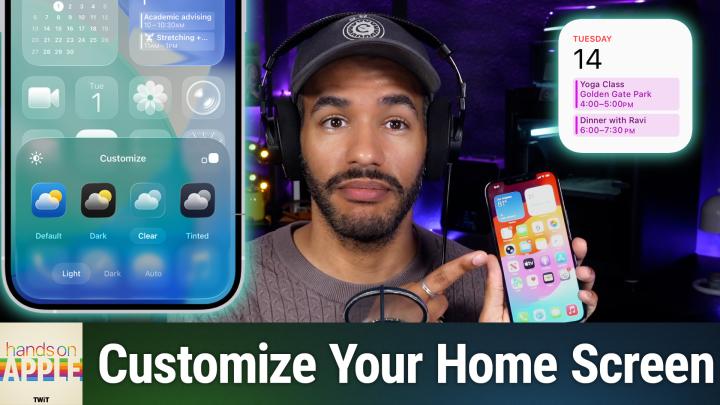
iOS 26 conveniently puts you in charge of your iPhone home screen with deep design tools hidden behind a single long press. Discover how Apple's new Liquid Glass and tinted themes finally let your wallpaper and icons reflect your style. Jiggle mode and edit tools enable deep icon appearance tweaks Exploring Light, Dark, Clear, and Tinted home screen styles Using tints and saturation sliders for…
Ready to install the iOS 27 public beta? Skip common mistakes and learn Mikah's straightforward method for filing some reports that may actually get results. Back up devices and expectations for public beta testers Step-by-step guide to enrolling in Apple's public beta program Understanding your role and responsibilities as a beta tester The importance of submitting clear, actionable feedback to…
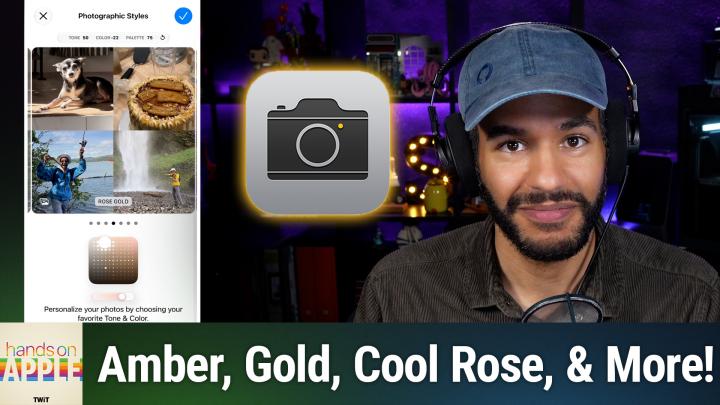
Ever wish your iPhone could capture your photos with a look that actually feels like you? Learn how Apple's photographic styles hand you control over color, tone, and even skin tones, with no generic filters required. Differences in photographic styles between older and newer iPhones How to set up and select photographic styles in iOS settings Exploring and customizing style presets like amber,…
Transform your iPhone interaction with a neat double-tap feature that most users have never noticed in the settings menu. Find out how to program the back of your phone for quick actions like taking a screenshot, launching your favorite app, or automating nighttime routines. Finding and enabling Back Tap in Accessibility settings Double tap and triple tap back actions explained How Back Tap uses…
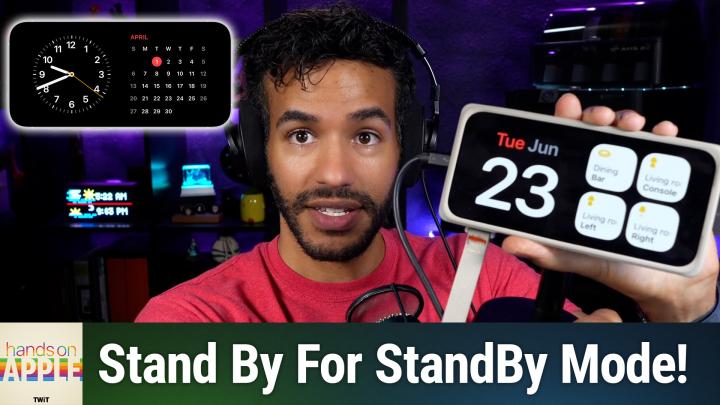
Your iPhone can quietly transform into a customizable bedside clock, calendar, and smart photo frame with just a simple orientation tweak. Discover how StandBy mode reveals features you probably didn't know your device had. StandBy requirements: charging, landscape mode, and settings toggle Always-on display boosts StandBy, but older iPhones work too Configure StandBy's display options, night…
Are you overlooking a classic built into every Mac? Mikah Sargent challenges you to give Stickies a week and find out if it deserves a permanent spot on your desktop. Fast, frictionless note taking without accounts or setup Formatting features: fonts, colors, graphics, and text enhancements Color-coded Stickies for easy organization and quick reference Advanced options: floating notes,…
Your iPhone has a powerful translation toolkit built right in, ready to tackle menus, emails, and street signs (in over 20 languages) without any extra apps or subscriptions. Discover how to get the most out of features you might not even know exist, from real-time conversation mode to camera translations. Supported languages and translation options overview Translating and pronouncing text,…