

My Mac is a tool I spend a lot of time with, and like other items of this category (mattresses, shoes), it is worth investing to make sure it serves you. To go through the following steps, you will need to be at least a little comfortable entering things into the terminal. The reason is that it’s simply the fastest way to get all of this done.
I am using brew to install most of my apps to avoid having to go through 20+ different installation processes.
Install brew:
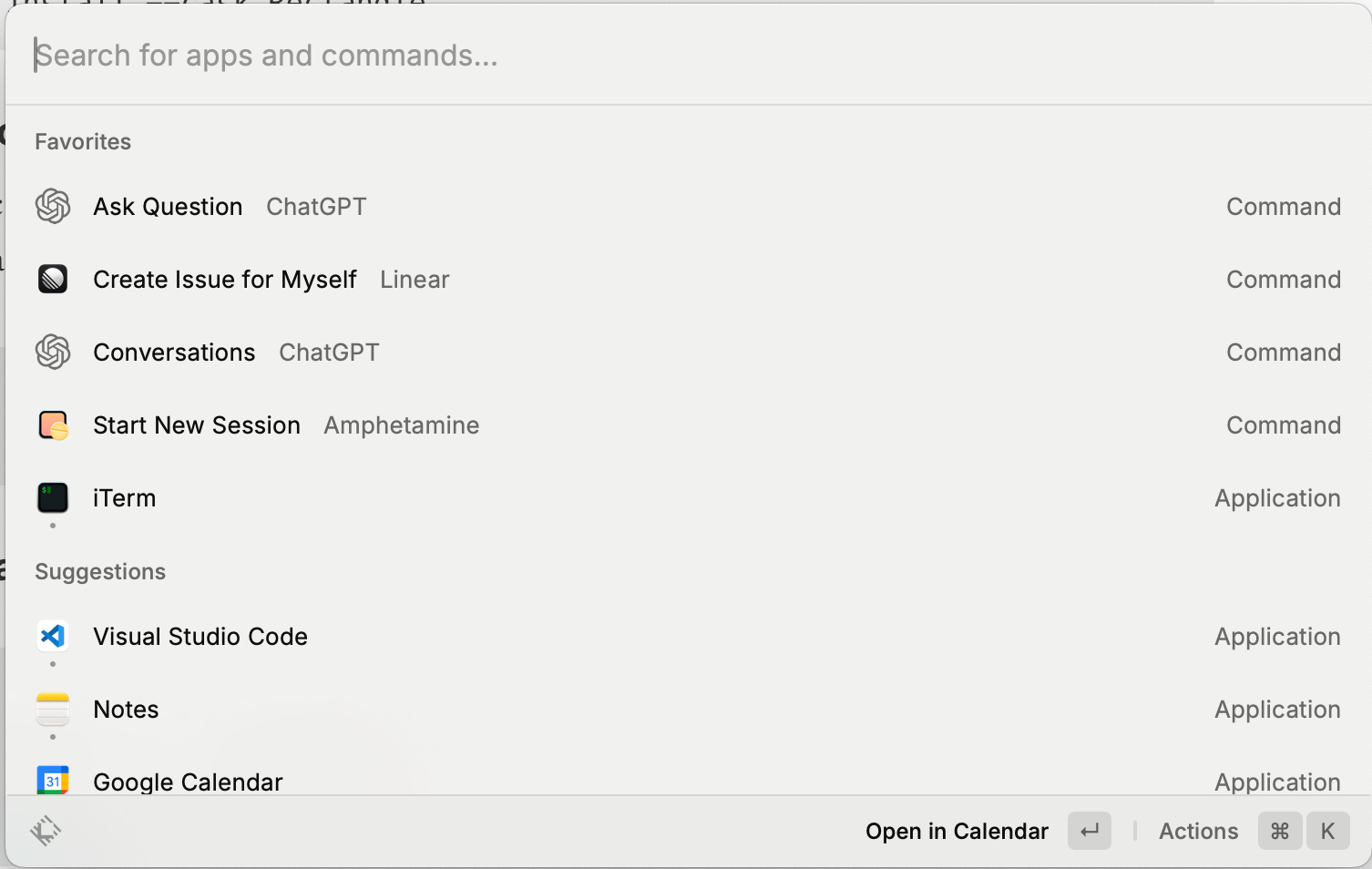
/bin/bash -c "$(curl -fsSL https://raw.githubusercontent.com/Homebrew/install/HEAD/install.sh)"There could be a whole separate blog post on how one uses Raycast, but theres a lot of material and plugins out there.
brew install --cask linear-linear
brew install --cask raycast
brew install --cask google-drive
brew install --cask dropboxI prefer iterm2 over new-age terminal clients such as warp, mainly due to its tmux integration. My main IDE is VSCode.
brew install --cask docker
brew install --cask iterm2
brew install --cask mitmproxy
brew install --cask visual-studio-code
brew install --cask quicklook-json
brew install --cask github
OBS for serious screen recording. And licecap for gifs (that you will see further down this post).
brew install --cask obs
brew install --cask licecap
brew install --cask notion
brew install --cask spotify
brew install --cask figma
brew install --cask keka
brew install --cask bartender
brew install --cask macfuse
brew install --cask anydesk
brew install --cask Rectanglebrew install --cask tailscale
brew install --cask nordvpn
brew install --cask cryptomator
brew install --cask 1passwordbrew install --cask slack
brew install --cask whatsapp
brew install --cask zoomFor the AI chatbot, next to the Github Copilot and the Raycast ChatGPT plugin, I also am self-hosting LibreChat on my locally running docker.
I like to use my full screen and therefore hide the dock, however MacOS’s standard settings are rather slow.
defaults write com.apple.dock autohide-delay -int 0
defaults write com.apple.dock autohide-time-modifier -float 0.4
killall Dock
I’m a huge fan of TouchID. Enabling it for sudo. Source
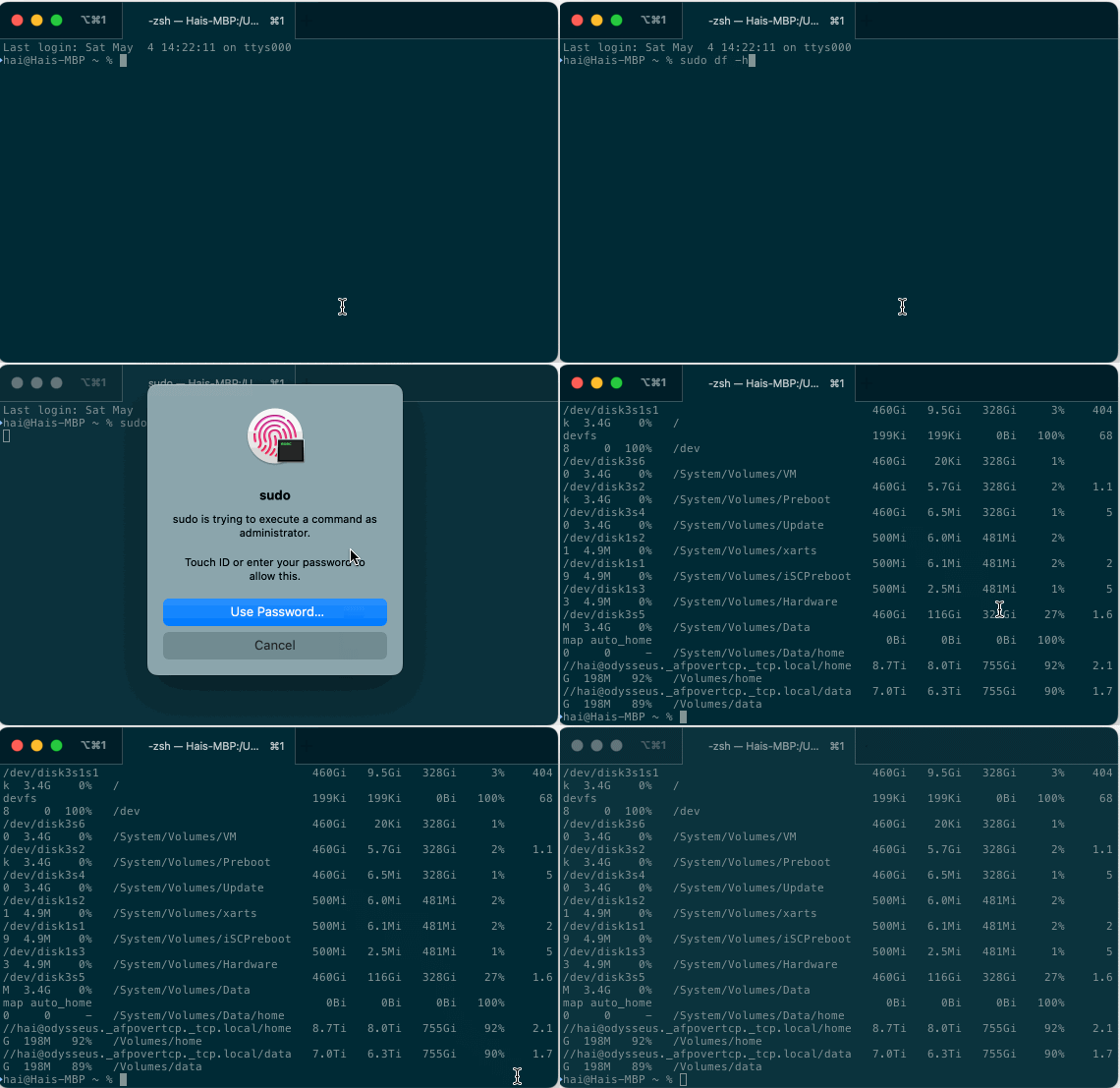
sed "s/^#auth/auth/" /etc/pam.d/sudo_local.template | sudo tee /etc/pam.d/sudo_local This is a tiny one, but somehow those 100 milliseconds or whatever it is make a huge difference for me.
defaults write com.apple.driver.AppleBluetoothMultitouch.trackpad TrackpadTwoFingerDoubleTapGesture -int 0Python is my golden hammer, and poetry is my preferred dependency manager:
brew install poetryAnd this setting helps tie in poetry with vscode.
poetry config virtualenvs.in-project trueFollowing the 1PW instructions, this is specifically to allow for ssh-copy-id which is handy.
mkdir -p ~/Library/LaunchAgents
cat << EOF > ~/Library/LaunchAgents/com.1password.SSH_AUTH_SOCK.plist
<?xml version="1.0" encoding="UTF-8"?>
<!DOCTYPE plist PUBLIC "-//Apple//DTD PLIST 1.0//EN" "http://www.apple.com/DTDs/PropertyList-1.0.dtd">
<plist version="1.0">
<dict>
  <key>Label</key>
  <string>com.1password.SSH_AUTH_SOCK</string>
  <key>ProgramArguments</key>
  <array>
    <string>/bin/sh</string>
    <string>-c</string>
    <string>/bin/ln -sf $HOME/Library/Group\ Containers/2BUA8C4S2C.com.1password/t/agent.sock \$SSH_AUTH_SOCK</string>
  </array>
  <key>RunAtLoad</key>
  <true/>
</dict>
</plist>
EOF
launchctl load -w ~/Library/LaunchAgents/com.1password.SSH_AUTH_SOCK.plist
Now I didn’t have to reinstall my Chrome extensions, but here is a list of what I very regularly install:
1Password
uBlock origin
Wappalyzer
Fireshot (full page screenshot)
I also make sure that each profile (work, private) has a separate color to differentiate them
Some people set up “stats” or similar apps to show RAM, CPU in the status bar - I really don’t like to have information with little actionability in my view.
At work, I deployed an MDM (Kandji) to automate a lot of setup as well as app installation, but thats a whole different area
The following apps are configured more deeply to suit my personal workflow, but would blow up this article:
VSCode (Though, its mainly extensions)
iTerm (Setting up profiles so they launch a tmux session on remote hosts)
Raycast (setting up the important extensions, removing some native commands)
That is it - if you have a Mac to set up, I hope this helps you along the way. If you have ideas or want to share your process, I would love to hear about it.
No posts
Comments
Nothing yet. Say the first thing.
Sign in to join the conversation.