
If you’re stepping into design, I already know what it feels like…
You have ideas. You have vision. But when it’s time to actually create, you’re like—“okay… where do I even go?”
This is that post. (You’re welcome lol)
Not everything. Not overwhelming. Just a solid starting point you can come back to when you’re in the middle of designing and need support.
Typography is one of the fastest ways to make your design look strong… or completely off. So we’re going to keep this simple and intentional.
www.dafont.com
This is a great starting place. You’ll find a lot here, so take your time and don’t just pick the first thing you see. Think about what matches your idea.www.creativemarket.com
When you’re ready to explore more polished, professional options. Many fonts are paid, but they’re designed with branding in mind.www.fontshare.com
Free and high quality. This is one of those sites that makes you feel like you found something special.www.fonts.google.com (Google Fonts)
Clean, easy to use, and perfect if you’re working on anything digital like a website or presentation.www.myfonts.com
This is where a lot of professional designers go. It’s a great place to explore and understand what high-level typography looks like.
Once you create something, the next step is showing it in a way that feels real. That’s what mockups do.
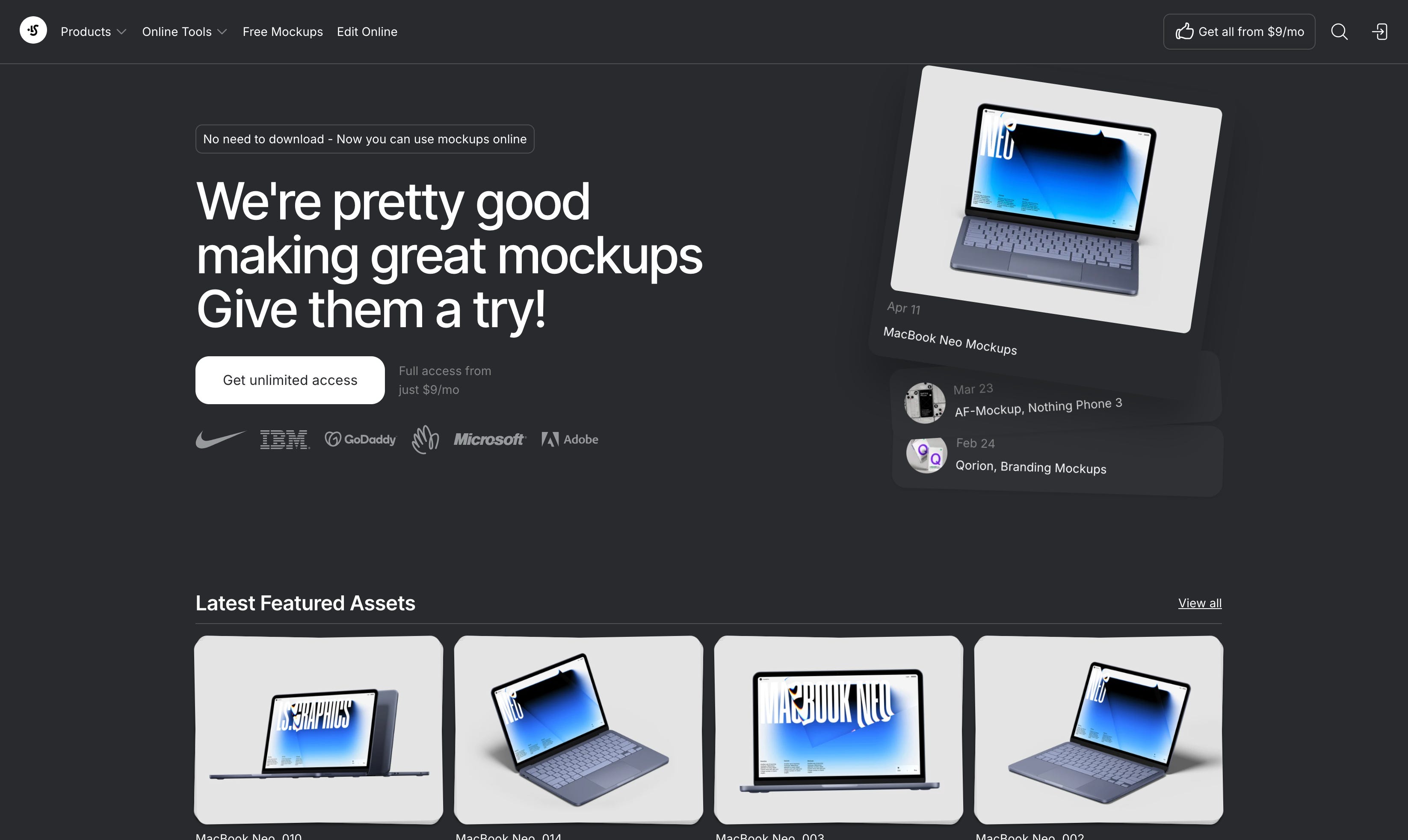
artboard.studio
Simple and beginner-friendly. You can place your designs into real-world settings without needing advanced skills.www.placeit.net
Very easy to use. Great for things like t-shirts, social media posts, and quick previews.
Comments
Nothing yet. Say the first thing.
Sign in to join the conversation.