
As far as I know, engineers have fallen into two categories for the past two decades: the IDE crowd and the CLI tooling crowd. I don’t judge either type. Both have pros and cons. Now, in the age of AI, you’re seeing the exact same split.
At my office, most younger developers are VS Code disciples. We use GitHub Copilot extensively and it’s well integrated there, plus all the plugins. But me, coming out of the vi vs emacs wars, I’m just a tmux/nvim junkie. I love setting up my own tooling and workflows. IDEs force you to use what’s available, or you end up ignoring half of it. On the CLI, you string together simple tools your way.
My path to AI was different from most. I started with Aider because I loved the CLI, but at the time it lacked real agentic capabilities. So I switched from nvim to VS Code, picked up Cline, and learned how agentic coding works in an editor where I could inspect the flow easily.
That helped me understand how these flows work and how I could leverage them. I knew early that I didn’t want to be locked into a single model, so I skipped Claude Code and made a bet on OpenCode: an open-source version that could use any model. They even wrote system prompts that dynamically adapted for each model to improve results.
That was great. Until it wasn’t.
I came to the realization that it changed all the time, and I was fixing things after every update. Some changes I simply didn’t want. Mario Zechner, the creator of Pi, recently gave a talk where he dug into OpenCode’s internals and pointed out a bunch of issues. Combined with my own experience, here’s what bothered me.
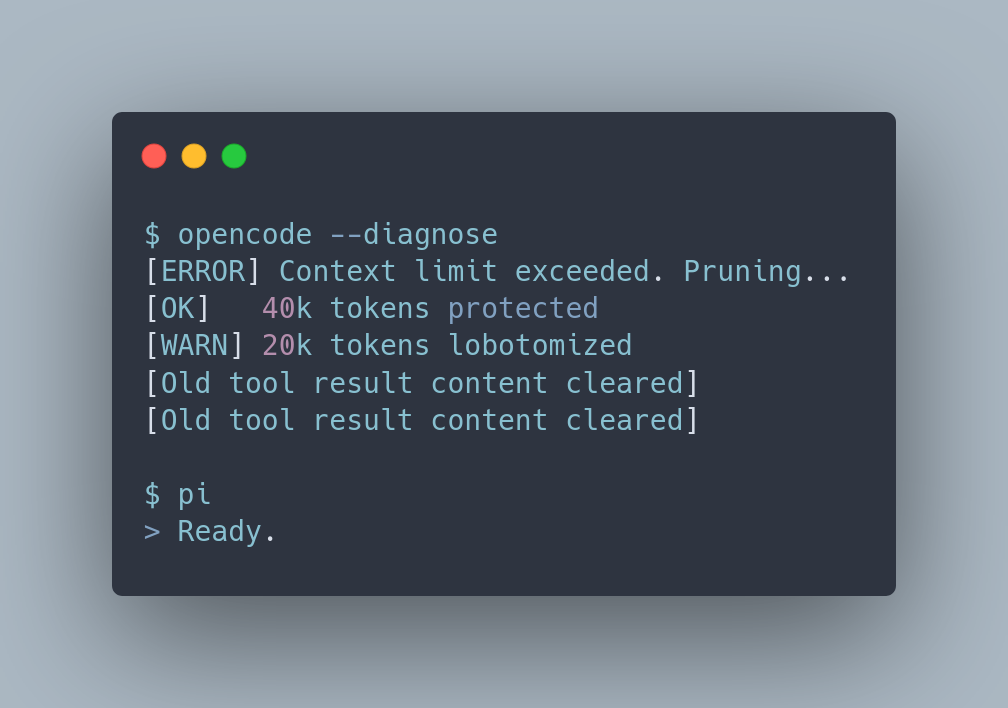
The context pruning lobotomizes the model. OpenCode has a compaction system that prunes old tool outputs when the context gets big. Under certain conditions, it just cuts tool output after a minimum token count. Mario’s words: “that basically lobotomizes the model.” It protects the last ~40 k tokens and only kicks in when ~20 k tokens can be removed, but it walks backwards through history replacing outputs with [Old tool result content cleared]. If the model still needed that context, too bad. There’s actually a whole third-party plugin called DCP that exists just to fix this with smarter surgical pruning. That tells you something.
LSP errors after every single edit. OpenCode checks for LSP diagnostics after every edit/write tool call and injects the errors as part of the tool result. That’s not how you write code. You don’t write one line, check errors, write the next line, check errors. You finish your work and then check. Injecting errors mid-flow confuses the model and wastes context. This actually caused real problems where Lua LSP diagnostics were so large they made entire sessions unusable. They added a fix limiting diagnostics, but the approach of checking after every edit remains. The LSP tool is now behind an experimental flag.
Session messages stored as individual JSON files. Each message in a session was a separate JSON file on disk. The performance implications are obvious. One person reported over 4,000 files after a single 20-minute session. They have since moved to SQLite, which is better, but this was the state of things when Mario looked under the hood.
The CORS disaster. This is the big one. OpenCode’s HTTP server started automatically with Access-Control-Allow-Origin: *. Any website you visited in your browser could make requests to your local OpenCode server. The server exposed endpoints for arbitrary shell execution, terminal sessions, and file reading, with no authentication whatsoever. This became CVE-2026-22812 with a CVSS score of 8.8. A later related vulnerability scored 10.0. They fixed the CORS policy in v1.0.216 and disabled the server by default in v1.1.10. But if you enable it manually, authentication is still optional. Full details are in the GitHub Security Advisory.
Zero observability. No way to really see what’s happening inside your context: what the system prompt looks like, what got injected, what got pruned. You’re flying blind. There is --log-level DEBUG, but that’s raw log output, not a structured view of your context state.
Bloat and slow startup. This one I can confirm from personal experience. OpenCode has gotten slow to open — probably related to MCP initialization (the -y flag), plugin loading, LSP server startup, and bun package management. It downloads language server packages on first start, and the startup sequence has grown as features piled up.
To be fair to the OpenCode team, they are brilliant people with high execution velocity. Mario said this himself. Most of these issues come from moving fast and adding features. Some have been fixed since. But it’s a pattern you see across the ecosystem: tools that start simple and useful, then get complex and fragile. Claude Code also had its own little incident that showed some bad stuff too.
Pi is a breath of fresh air. Simple to install. No plan mode, no sub-agents, no extensions out of the box. But it has a good system to extend all of these yourself. By default, it runs in YOLO mode.
Mario wrote a great blog post explaining the rationale behind building Pi. The short version: models are already reinforcement-trained to be coding agents. You don’t need 10,000 tokens of system prompt to tell them what they are. Give them four tools (read, write, edit, bash), a tiny system prompt, and let them work. Extensions are just TypeScript modules that hot reload during your session. Need sub-agents, MCP support, or plan mode? Ask Pi to build the extension, or install a package that does it.
I just converted my OpenCode setup to Pi (this is work in progress and not a very clean repository, but it serves my purpose) and ran it there, delivering one work story. Normally, my work breaks down into three phases with one to a few tasks each. With OpenCode, I’d cut a fresh context session after every phase to avoid hitting the compaction limit. This time, I one-shotted the whole story in a single session. It stayed well within the context window and the model never degraded. That alone is a massive difference.
It worked fine, thanks also to the awesome Kimi K2.6 model by Moonshot AI. This one is amazing and cheap. It’s open source, scores competitively against GPT-5.4 and Claude Opus 4.6 on coding benchmarks, and the API pricing is a fraction of what you’d pay elsewhere. You should look into it.
For the moment I’m just using my basic workflow, all pulled from skills. No agent prompts or commands anymore. I just ask “create spec for DP-XX” and it opens the task skill, fetches the content of the ticket, and works with me on the spec. Same thing when I create tasks. Clean, easy, and straightforward.
I will look into plugins for managing tmux, sub-agents , and babysitter to fine-tune even more. Let’s see how it goes. For now, I keep my workflow in sync with both OpenCode and Pi, but I may end up dropping OpenCode entirely. The next step will be integrating Honcho for persistent memory across sessions. Honcho is an open source memory library that builds user and agent models over time. It goes beyond simple RAG: it actually reasons about your interactions and creates representations that improve the more you use it. I already use it with OpenCode and it should work nicely with Pi’s extension system.
Pi feels like a real base to build your own modular AI workflow on. As engineers, we should keep learning and understanding how the agentic flow works, and fine-tune it ourselves. That’s how we stay free from the limitations, restrictions, and fragility of black-box agentic harnesses — and keep our edge.
No posts
Comments
Nothing yet. Say the first thing.
Sign in to join the conversation.