
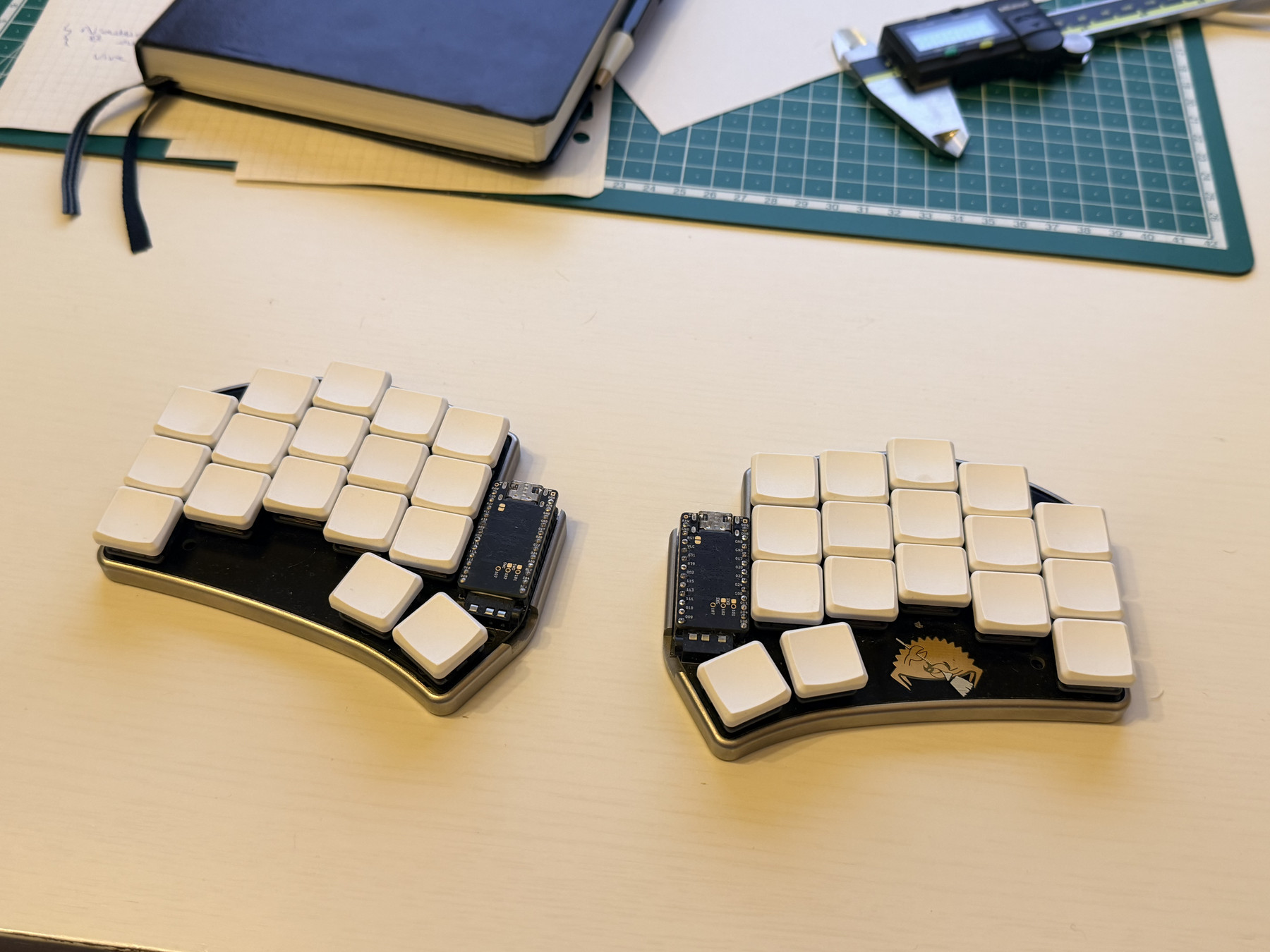
In June last year, I installed Fedora on my freshly delivered Framework laptop. I liked Fedora because it provided a nice, decently up-to-date experience of the Linux desktop. I initially installed GNOME, but quickly switched to KDE, which I found easier to use with my split keyboard (a story for another time).
At that point, I had solved a couple of issues on my laptop but I didn’t remember which ones or how I solved them. This is a problem because the next time I’ll install a Linux distribution on this system or another, I’ll probably face the same issues again, and I’ll have to solve them again. And I don’t like that.
Code, code everywhere
At work, I’m a strong proponent for “infrastructure as code”, where everything from server hardware profile to software configuration is described as files we can track in version control (git).
This has the huge benefit of being able to re-spawn an entire fleet of servers in case of a catastrophe (that, and backups of course). This works well on systems where I’m not root because I can’t make system-level changes without going through git. At home, things are different since I’m the admin.
By then, I had heard rumors about a Linux distribution that promised to enforce this at the system level: you couldn’t make a system change without modifying the system config file, even if you’re the admin. I was immediately drawn to this idea and began exploring the concept in more details.
Down the rabbit hole

I found myself spending most of the winter holidays tinkering with NixOS on my laptop, reading lots of documentation, experimenting every day. I took notes, as I encountered quite a few unfamiliar concepts, and this proved quite useful later on.
Then, when I was happy with the laptop config, I went on and installed it on a VPS I was renting at OVHcloud. I used a second server to not impact the services I was running but quickly moved everything to this new server and shut down the first.
Later, when I needed to move to yet another system for more storage, it was as simple as re-applying my server config and restoring backups!
Bazzite? Nah
After that, I wanted to give gaming on Linux a try and I replaced Windows on my desktop with Bazzite ; which was advertised as a distro aimed at gamers.
I tried to make it work, but stumbled upon a few issues. It worked, but not as good as I wanted. After troubleshooting for a couple of hours, I decided that I did not want to solve these for a system I would probably not use on another machine, and installed NixOS on this machine as well.
Some issues disappeared, other appeared ; but with NixOS I knew that solving an issue meant writing it to the system config file. And since I version these files for all my systems, it means that solving an issue once, solves it forever.
I was able to start from my laptop’s config, instead of a blank slate. This meant not needing to re-install and re-configure every single package I had needed on that machine, from the start.
Modularity
I also like that configurations can be made as modular as I want. I don’t have to keep everything in one big file for each system.
This means that it’s possible to share config bits between multiple machines. That is awesome because now if I solve a system problem, I can apply the solution on multiple machines at once without more effort!
For everyone?
I’m glad to say I’ve been a happy NixOS user since then!
It’s definitely not for everyone though. I wouldn’t recommend it for people who just want to use Linux on their computer and move on with their lives.
For system administrators on the other hand, it’s a banger!
Having complete control over the system via written configuration files also makes it easy to use AI tooling to help you manage your system, if you’re so inclined.
Give it a go!
My config is available on Codeberg. I don’t expect it to be directly useful to anyone but me, but feel free to take a look!
If this post strung a chord, I encourage you to give NixOS a go! Start on a non-essential machine on which you can accept downtime, backup important data, and tinker!
I also heavily encourage you to keep notes about your findings. This helped me tremendously in this journey.
Comments
Nothing yet. Say the first thing.
Sign in to join the conversation.