
I was reading a recent blog post about this cool git shortcut which shows you the recent working branches you have been working on.
automation git:(singla/add_missing_model) ✗ gitrecent
38 minutes ago  singla/add_missing_model
25 hours ago    singla/bug_fixes_21st
25 hours ago    singla/track_order_revamp
While the shortcut is useful, I was afraid that I might just forget it so why not make a simple utility which prints a random shortcut whenever a terminal session starts.
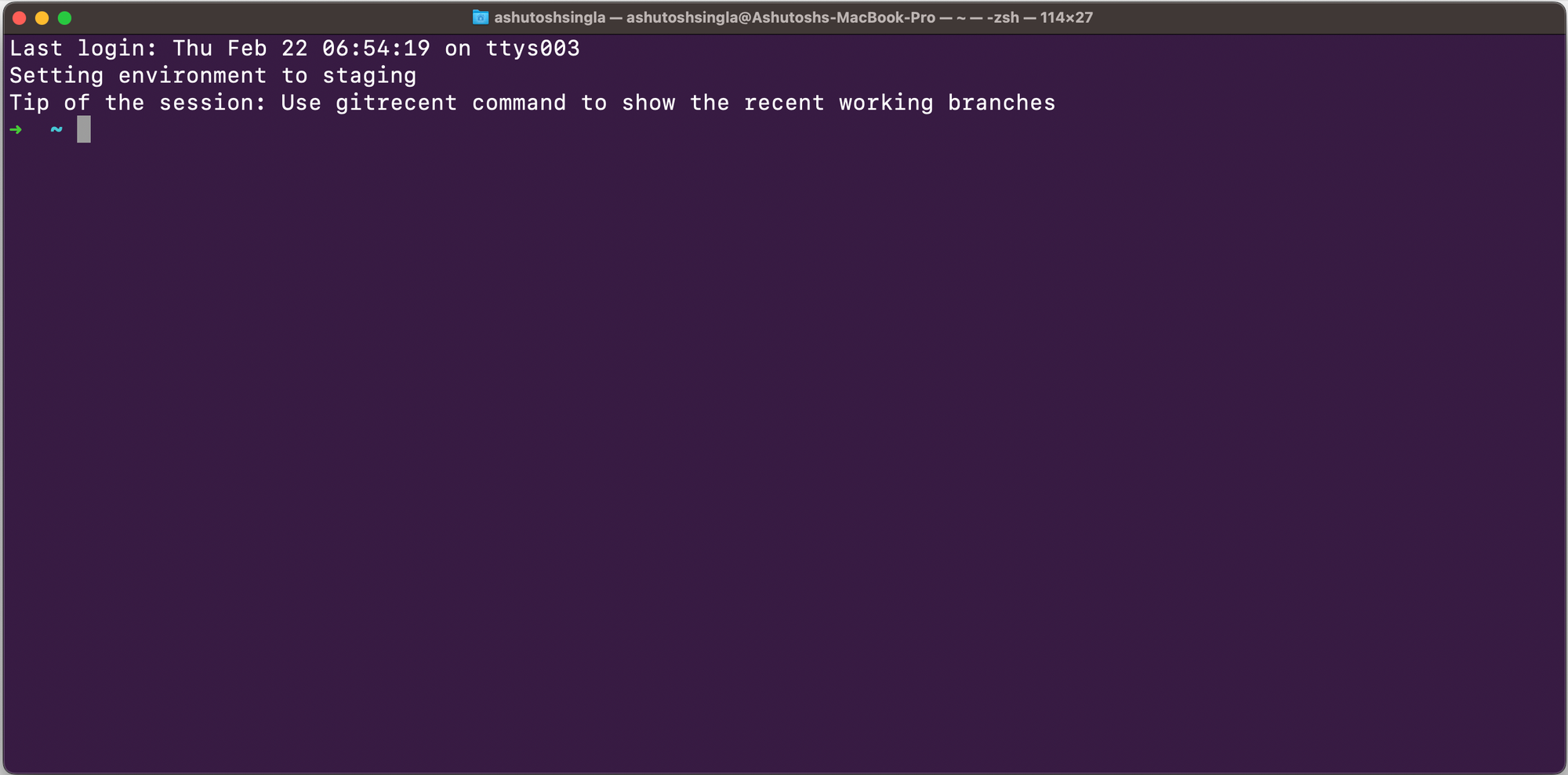
The implementation is straightforward
Save your shortcuts in a file
Use git ac command to ammend and commit
Use git uc command to add and commit
Use git pullff command to pull without -no-ff
Use gitrecent command to show the recent working branch
Add code to your /.bashrc~ or ~/.zshrc to echo the tip
tip=$(shuf ~/tips | head -n 1)
echo "Tip of the session: $tip"
Maybe we can think different and add other reminders.
Use git ac command to ammend and commit
Use git uc command to add and commit
Use git pullff command to pull without -no-ff
Use gitrecent command to show the recent working branch
Stay focused! Make sure Pomodoro timer is on 🕰️
Water break alert! 💧
Time for a walk 🚶
Hope this helps!
Comments
Nothing yet. Say the first thing.
Sign in to join the conversation.