
With the recent announcement of Gemini 3 , I was thinking about giving Google search AI mode another shot.
I’ve been using Perlexitity for a while and found it quite useful for many of my searches, but lately it has felt slower and the quality of results has declined.
After trying out the latest Google search AI mode, I’m quite impressed by the quality, speed and overall user experience. I’ve now set it as my default search option in Chrome.
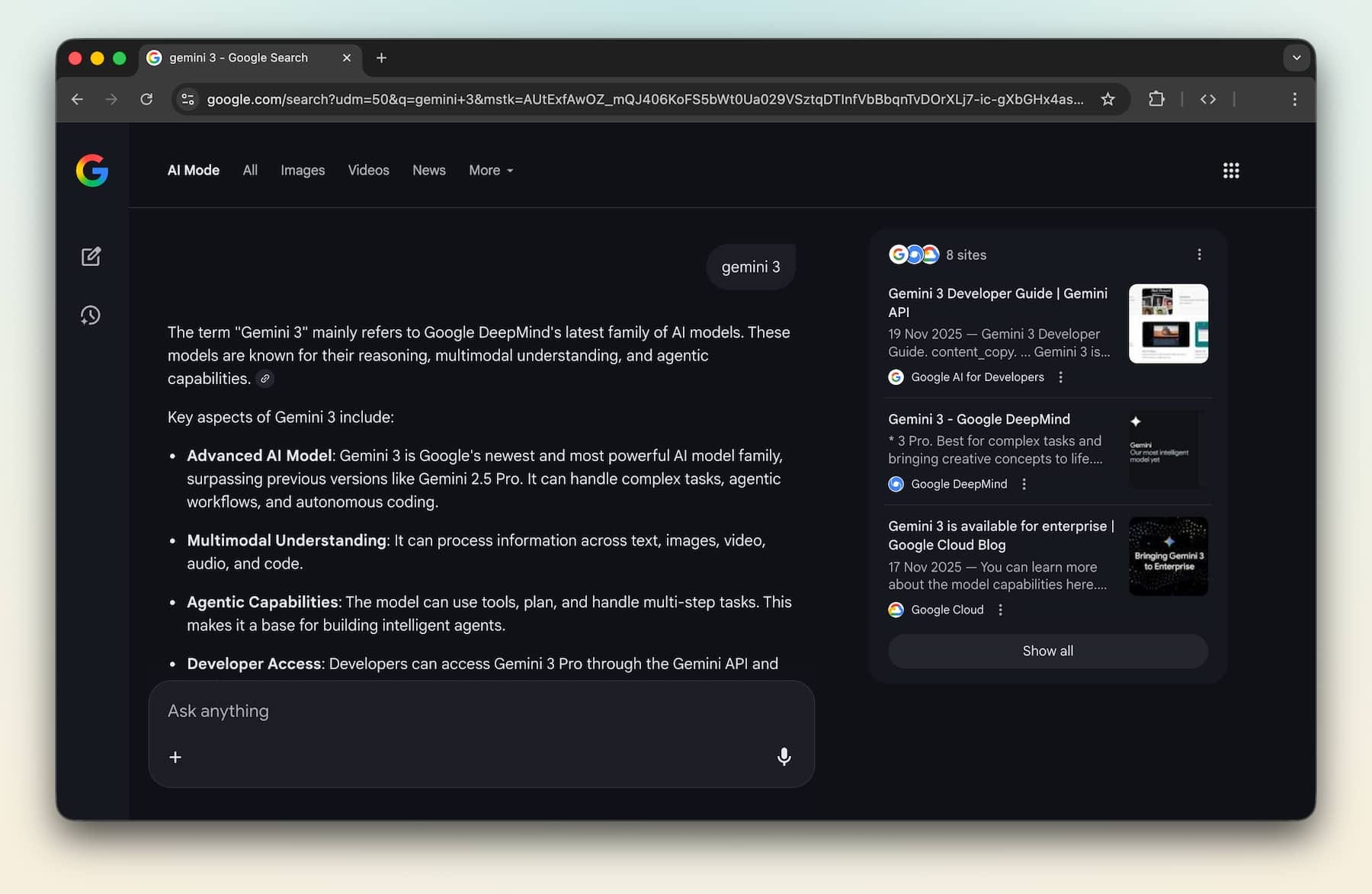
This Reddit post discussed how to set the Google AI mode as the default for the browser address bar. In essence, use:
https://www.google.com/search?udm=50&q=%sGo to chrome://settings/search
Click “Manage search engines and site search”
Scroll down and click “add” next to “Site search”
Put “Google AI mode” as the name, and use above address for the URL
In the previous search engine page, make “Google AI mode” default
We can do the same on iPhone Safari with the Custom Search Engine extension , or simply using the Google App .
Comments
Nothing yet. Say the first thing.
Sign in to join the conversation.