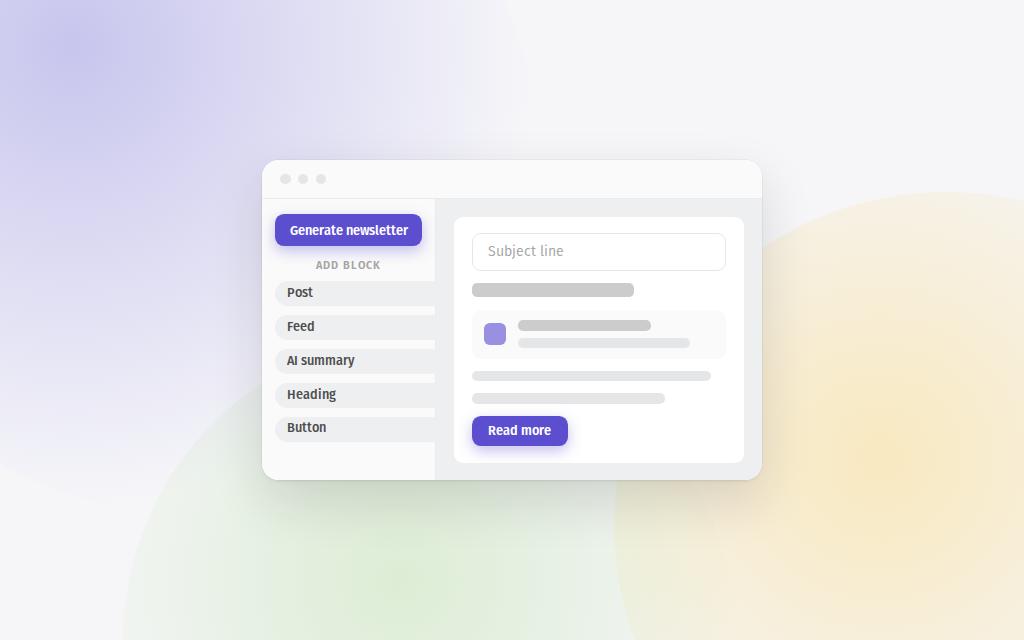
Do you curate updates and send email newsletters to your team or subscribers? Then read on! We've released a massive update to our newsletter creation feature. We've made it easier, added more ways to style your emails to make them yours, and also integrated with AI to help you build relevant newsletters in an instant. It lives in the Publish tab, under Newsletters. Building an email is upgraded…
Today we're happy to announce that we've added support for following Telegram channels in Feeder. Simply press Add feed, and choose "Telegram" from the list of sources. Then, enter the username of the channel you want to follow. Feeder will automatically fetch the latest posts from the channel and add them to your feed. Following Telegram channels is available to Feeder Plus, Professional and…
Ever noticed how some feeds, especially when you're tracking multiple Google News searches, Google Alerts, or Upwork searches, tend to surface the same results? Well, with duplicate filters, you can now set up a rule to hide those redundant posts across your feeds. Here's how it works: head over to the Rules page , create a new rule, and select the "Filter duplicates" option. Our system will then…
Remember how you can use collections and rules together to create smart feeds that only contain the content you want ? Well, we've just made it even easier to do that. We've also made it easier to work on Rules together with your team. First, we've now made it possible to set a folder as the target of a rule. Previously you'd have to select one-by-one the feeds you wanted targeted by a rule. This…
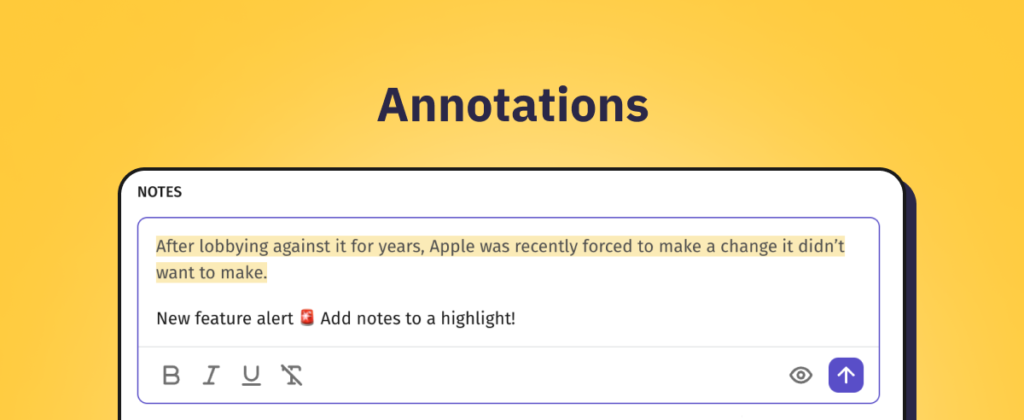
Did you ever wish that you could just highlight text in an article, and write a little Annotation to yourself? Well, now you can! Simply mark the text with your cursor and choose Add note to selection to create an Annotation. Working together with Notes, they link your thoughts to a piece of text from the article. The highlighted text will remain marked with yellow - for you and members of your…
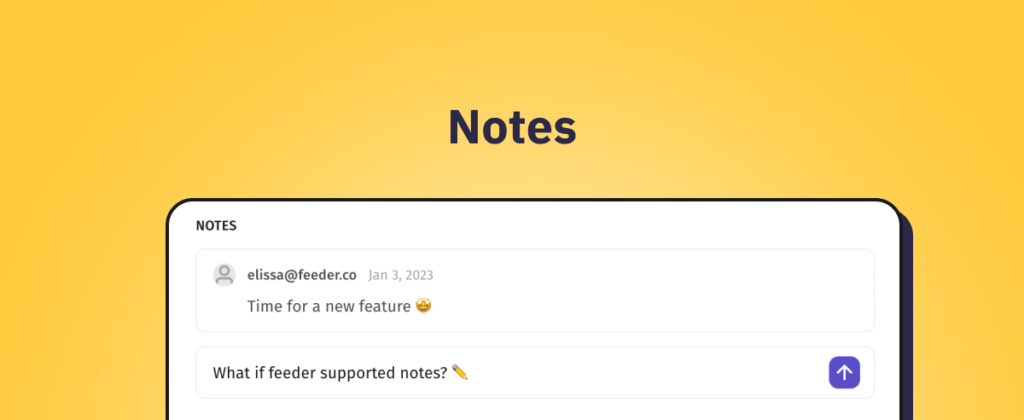
Our Beta users loved it - and we know you will too. Proudly presenting: Notes. You can find & add notes at the bottom of posts. And you can use it to collaborate with your team - or simply add reminders to yourself. To find all posts where you've added notes, you can click the new Notes section in the sidebar. What has changed? In this first release we have: Introduced the functionality to add…