

Chromelook is a graphical user interface to compliment Advanced GAM for managing enterprise enrolled Chromebooks.
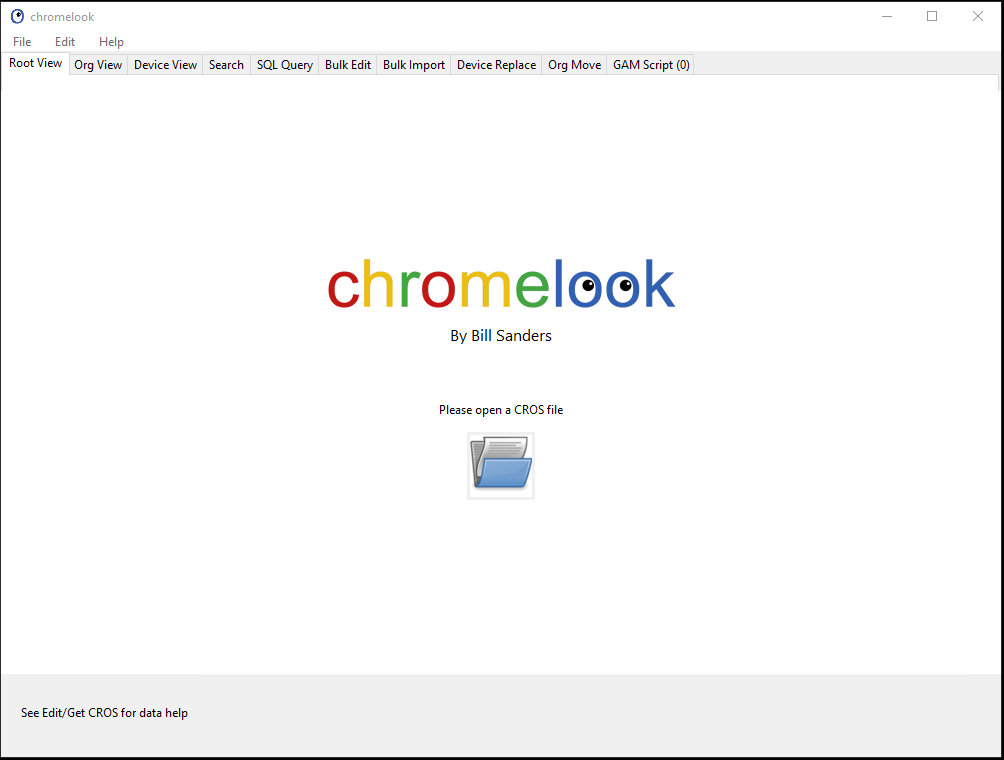
Chromelook is a graphical user interface front end for the GAM command line tool for managing Google G Suite Enterprise Enrolled Chromebooks. It takes data from GAM and creates a SQLite database. You are provided with numerous tools to analyse, sort, annotate and organize devices. Once you are done, a GAM script is created that allows you to send the changes to Google.
Using Chromelook with GAM, you can easily and completely organize your Chromebook fleet. Easily add Asset IDs, Locations. Easily organize devices in to managable organizational units. Quickly deprovision any number of devices. You no longer need to use Google Admin or be a commandline guru with Chromelook.
This is Freeware. No nags, no Ads
For Windows:
https://expressshare.com/downloads/chromelook_windows64.zip
For OSX:
Coming soon
For Linux:
Coming soon
Manual (also included in download)
Requires Advanced GAM
Advanced GAM by Ross Scroggs is available here:
https://github.com/taers232c/GAMADV-XTD3
https://github.com/taers232c/GAMADV-XTD3/wiki/How-to-Upgrade-from-Standard-GAM
Screenshots
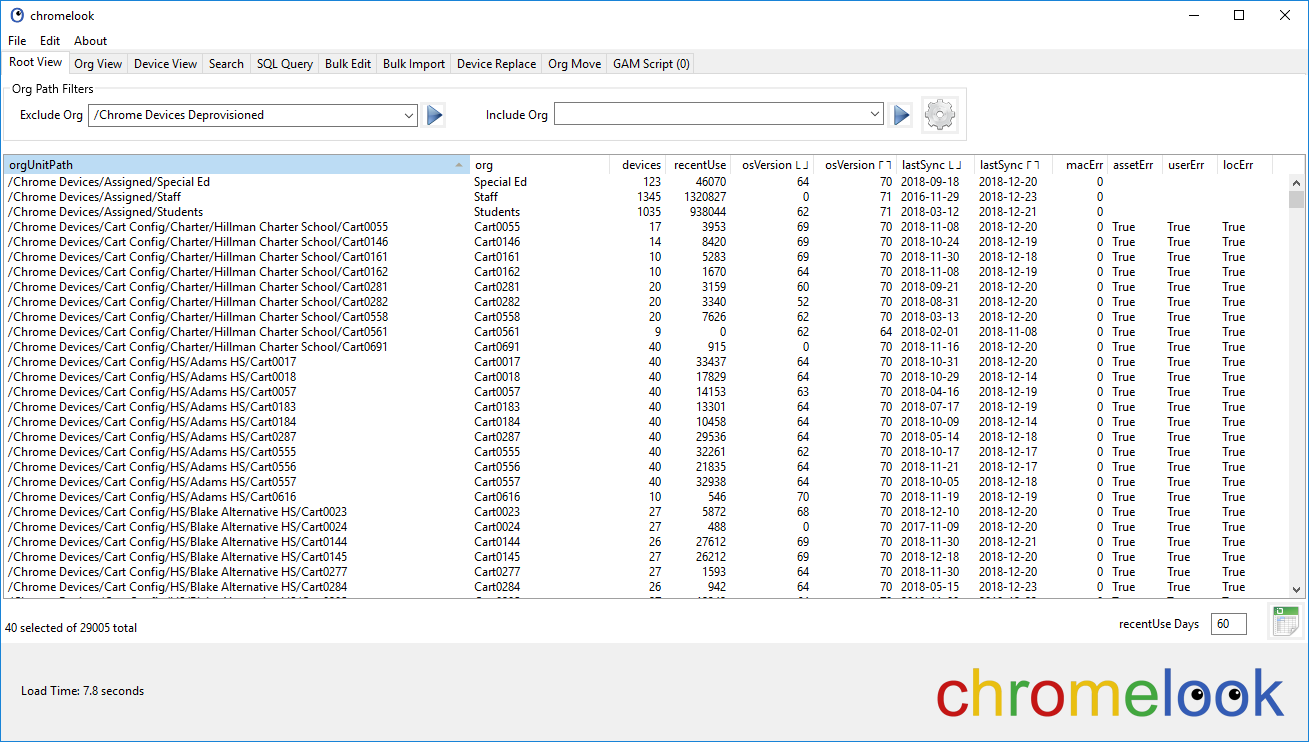
The Root menu shows the OU view of your fleet.
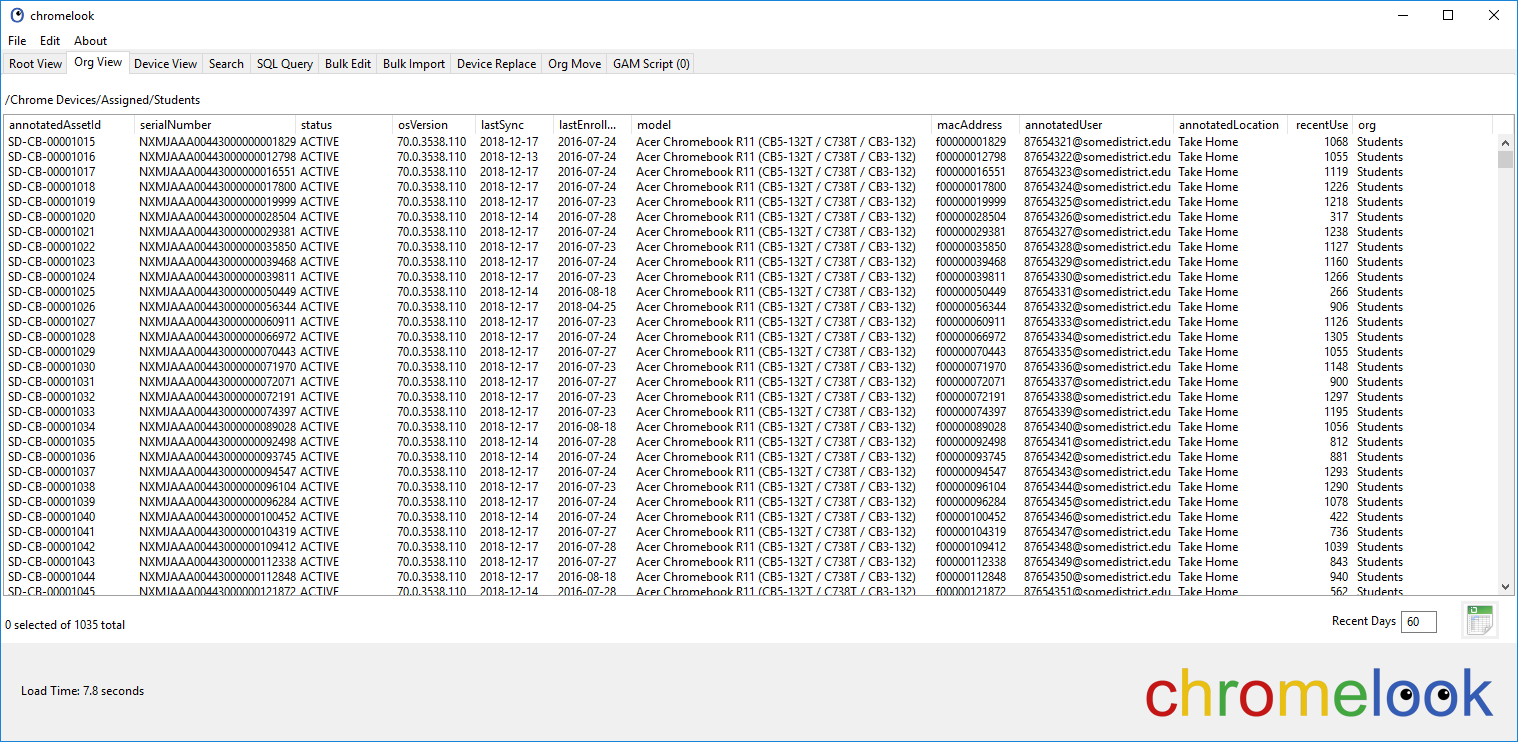
After clicking on an OU, the OU view is shown.
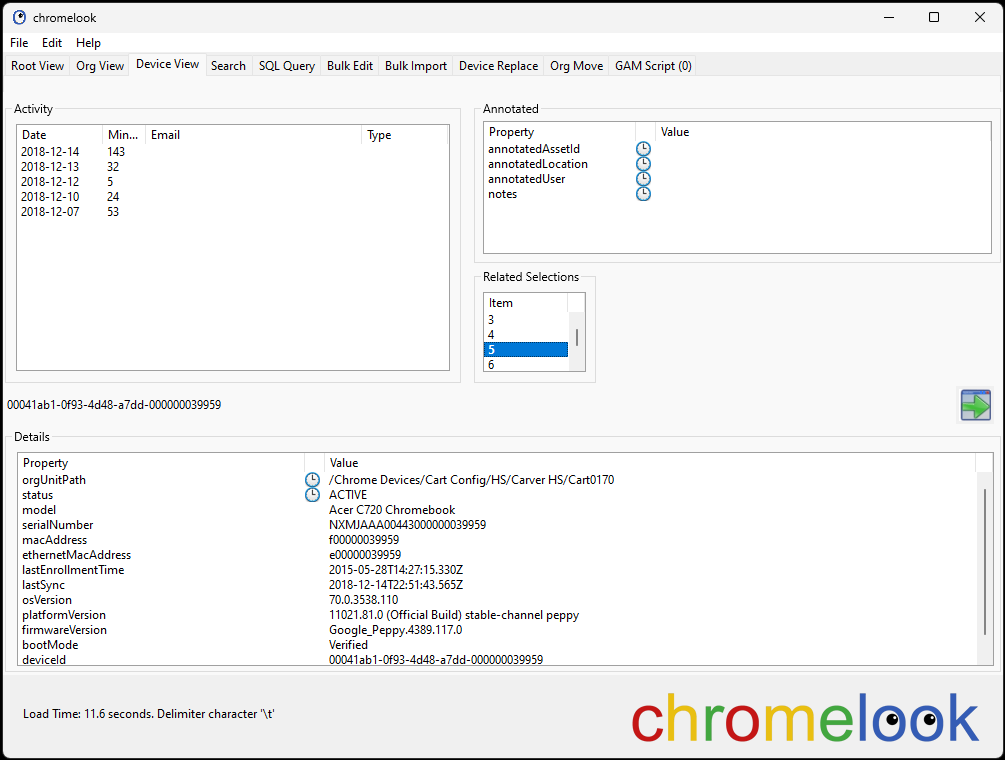
Clicking on a Device brings up Device View
The Search tab has options allowing a search by any item, or a list of Serials (as shown).
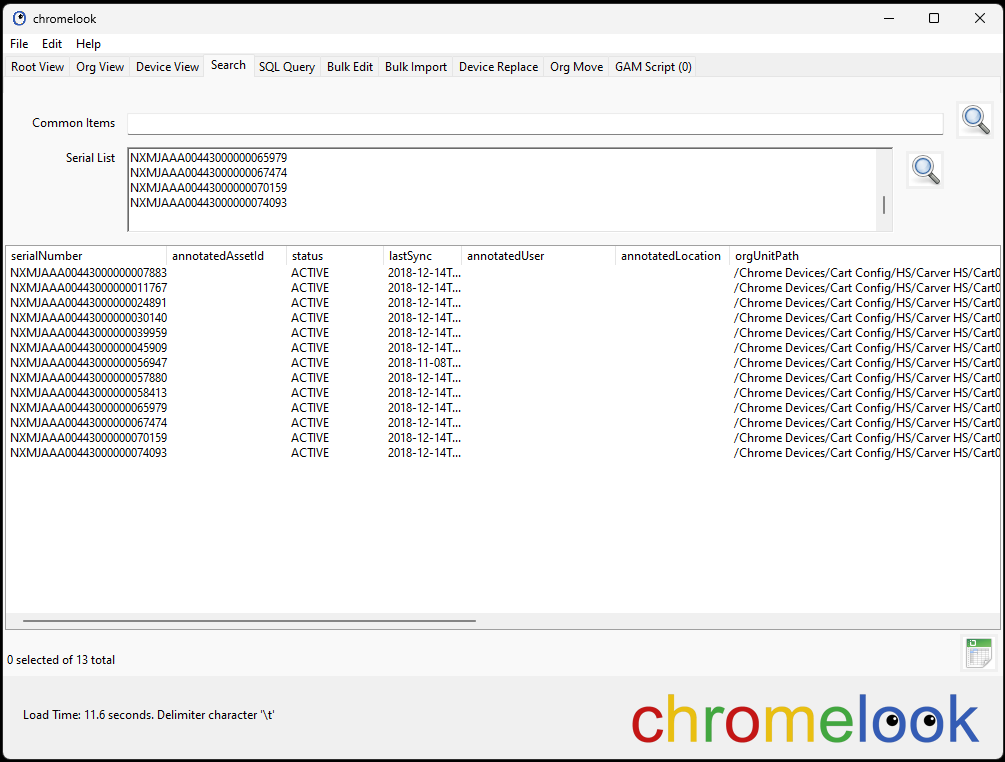
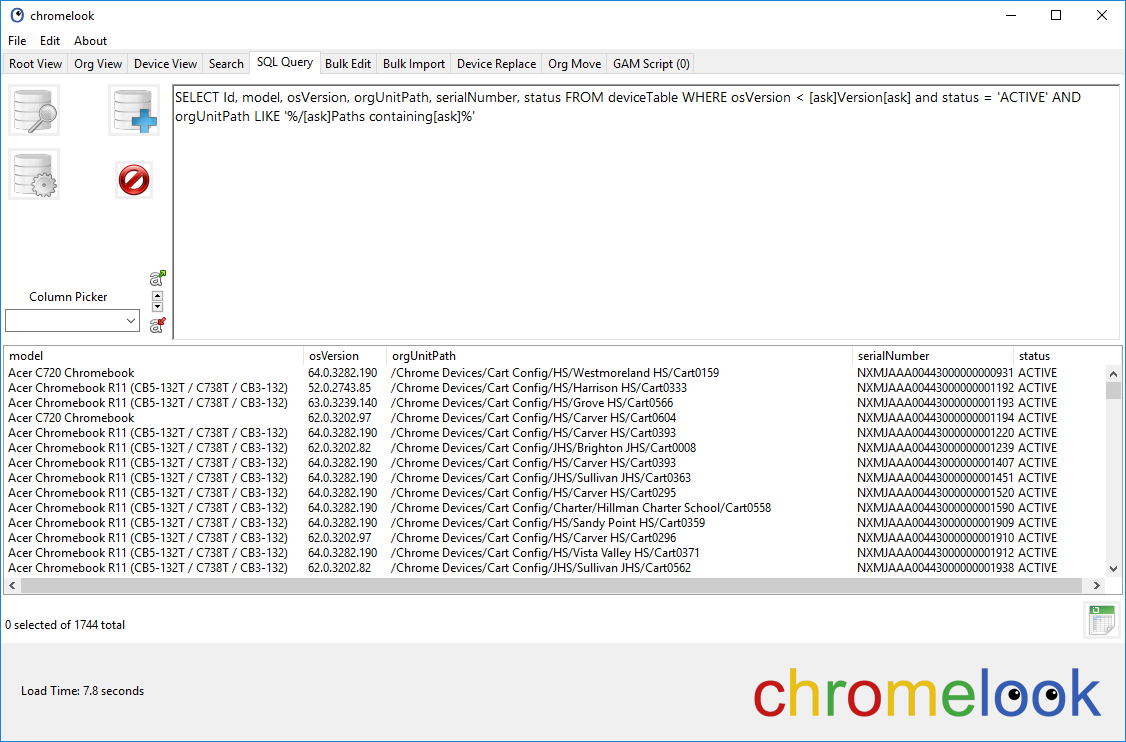
Additional tabs feature SQL Queries against the database, Bulk Editor, Bulk Importer, Device Replace, Org Move, and GAM Script.
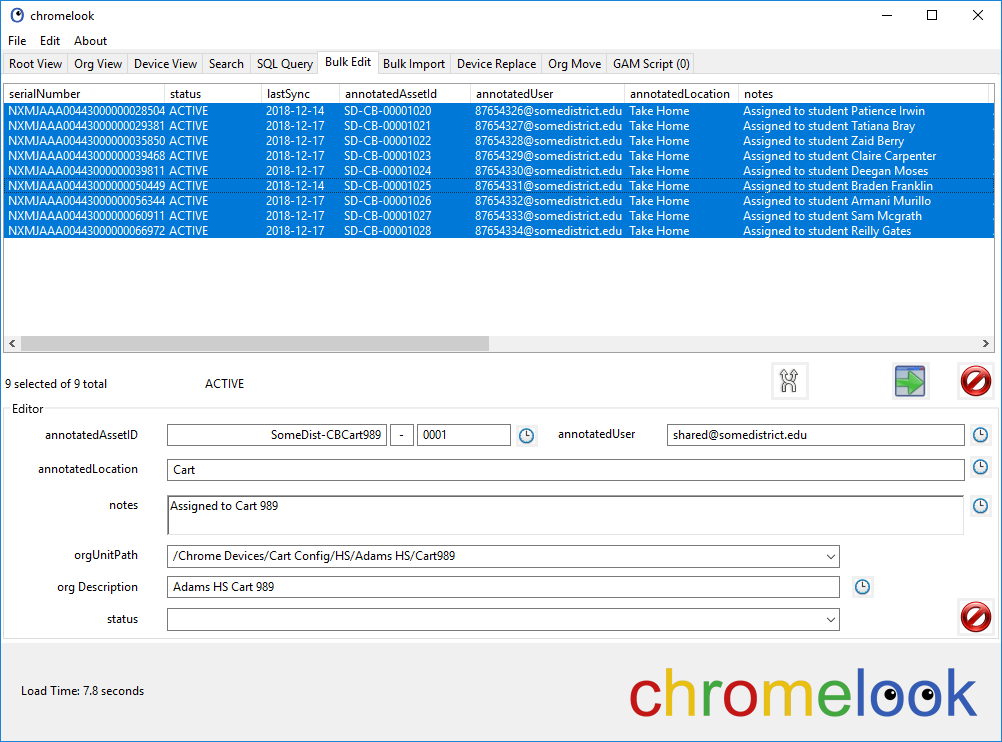
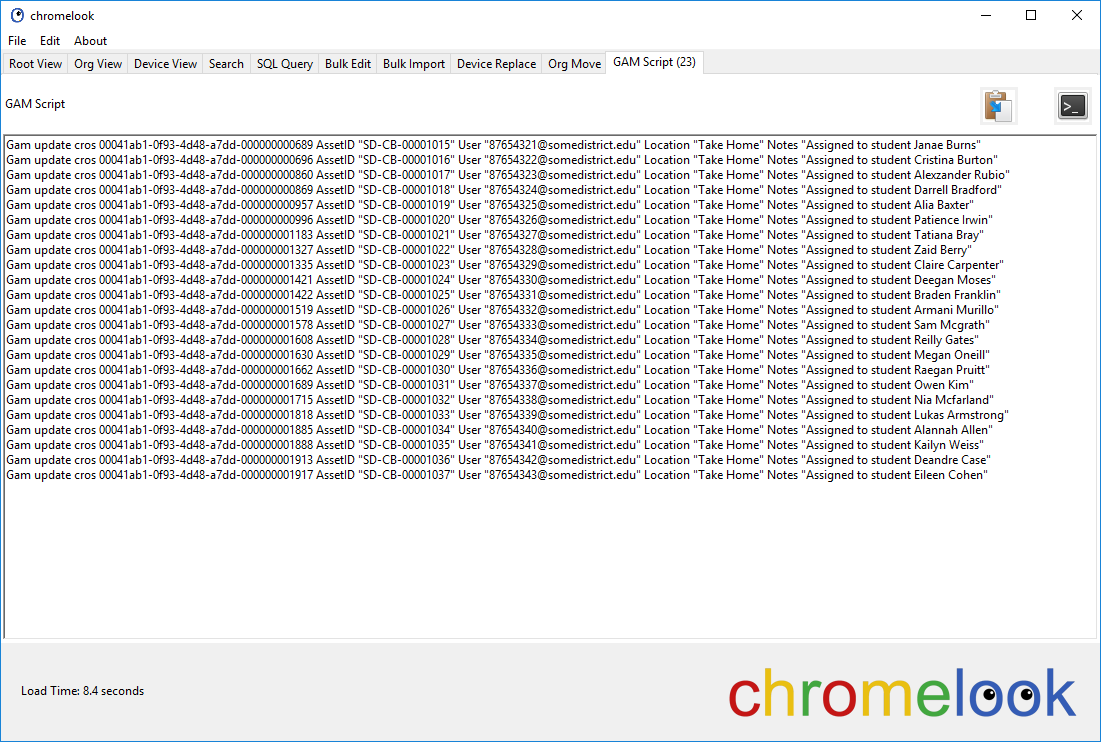
When you are all done, the GAM Script tab shows you the script created by your changes. Simply copy paste the script to the command prompt.
No posts
Comments
Nothing yet. Say the first thing.
Sign in to join the conversation.