I wrote about switching to Ghostty about a year ago. Since then I settled on a config that removes all unnecessary decorations and gives me the most terminal space possible. Here is the full thing.
The config
# Theme - auto-switches with macOS appearance
theme = light:Catppuccin Latte,dark:Catppuccin Frappe
# Shell
shell-integration = zsh
# Shift+Enter sends literal newline (useful in editors)
keybind = shift+enter=text:\n
# Remove titlebar and rounded corners for max terminal space
window-decoration = false
# Distribute leftover pixels evenly instead of dumping at bottom
window-padding-balance = true
# Use Ghostty's own fullscreen instead of native macOS animation
macos-non-native-fullscreen = true
# Left Option key acts as Alt (needed for helix/tmux keybinds)
macos-option-as-alt = left
# Auto-copy selected text to clipboard (handy with tmux)
copy-on-select = clipboard
# Hide cursor while typing to reduce visual noise
mouse-hide-while-typing = true
Most of it is self-explanatory, but a few notes.
window-decoration = false removes the titlebar and the rounded corners. This gives you the maximum terminal space. I do not need the titlebar since I run Ghostty fullscreen most of the time anyway.
window-padding-balance = true distributes leftover pixels evenly across the window. Without it, any extra space gets dumped at the bottom, which looks off.
macos-option-as-alt = left makes the left Option key behave as Alt. Without this, keybindings in Helix and tmux that use Alt simply do not work on macOS.
keybind = shift+enter=text:\n makes Shift+Enter send a literal newline. I mainly use this with Claude Code in the terminal, where Shift+Enter inserts a new line instead of submitting the prompt.
copy-on-select = clipboard copies selected text to the clipboard automatically. Useful with tmux where selecting text should just work without extra steps.
Auto-start tmux
I also added this to my ~/.zshrc to automatically start (or reattach to) a tmux session when opening Ghostty:
if command -v tmux &>/dev/null && [ -z "$TMUX" ]; then
tmux new-session -A -s main
fi
It checks if tmux is installed and if you are not already inside a tmux session. If both are true, it creates a new session called main or reattaches to it if it already exists. This way Ghostty always opens straight into tmux.
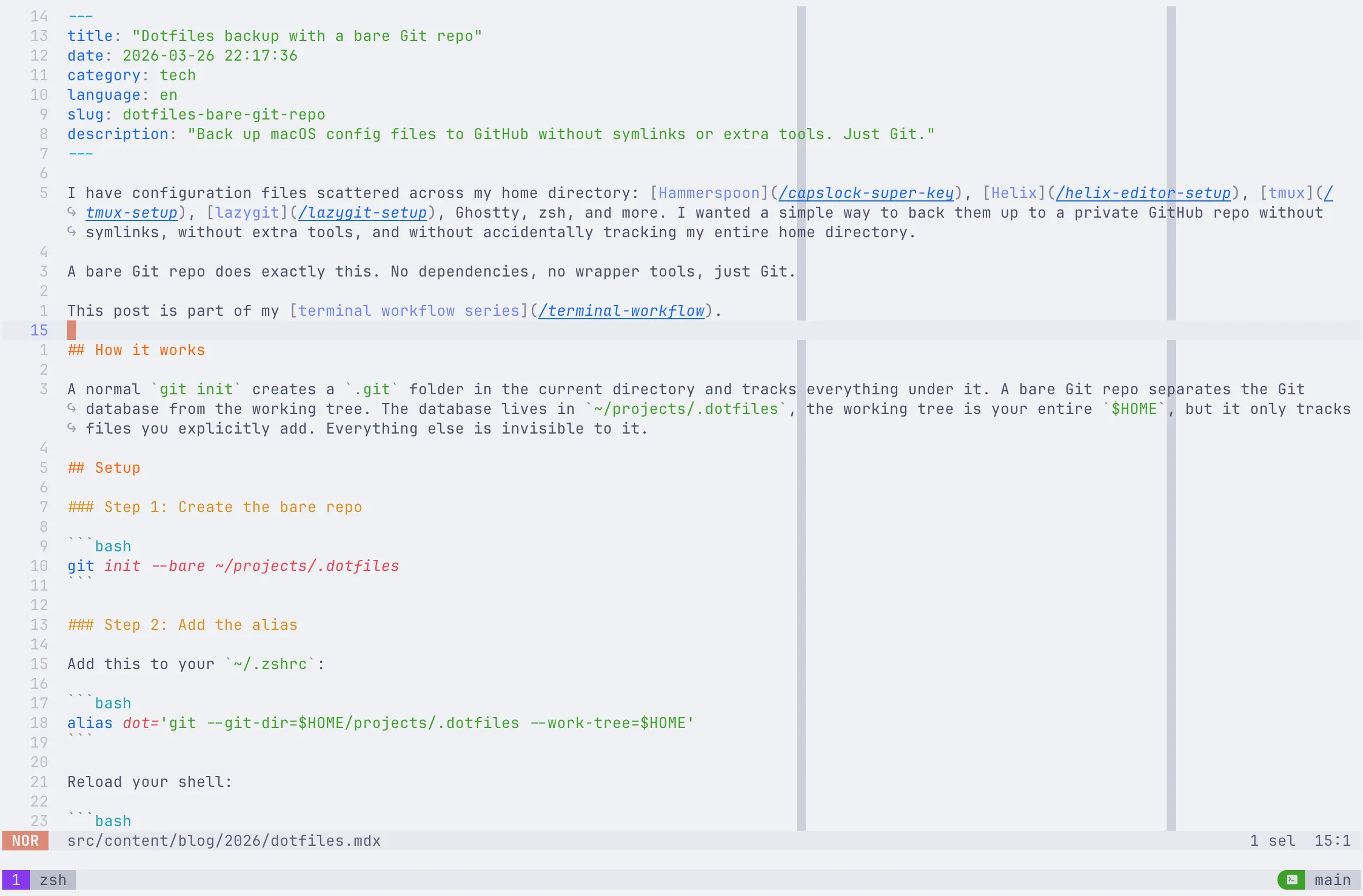
Screenshot
Spot something wrong?
Found a typo, a broken link, or something that could be better? I would love to hear from you. Drop me a message and I will fix it.
Comments
Nothing yet. Say the first thing.
Sign in to join the conversation.