
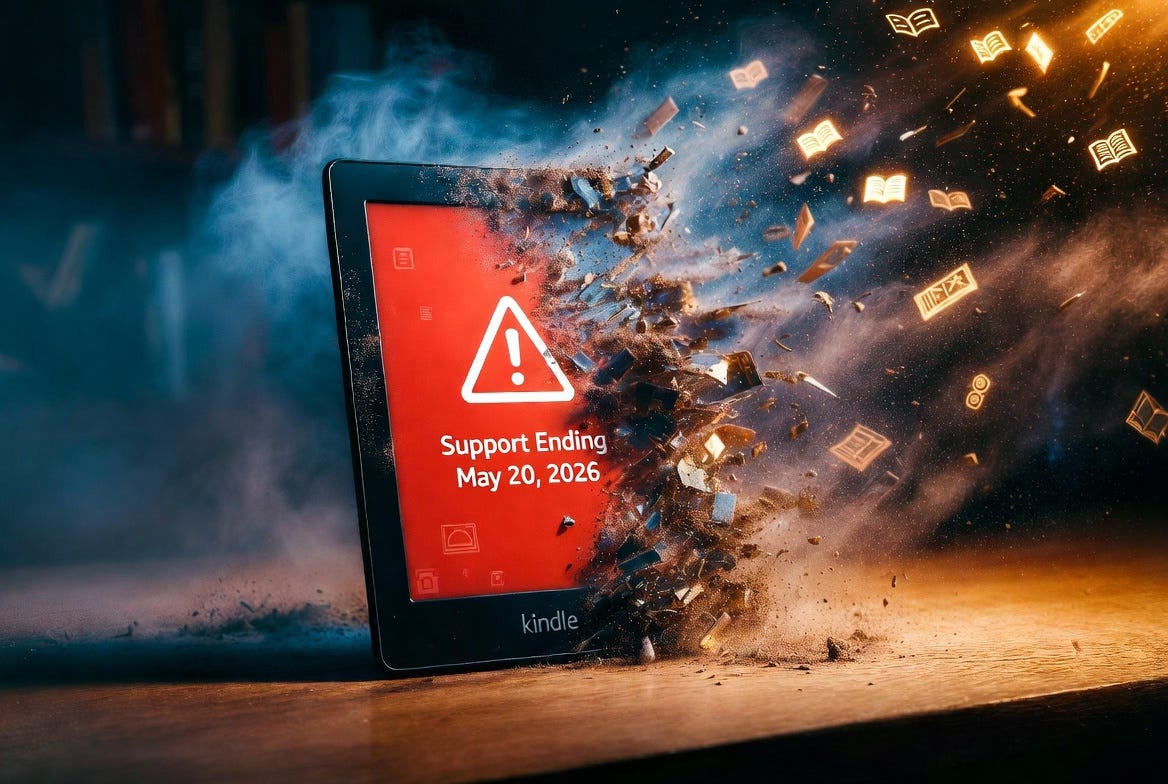
As an author who distributes ebooks on Amazon, and as a fellow Kindle reader myself (at least half of the reading I do is on my Kindle), I want to make you aware of some actions that Amazon will be taking soon that may affect your access to your devices and books. Amazon is making significant changes to Kindle access in the coming weeks, affecting owners of legacy e-readers, certain older Kindle Fire tablets, and the longtime Kindle for PC desktop application.
Starting May 20, 2026, Amazon will no longer support Kindle e-readers released in 2012 or earlier. After this date, these devices will be unable to purchase, borrow, or download new content from the Kindle Store. They also cannot be re-registered to an Amazon account if deregistered or factory reset (essentially bricking your device).
Affected Kindle e-readers include:
Kindle 1st Generation (2007)
Kindle 2nd Generation (2009)
Kindle DX and DX Graphite (2009–2010)
Kindle Keyboard (3rd Generation, 2010)
Kindle 4 (2011)
Kindle Touch (2011)
Kindle 5 (2012)
Kindle Paperwhite 1st Generation (2012)
Some media reports also list certain first- and second-generation Kindle Fire tablets (2011–2012 models, including Fire HD 7 and HD 8.9) as impacted for Kindle Store access.
What remains unchanged: Books already downloaded to these devices will continue to be readable as long as the device stays registered and is not reset. You will be able to continue to access your Amazon Kindle library on the devices and apps currently supported by Amazon.
Separately, on June 30, 2026, Amazon will discontinue the legacy Kindle for PC desktop app (the standalone Win32 version). After this date, the current app will no longer function—even if previously installed or downloaded from third-party sources.
Amazon is replacing it with a new “Kindle app for Windows 11,” available exclusively through the Microsoft Store. This new app is designed for Windows 11 users only; Windows 10 users will lose official desktop Kindle support.
Amazon has supported these older devices for 14–18 years. In an official statement, the company noted that “technology has come a long way,” making continued support for the oldest hardware and software impractical. This may have some truth to it, but these are also moves that limit access to what should be your books on the devices of your choice.
This moment hits harder than just “old gadget gets retired.” It’s a stark reminder of the increasingly dystopic reality we’re all living in with digital stuff.
We click “Buy Now” thinking, Great, I own this book forever. We pay full price for a Kindle expecting it to be our device. But legally, we’re often just licensing the content, and the hardware is only “ours” until the company decides otherwise. At any point, Amazon (or Apple, or Google, or whoever) can change the terms, push an update that bricks functionality, or quietly retire support—and poof, the thing you paid for stops working the way you expected.
It’s not theft in the legal sense, but it sure feels like it when a perfectly good e-reader or a library of books you thought you owned suddenly becomes a paperweight for new purchases. That’s a conversation we should be having more often, because it’s happening with smart home gadgets, streaming libraries, video games, and more.
I’m not saying Amazon is uniquely evil here (they’ve supported these old models way longer than most companies would). But it’s a wake-up call: when it comes to digital media, “buying” doesn’t always mean owning in the same way a physical book does.
Don’t panic! There are easy, free ways to keep reading without losing a single page:
Switch to the free Kindle apps or Cloud Reader Grab the official Kindle app on your phone, tablet, or Mac. Windows 11 users can get the new desktop app from the Microsoft Store. Or just open read.amazon.com in any browser—no downloads needed. Your whole library syncs instantly.
Upgrade (if you want) Newer Kindles (2013 and later) are unaffected and still fully supported (for now). Amazon has been quietly offering discounts to owners of the soon-to-be-orphaned models.
For PC holdouts Windows 10 users can stick with the browser or mobile apps. Third-party apps won’t open your DRM-protected books, unfortunately.
Non-Amazon documents You can still sideload personal PDFs and files via USB on the old devices. The “Send to Kindle” email trick just won’t work anymore on unsupported models.
One important tip: Whatever you do, don’t factory reset or deregister your old Kindle after May 20. Once it’s off the account, it may never get back on.
Amazon’s own help page on the older Kindle cutoff: https://www.amazon.com/gp/help/customer/display.html?nodeId=TRXsYxKJr4WTdsVs2P
Kindle apps & Cloud Reader download page: https://www.amazon.com/kindleapps
Additional reliable coverage:
PCMag: “Amazon’s May 20 Kindle Cutoff: Which Models Are Affected and How to Keep Reading” – https://www.pcmag.com/news/amazon-may-20-kindle-cutoff-which-models-impacted-how-to-keep-reading
Good e-Reader (on Kindle for PC changes): https://goodereader.com/blog/kindle/amazon-is-discontinuing-kindle-for-pc-on-june-30th
I know a lot of you may be annoyed. (You can probably tell that I am.) I think it’s okay for Amazon to discontinue support for legacy models of their products, but it is completely unacceptable for them to brick otherwise perfectly functional devices that you paid for.
If you’re in the same boat and want to vent (or need help figuring out which app works best for your setup), drop a comment. We’re all in this digital ownership mess together.
Comments
Nothing yet. Say the first thing.
Sign in to join the conversation.