
We have drastically simplified the getting started steps to lower the barrier to entry for people trying to self host Ente.
1. Run this command in your terminal
sh -c "$(curl -fsSL https://raw.githubusercontent.com/ente/ente/main/server/quickstart.sh)"
2. Once the server is up, open http://localhost:3000 in your browser
That's it, there is no step 3.
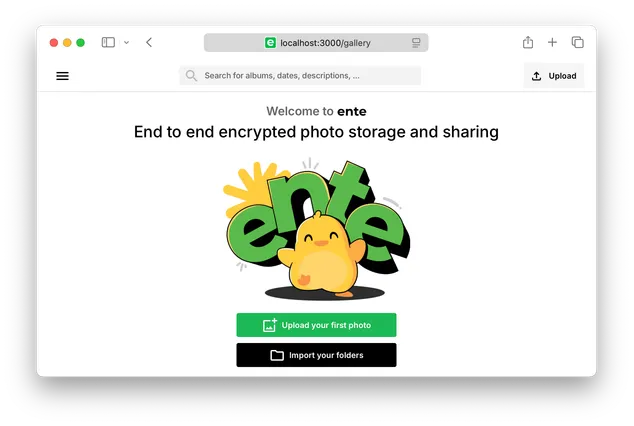
Tip: The verification code will be visible in the server logs.
Details
The quickstart.sh script does not install anything on your system, and does not have any dependencies except a recent version of Docker.
It creates a new directory named my-ente and inside it starts a new Docker
compose cluster running Ente's server, DB, S3 and the web app (running on
localhost:3000).
To stop the cluster, simply Ctrl-C to end the process.
To start it again, you can go back to the same directory (cd my-ente) and
docker compose up
Next steps
Learn more about self hosting Ente at ente.com/help/self-hosting/.
If you like the progress we're making, spread the word.
Comments
Nothing yet. Say the first thing.
Sign in to join the conversation.