
Claude Cowork is one of those releases I would not leave sitting in the sidebar. It looks quiet. Then you give it a real job something with files, tabs, emails and a finished document at the end and Claude starts behaving very differently. You can go back to your own work while it handles the boring middle. That is the part worth paying attention to. If Claude is already part of your day, Cowork can change what you use it for.
Chat is great when I need an answer.
I can ask Claude to explain a report, improve an email or think through an idea with me.
Cowork is useful when I already know what needs to be finished.
For example, instead of asking:
How should I compare these five vendor proposals?
I can give Cowork the five PDFs and say:
Compare these proposals on price, support, contract length and implementation time. Put the results in an Excel file and give me a one-page recommendation.
Claude can read the files, plan the work, compare them, create the spreadsheet and return the finished files.
That is the basic idea.
Chat helps you think. Cowork helps you finish work.
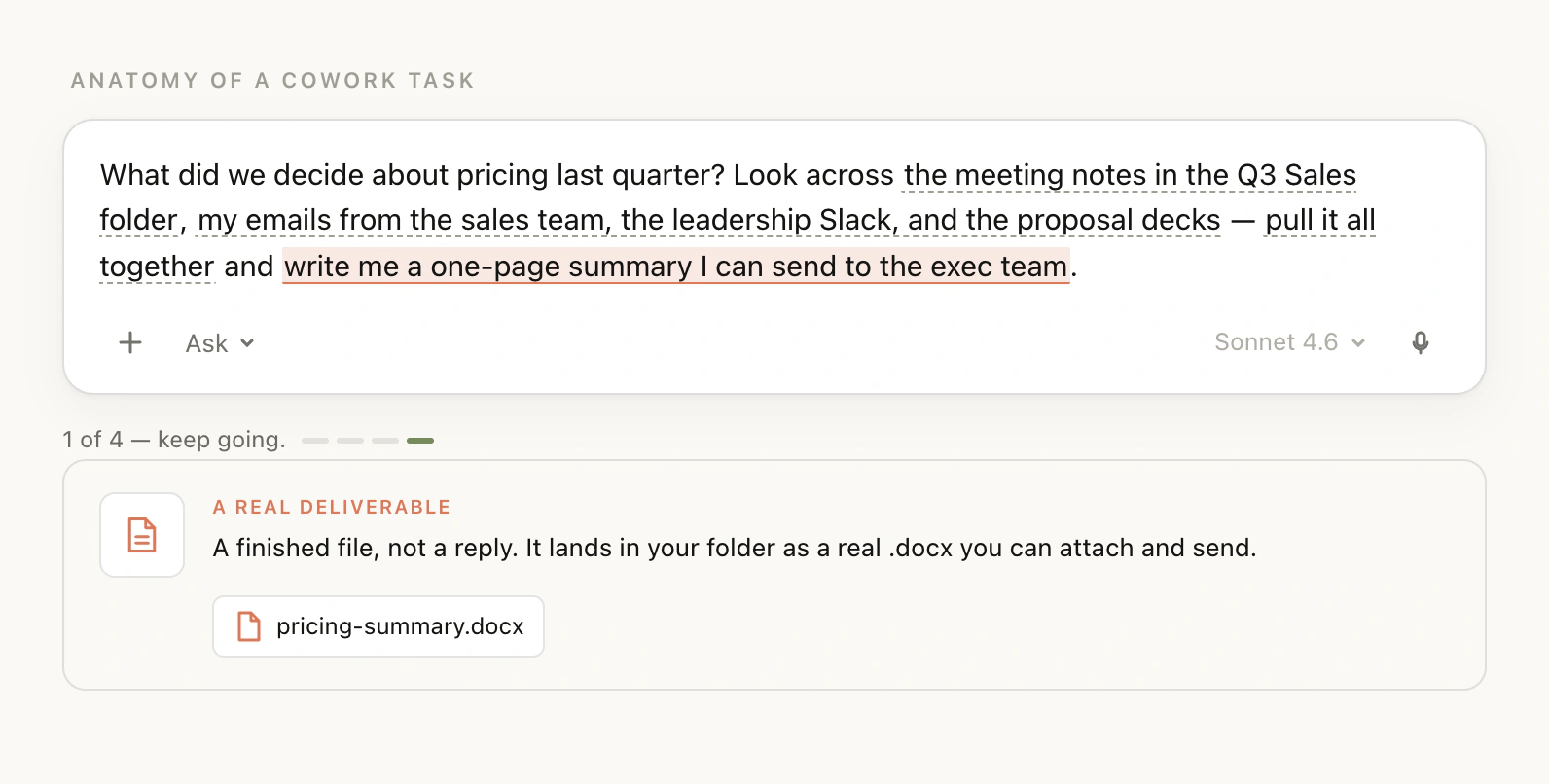
Anthropic describes Cowork in almost the same way: it is made for longer, multi-step tasks that can use files, connectors, browser actions, sub-agents and real deliverables such as spreadsheets and presentations.
And Cowork has become much more useful in the last few months. It now has Projects, scheduled tasks, plugins, computer use and, as of August 26, its own built-in browser.
Inside the full guide, I’m going to keep this very simple: the setup I would use today, the prompts worth saving, how Projects and Skills actually help, when to use the new browser, and how to turn one good Cowork task into something that keeps running for you.
Comments
Nothing yet. Say the first thing.
Sign in to join the conversation.