
One motivating factor in using a terminal is the productivity gains... that is, once you can sweep the keyboard like an 80's metal guitarist. Getting a few basic keyboard shortcuts/commands down can drastically improve the usability of the terminal. Let's take a look at a few of my favorites.
(I'll be showing off Git Bash in this article, but these commands work in most terminals)
Movement
Move to the end of the input
ctrl + e
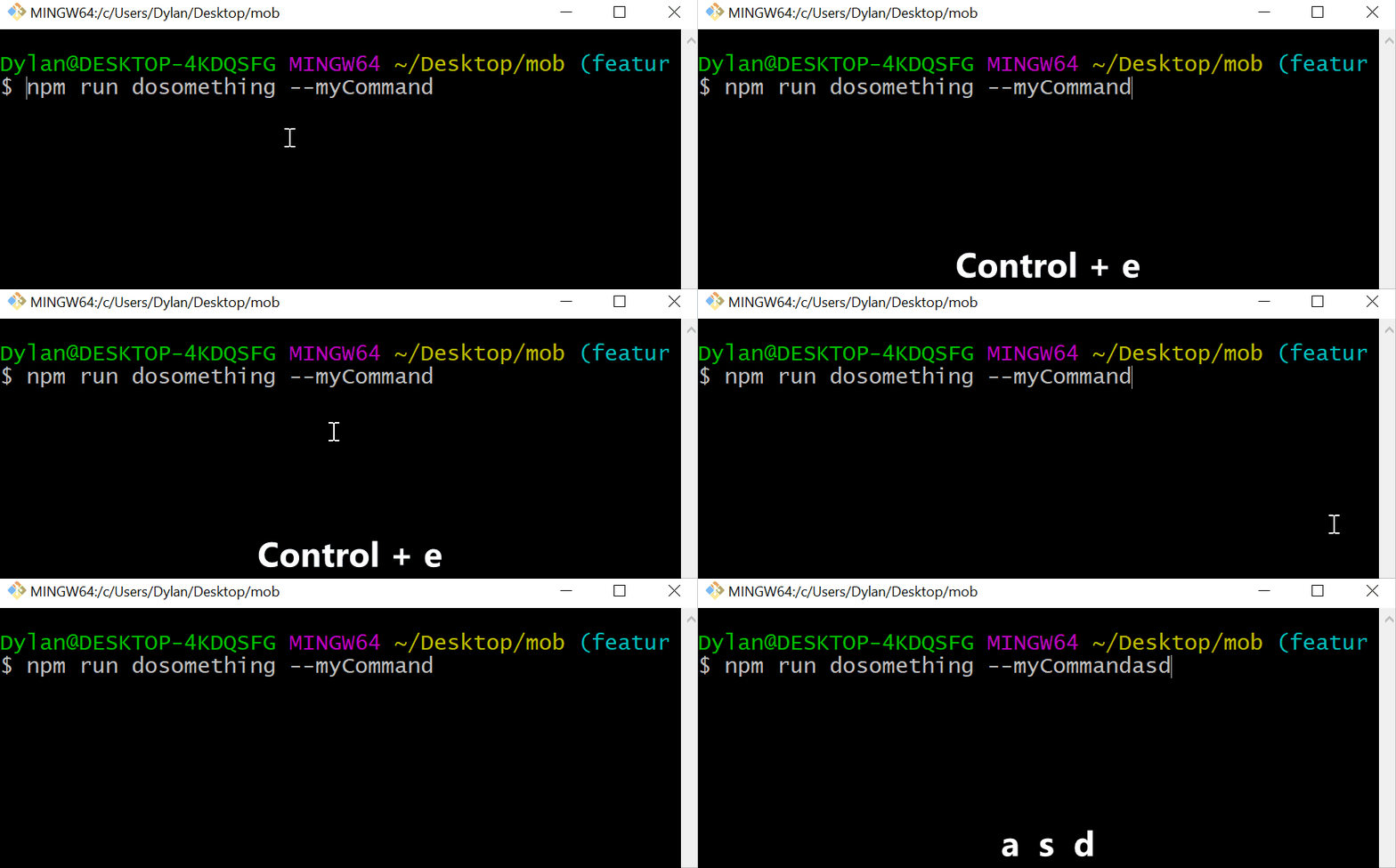
Move to the beginning of the input
ctrl + a

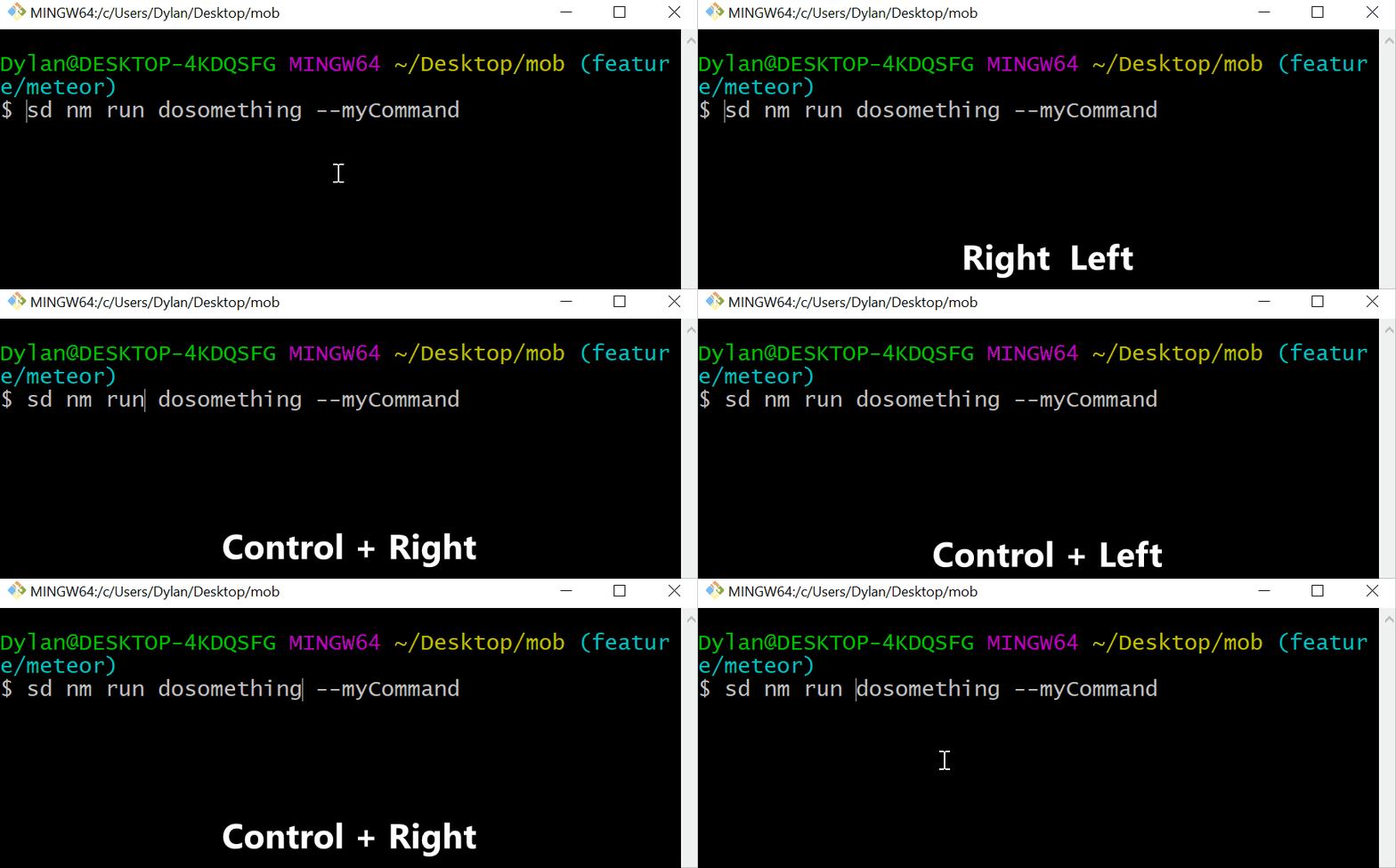
Move between each 'word'
ctrl + [arrow left/right]
Deleting
Delete backwards a whole 'word'
ctrl + w

Delete everything
ctrl + u

Open File Explorer
Opening the file explorer at the current location can be super useful. The command varies based on operating system.
(Open file explorer at the current directory. Change '.' to be any location!)
Windows: explorer .
Unix/MacOS: open .

History
Rerun the last command
!!

Get the full history of commands
history
Rerun command from the History
![#number]

End
These are shortcuts/commands I find myself going to daily that make the terminal a pleasure to deal with. Are there any I missed that you love? Let us know in the comments!
Comments
Nothing yet. Say the first thing.
Sign in to join the conversation.